Introduction
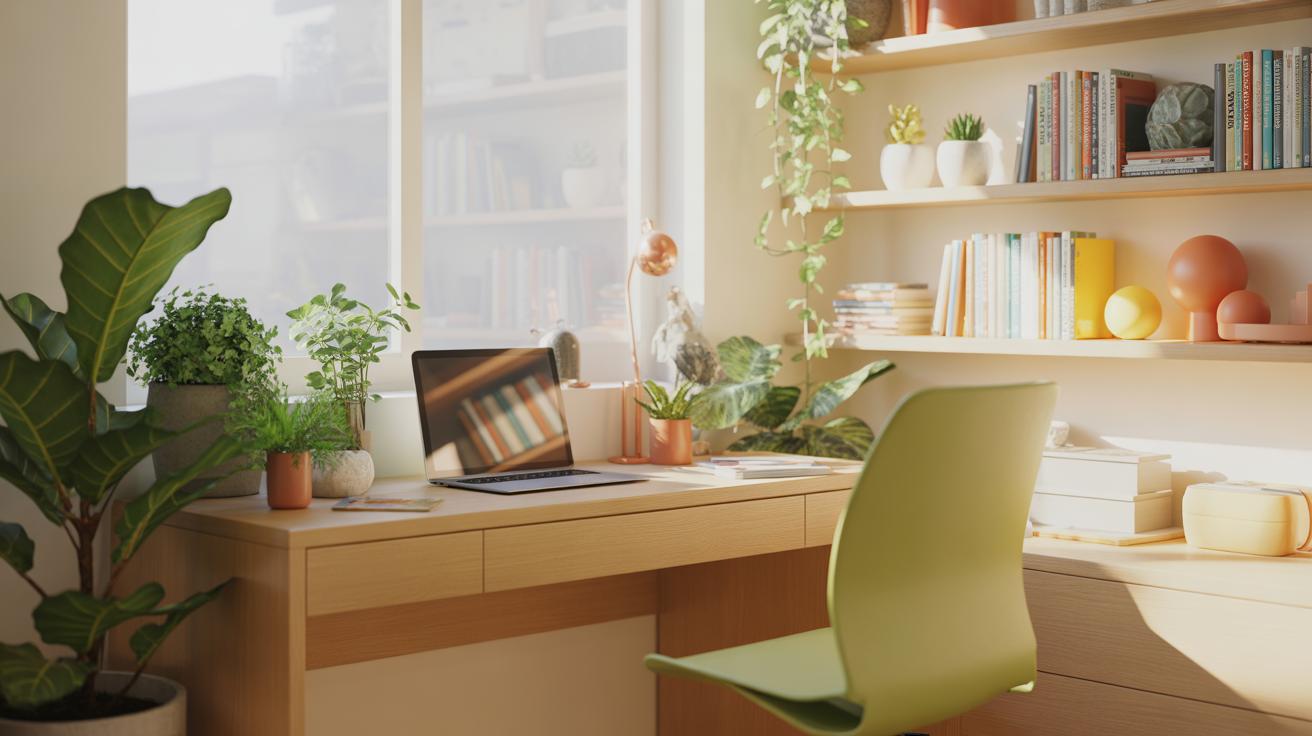
Setting up a small home office that supports your work and fits your space can be challenging. This article covers small home office setup ideas to maximize comfort and productivity, helping you create an environment that makes working from home easier and more pleasant.
You will find practical advice on organizing your area, selecting furniture, managing lighting, and minimizing distractions. These steps focus on making the most of limited space while providing a functional and comfortable workspace for your daily tasks.
Planning Your Home Office Layout
Measuring And Mapping Your Space
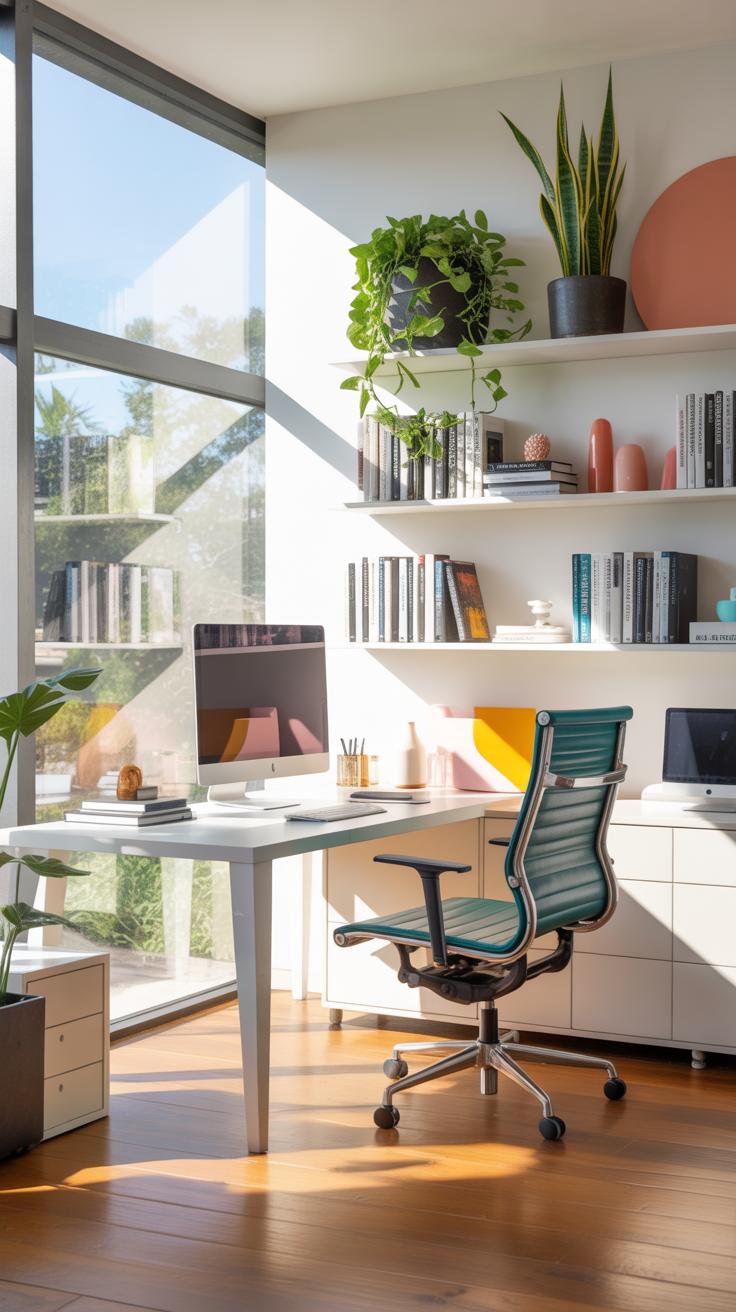
Start by getting a tape measure and jotting down the dimensions of your room or the corner you plan to use. Don’t just focus on length and width; ceiling height can matter too, especially if you want shelves or tall storage. It’s easy to overlook outlets and vents—mark those on your sketch since they limit where you can place certain items.
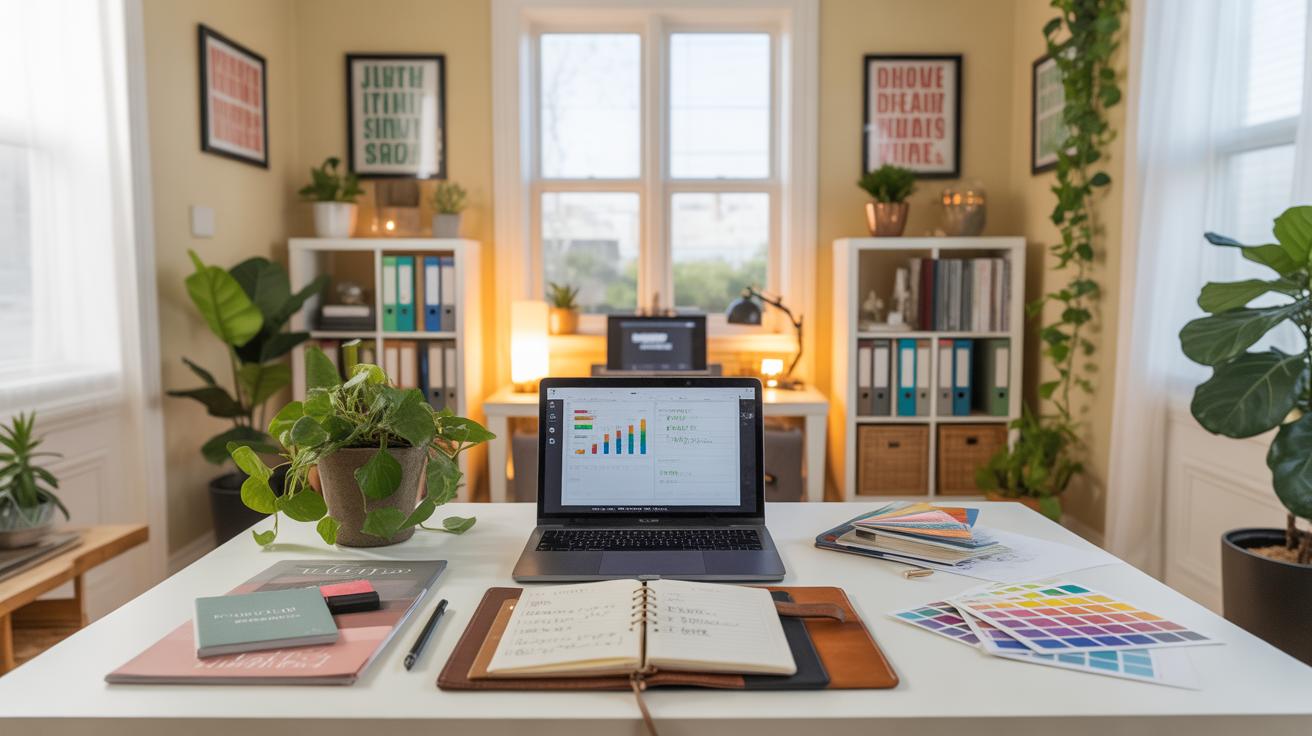
Once you’ve got your measurements, draw a simple floor plan on paper or use a basic app. Cut out scaled paper pieces for your furniture or use drag-and-drop features if you’re digital. Rearranging these shapes helps you see different setups without heavy lifting, and it’s surprising how changing the desk’s angle can open up or clutter a space. It might feel tedious, but this planning often avoids awkward setups later.
Selecting A Quiet And Bright Spot
When choosing where your home office goes, look for spots that are away from household noise like TV rooms or kitchens. Isolation helps focus, but sometimes that quiet corner might have poor lighting, which can drag your energy down. Natural light does wonders, so if you have choices, pick a place with a window—even if it means a bit more background noise from outside. Mixing light and quiet is tricky, so think about what you value more for your workflow.
Don’t forget that your needs might shift during the day. A spot that’s quiet in the morning might buzz with noise later. So, observe your household’s rhythm before settling. Sometimes, just adding noise-cancelling headphones or a lamp can turn a less-than-perfect location into a workable space.
Furniture Choices For Small Spaces

Choosing furniture for a small home office calls for a bit of balancing between comfort and saving space. You want pieces that don’t crowd the room, yet still feel sturdy enough to support your work habits. For desks, think beyond the traditional big table. Slimline desks with clean lines fit well into tight spots without overwhelming your area. Compact desks that tuck under windows or corners work surprisingly well, especially if you pair them with simple storage solutions nearby.
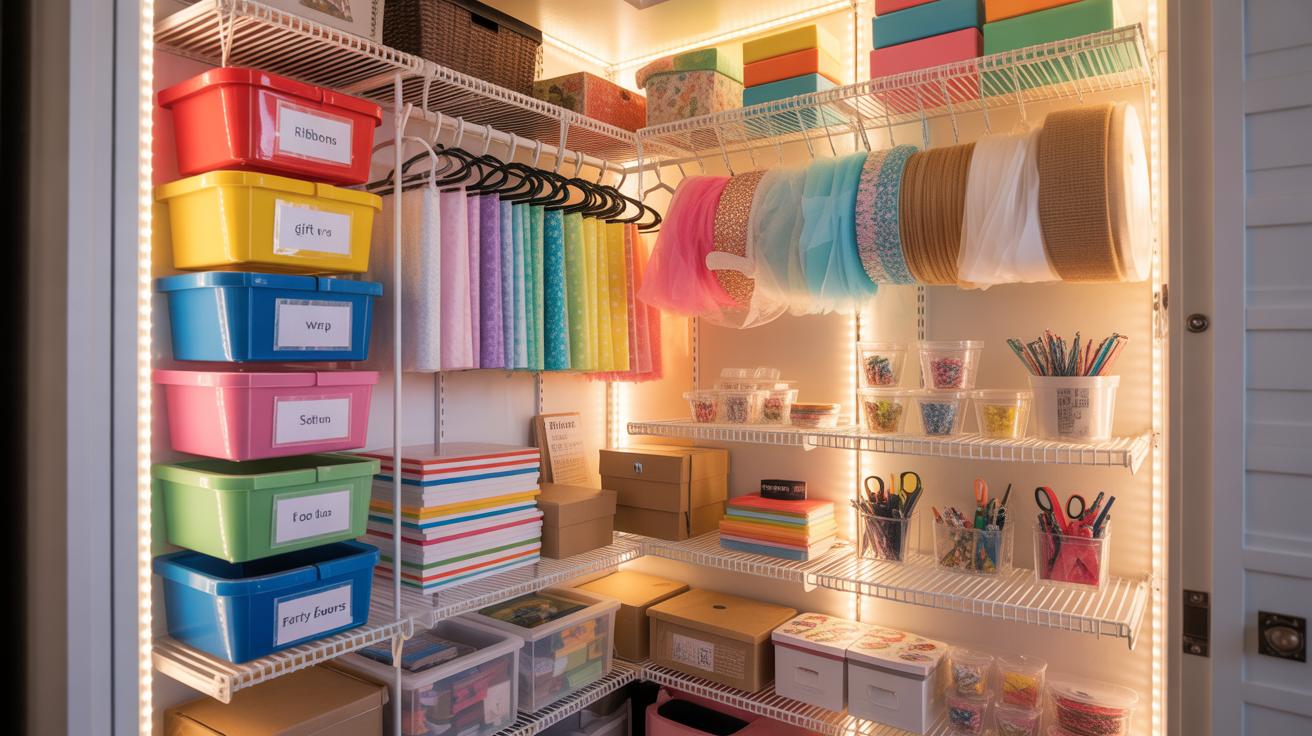
Storage itself should be vertical where possible. Tall bookshelves or narrow, multi-drawer units take up less floor space but offer enough room to keep things organized. Floating shelves, while not new, remain a smart option for stashing supplies without cluttering surfaces.
And chairs? Don’t assume smaller spaces only need basic seats. A well-chosen ergonomic chair can fit neatly and provide good back support during long stretches. Chairs with slimmer profiles or armless designs sometimes suit smaller offices better; they slide under the desk when not in use, freeing up precious walking space.
Desk Styles Suitable For Tight Areas
If your space is limited, one desk style might catch your attention more than others. Wall-mounted desks, for instance, are great if you want to keep your floor free and need a place just to set up a laptop or jot down notes. They fold up when not in use, which is really handy in multi-purpose rooms.
Foldable desks hit a similar note but offer flexibility—the possibility to open or close the workspace depending on when you need it. I’ve tried a foldable unit before; the only catch was making sure the hinges were solid, or it felt a bit shaky.
Then, there are compact desks—desk setups focused on essentials, often with built-in storage. They’re designed for small spaces but sometimes feel cramped. Still, if you mainly need a spot for a laptop and a notepad, a compact desk can do the trick.
Ergonomic Seating Options
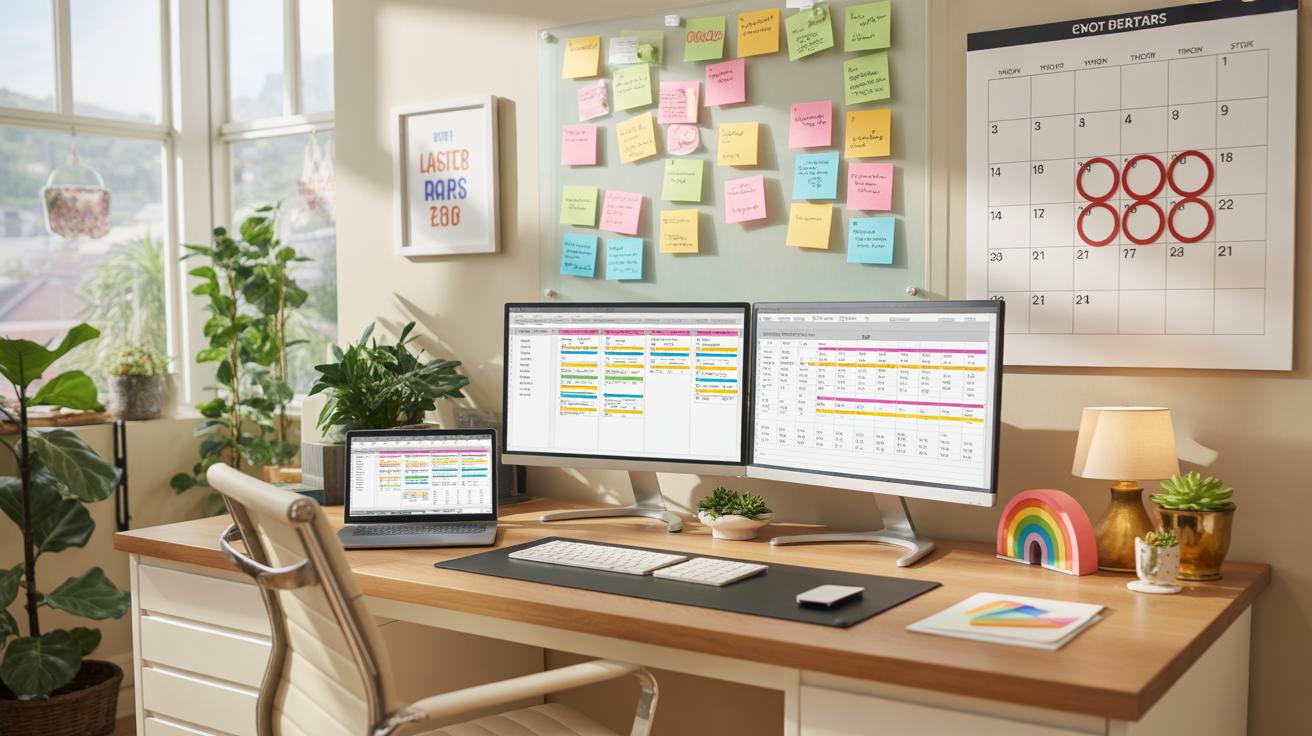
When it comes to seating, comfort can’t be sacrificed for space. What surprised me was how many small chairs don’t support posture well enough for hours of work. Finding an ergonomic chair with adjustable features fits small rooms better—think slim backrest, adjustable height, and good lumbar support. Even a basic mesh chair can outperform bulkier alternatives in tight setups.
Slim-profile office chairs with wheels also help you move around easily without bumping into furniture. Don’t overlook task chairs designed for short bursts of work; they’re sometimes better than big, overstuffed desk chairs if you switch between spots often. Maybe it depends on your workflow, but having options that prioritize your back while saving space feels worth the effort.
Lighting Setup Tips
Using Natural Light Well
Natural light can be a real mood booster, but it’s tricky to get right in a small home office. You want your desk close to a window, ideally beside it rather than directly in front—you’ll avoid glare on your screen this way. Facing the window head-on can create reflections that make it hard to see your work.
Blinds or sheer curtains help control sunlight without blocking it out completely. Sometimes, I leave the blinds halfway up—to let light in from above but reduce harsh rays directly hitting the screen. It’s a balance; too much sunlight blinds you, too little makes the room feel gloomy.
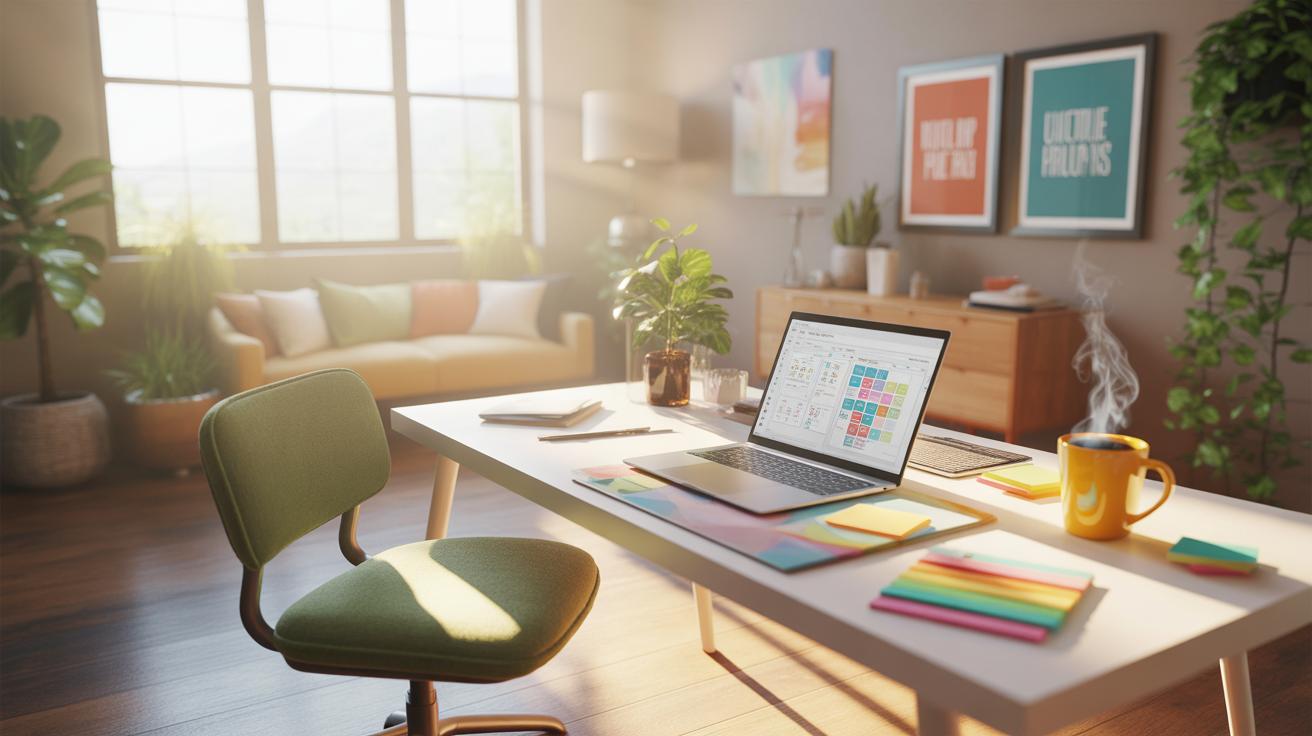
Think about the time of day too. Morning light in the east feels cooler and softer, which might suit a calm work vibe. Afternoon light from the west tends to be warmer but stronger. If possible, position your workspace to benefit from the light angle you prefer, but always ready to tweak the blinds slightly to keep glare minimal.
Choosing Desk Lamps And Overhead Fixtures
Artificial lighting can’t be ignored when natural light fades or isn’t enough. A desk lamp with adjustable brightness feels more flexible—you can brighten up tasks that need focus and dim it when you want calm. Look for lamps with diffusers or shades; harsh bulbs cause shadows that tire your eyes faster.
Overhead lighting should spread light evenly across the room. A single, central fixture might not cut it in a small setup; adding wall sconces or a floor lamp can fill dark corners. When picking bulbs, I find soft white lights around 3000K easier on the eyes over the day, but cooler lights might wake you up better in the morning.
Where you place your lamps matters too. Avoid placing desk lamps directly behind your monitor. It’s awkward, but necessary. Side or front lighting reduces eye fatigue but watch out for screen reflections. Lighting creates a workspace atmosphere as much as it lights it—so test different setups until it feels right to you.
Organizing Tools And Storage Solutions
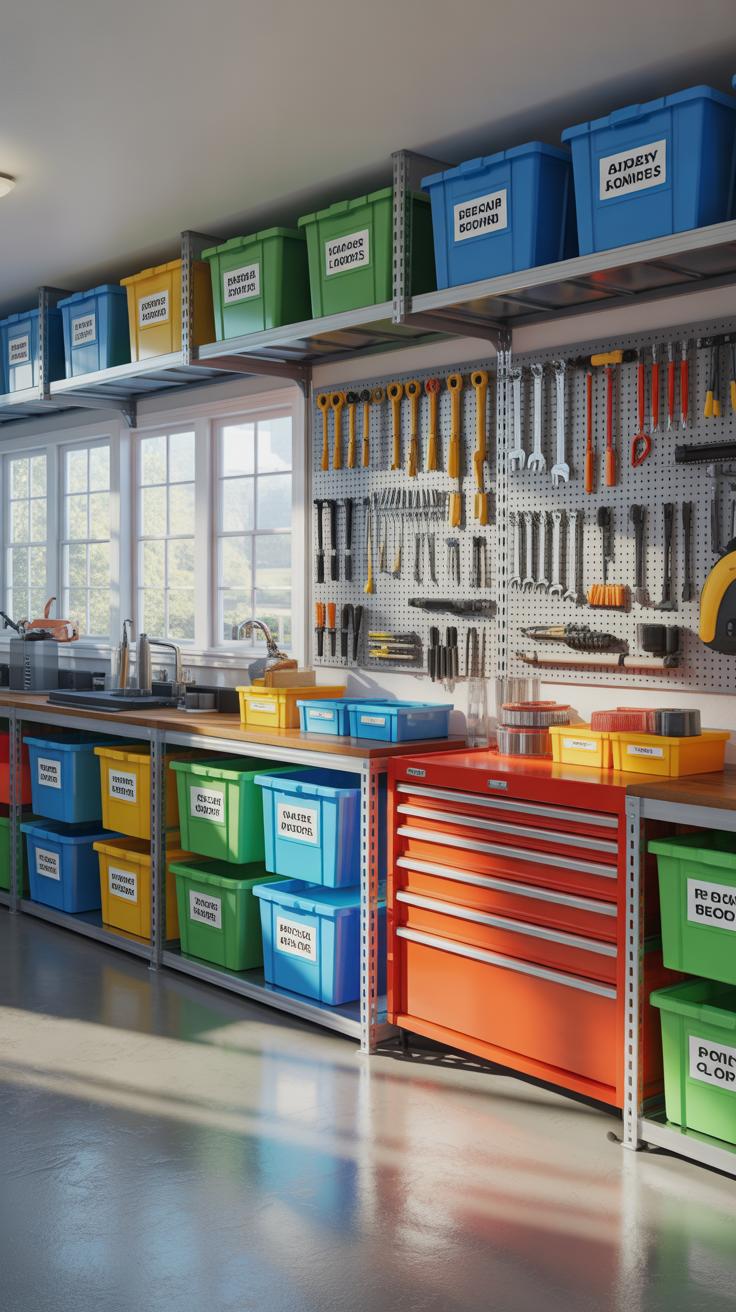

When your office is small, every inch counts. Keeping your workspace tidy isn’t just about looks—it actually helps your mind stay clear. Start by scanning your desk and drawers. What do you really use daily? Pens, notebooks, maybe a charger. The rest? They can probably go somewhere else.
Think about investing in shelves that go up, not out. Wall-mounted shelves save floor space and give you an easy spot for binders and books. Floating shelves, for example, keep things off your desk but still within reach. If you’re short on floor area, a slim vertical filing cabinet can hold papers neatly without hogging precious room.
Drawers and organizers also matter. Drawer dividers stop pens and clips from turning into a jumble. Clear containers make it easier to find what you need, fast. Maybe you don’t need that sticky-note collection cluttering your space—limit what stays on the desk surface. It’s a small step that can change how you work, honestly.
Decluttering isn’t a one-time deal. Try a quick tidy-up each week, toss or store what’s unused. It’s tempting to hold onto “just in case” things, but ask yourself if they really pull their weight in your daily routine. You might be surprised how much less stuff you actually need at arm’s length.
Beyond shelves and drawers, look at multi-purpose furniture. A desk with built-in storage or a storage ottoman can hold items discreetly. This way, you keep essentials close without feeling boxed in. Vertical pegboards or magnetic strips near your desk can also organize tools while keeping your desk surface free.
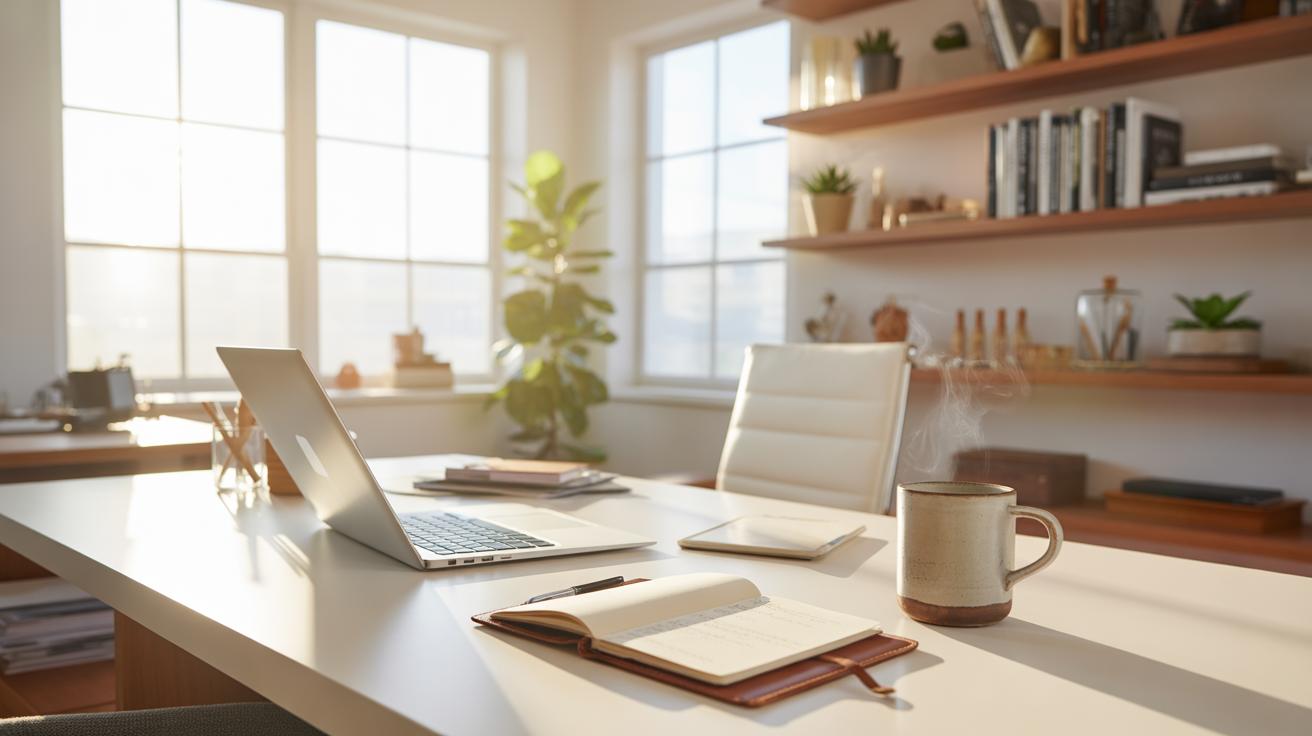
What about cables, chargers, and smaller tech pieces? Hooks or clips under the desk keep cords out of the way but reachable. It’s almost like giving your wires a home, preventing them from tangling—and your mind from spinning.
So, can a tiny room really feel spacious? With a few well-chosen organizers and a sharper eye for what truly belongs in your workspace, yes. Sometimes less stuff on and around your desk encourages your mind to focus more than you’d expect.
Tech Tools To Improve Productivity
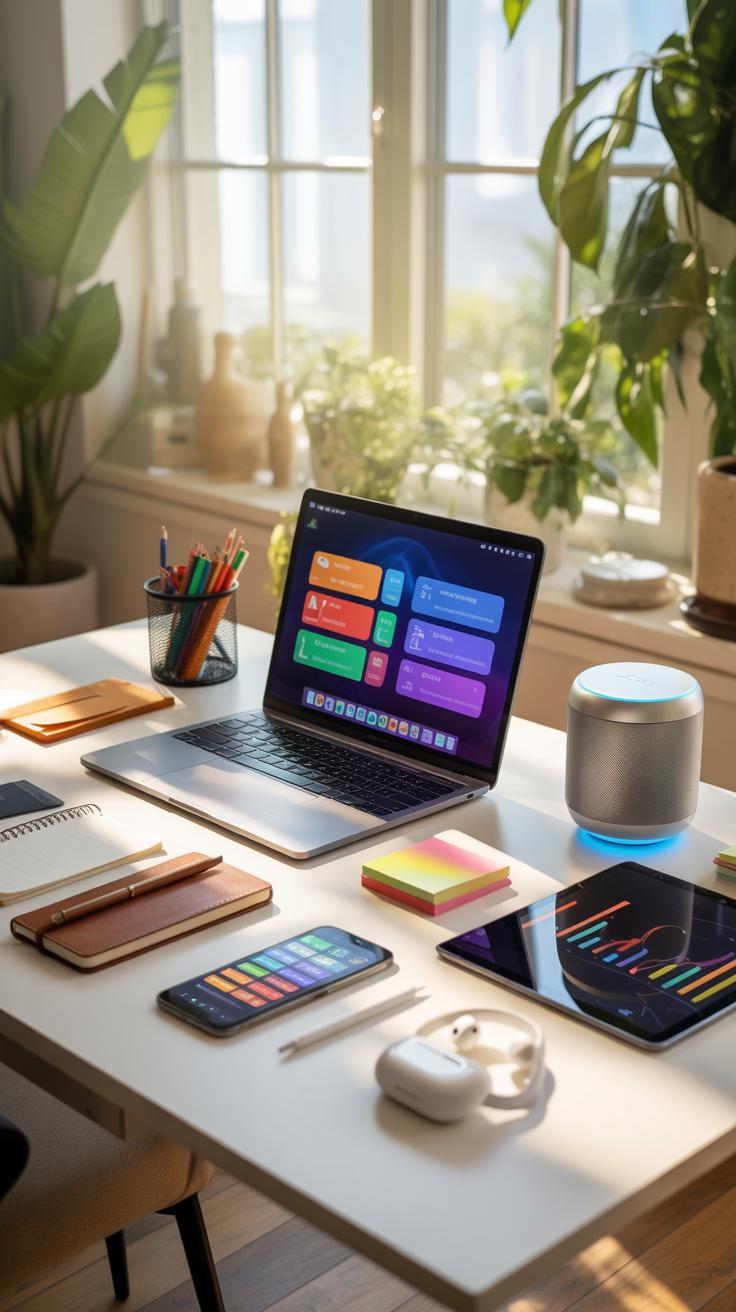
When setting up a small home office, your choice of technology can make or break how comfortably and smoothly you can work. Bulky printers or multiple monitors might seem out of the question, but there are surprisingly compact options that deliver without demanding much desk space.
For printers, all-in-one models that combine printing, scanning, and copying in one device are great if you occasionally need hard copies but don’t want a cluttered corner. Look for wireless versions to cut down on cords, which also frees up space and makes moving the device easier.
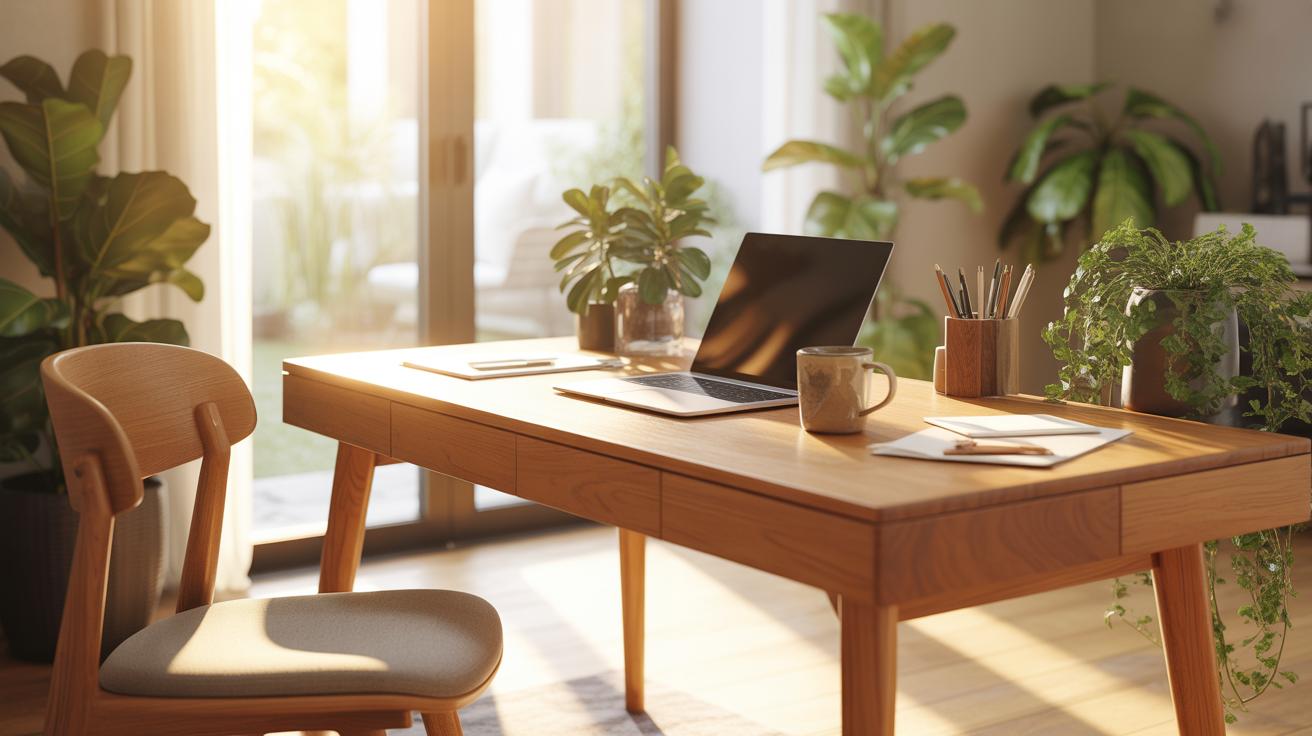
Monitors with slim bezels or ultra-wide screens can replace dual monitors, saving room without sacrificing screen real estate. Mounting your monitor on a wall or an adjustable arm lifts up desk space further, if you can swing the setup.
Connectivity is another piece of the puzzle. A strong, reliable internet connection is a must, especially if you attend video calls or upload and download regularly. Consider a mesh Wi-Fi system or a high-quality range extender if your router is far from the office nook.
And speaking of cords—cable clutter quickly becomes frustrating. Using cable clips, sleeves, or even DIY solutions like binder clips can keep your wires out of sight but still accessible. Power strips with built-in USB ports also reduce the number of bulky adapters you have to wrestle with.
Have you experimented with wireless keyboards and mice? They reduce cable chaos and allow flexible placement. Though sometimes batteries run out at the worst times, so you might double-check your backup options.
Overall, compact tech means less distraction and more room to focus. But there’s a fine balance: aim for devices that don’t limit your work but also don’t demand you reconfigure your space every week. Think about what suits your work style and the smallest space you must work within—and maybe, just maybe, you’ll find equipment that fits right in without compromise.
Reducing Distractions In Your Home Office
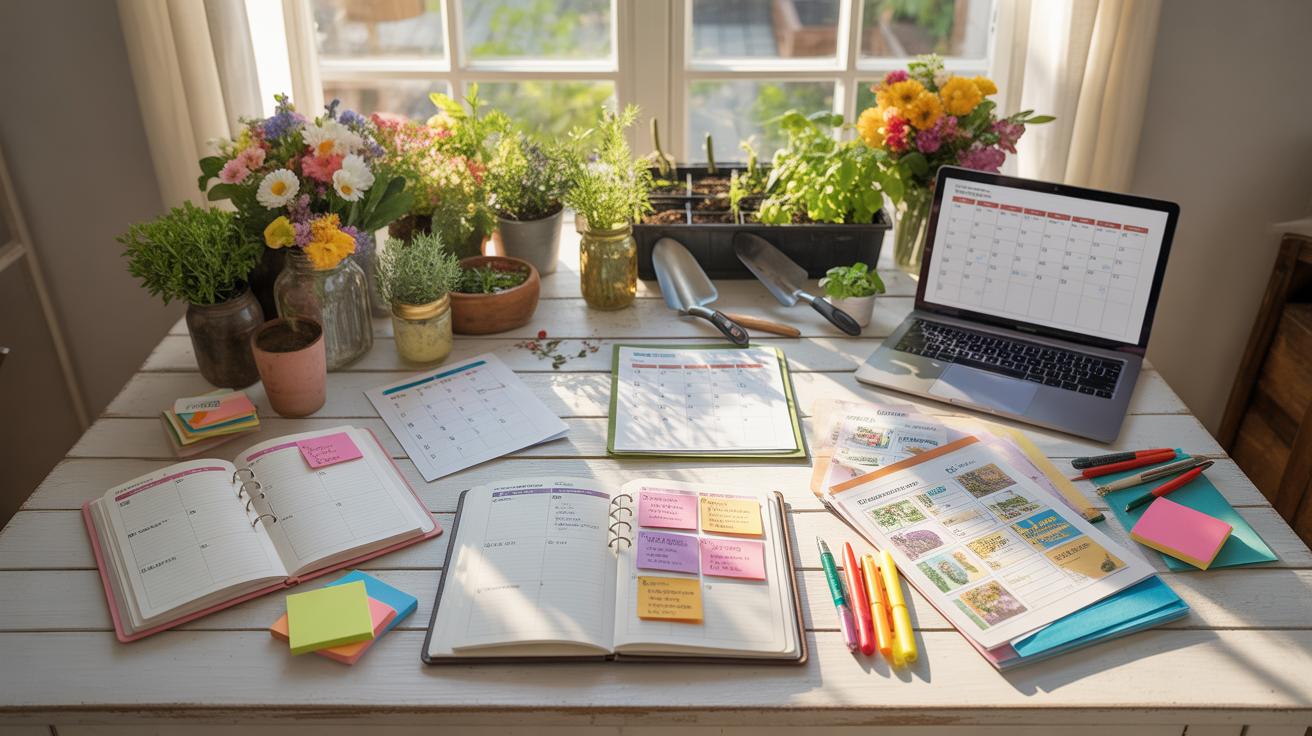
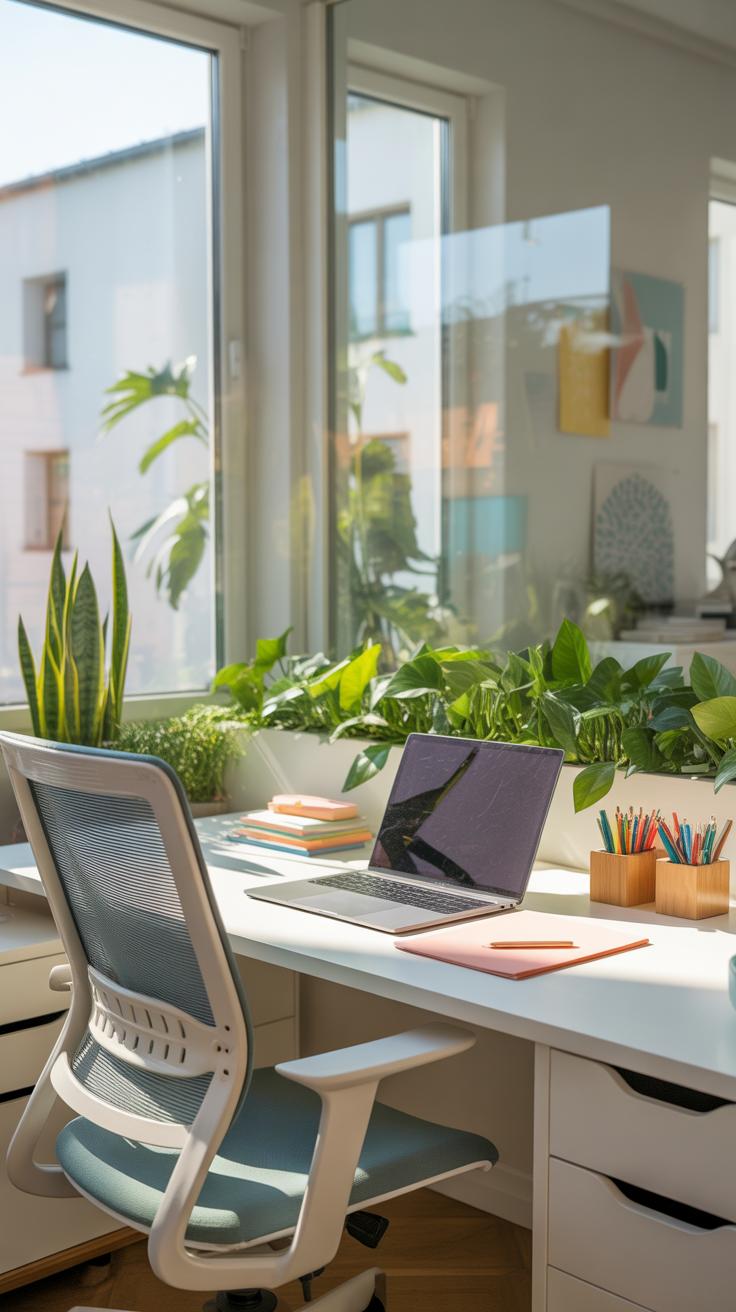
Distractions at home can sneak up in many small ways—background conversations, the hum of a nearby TV, or even just the temptation to check your phone. You might think some noise is harmless, but it chips away at focus more than you realize. Identifying what pulls your attention is the first step. Is it the chatter from family members? Pets jumping in your lap? Or perhaps the constant notifications from your devices? Recognizing these is half the battle.
To fight distraction, creating clear physical and mental boundaries helps. Setting up a designated workspace signals to others, and to yourself, that this is your work zone. Sometimes it’s just about having a door that you can shut, or a corner separated by a room divider. Even small changes can make a difference.
Managing Noise And Interruptions
When noise creeps in, noise-canceling headphones can be a surprisingly effective shield. They don’t block all sound, but they soften distractions enough to let you stay in the zone. I often use them myself when the street outside gets loud or when family activities pick up.
Putting a simple ‘Do Not Disturb’ sign on your door sometimes prevents interruptions better than expected. It sets a polite boundary that others usually respect once they understand the signal. Room dividers can help too, breaking up visual distractions and muffling sounds a bit.
Setting Work Hours And Rules
Defining working hours is more than making a schedule; it’s about setting expectations—especially at home. Tell those around you when you’re available and when you’re not. At times, people might push boundaries, thinking you’re just “at home” and always free.
I found that sharing my calendar with family made a big difference. They could see when I was in meetings or deep work sessions. It’s a small step but helped keep interruptions low. Create rules for yourself as well—like batch-checking emails instead of constant email alerts pulling you away.
It’s not always easy. Sometimes, you feel guilty for putting up walls. But a little structure helps make work time feel real—for you and those around you.
Examples Of Small Home Office Setups
Setup For Creative Professionals
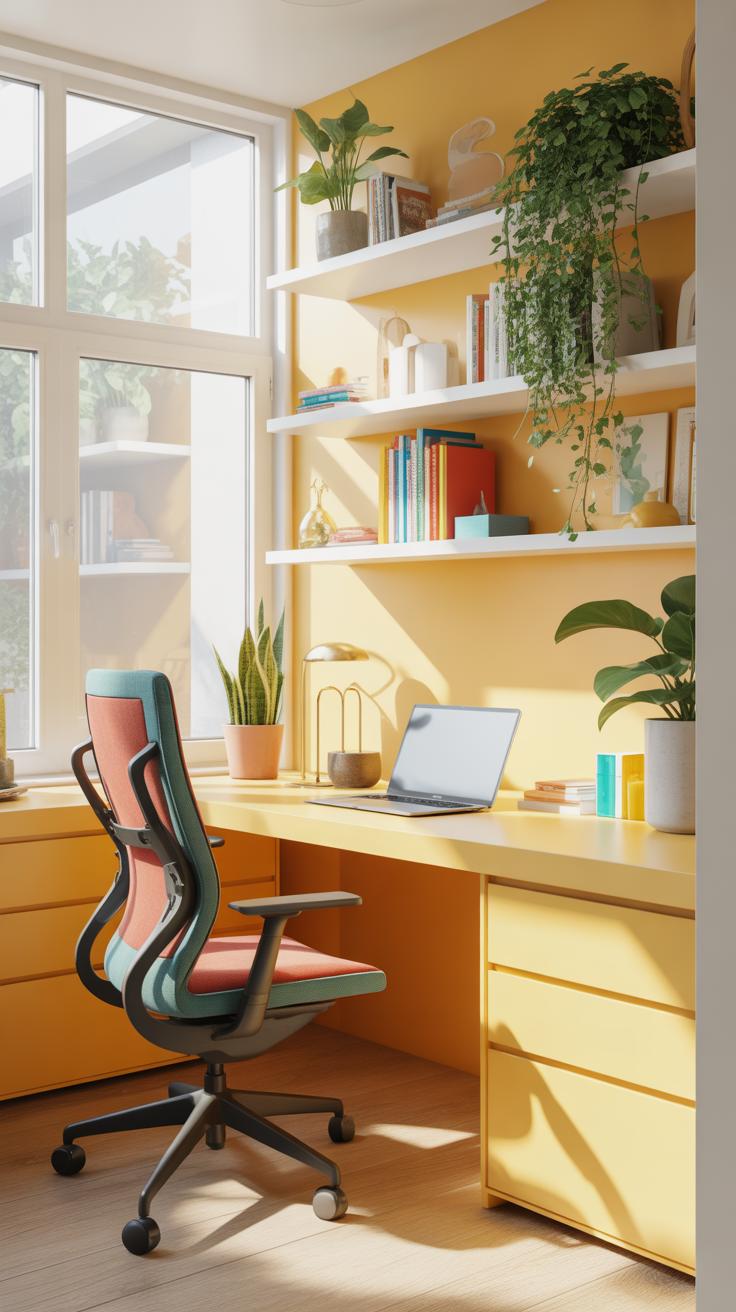
Imagine a cozy corner fit for a writer, designer, or artist. A small desk anchors this space, just big enough for a laptop or sketchbook along with some tools. Storage often takes vertical priority—open shelves or pegboards keep supplies visible yet organized, encouraging you to grab what you need quickly without rummaging. A corkboard or magnetic strip nearby can hold inspiring images, notes, or reminders, keeping motivation within reach.
Lighting plays a subtle but key role here. A desk lamp with adjustable brightness helps during late-night bursts of creativity. It might sound obvious, but a clutter-free surface actually fosters better ideas; some find that one or two personal touches—a plant or a quirky mug—break the sterility without crowding the space. I’ve noticed that having a small side table to stack ongoing projects avoids the annoying shuffle of papers on a tiny desk.
Setup For Remote Workers
Remote work often demands reliable tech and a neat backdrop for video calls, which sometimes feels tricky in tight quarters. Placing a compact desk close to a window can boost natural light, making you look better on screen and feel less boxed in. Here, a focused work surface holds a laptop or desktop plus maybe a second monitor, if space permits. Nearby drawers or a filing cabinet handle paper clutter—contracts, bills, or project notes—keeping essentials out of sight but handy.
Tech-wise, think headset hooks or cable organizers to tame those tangled cords. Positioning the camera at eye level removes that awkward angle and helps you feel more connected during calls. I guess one thing some overlook is the chair choice—if you’re sitting for hours, even a basic ergonomic seat makes a noticeable difference. Adding a small shelf or basket for current documents means less scrambling when you suddenly need to share files during a meeting.
Maintenance And Upkeep Of Your Office

Keeping a small home office pleasant over time isn’t just about the initial setup. It’s a bit like caring for a plant—you need some regular attention. For cleaning, try setting a simple routine. Maybe spend 10 minutes each day clearing your desk and 30 minutes once a week for deeper tidying like dusting shelves or vacuuming around your chair. It’s not much, but it helps avoid clutter buildup that can sneak up on you.
Equipment demands care too. Think about your computer, printer, or monitor. Do they slow down or make weird noises? When that happens, it’s probably a sign to check for updates or even consider a replacement. Don’t wait until it’s totally obsolete because struggling with lag or broken gear just drains your focus.
Furniture is trickier. Chairs wear out unevenly, and that might only become obvious after months. If you notice stiffness, wobbling, or discomfort, it’s a cue to rethink your setup. Rearranging your desk can also breathe new life into the space. Maybe swapping the chair’s position next to a window or moving closer to your power outlets improves comfort without any cost.
What’s your current upkeep routine? You might find a simple schedule suits your style better than a daily checklist. After all, the goal is to keep this space functional and a place you want to work in, day after day.
Conclusions
Creating a small home office that suits your needs takes planning and thoughtful choices. Using the right furniture, good lighting, and organizing tools can transform your small space into a place where you want to work.
Consider your work habits and space limits when applying these setup ideas. Small changes can lead to better focus, fewer distractions, and more comfort. This guide gives simple, clear ideas to help you get started and improve your home office step by step.