Introduction
Office organization ideas for efficient work space management help you create a place where you can focus and complete your tasks smoothly. A well-arranged office reduces distractions and makes it easier to find what you need. This article offers practical tips you can use to keep your office neat and functional, so you spend less time searching and more time doing.
We will cover easy setups you can do yourself, tools that support your daily work, and clever ways to handle paper clutter that piles up quickly. Applying these ideas will improve your work flow and make your office a place you want to spend time in.
Choosing Furniture That Saves Space
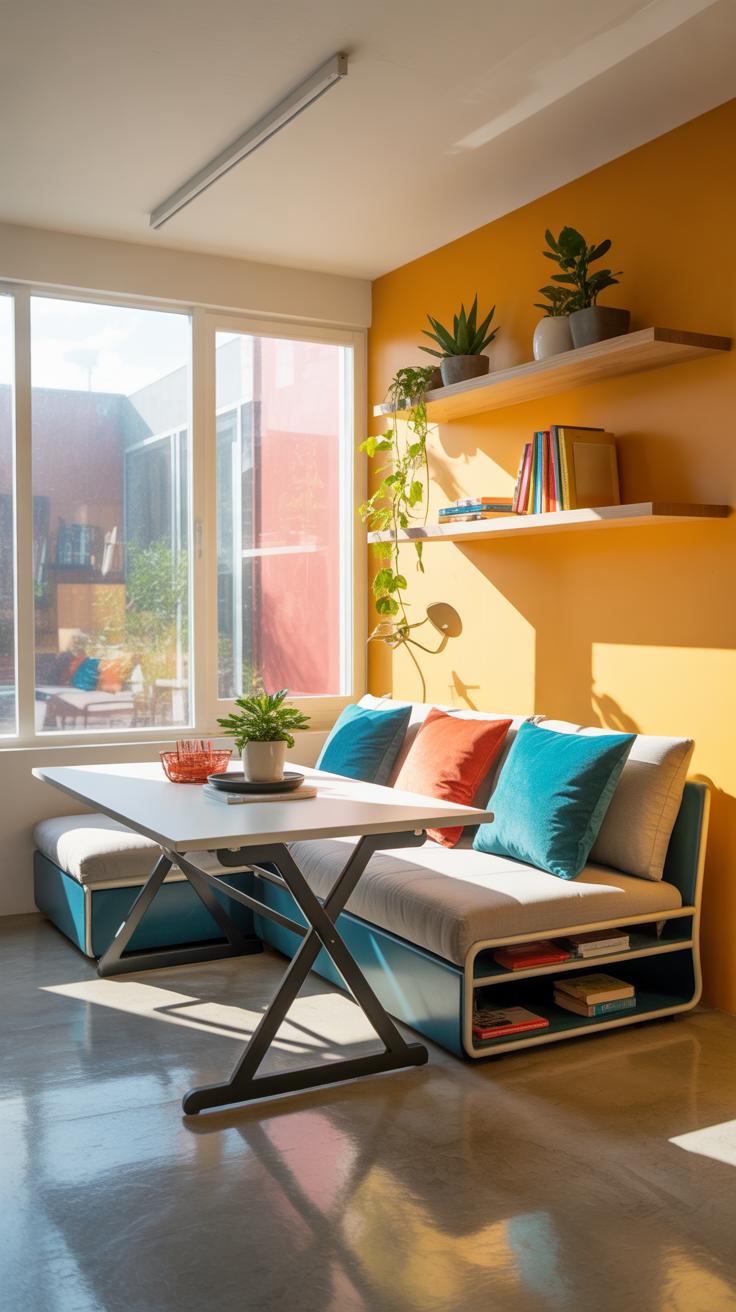
Picking the right furniture can make a noticeable difference in how much room you have to work and how orderly everything feels. For smaller offices, compact desks with built-in storage or fold-away features help keep clutter off surfaces and free up floor space. Tall shelving units take advantage of vertical space without crowding the room. On the other hand, larger offices might accommodate modular furniture that can be rearranged as needs shift—desks with adjustable heights or movable partitions create flexible zones without being permanent walls.
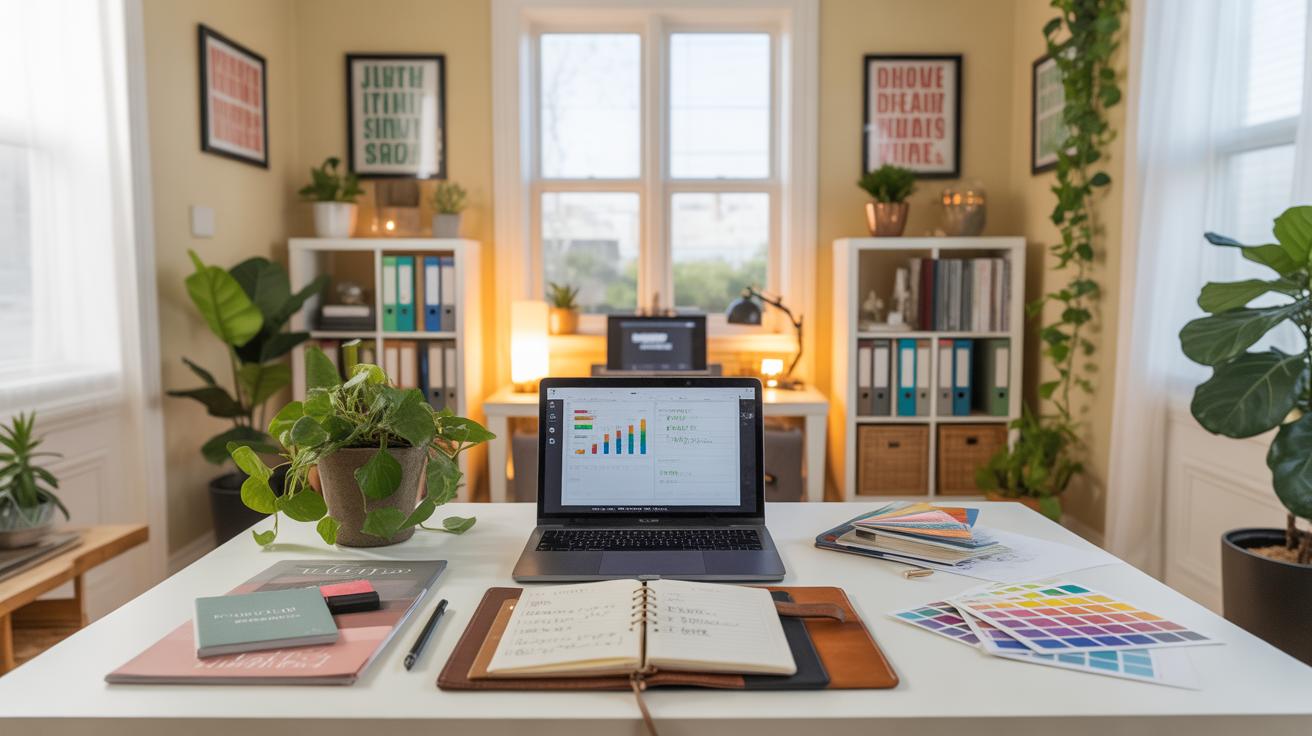
It’s tempting to just grab a big desk and lots of cabinets, but sometimes less is more. Think about furniture that serves more than one purpose. For example, filing cabinets that double as side tables, or workstations that include charging stations hidden away. This kind of stuff can feel a bit like an extra effort at first, but it pays off by keeping things tidy and reachable.
What Furniture Fits Your Office
When choosing furniture, consider how much space you actually have and how you use it. Is your office a shared space? Do you need room for meetings, or is it strictly for solo work? These questions will steer you away from cluttered rooms and pointless pieces.
Here are some factors worth pondering:
- Size of the room: Smaller rooms call for slim profiles and vertical storage. Larger spaces allow for more segmented furniture but don’t just fill every nook.
- Your workflow: If you move a lot between tasks, furniture that supports mobility—like rolling chairs and desks with wheels—might help.
- Storage needs: Papers, electronics, personal items—all these impact which furniture you pick. Open shelves might suit some, while hidden drawers suit others who want a cleaner look.
Furniture Layout Examples
Imagine a small office with a wall-mounted desk paired with a tall, narrow bookcase right beside it. This setup leaves floor space clear and keeps essentials in reach. You could even add a floating shelf above the desk for more storage.
In larger offices, a cluster of low-profile desks arranged in an L-shape can define work zones without blocking light or creating a cramped feeling. Adding filing cabinets under desks frees up wall space and keeps correspondence handy.
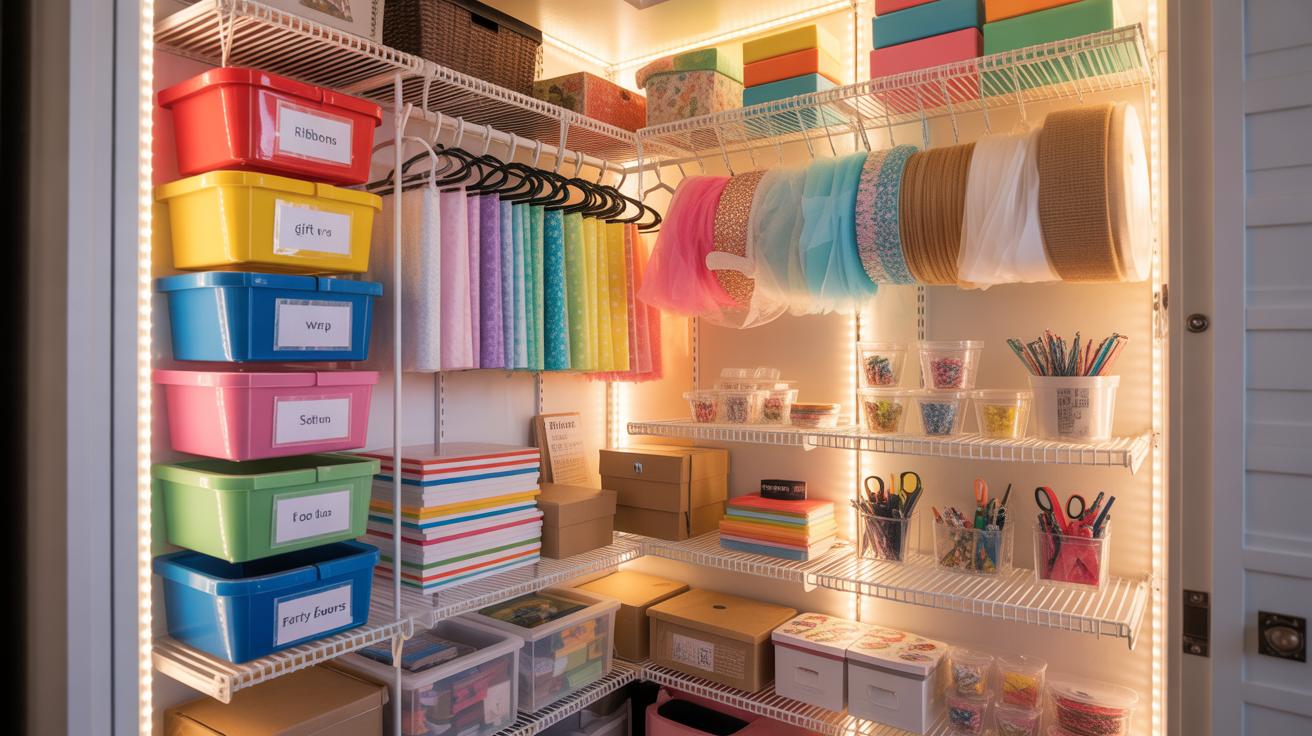
Sometimes, placing desks back-to-back or facing each other makes the best use of space, but watch for noise distractions in those layouts. Finding what fits your physical space and work style will take a bit of trial and error. I guess it’s rarely perfect the first time around. But these layout ideas might at least get you started with designs that don’t take over the entire room.
Creating Zones For Different Tasks

Dividing your office into specific zones for different tasks can change how you work, sometimes in subtle ways you might not expect. When you have a clear spot for focused computer work, another for meetings, and a dedicated area for storage, things tend to flow more smoothly. You’re less likely to get distracted, and it helps avoid clutter piling up in one place. It’s almost like your brain knows what to expect when you walk into each zone.
Think about it: if your computer desk is always tidy and reserved just for deep work, you might find yourself getting into the zone faster. Then there’s the meeting space, where you can step away from your desk to talk without dragging papers or devices around. Storage areas keep everything else out of sight but easy to reach. It doesn’t have to be complicated or too formal, either. Even a simple shelf or a box labeled for certain items helps.
Keeping these zones working takes a bit of maintenance. One way is to set small rules, like “no meetings at the computer desk” or “always file papers right after use.” You might find it useful to spend a few minutes at the end of each day resetting each zone. It can feel tedious at times, but it keeps those boundaries clear and prevents one zone from swallowing another. And yes, people don’t always stick to these rules perfectly, but having the zones gives you a chance to gently correct course without too much stress.
Tools To Keep Your Desk Organized
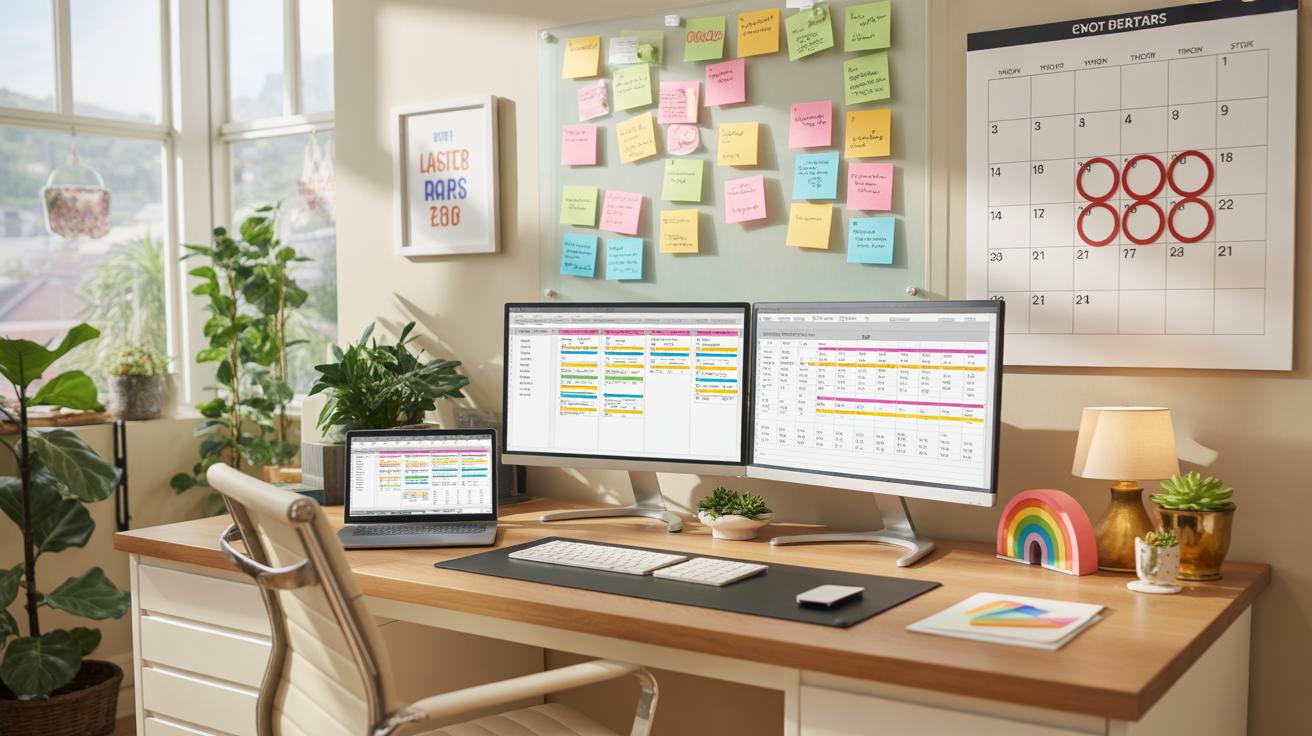
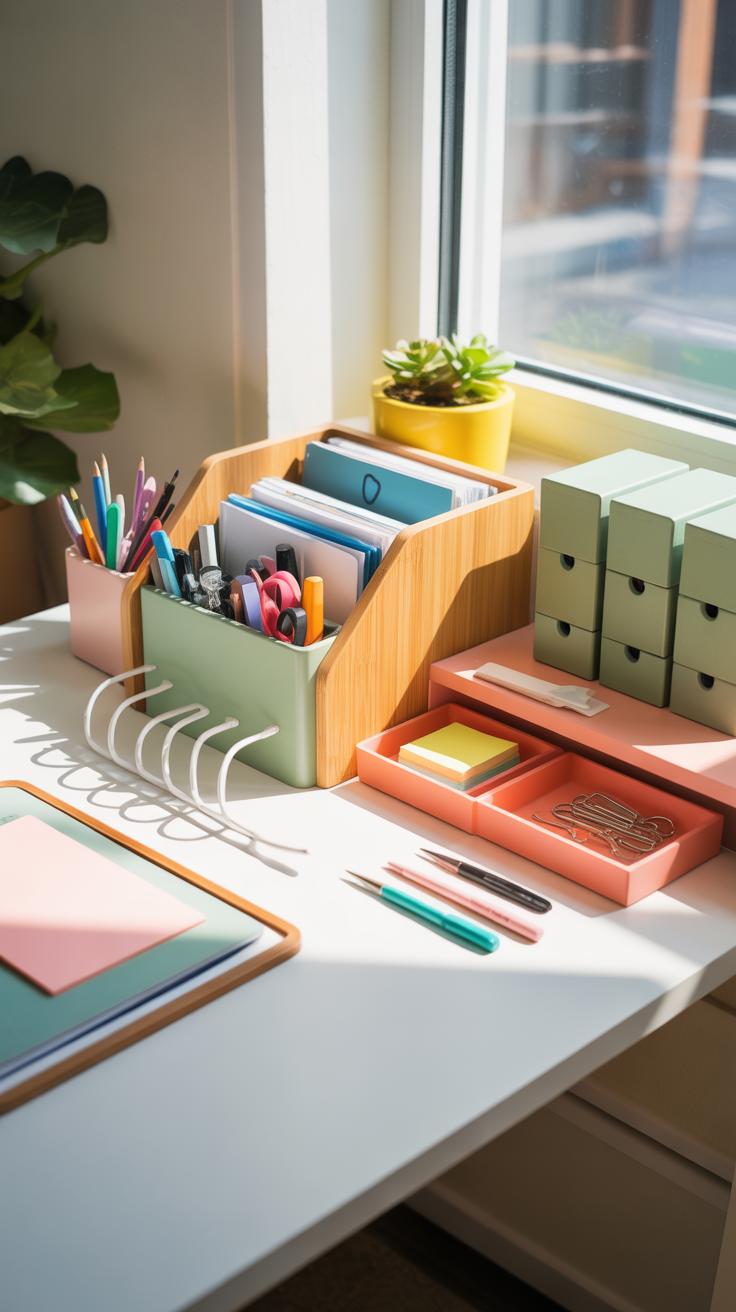
Keeping your desk neat often depends on having the right tools at hand. Basic supplies like pen holders, drawer dividers, and small trays make a surprising difference when it comes to reducing clutter. I’ve noticed that even something as simple as a stackable tray can help control piles of papers that would otherwise just spill everywhere.
There are plenty of desk organizer types worth exploring. For instance:
- **Trays and stacking units** – Perfect for sorting documents by priority or project.
- **Pen and stationery holders** – Keeps writing tools within reach but off your work surface.
- **Cable management clips and boxes** – These are a game-changer if you’re constantly battling cords getting tangled or slipping down behind the desk.
- **File sorters and magazine racks** – Help to keep reference materials upright and easy to grab.
While hardware tools are great, don’t overlook digital aids that can actually reduce what lands on your desk in the first place. Using apps like digital to-do lists or calendar systems can minimize that pile of sticky notes or paper reminders. I find it easier—not always, but more often—to keep track of tasks when they’re tucked away in a phone or computer instead of scattered around.
Does your workspace feel calmer when less physical paperwork is involved? Maybe switching up how you handle tasks and time digitally can clear up more than just your desk surface.
How To Manage Paper Efficiently
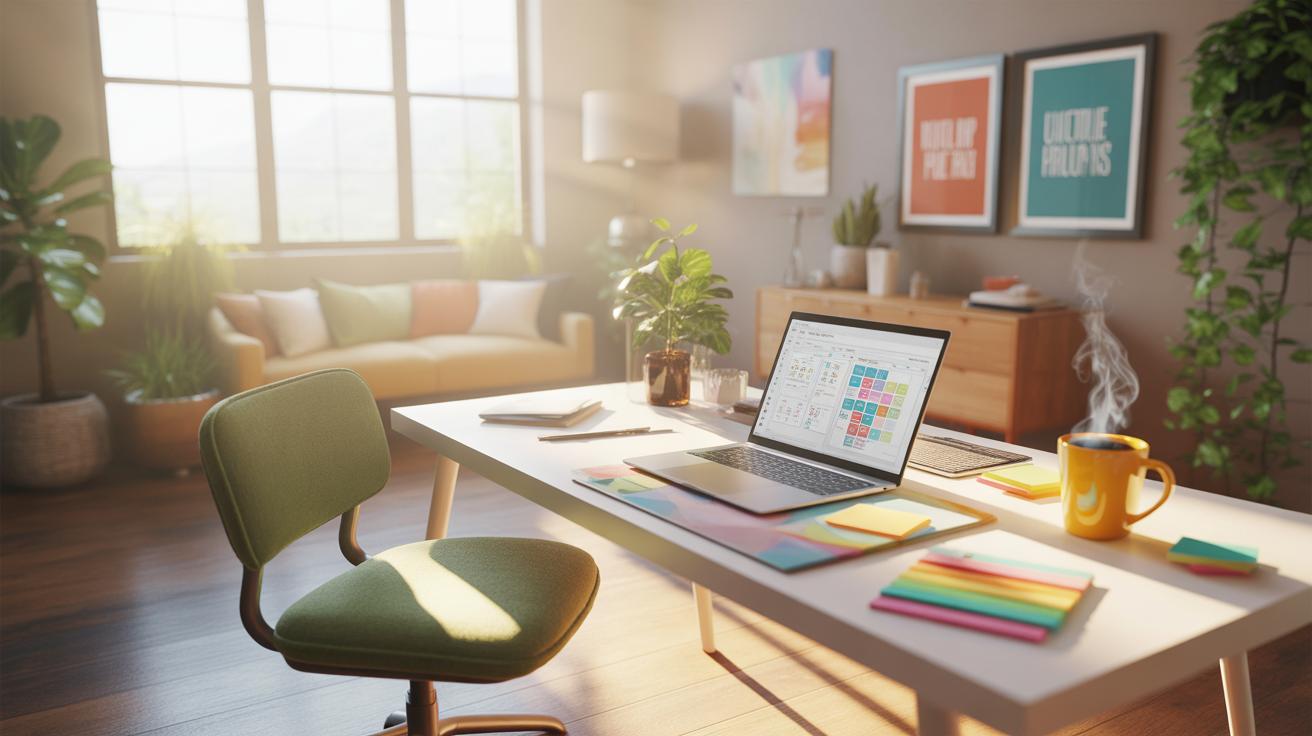
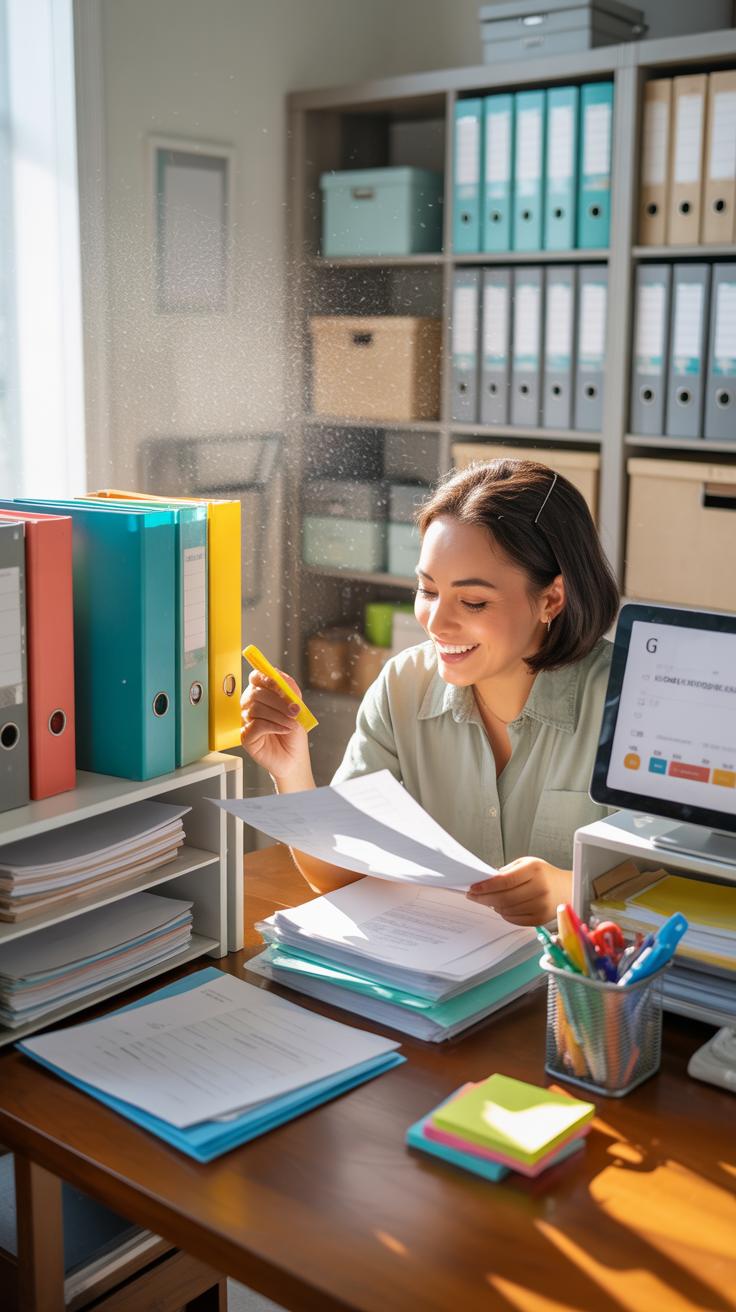
Handling paper in the office can easily get overwhelming. You might think stacking piles here and there won’t cause trouble, but over time, papers multiply, and finding what you need feels impossible. One way to tackle this is by sorting every piece of incoming paper right away. Create separate trays or folders labeled “To File,” “To Act On,” and “Recycle.” This simple step stops papers from blending into one big confusing mess.
When deciding what to keep, ask yourself if the paper contains information you’ll revisit soon or if it’s just a duplicate. Sometimes, it’s tricky—like when you’re unsure if a memo is useful later. If you hesitate, maybe scan it and recycle the original. This gives you access without clutter.
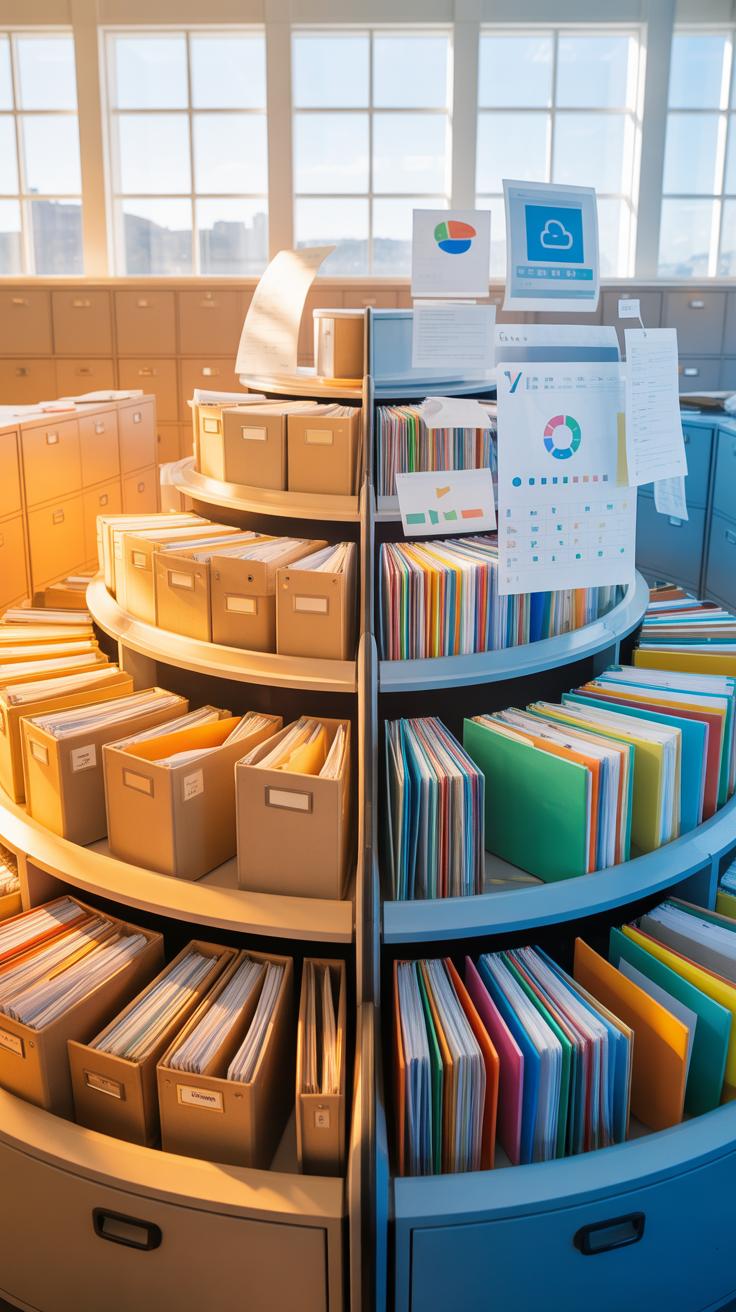
As for filing, keep things straightforward. Use broad categories like “Clients,” “Projects,” and “Finance.” Avoid making too many subfolders; too much detail often leads to confusion. Color-coding can help, but only if you stick with the system. Label each folder clearly, and place files upright so you can flip through easily. If digital files overwhelm you at times, paper folders might actually feel more manageable.
One tip I found helpful was assigning a weekly time, say Friday afternoons, to sort and file all loose papers. This prevents build-up and reduces the dread of a huge cleanup later. What if you keep wondering whether your filing system really works? Try adjusting categories until they fit how you think, not the other way around.
Setting Daily Organization Habits

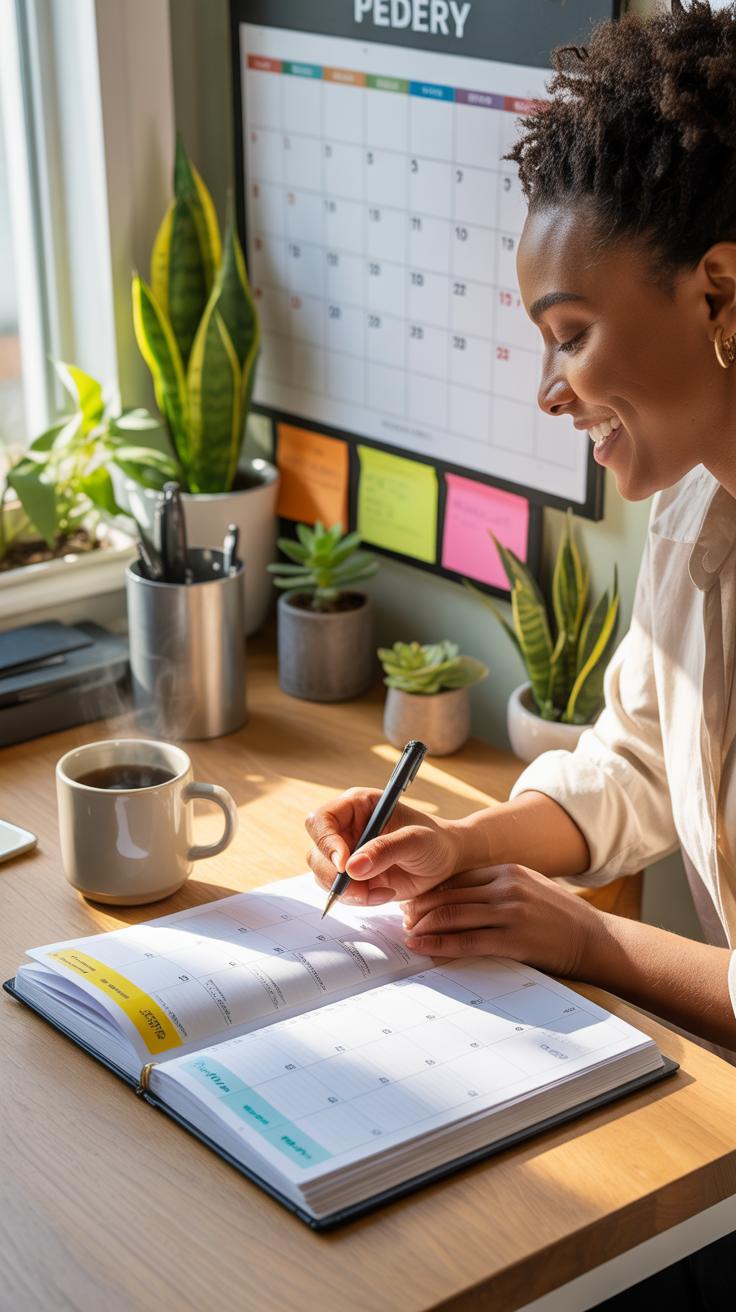
Creating simple routines that take barely any time can really help keep your office tidy without feeling like a chore. For instance, before you start your day, spend a few minutes clearing your desk of unnecessary papers. It sounds small, but this little habit can make a surprising difference in how your workday flows.
At the end of each day, put away items, file any loose papers, and wipe down your surface. Doing this regularly prevents clutter from piling up. Sometimes I find myself skipping this step when deadlines hit, but usually, taking just five minutes works well to reset the space.
You might wonder if such small steps really matter. They do, because habits that don’t disrupt your schedule tend to stick better. Think about what fits naturally into your workflow — does tidying while waiting for your morning coffee make sense? Or maybe right after your last meeting?
End Of Day Checklist
Try keeping a checklist to avoid missing those quick tasks that keep your office ready for the next day. Here’s one that often helps me:
- Clear all unnecessary papers from the desk
- File important documents immediately
- Empty trash and recycling bins
- Organize digital files or emails needing action
- Charge electronics and put accessories away
- Set up task list for tomorrow
- Wipe down the desk surface and keyboard
Writing it down makes it easier, and checking off tasks feels rewarding. Sometimes I tweak the list based on the day, but having this structure saves me from endless mental notes.
Time Management Tips
Your schedule might be packed already, so fitting in organizing tasks can feel impossible. Yet, small pockets of time can add up. For instance, use a five-minute break to quickly sort through mail or discard items you no longer need.
Set a timer for ten minutes once a day and commit to tidying a specific area. This focused effort usually doesn’t interfere with work and leaves the space noticeably better. I realize this isn’t for everyone, though. If you’re strict about uninterrupted work periods, maybe batch your organizing at the start or end of your day.
Also, try linking organizing to activities you already do—like reviewing your calendar or prepping your coffee—so it becomes less about “extra work” and more part of your routine. Have you noticed how small changes like these can slow down the usual mess creeping in?
Digital Files Vs Paper Storage
Advantages Of Digital Files
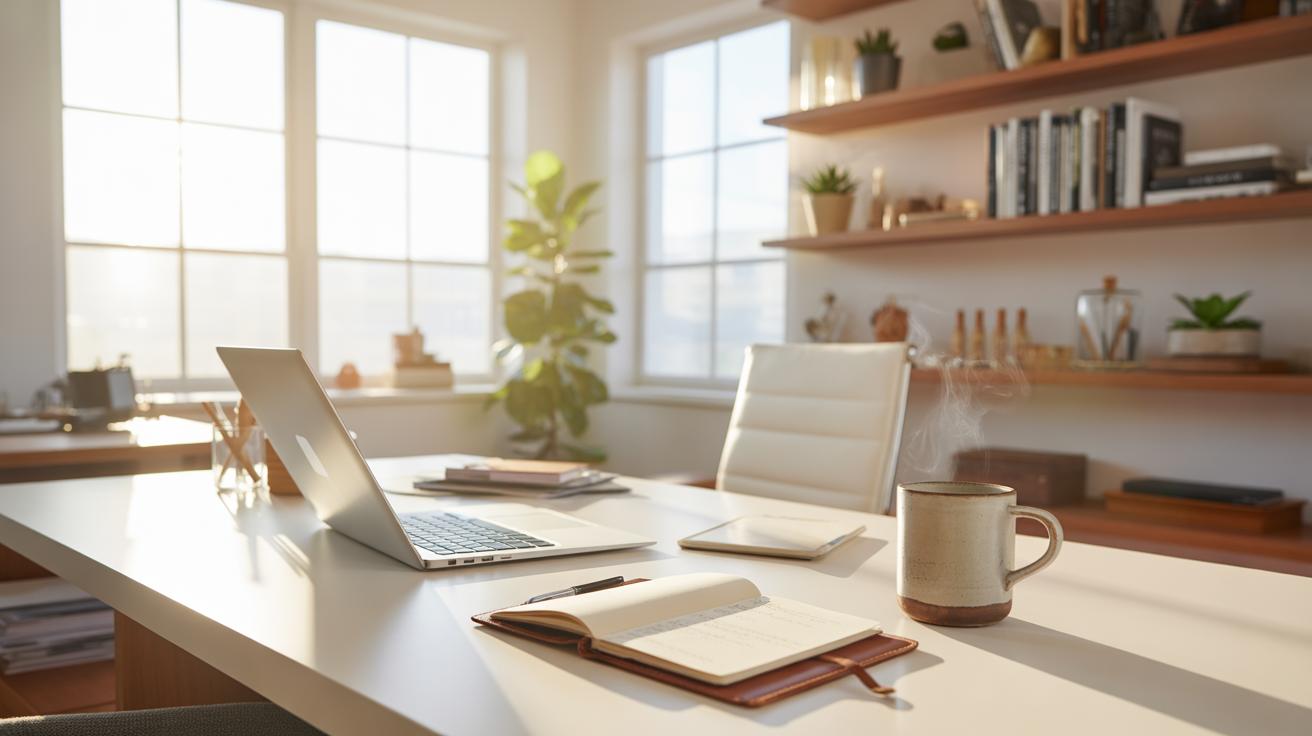
Digital files can really help free up a lot of physical space in your office. Instead of bulky filing cabinets taking up corners or closets, everything sits neatly on a hard drive or cloud storage. This means you can reclaim room for a few more shelves, plants, or even a small seating area.
Accessing documents digitally is often faster too. You can search for keywords instead of flipping through stacks of paper—which, honestly, can get frustrating. Plus, sharing files with colleagues is much easier when you just send a quick link or attach a document to an email. No need to print, walk over, or mail the physical copy.
Backing up files is another perk. If your office ever encounters a disaster, digital copies can be safer—assuming you’ve got good backup habits. You can also organize files in folders, tag them, or sort by date without any mess. Still, this all depends on you maintaining good digital organization habits, or else it just turns into a cluttered mess online instead.
When Paper Is Needed
That said, keeping paper around can still be necessary at times. Legal documents often require original signatures, and while e-signatures gain traction, many places still prefer or demand hard copies. Sometimes contracts or tax forms need a paper trail that digital alone can’t completely replace.
Some people find it easier to review or annotate lengthy documents on paper. There’s something about physical pages that feels more manageable when you’re reading or editing. Also, certain presentations, invoices, or receipts might require physical copies—either for compliance or client preferences.
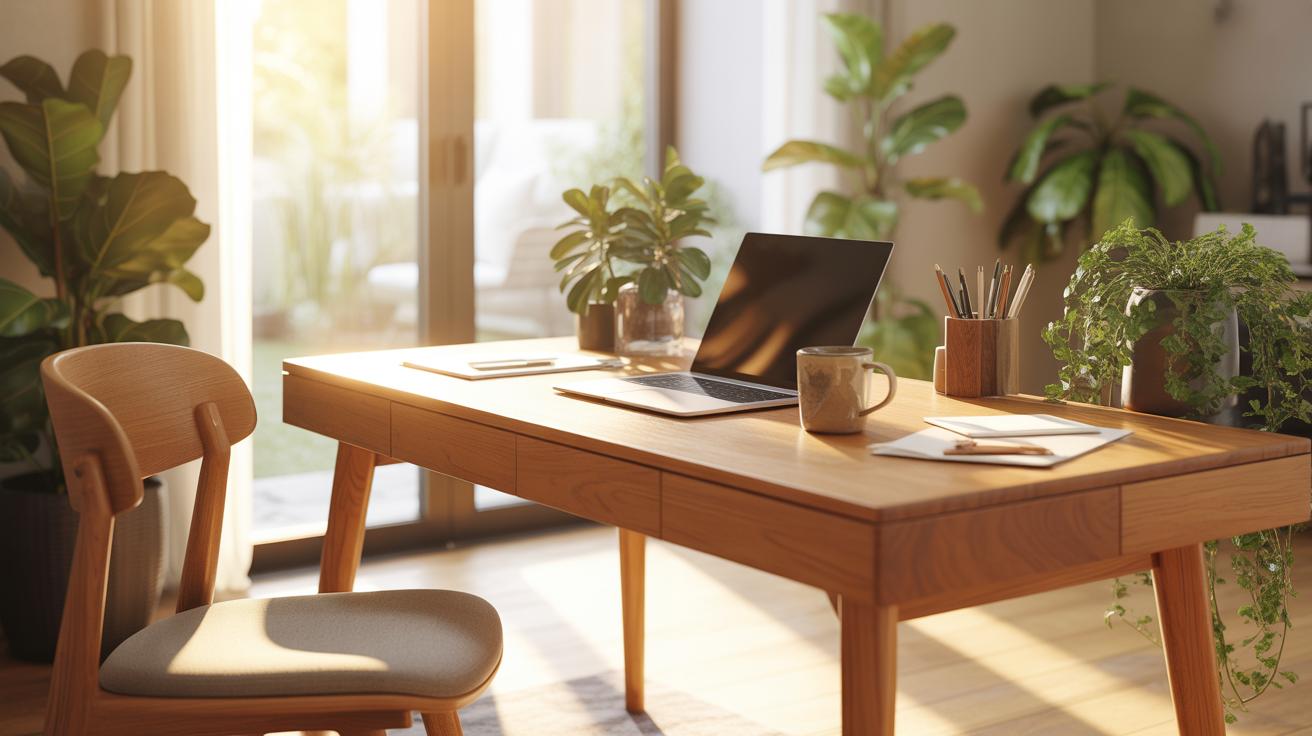
Finally, in offices where tech issues pop up or internet access is unreliable, paper backups can save the day. You might not want to rely fully on digital files, especially if losing access could stall your work.
So, while digital storage may seem like the simpler choice, it’s worth thinking about when paper still has a clear role.
Organizing Shared Office Spaces

When multiple people share an office, things can get confusing fast. Everyone has their own way of working, but without some order, clutter and miscommunication tend to take over. One simple way to keep things clear is to establish designated areas for shared items or tasks. For example, create a common filing area for documents everyone needs, rather than scattering papers on multiple desks. It might feel restrictive at first, but it often leads to fewer lost papers and less frustration.
Another key idea is to agree on basic rules about tidiness and how to handle shared technology like printers or phones. People often hesitate because they don’t want to appear controlling, but boundaries actually save time. Think of it as a group effort rather than a chore for one person.
Labeling And Signage
Labels and signs are more than just markers; they guide behavior. Clear labels on drawers, shelves, and bins help everyone know where to put or find things quickly. Without them, even a small task can turn into hunting for supplies or documents. You might want to involve your coworkers in deciding label styles or colors so the system feels like everyone’s, not just one person’s idea.
Signs can also communicate helpful reminders, such as “Return files here” or “Clean the coffee area after use.” A little visual nudge can prevent a lot of mess and confusion. On the flip side, too many signs can feel overwhelming or ignored, so it’s a balance worth experimenting with.
Shared Supplies Management
Managing office supplies that everyone uses—pens, paper, staples—can be tricky. One approach that worked in an office I worked at was a shared bin that got restocked weekly. Each person took what they needed but was encouraged to report low levels through a simple note or group chat. It’s a low-tech solution but surprisingly effective. Another option is assigning a rotating “supply monitor” who checks inventory every once in a while.
Prevent clutter by only stocking essentials and maybe avoiding hoarding backups at individual desks. Sometimes, less is more when managing communal supplies. Also, consider using clear containers or trays so that what’s left is visible at a glance. Do you know how often it frustrates people to grab an empty pack of paper or a pen that’s run dry? Small steps can remove those daily annoyances.
Choosing Storage Solutions For Small Offices
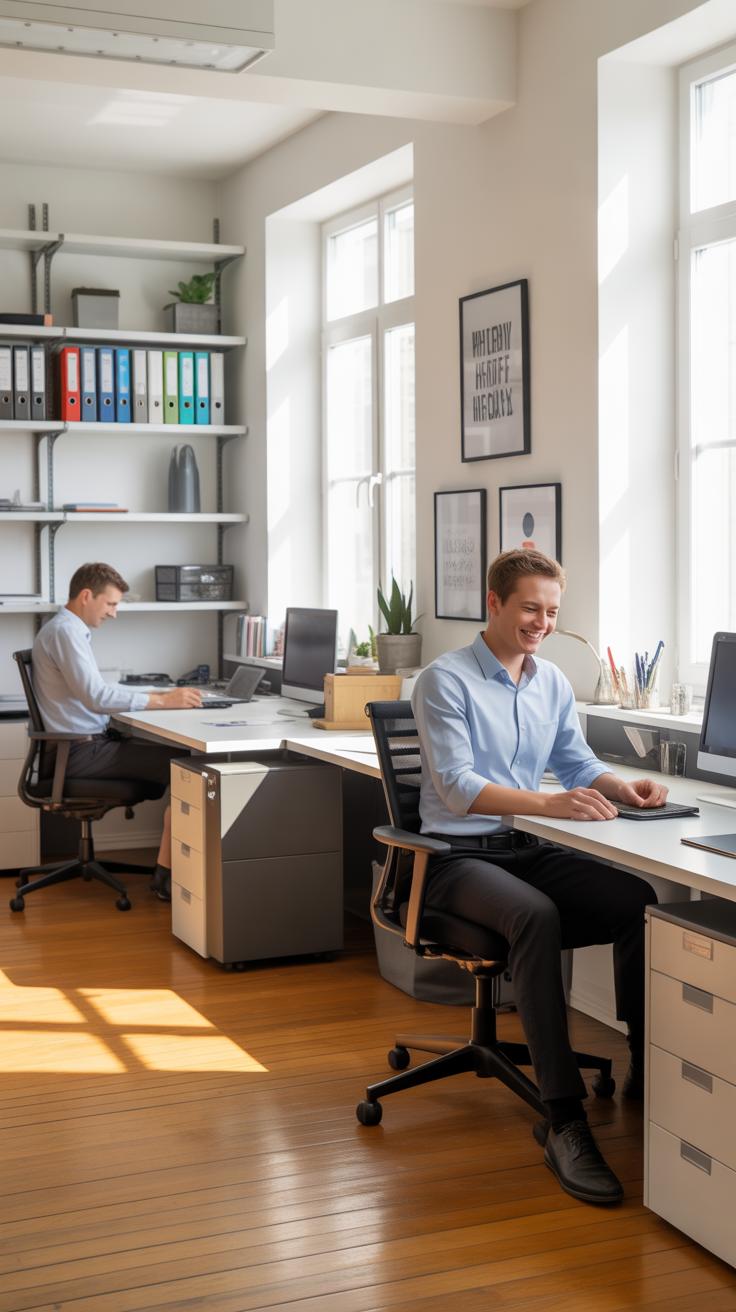
You know how tricky it can be to find storage that doesn’t swallow up all your floor space in a small office. Picking the right storage isn’t just about fitting stuff in—it’s about making the space feel open enough to move around. So, maybe steer away from bulky cabinets that claim to hold everything but end up dominating the room. Instead, think slim and tall, or multipurpose pieces that do double duty.
Here are a few options to mull over:
- Stackable trays or modular cubes: You can add or remove units as your needs change. Flexible, yes, but a bit of an investment, so weigh that carefully.
- Rolling carts: Handy if you sometimes want to shift things around. Just a quick wheel over, and your supplies move with you.
- Foldable boxes or bins: Ideal for stashing stuff out of sight when not in use. They don’t take up much room and can slide under furniture.
At the end of the day, the goal is to keep your floor space as clear as possible while still having what you need close at hand. Are you willing to sacrifice a bit of hidden storage for a more open feel? That’s a personal call.
Under Desk Storage Ideas
Putting storage under your desk sounds obvious, but there’s more to it than just stuffing stuff underneath. Think of it as prime real estate that’s often overlooked. You want options that slide out easily or tuck away neatly when not in use.
Some choices that have worked for me or colleagues include:
- Rolling drawer units: They can be metal or wood, just small enough to fit but big enough for files and supplies. Bonus if they have locks.
- Hanging baskets or trays: These clip under the desk surface, perfect for small items like stationery or cables.
- Compact filing cabinets: Some models are designed vertically, saving more floor space and still holding a decent amount.
Would an under desk setup feel cramped? Probably not if you pick slim designs, but personal comfort matters. Try measuring your leg space first—don’t want to end up squished.
Wall Mounted Storage Benefits
One storage solution I leaned on heavily in a tight space was wall-mounted shelves. They keep things visible and reachable without eating up any floor area. Honestly, it changes how you think about what’s useful or just clutter.
Besides open shelves, consider:
- Magnetic strips: Great for metal tools or clips, freeing up drawer space.
- Mounted file holders: These keep paperwork orderly and off your desk surface.
- Small hooks: For headphones, cables, or even a day planner.
Wall solutions do require a bit of installation effort, and you might hesitate about putting too many holes in your walls. Still, they can transform your vertical space—and that’s often underused.
Do you think about storage in three dimensions often enough? Moving off the floor and desk might just open up new ways to organize that you hadn’t considered.
Steps To Declutter Your Office Quickly

Start by clearing a small, manageable area—your desk or a single drawer. Don’t try to tackle everything at once; it gets overwhelming fast. Pull out every item, look at it, and decide whether it really belongs there.
Once you have items laid out, sort them using three simple piles: keep, toss, and relocate. Keep only what you use regularly or needs to stay handy. Toss anything broken, expired, or clearly useless. Relocate the stuff that belongs elsewhere in your home or office.
Try working quickly here. Don’t get stuck overthinking that old notebook or random cables. Speed helps avoid unnecessary hesitation. For tossing, think about recycling possibilities—paper, plastics, electronics—try not to just throw things in the trash.
If you find items in good shape but no longer needed, consider donating. Many local charities accept office supplies or even gently used furniture. You might be surprised how often what looks like clutter to you is exactly what someone else needs. So, why not give it a second life?
Examples Of Organized Office Spaces
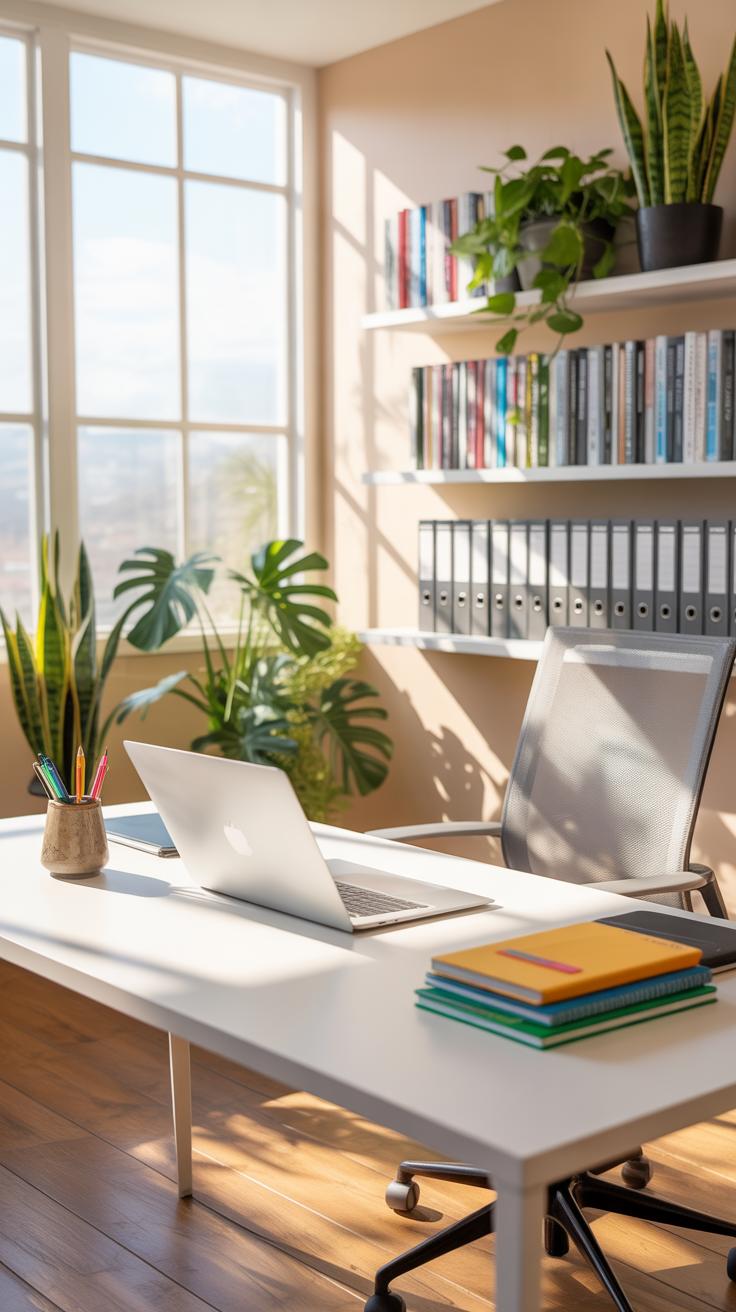
Home Office Setup Example
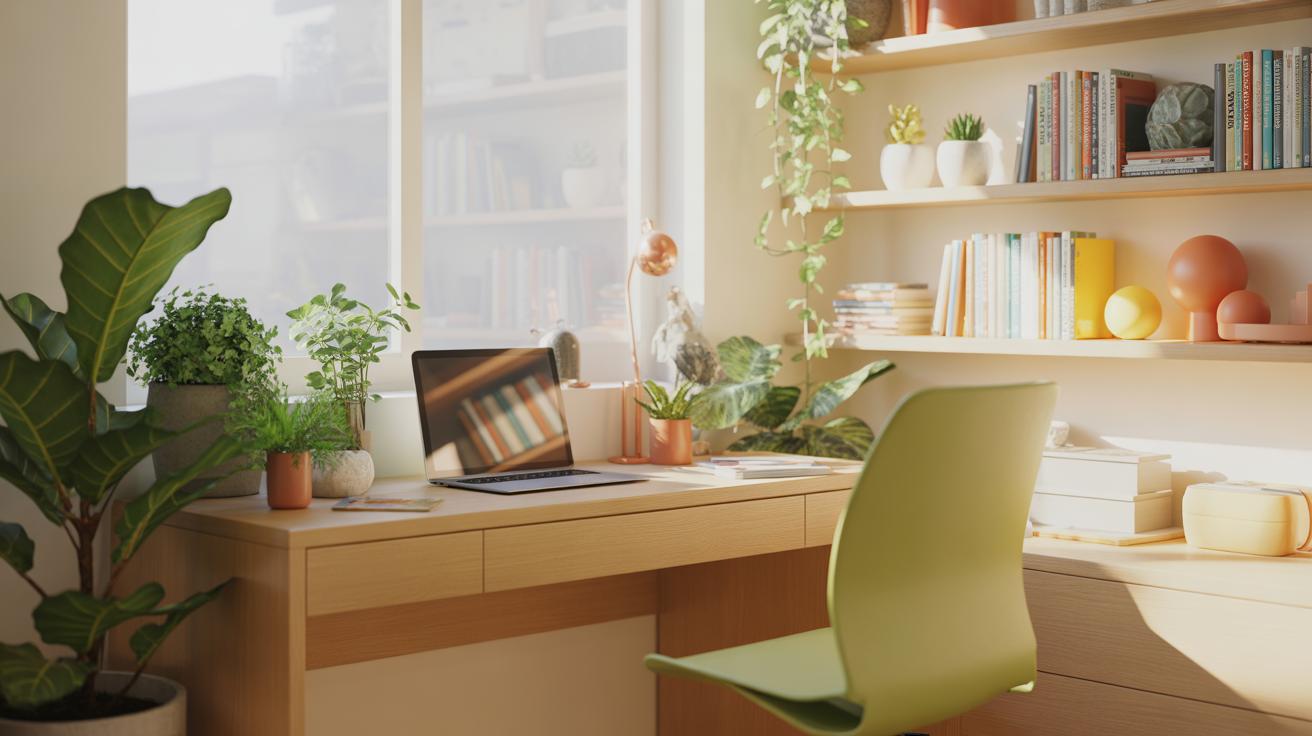
Imagine a small corner of a room turned into a compact home office. There’s a narrow desk against the wall, just big enough for a laptop, a small lamp, and a notebook. Shelves above hold a few books, some files sorted into labeled boxes, and a couple of decorative but functional items like a plant or clock. The chair is simple but comfortable. The key here is how every inch of space fits a purpose — no clutter, just essentials. Even the power cords are cleverly tucked behind the desk, limiting distractions. It might not be luxurious, but it works—there’s room for thinking, writing, or calls without feeling boxed in.
Corporate Office Layout Example
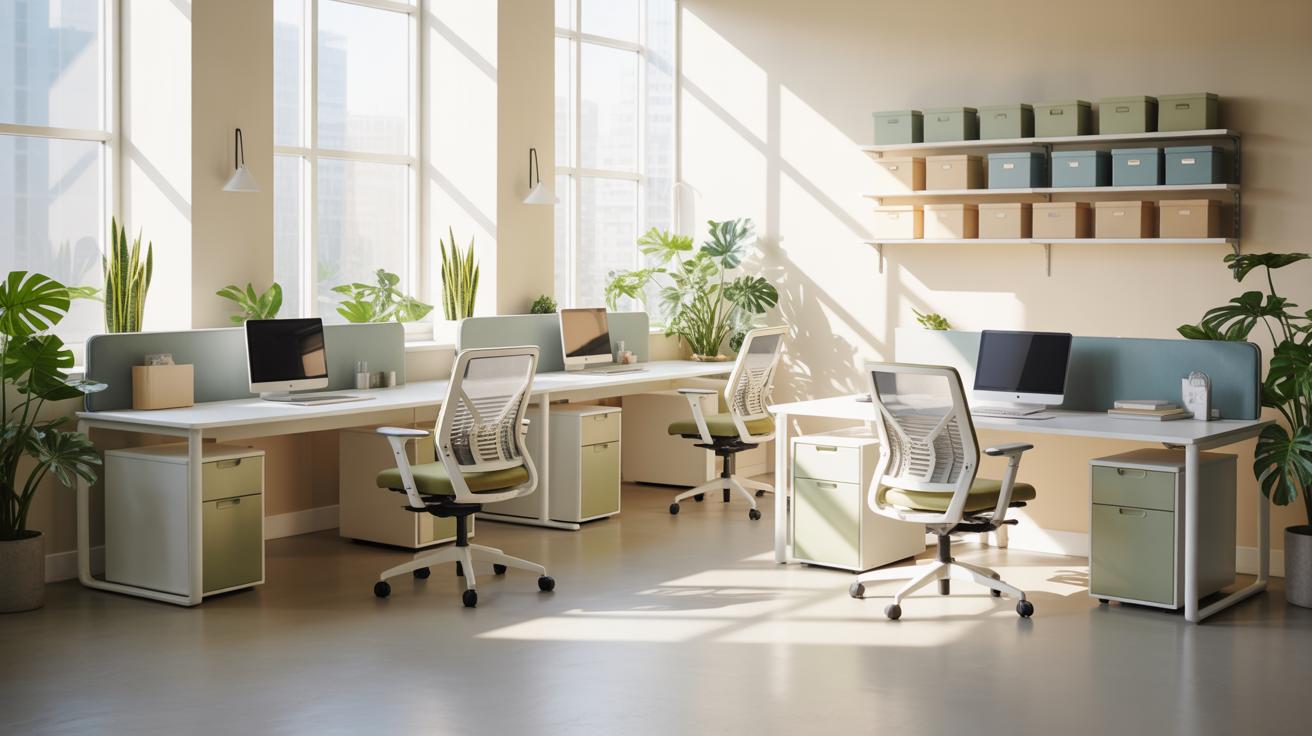
In a corporate setting, the layout often has multiple zones to help people focus differently throughout the day. One example I came across had open desks arranged with small dividers to give just a bit of privacy but still invite communication. Conference rooms were strategically placed nearby yet separate enough to avoid noise disruption. Storage was built into the desks and around the perimeter, reducing personal mess but keeping necessary materials close. Natural light flooded in through large windows, which clearly seemed to boost energy. You can almost tell just by walking in how the space supports teamwork without losing sight of individual tasks. It’s not perfect—sometimes people felt the partitions made them too isolated—but it’s a balance worth noting.
Conclusions
Keeping your office organized is a straightforward way to improve your work environment. Using the right tools, setting up defined spaces, and regularly clearing out clutter creates order. This helps you stay focused and speeds up your work since everything you need is easy to find.
Try the ideas shared here step by step. See what fits your space and routines, and adjust as you go. Your organized office will support your work better and make your days less stressful.