Introduction
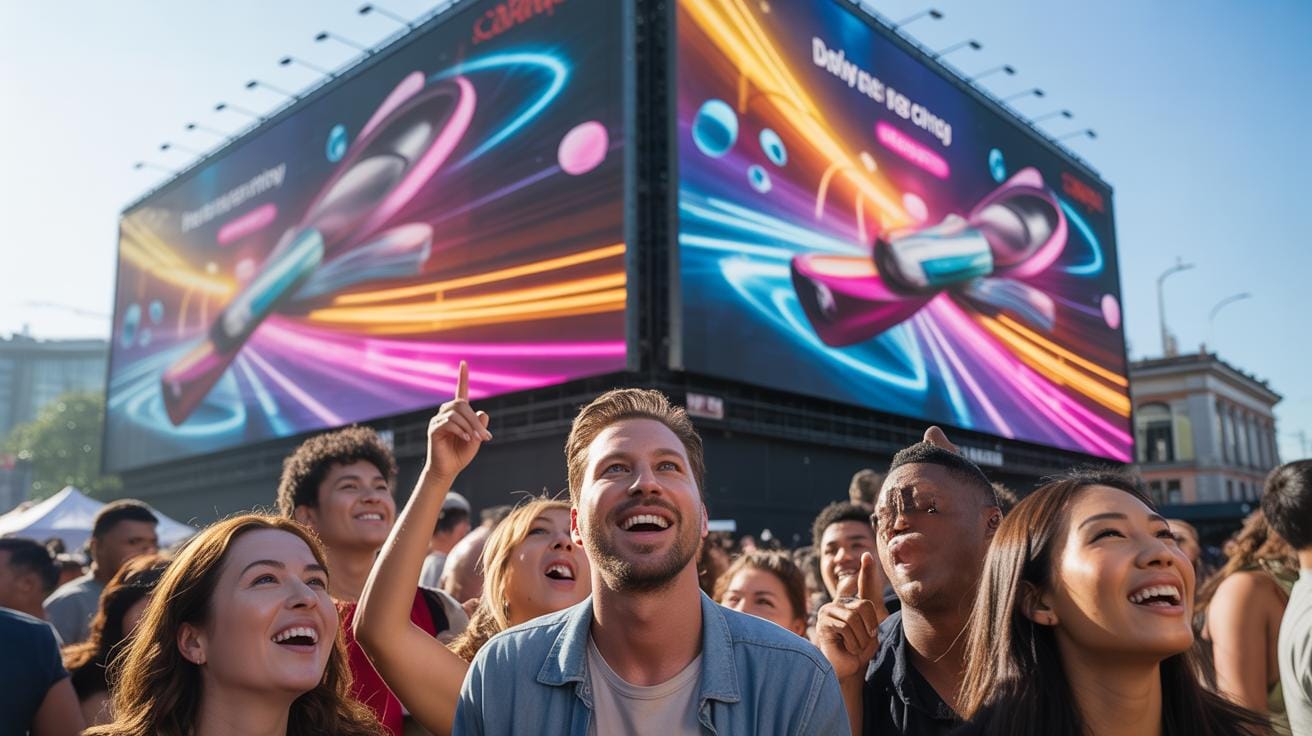
Motion design videos blend graphic design with movement to create dynamic visuals. They offer a fresh way to catch attention in advertising by combining graphics with animations. This technique can make ads more appealing and clear messaging for viewers. Brands use motion design to boost interest and communicate faster than still images alone.
Creative advertising ideas for events benefit greatly from motion design videos. These videos can highlight key event features and engage audiences before, during, and after events. The impact of motion design in ads is notable in drawing audiences and improving recall. Throughout this article, you will learn how motion design videos influence advertising and techniques to apply for event promotions.
Motion Design Benefits For Ads
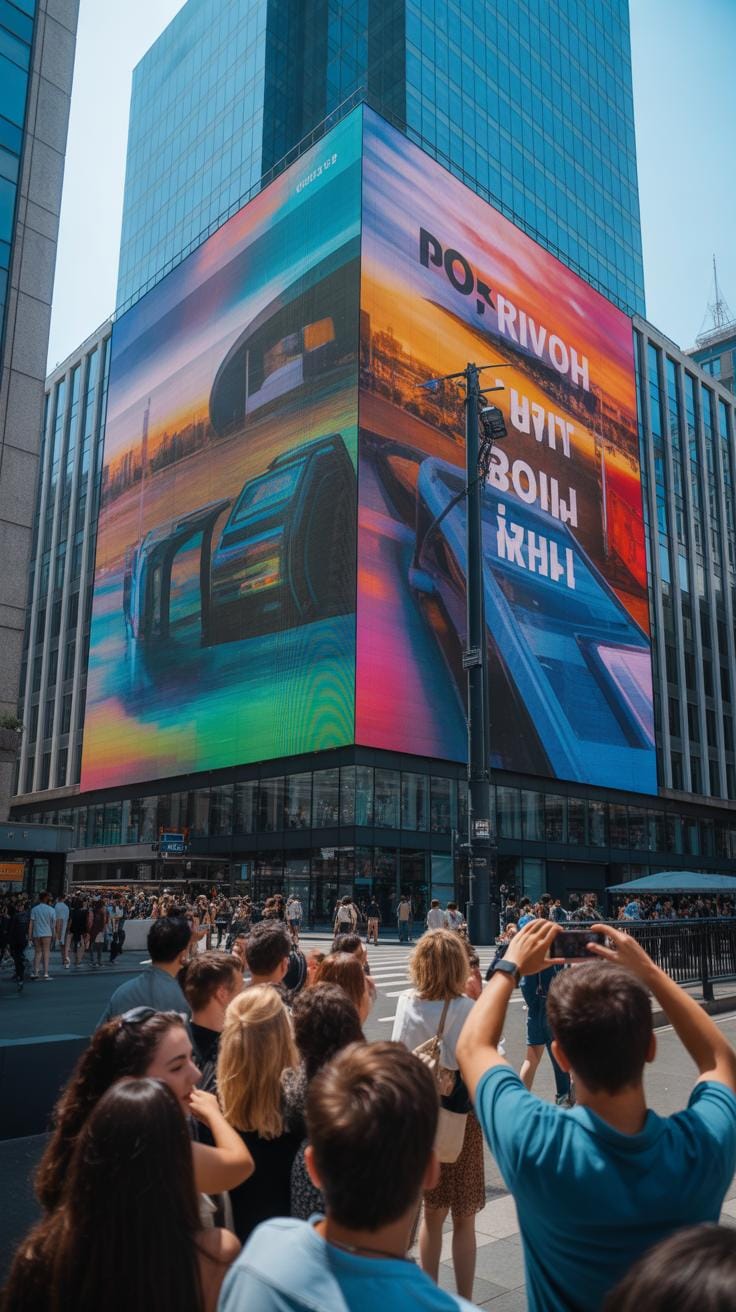
Motion design videos bring several clear benefits to advertising that often go beyond static images or text. For one thing, movement tends to grab attention faster. When something shifts, spins, or changes shape, our eyes naturally follow. That attention capture is crucial in a noisy media environment.
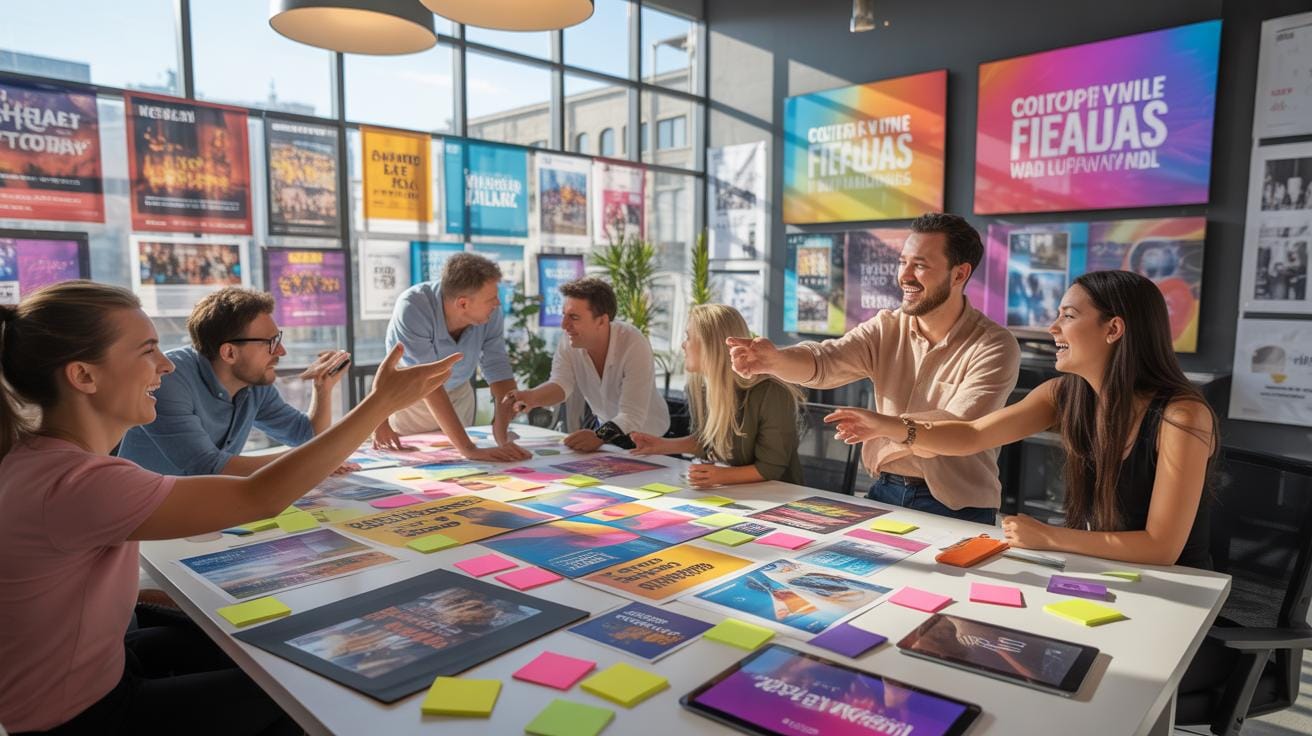
Plus, motion adds clarity by showing transformations or processes over time. Instead of just describing an idea, the video can illustrate it. This often makes the message easier to understand, which is what every ad aims for.
There’s also the question of brand recall. Animated sequences or distinctive kinetic typography can stick in your memory longer than a plain logo. It’s a kind of visual hook that helps anchor the brand.
And let’s not forget emotional connection. Motion combined with sound or color changes triggers feelings. Often, those feelings motivate actions—like clicking a link or buying a product.
How Motion Design Enhances Ad Appeal
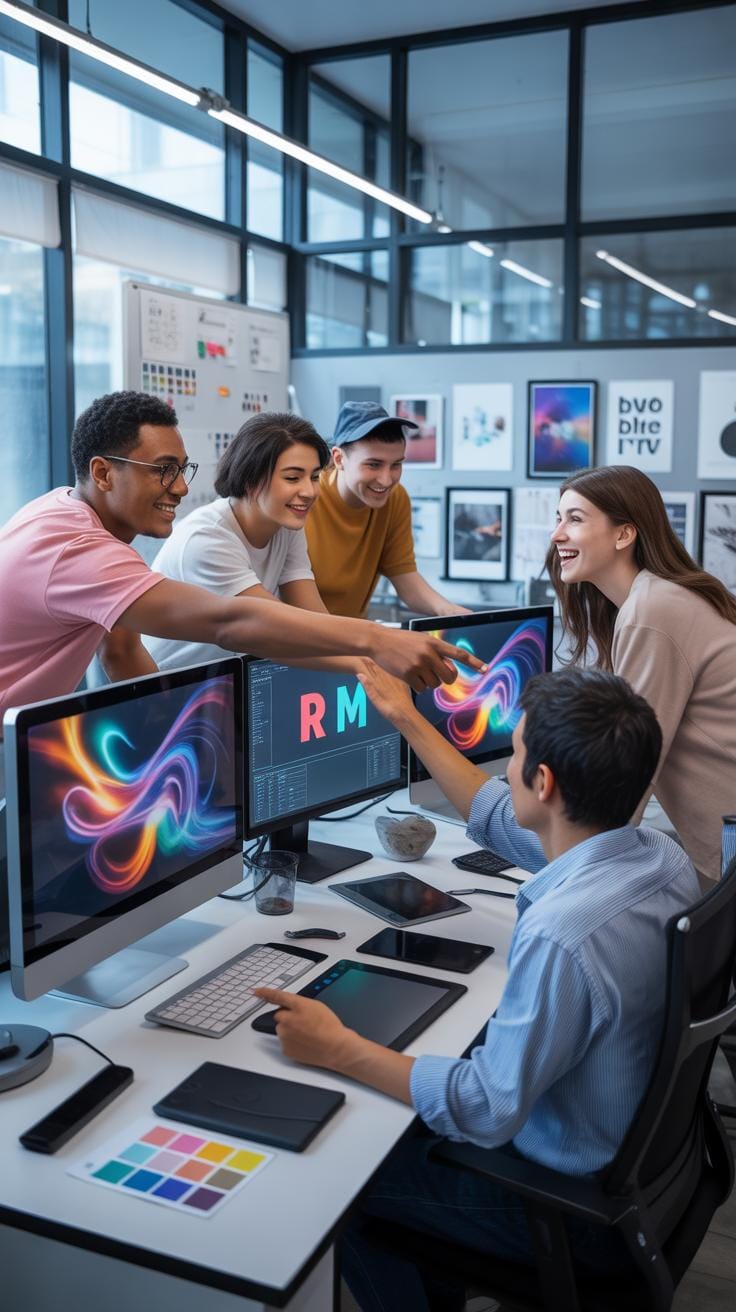
Motion design videos make ads more appealing through visual movement and dynamic changes. Techniques like kinetic typography animate text, giving it a life that grabs your focus. The words don’t just sit there; they bounce, fade, and shift meaning as you watch.
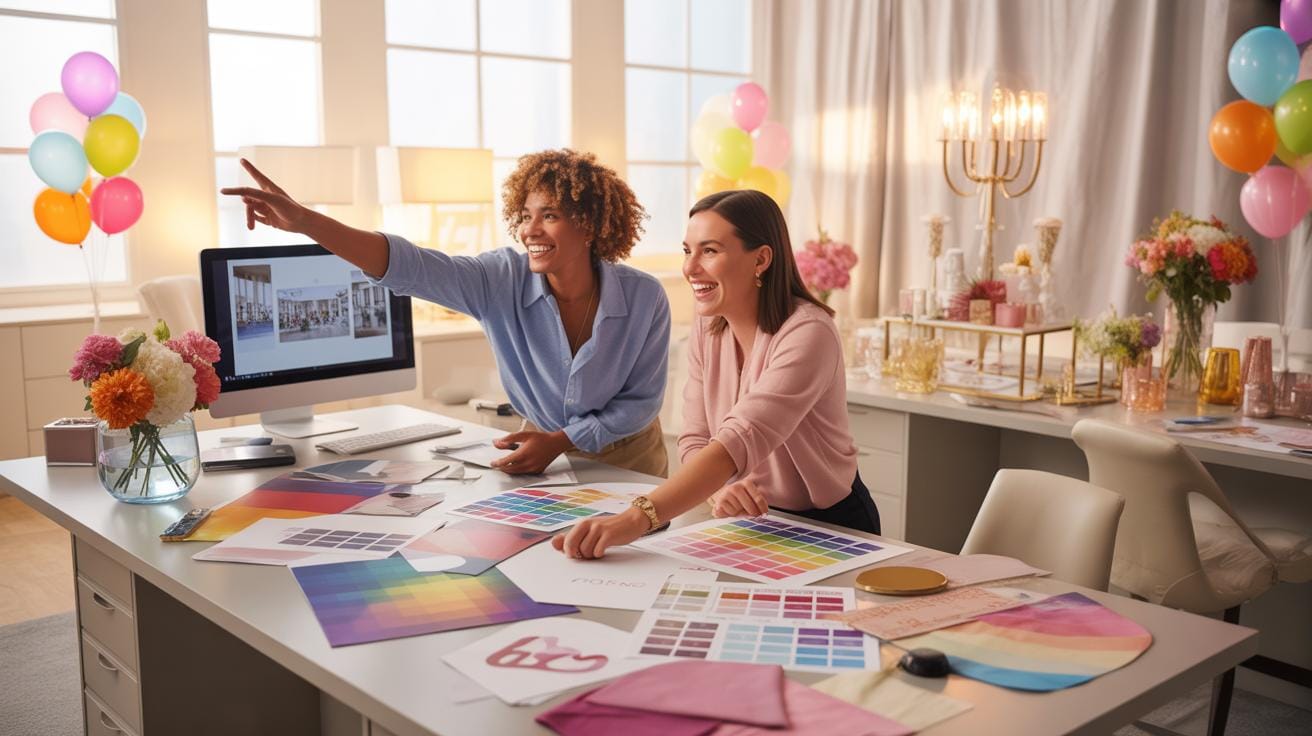
Animated graphics do something similar by giving flat images depth and vitality. Icons or logos can morph, spin, or glow, making the whole ad more interactive and less static. This kind of visual playfulness helps hold the viewer’s interest longer.
You might notice some ads even combine live footage with motion graphics overlays. It blurs boundaries, making the overall visual experience richer and more immersive. It’s that mix of realism and abstraction that pulls at your curiosity.
Tools Used For Motion Design Videos
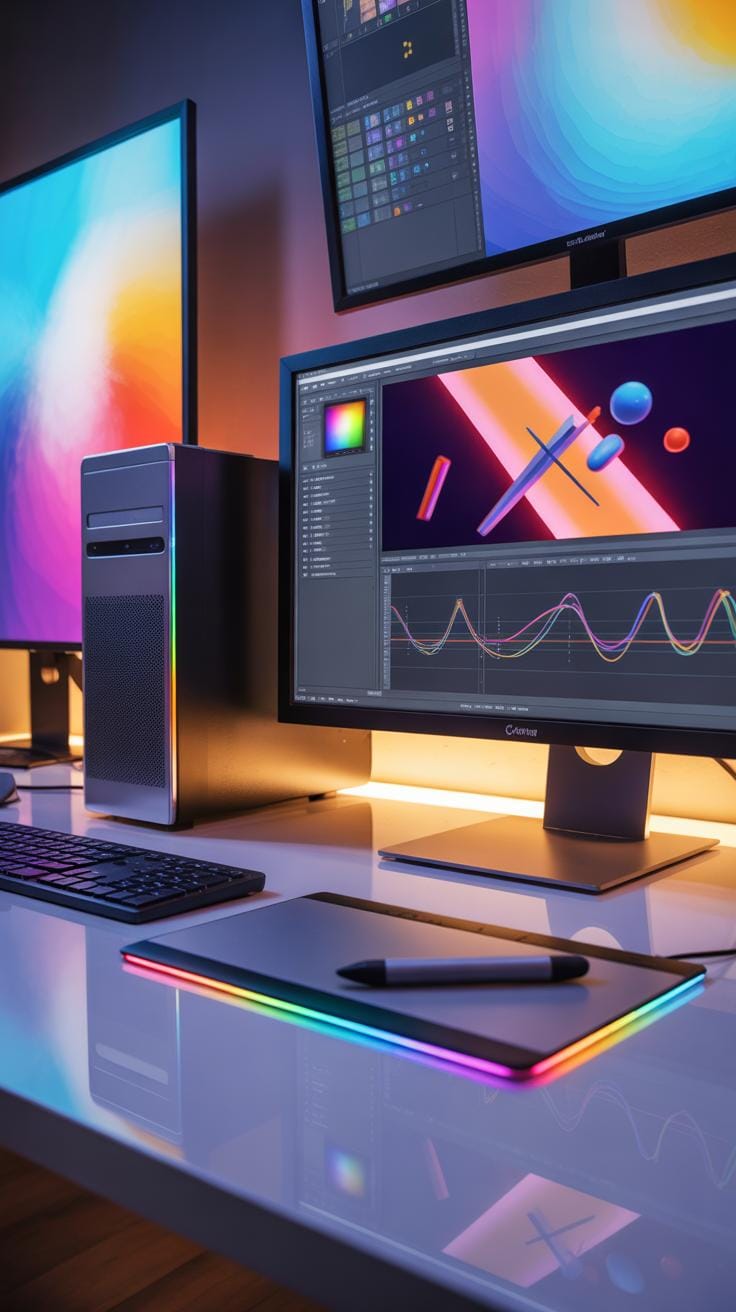
Several powerful tools are popular among motion designers crafting ads. Adobe After Effects is perhaps the most recognized. It allows you to animate graphics over time, combine effects, and integrate footage. I’ve seen pros extend its capabilities with plugins and scripts to do complex tasks faster.
Cinema 4D specializes in 3D motion graphics. It’s used when ads call for intricate 3D models or animations. What’s interesting is that Cinema 4D Lite integrates with After Effects, so motion designers often use them together.
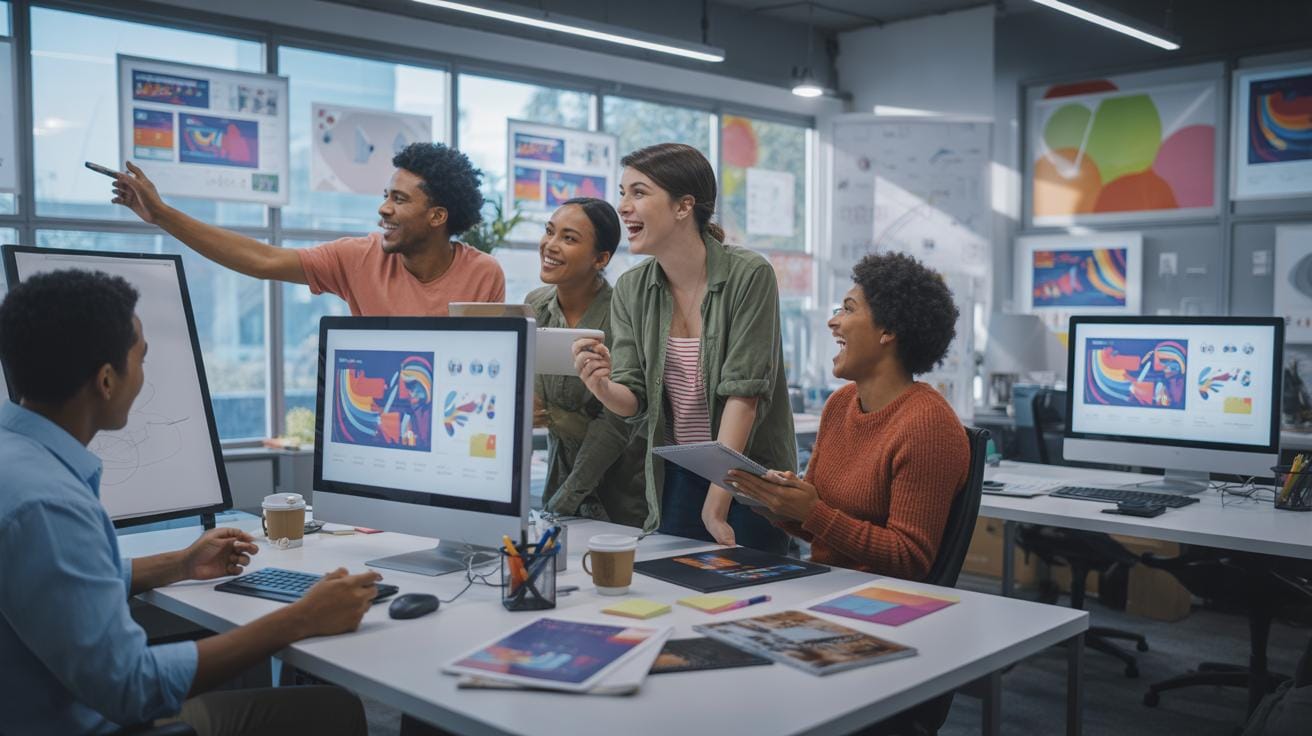
Other tools include Adobe Animate for 2D animations where frame-by-frame control is needed, and Photoshop or Illustrator to create the graphic elements before animating. Each tool serves a slightly different role but works together in a typical workflow.
Choosing the right tools often depends on the style and complexity of your project, plus your own comfort level with the software. There’s no one-size-fits-all answer, but knowing these basics helps you decide what might fit your needs best.
Effectiveness Of Motion Design In Events
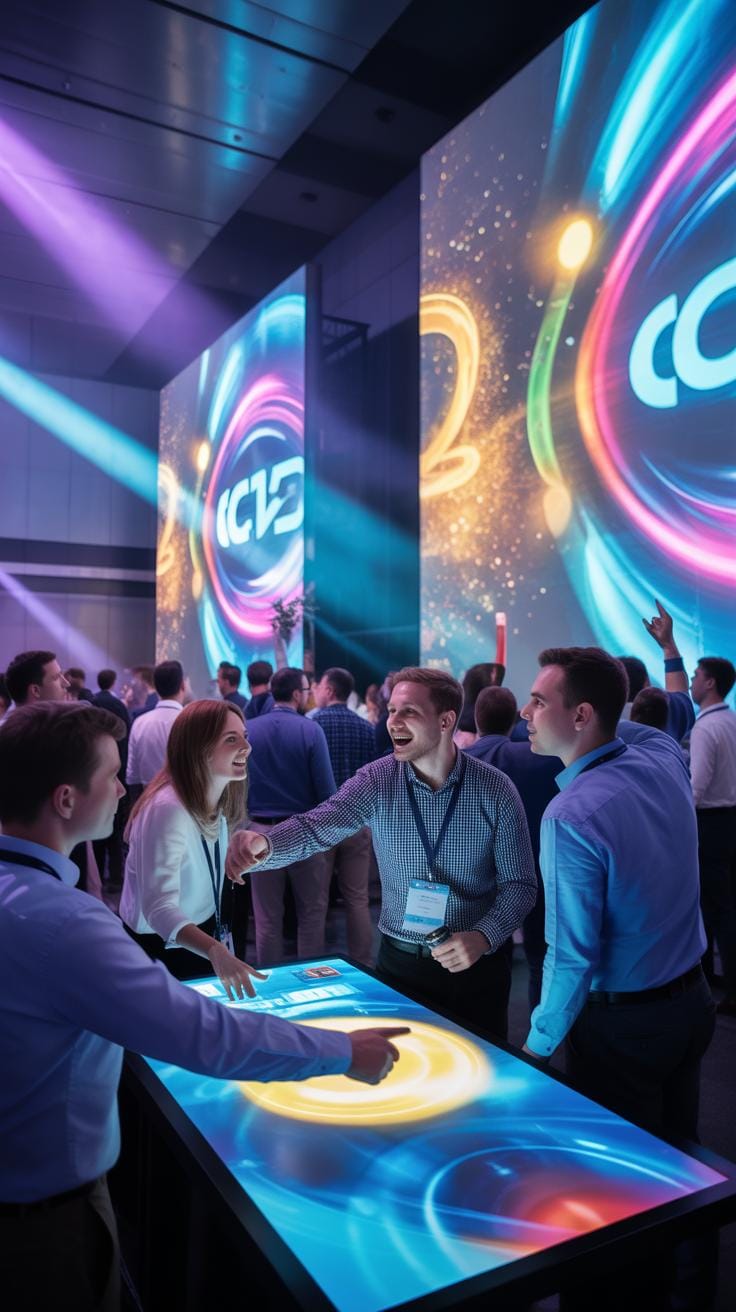
Motion design videos tend to draw attention much better than static images, especially when promoting events. They catch the eye by combining movement, color, and sound in a way that’s hard to ignore. I think what makes them so effective is how they can communicate several layers of information quickly—dates, locations, highlights—all wrapped in a narrative or mood that sticks with you.
For audiences, these videos don’t just inform; they create a memorable experience. The movement helps embed the details deeper in your mind, increasing the chance you remember important event info later. Engagement also jumps since viewers are more likely to watch and share content that moves and tells a story, instead of just reading text or looking at a picture.
Still, it’s not just flashy visuals. The way motion design guides your attention can subtly influence your feelings about the event—building excitement or curiosity without needing heavy explanations. That’s why event organizers lean on motion design videos increasingly for both promotion and enhancing the actual event atmosphere.
Using Motion Design To Boost Event Branding
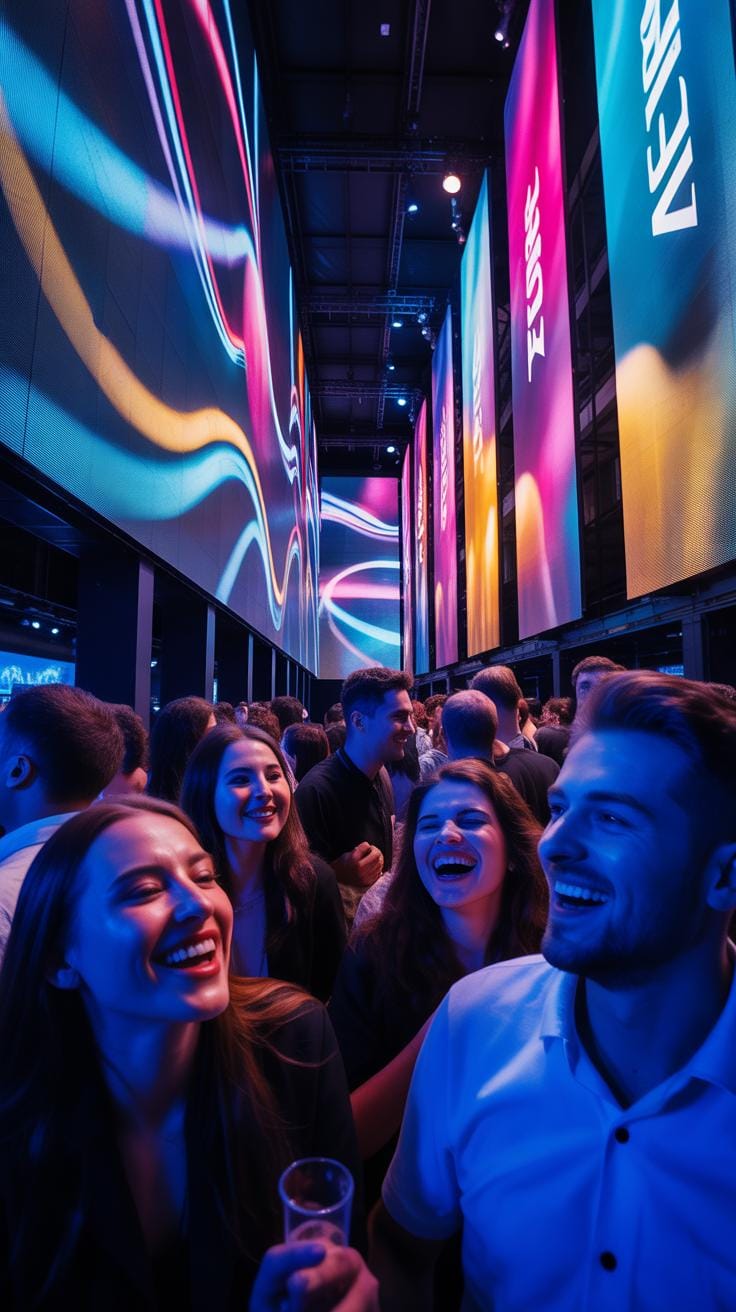
Motion design acts like a visual handshake, offering a peek at an event’s personality before you even arrive. Animated logos, for example, can introduce a brand with energy or elegance, setting the tone right away. Think of a tech conference logo that pulses like a heartbeat versus a film festival logo swirling with dramatic light—each gives a different vibe.
Event themes can come alive through carefully crafted visuals that evolve and move, such as flowing patterns for a nature-themed event or geometric shapes for a futuristic one. This kind of animation works better than static designs to build an immersive atmosphere and helps audiences feel connected to the event identity.
You might notice how some events use motion design continuously—from ads to screens at the venue—to create a consistent, branded environment. It hints at the kind of experience to expect and often makes the brand feel more modern, approachable, or trustworthy depending on the style chosen.
Examples Of Event Ads Using Motion Design
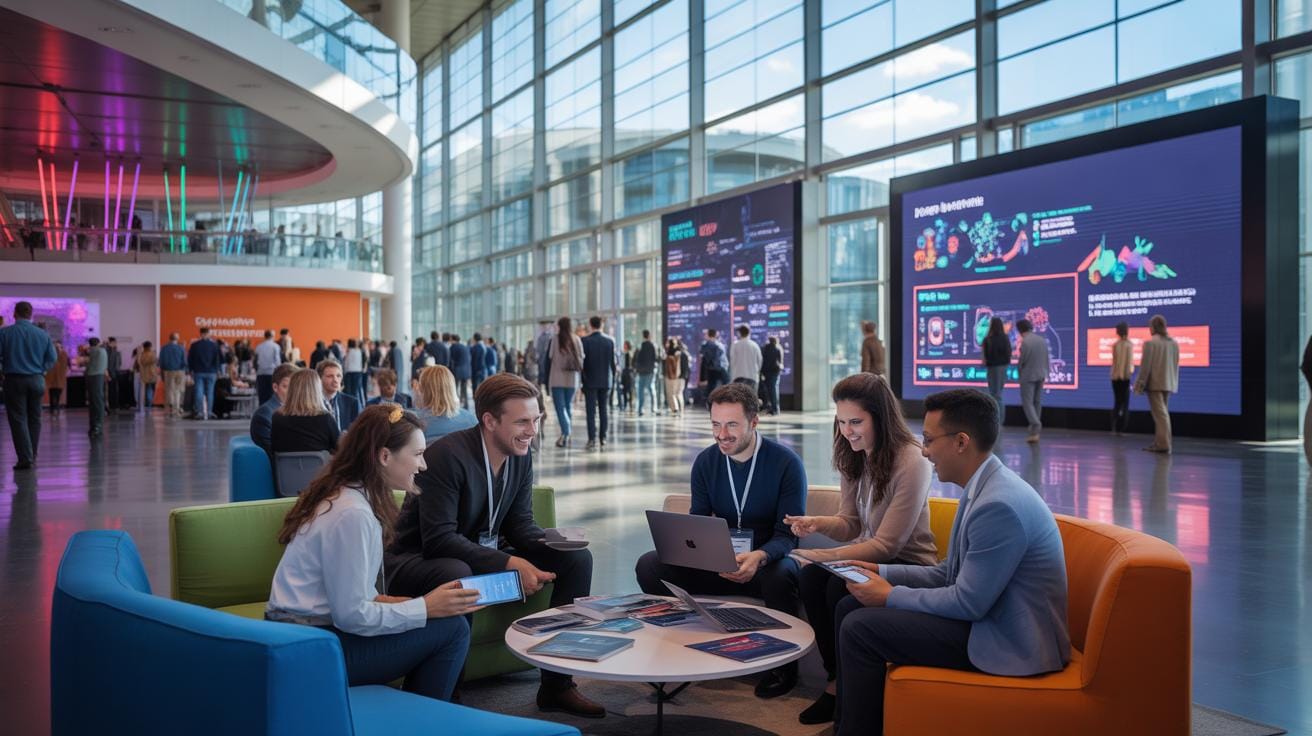
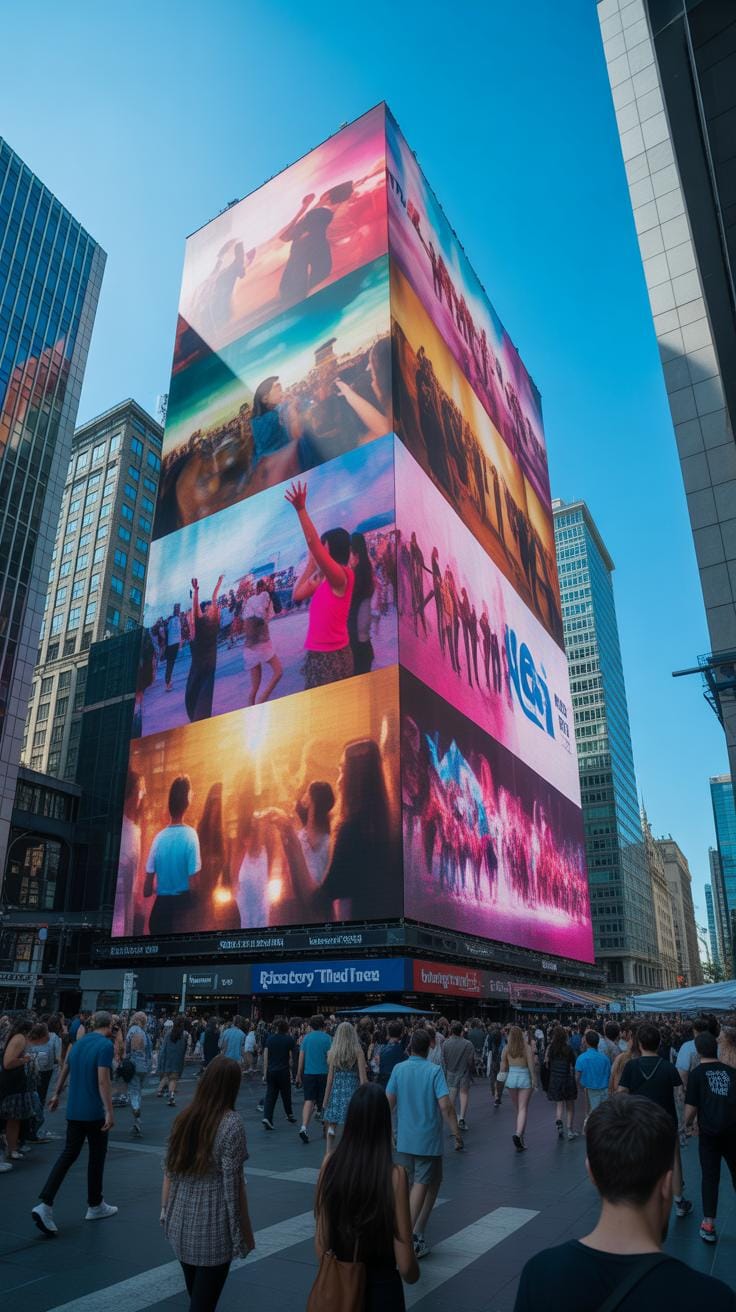
Some event ads stand out because motion design helps tell a story quickly and with emotion. For example, the TEDx series often uses sleek animated visuals that reflect the theme of each talk series, mingling text and images to spark curiosity. The mingling of ideas and pace keeps viewers hooked.
Another case is music festivals that deploy animated line art and vibrant colors that sync with the music’s style. These ads often feel lively and youthful, inviting broader audiences to join an experience rather than just attend a concert.
What makes these ads memorable isn’t just the animation itself but how motion design shapes the message—making it concise yet emotionally attracting, easy to digest yet rich in visual cues. This balance is tricky but crucial: engage the viewer, then leave them wanting more.
Comparing Motion Design And Static Ads
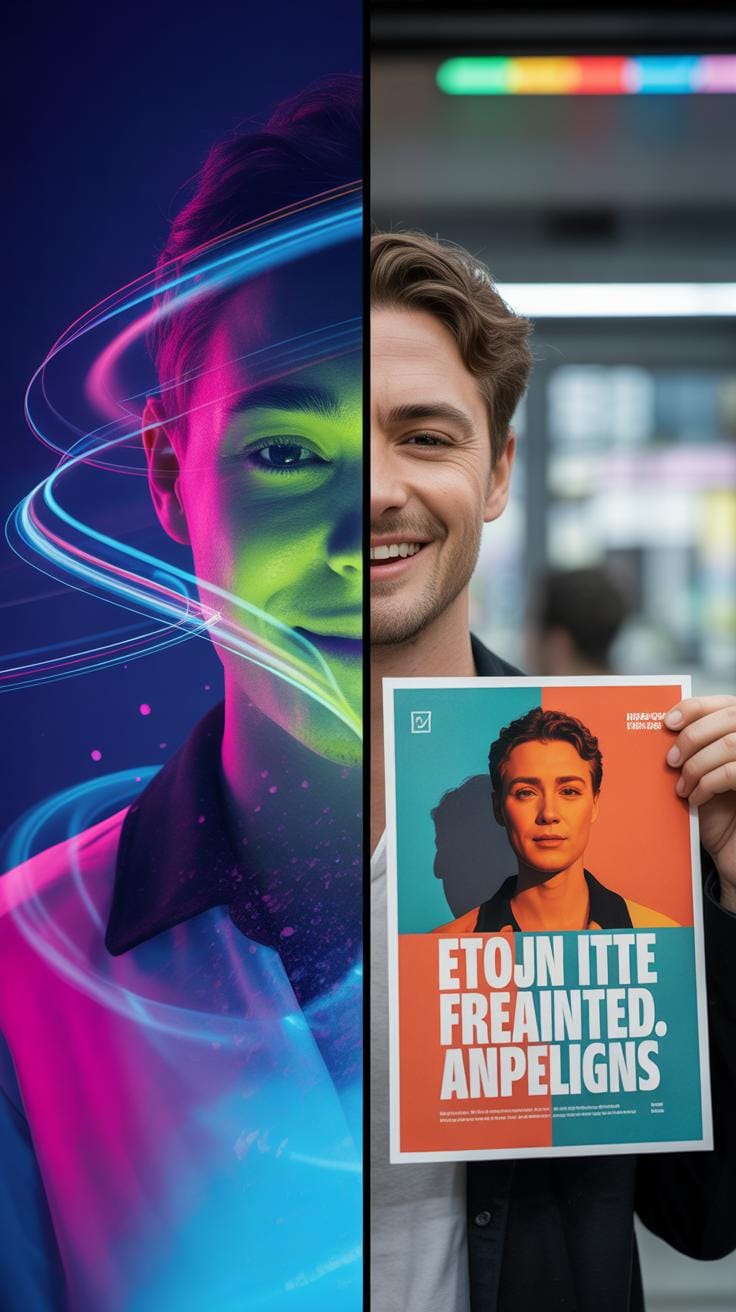
Viewer Engagement Levels Motion Vs Static

When it comes to grabbing and holding attention, motion design and static ads do not perform the same way. Motion graphics catch the eye more easily because movement naturally draws human focus. This isn’t just an assumption; research shows that video content can increase viewer engagement by up to 80% compared to static images. Audiences tend to spend more time looking at and interacting with ads that have motion. It feels almost instinctive to watch something that moves rather than just glance at a still image.
There are nuances though: the quality of motion design matters a lot. Poorly executed motion can be distracting or annoying, causing viewers to skip quickly. On the other hand, well-crafted animations enhance comprehension and curiosity. Maybe you’ve noticed yourself stopping to view a social media post just because it was animated—these subtle motions are compelling enough to pause scrolling momentarily.
Conversion Rate Differences Explained
Motion design ads often lead to better conversion rates than static ones. The reason seems to be the added layer of storytelling and emotion that movement can provide. Moving graphics can highlight product features more clearly, demonstrate use cases, or guide viewers through a process, making the message easier to grasp and remember.
For example, event ads using motion design reportedly increase attendance rates because viewers get a clearer sense of what to expect. It’s as if the video creates a miniature experience, whetting the appetite more effectively. This influence on decision-making might feel subtle but can be powerful. The eye follows motion, the brain processes it faster, and the action—the click, the signup, the purchase—often follows.
In contrast, static ads can feel a bit harder to connect with on a deeper level. Without movement, potential customers might miss the full impact or emotional pull. Of course, this relies on context—a static ad in the right setting can still be effective—but generally, motion enhances the likelihood that people will do something.
Step By Step Setup Checklist
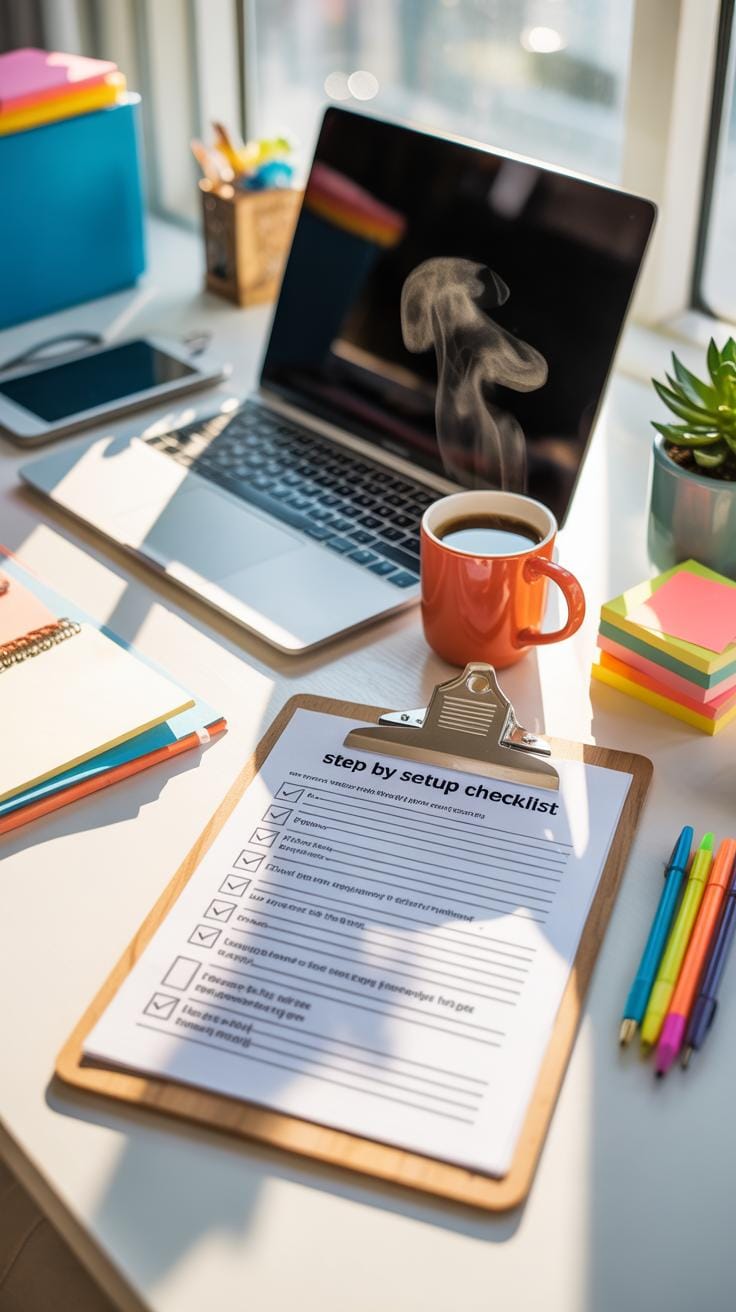
Starting with a motion design video for ads needs careful preparation. You begin with idea development—jotting down what message or feeling you want the ad to deliver. At this stage, sketch out rough concepts or themes. Then, move on to design creation: crafting the visual elements, like characters or backgrounds. This step gives shape to your ideas, though you might rethink some designs along the way. Animation follows, where those visuals come alive with motion. Don’t rush this part; pacing and timing affect how viewers perceive the ad. Once animated, review the video thoroughly. Check for inconsistencies or elements that might distract the audience. Finally, plan the launch—deciding on platforms, timing, and formats to reach your target effectively.
Each phase has its quirks and challenges. Missing a detail early on might cascade into bigger problems later. Sometimes, a design might look great static but awkward once animated. Or a storyboard might fool you until the actual motion reveals pacing issues. Brushing through steps might save time initially, but usually leads to revisions that take longer. It’s a process that rewards patience and flexibility more than speed.
Preproduction to Animation Steps
Your motion design journey starts with scriptwriting. This step shapes the story and defines the voice. It’s easy to overlook how much a clear script guides design and animation decisions later on. Then, you create storyboards—a visual map of the video’s sequence. These aren’t perfect drawings, but they outline key scenes and transitions. Storyboards help spot gaps in storytelling or potential problems early.
Next comes graphic design. This is where your concept gains visual personality. Colors, shapes, and style choices happen here. They set the mood and tone, influencing how viewers feel about the ad. Animation then brings those static graphics to life. This phase is more than moving images; it’s about timing, expressions, and flow. Each motion decision affects the readability and impact of your message.
Review and Publish Preparation
Before anything goes live, reviewing the motion design video is crucial. Watch it yourself and gather feedback from colleagues or test audiences. Look out for awkward movements, unclear visuals, or audio issues. It’s surprising how minor oversights stand out when viewed on different devices or platforms. Testing across phones, desktops, or TVs can reveal problems invisible on your main workstation.
Once satisfied, prepare to publish. Export files in the appropriate formats and resolutions for your chosen platforms. Think about compression balance to maintain quality without bloating file size. Schedule the ad for airing or uploading at optimal times for your audience. Sometimes, last-minute tweaks might still sneak in based on final test results or feedback. This phase feels like crossing the finish line but isn’t quite the end—post-launch monitoring decides if you hit the mark.
Cost Breakdown For Motion Design Ads
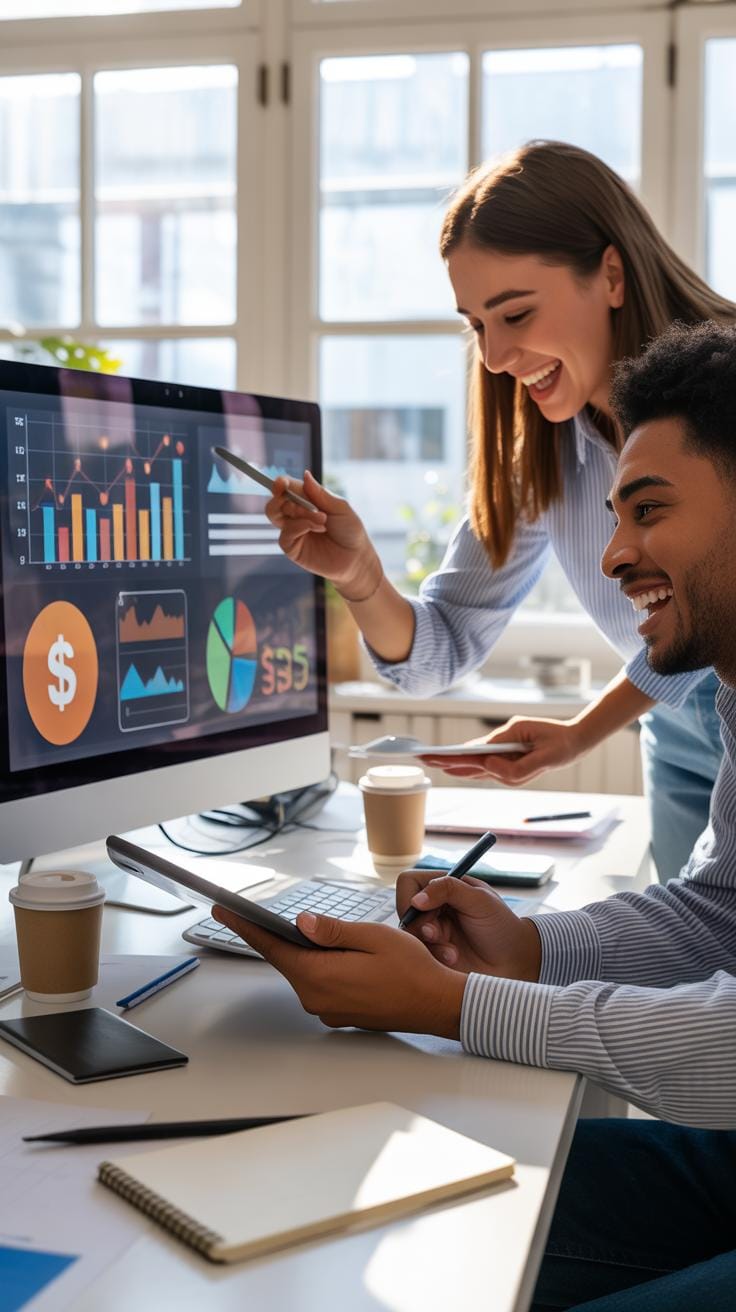
When you think about the costs of motion design ads, the main components usually break down into software licenses, labor hours, and distribution fees. Each element demands its own slice of the budget, and balancing them isn’t always straightforward.
Budgeting For Software And Tools
Software costs can catch you off guard. Popular motion design programs like Adobe After Effects or Cinema 4D require subscriptions or licenses that can add up, especially if you need multiple tools for a project. Sometimes, using outdated or free software feels tempting to cut costs, but it might limit what you can deliver. Don’t forget plugins and stock assets, which often come as separate expenses. It’s not just the initial purchase but also ongoing updates that sneak into your budget over time.
Estimating Labor And Production Costs
Designer and animator hours are usually the largest chunk of your expenses. Skill level, experience, and project complexity heavily influence hourly rates. Deciding whether to hire freelancers or in-house professionals can change the scale of costs as well. Don’t underestimate the time spent on revisions, client communication, and project management—those can quietly expand labor hours. Plus, production resources like hardware or external services for sound and voiceovers also need your attention. It’s tricky to predict every hiccup, so having a buffer helps.
Common Pitfalls In Motion Design Ads
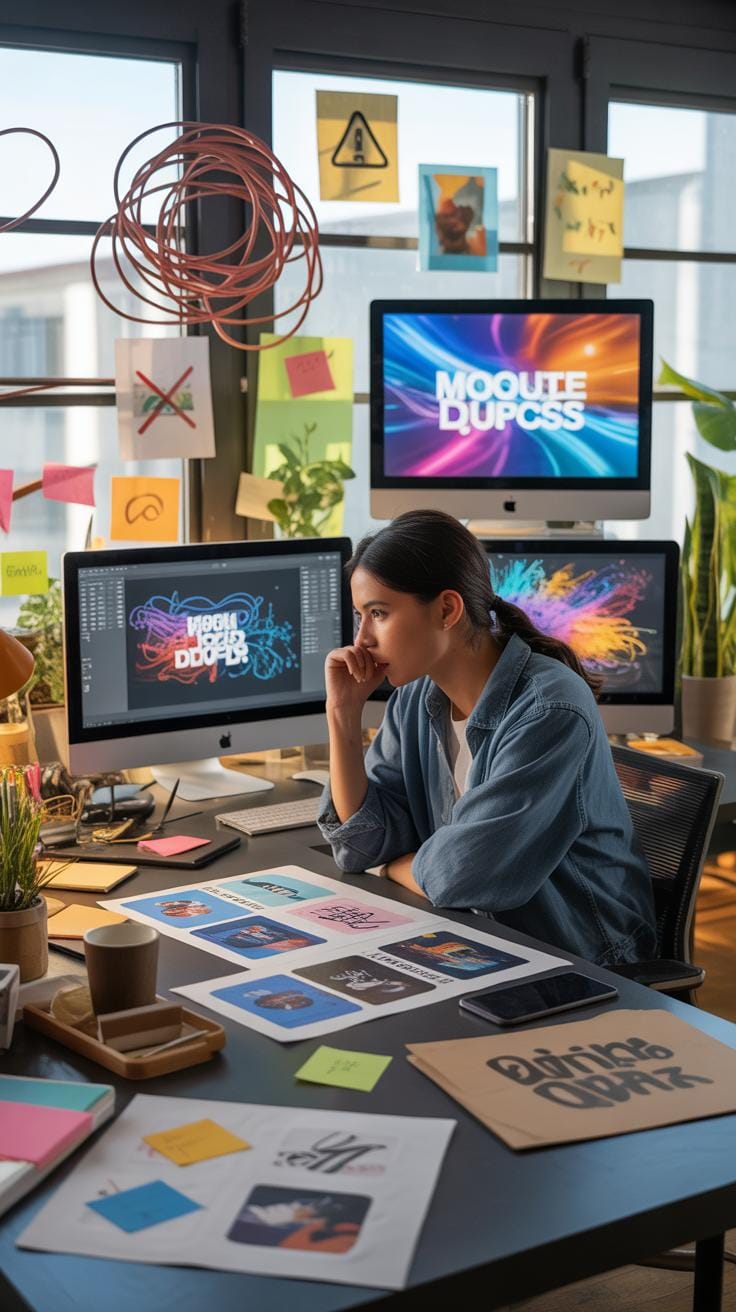
When it comes to motion design in advertising, it’s easy to fall into a few traps that can weaken your message instead of strengthening it. One frequent mistake is trying to cram too much information or visual movement into a single ad. Yes, it might feel tempting to show off the creative possibilities, but this often overwhelms viewers. They end up confused, not retaining your core message. I’ve seen ads where every element is moving, popping, or flashing at once. It’s distracting, not engaging.
Another area where people slip up is neglecting clarity in messaging. In motion design, the pace and flow matter a lot. If your content is scattered or trying to do too many things, the viewer might miss what you actually want them to remember. Think of it as telling a story — if you jump around, people lose interest and focus.
Technical errors also come up, like poor timing between transitions or awkward animations that break the visual harmony. These details may seem minor but they can make an ad feel unprofessional and cheap. Errors in framing or color contrast can make key text unreadable. You want your visuals to support the message, not hide it.
Here are some ways to avoid these problems:
- Limit the number of animated elements on the screen at once; let key points breathe.
- Keep messaging short and centered around one main idea.
- Test your ad on different devices to catch any technical glitches or readability issues.
- Get feedback from fresh eyes to see if your message hits home clearly.
It’s a balancing act—too simple can seem dull, too complex becomes noise. But with careful attention, you can make motion design work well for your ads.
Measuring Motion Design Success Metrics
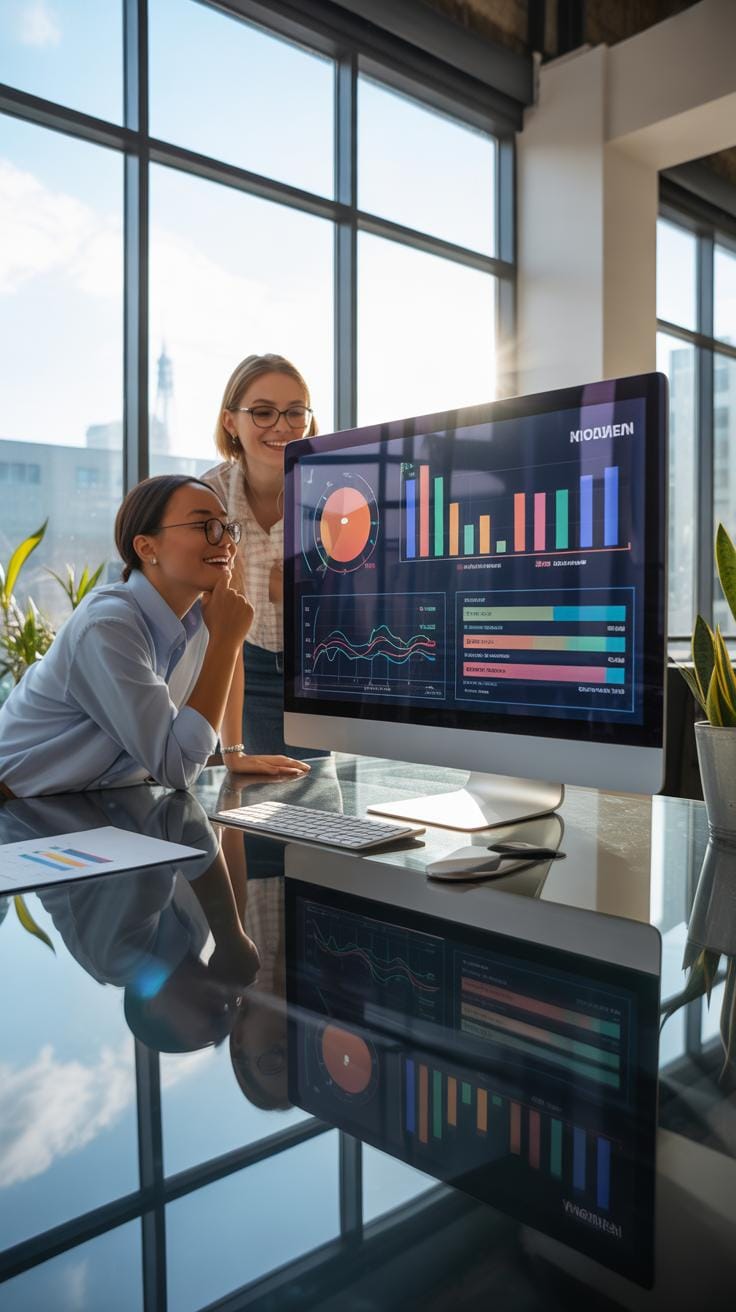
Tracking the success of motion design videos in ads is more than just counting views. Sure, views matter—getting a large audience is what every advertiser wants. But the numbers alone don’t tell the full story. You need to look deeper into engagement rates, like how many people actually interact with the ad or click through to learn more. Conversion statistics—whether that’s sales, sign-ups, or event RSVP’s—are crucial to see if the creative work makes a real difference beyond just catching eyes.
Quantifying Viewer Engagement
It’s not always obvious how long people stick with a motion design ad. But many platforms now offer tools to measure exactly that—how long viewers watch and if they pause, rewind, or skip. These behaviors can reveal if the motion design holds attention or loses it halfway through. Interactions like clicking “learn more” or sharing the ad are extra clues that something about the design connects enough to make people act, not just look.
Analyzing Sales And Event Attendance
Linking motion design ads directly to sales or event turnout can be tricky but worth the effort. Consider tracking promo codes or specific event links tied to the ad campaign. You might notice spikes in sales or registrations that coincide with the ad release timing. That’s a hint the motion design grabbed interest and nudged action. Or sometimes, it’s less direct—brand awareness built by visuals and movement can linger, subtly increasing participation over time without immediate numbers showing it upfront.
Motion Design Video Trends 2024
Motion design videos are shifting quite a bit this year, especially in advertising and event marketing. You might notice a stronger pull towards minimalism, but not the kind that bores. Instead, it’s about clarity and clean shapes that speak quickly to viewers. Brands seem to prefer short bursts of animation that grab attention fast — maybe because patience online isn’t endless.
Color palettes are leaning into muted earth tones mixed with unexpected neon pops, which creates a contrast that’s intriguing without overwhelming. This combination feels both fresh and a bit nostalgic, which probably appeals to a broad audience. Additionally, layered typography animations have gained popularity, often playing with letter spacing and rotation for subtle impact.
Now, on the tech side, 3D elements are more accessible than ever, partly thanks to new features in software like Blender and Adobe After Effects. Users can blend 2D and 3D in a way that feels natural rather than forced. There’s also a rise in using AI-assisted tools to speed up repetitive tasks, which frees up designers to experiment more — though, sometimes, AI results can look a bit too uniform, don’t you think?
Motion designers are experimenting with frame rate changes to create a kind of visual surprise — slower or choppier frames popping up suddenly. It’s not for everyone, but it does make you stop and look. It might also be driven by a desire to break away from the polished perfection we see so often online. What’s your take on that? Does imperfect animation feel more human to you?
How To Tailor Motion Design For Your Event
When customizing motion design videos for your event, it really pays off to start with the core goals and audience. What do you want people to feel or remember? The message should guide every choice you make in the design process.
Matching the visuals to the event atmosphere means thinking seriously about colors, motion styles, and pacing. For instance, a high-energy sports event will demand bold, fast movements and bright colors, while a corporate conference might lean towards calm, sleek transitions with professional tones. Still, there’s no one-size-fits-all; sometimes mixing moodier shades with sudden bursts of energy can create a memorable contrast that sticks in people’s minds.
Here are some points to keep in mind:
- Use colors that reflect the event’s mood — calming blues for a wellness retreat or fiery reds for a product launch.
- Adapt motion speed and style to the audience’s expectations — slower, graceful motion for a gala, quicker, punchy animations for youth-oriented festivals.
- Select fonts and graphic styles that fit the theme and don’t distract from your message.
It’s also key to think about your target audience’s preferences and cultural nuances. What resonates for one group might fall flat for another. Sometimes, simple design shifts — a different animation style or a change in rhythm — can make all the difference in how the message is received and remembered.
Do you want your viewers to feel inspired? Or maybe informed and reassured? Deciding this early helps you shape your motion design to truly speak their language. Tailoring each element purposefully means your video not only looks good but connects at a deeper level—a small but powerful step to better results.
Case Study Successful Motion Design Ad
There was this motion design ad created for a mid-sized tech conference that truly caught my attention. The team behind it wanted to portray the event’s theme—innovation meeting community—in a way that wasn’t just flashy but also meaningful. They mixed 2D and 3D animation tools, mainly Adobe After Effects and Cinema 4D, to craft smooth transitions between scenes that slowly revealed event highlights.
Instead of overloading viewers with info, the motion design unfolded like a story. Vibrant kinetic typography paired with abstract shapes kept the audience engaged without overwhelming them. Plus, they timed the video for social media platforms, optimizing length and format for maximum reach.
Planning And Execution Highlights
The concept was clear: visually express the energy and connection at the event. They began with rough sketches and storyboards, refining each frame so that the graphics interacted naturally with text and music. Tools like Illustrator and Photoshop preceded the animated sequences.
Process-wise, regular team check-ins tweaked pace and visuals to avoid either dullness or distraction. Rendering each sequence with attention to detail was critical; the subtle easing in animations made a big difference.
Impact On Sales And Engagement
It turns out the results were quite revealing. The video boosted event registration 30% compared to previous years. Social media shares and views quadrupled, confirming the strategy was resonating. Notably, real-time engagement during the video premiere spiked participation inquiries, which was a surprise insight.
It’s curious—sometimes a motion design video does more than advertise. It creates anticipation and connects people to the event before they even attend. That’s perhaps the most interesting benefit I’ve noticed here.
Conclusions
Motion design videos give ads a visual edge by making content lively and engaging. They simplify ideas, trigger emotions, and retain attention better than static visuals. Using the right tools and techniques can elevate your ad’s performance and reach.
For events, motion design serves as a powerful storytelling device. It builds anticipation, conveys key information quickly, and remains memorable for audiences. Embracing motion design in advertising strategies leads to more creative and effective campaign outcomes.