Introduction
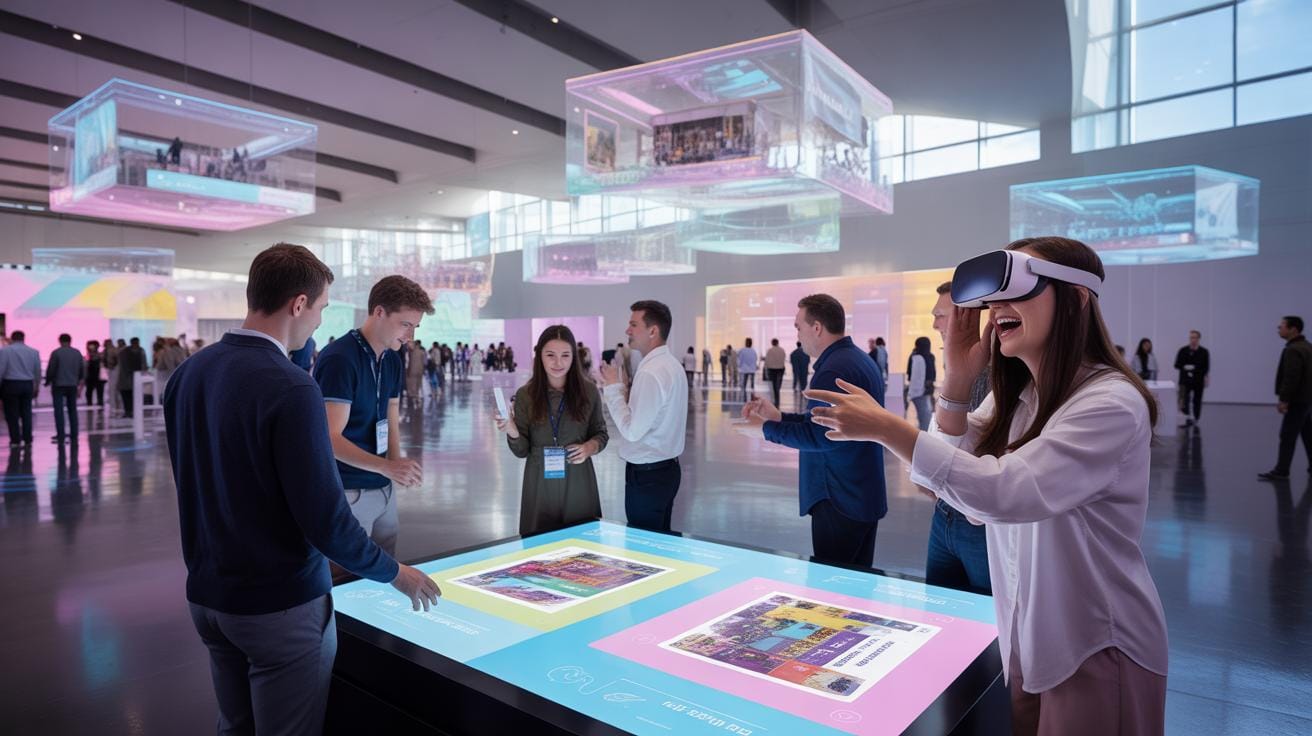
Immersive experience with interactive exhibitions is changing event planning. This approach surrounds attendees with engaging visuals, sounds, and sometimes even scents to create memorable events. By using technology and design, event planners can craft spaces that fully engage visitors, making events more interesting and impactful.
This article covers how immersive experiences work, why they improve events, setup steps for interactive exhibitions, and real-life examples. Understanding these points will help you plan events that capture attention and keep guests involved from start to finish.
What Is Immersive Experience
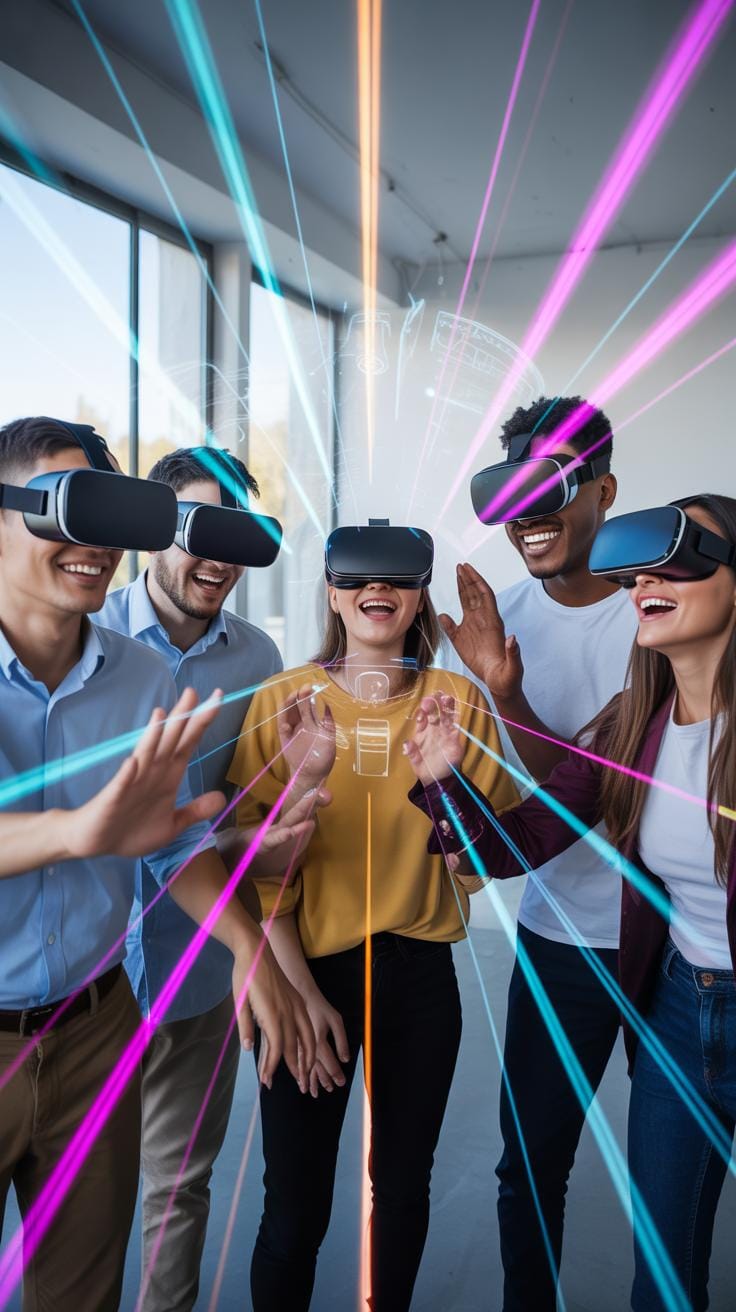
In event planning, an immersive experience means creating a space where attendees don’t just watch but feel part of the event. It grabs your attention fully, often through technology like large-scale projections that cover walls and floors, or interactive elements where you can influence what happens around you.
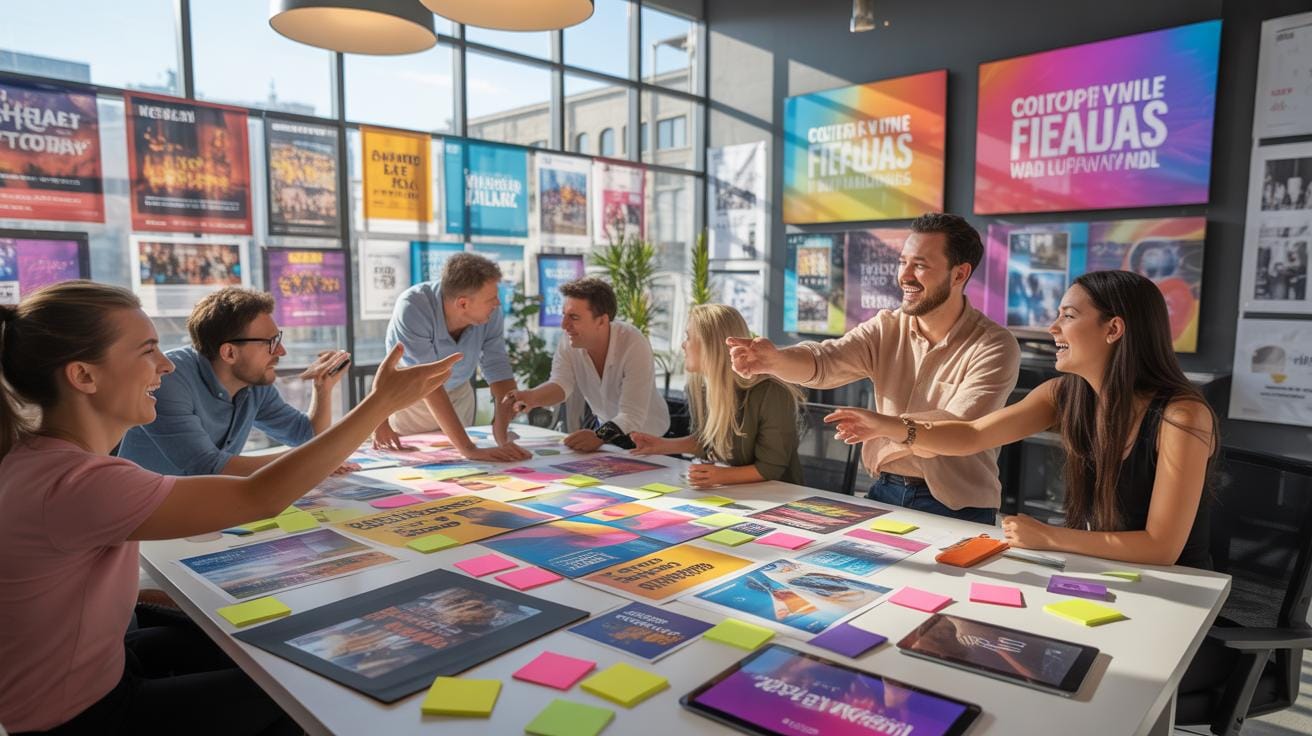
Common immersive exhibitions can be:
- Digital: Think huge moving images projected on surfaces, changing the environment around you.
- Virtual Reality: Wearing headsets that transport you to entirely new worlds you can explore.
- Sensory: Adding smells, sounds, or tactile elements to deepen the feeling of being somewhere else.
Imagine walking into a room where Van Gogh’s paintings swirl around you, with gentle music and even the scent of cypress in the air. Or putting on a VR headset to wander through a space no physical room could hold. That’s immersive experience, pulling you in so you stop being a spectator and start feeling like a participant.
Technology Behind Immersive Exhibitions
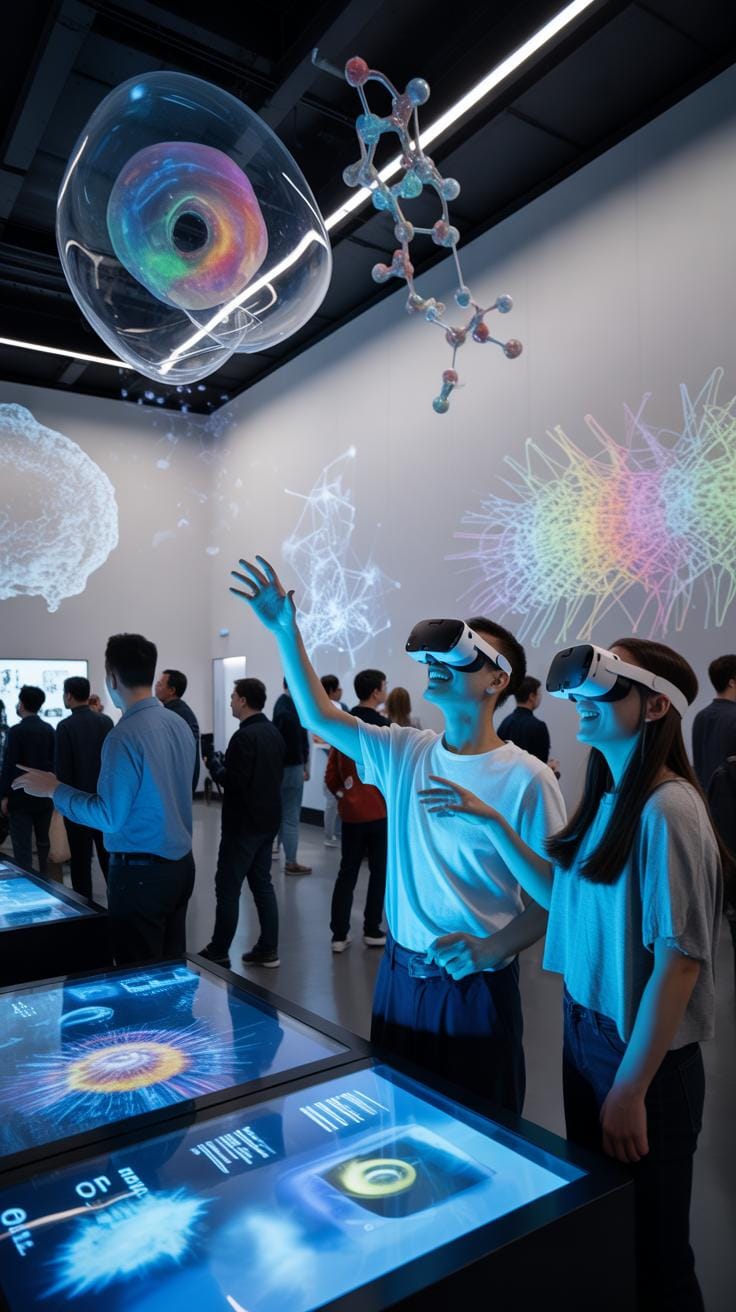
Several technologies shape these immersive spaces. Projection mapping is one: it turns irregular surfaces, such as walls or objects, into living canvases by fitting video perfectly to their shape. It’s like the surfaces come alive with moving images.
Virtual reality headsets create simulated environments, offering 360-degree views and interactions. You can look and move around a virtual world, making the experience pretty personal and intense.

Sound design adds the audio layer — background noises, music, or even specific sound effects timed with the visuals. The sound makes the space believable and helps guide emotions.
Then there’s sensory prompts, like scents carefully introduced to evoke feelings or memories. For example, spreading the smell of pine in a winter-themed exhibit can add depth to what you see and hear.
Each of these pieces works together to shape how engaged and “present” you feel. It’s a blend of sight, sound, and sometimes even smell, building a multi-layered environment that captures attention.
Differences Between Virtual And Physical Setups
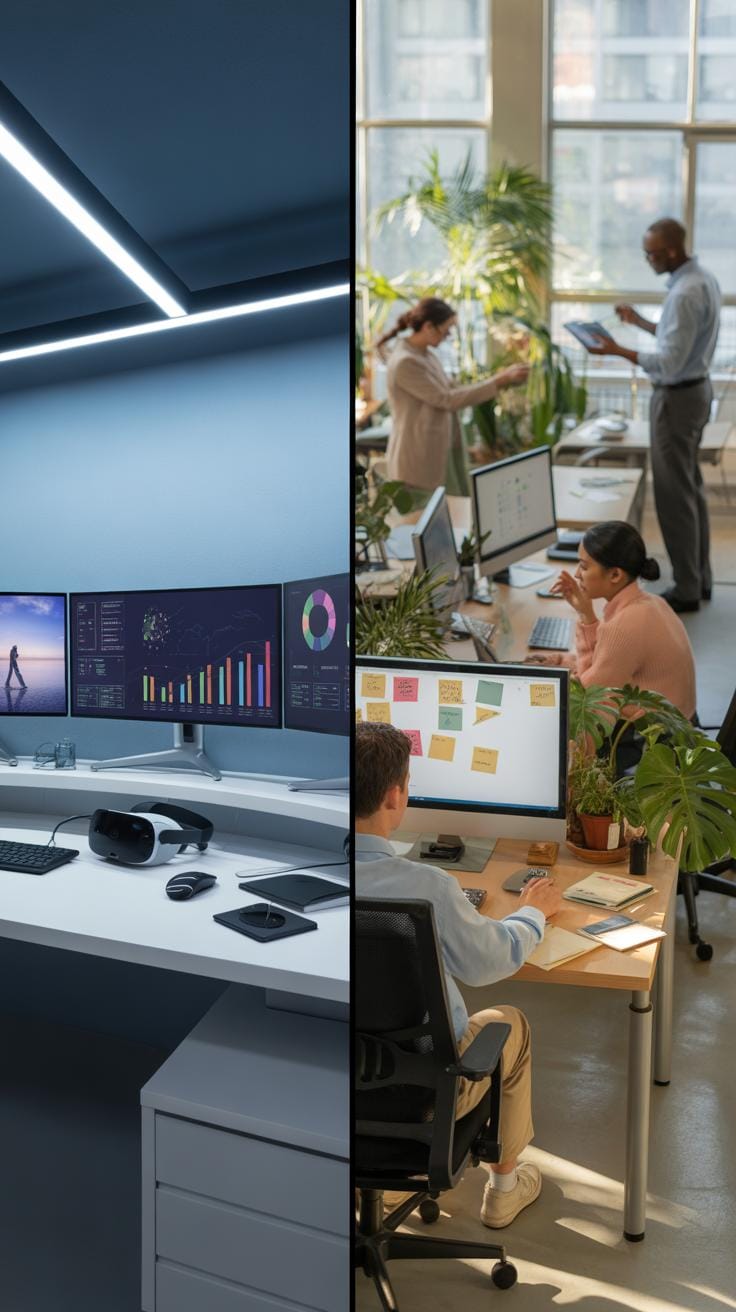
Virtual immersive experiences run entirely through digital platforms, mostly using VR headsets or multi-screen setups. They’re flexible—you can join from anywhere, but sometimes interactions feel less natural because there’s no physical presence.
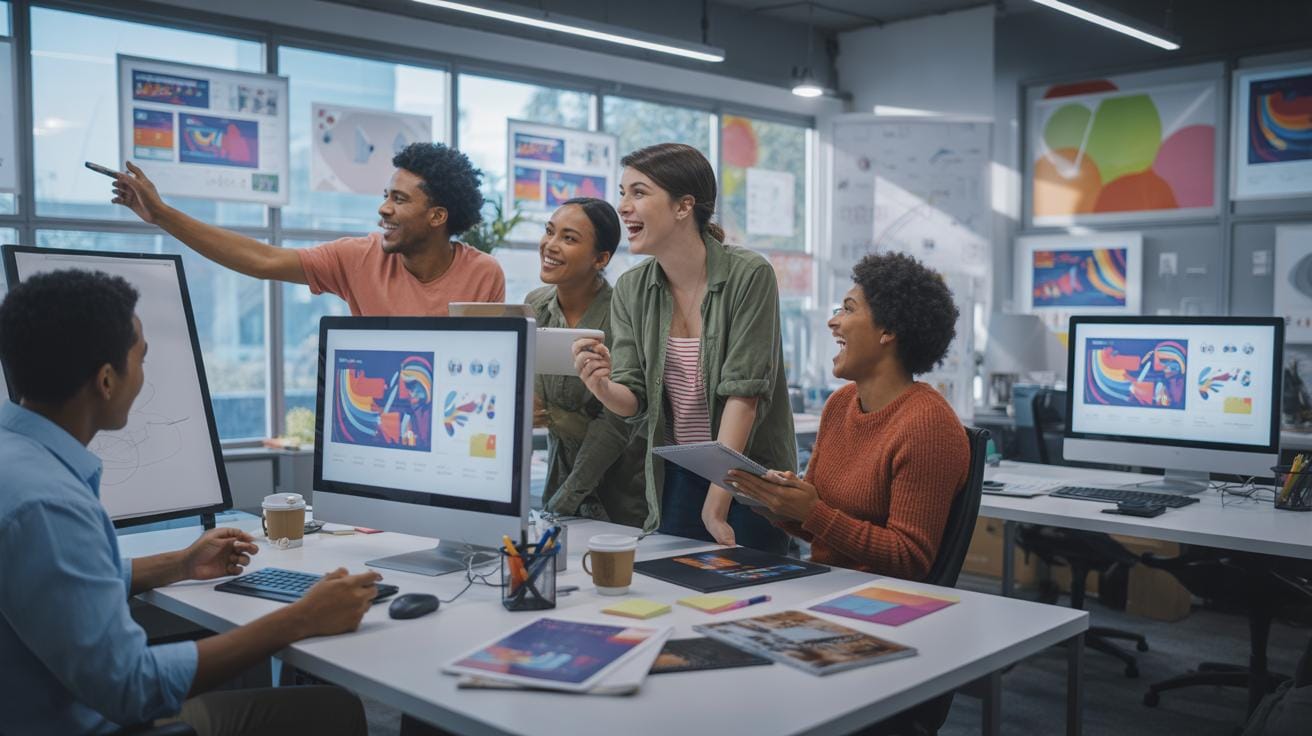
Physical installations happen in real spaces, using projected images, physical structures, and sensory elements you can touch or smell. Setup costs and logistics tend to be higher, but the impact on attendees can feel more vivid and immediate.
For event planners, virtual setups offer easier scalability and often lower costs. However, physical setups can foster deeper interpersonal connections as attendees share the space together.
Choosing between the two depends on goals, budget, and attendee experience priorities. Sometimes combining both can create an even stronger effect—mixing virtual with physical elements to balance interaction and practicality.
Why Immersive Experience Matters For Events
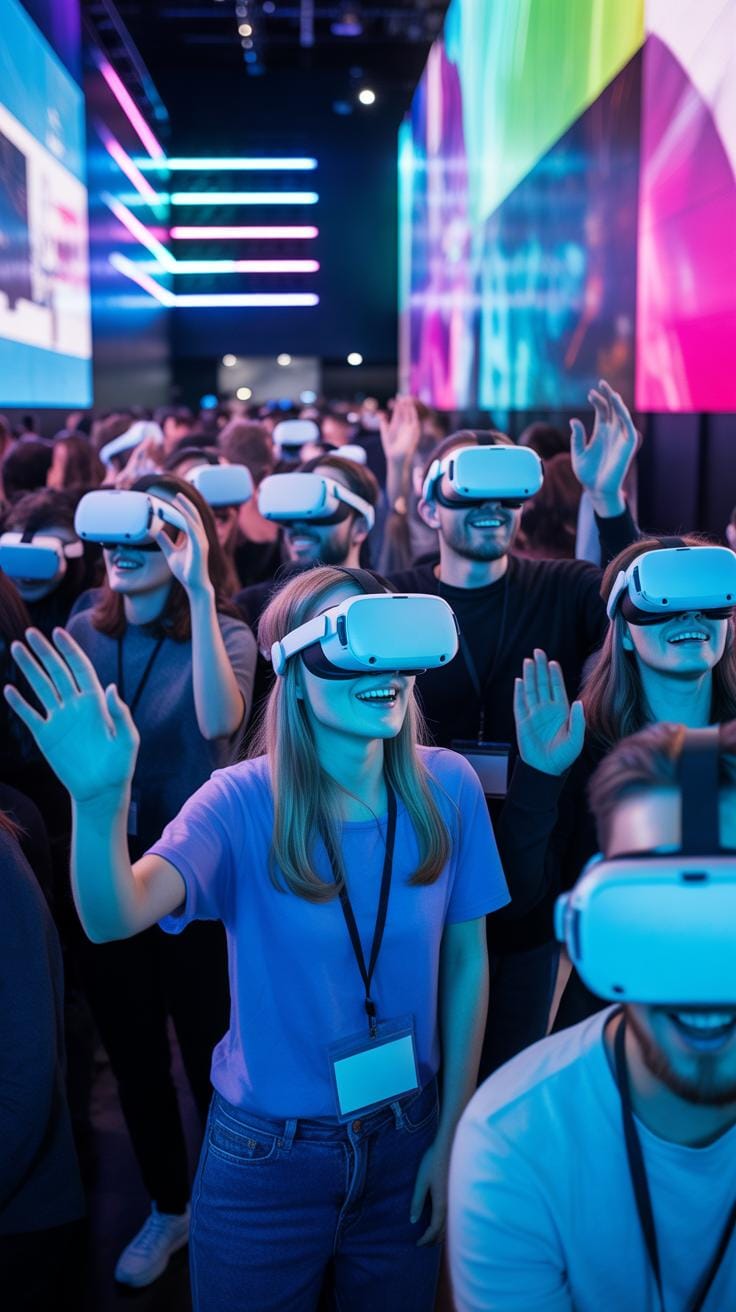
Immersive experiences are more than just flashy setups—they pull visitors into a world where they actively participate, not just watch. This captures attention in a way traditional events often struggle with. For instance, think about those Van Gogh immersive exhibitions, where art covers every surface and even scents are used to deepen the mood. People spend longer in those spaces—not just minutes, but extended periods—which means they engage more deeply.
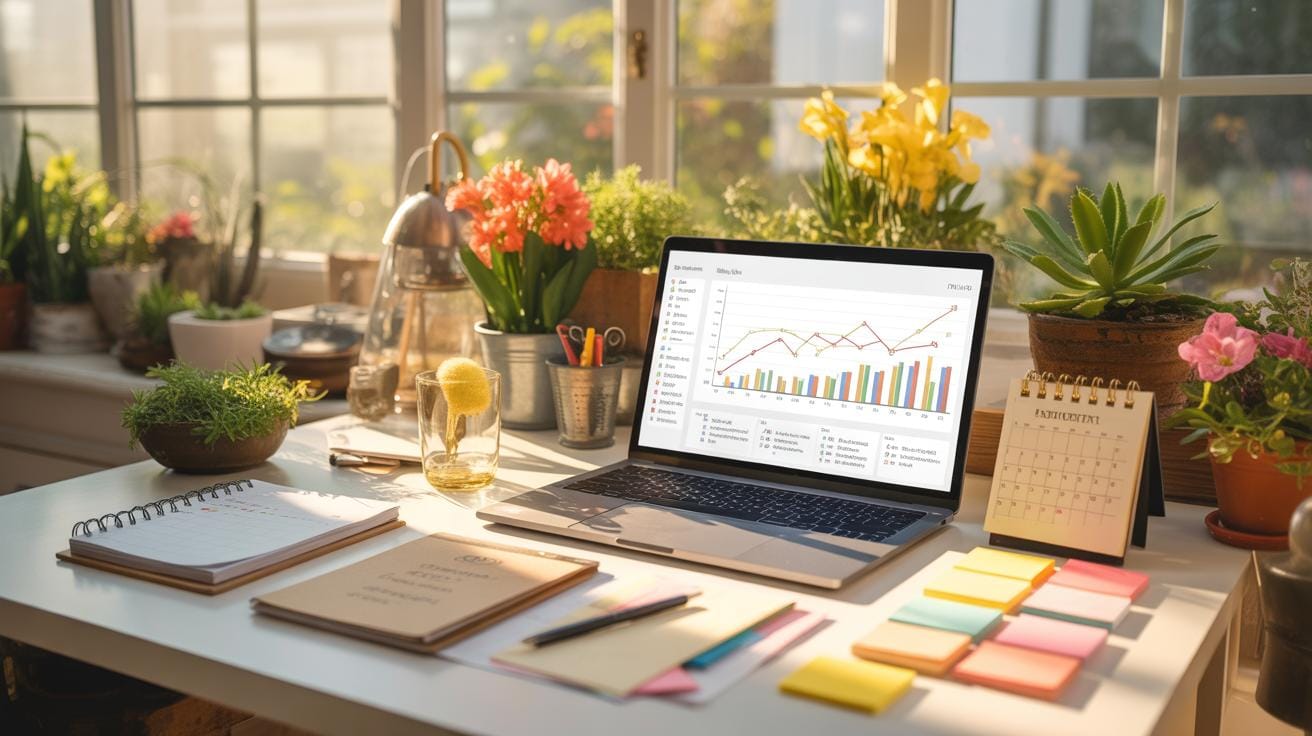
This depth of engagement does something interesting: it boosts memory retention. When people are physically and emotionally involved, the message sticks better. It’s like they’re living the story instead of just hearing it. Studies suggest visitors can retain 30% more information after immersive experiences compared to passive ones. That’s pretty significant when you want your event’s core messages to resonate.
Beyond retention, satisfaction levels tend to rise. Visitors feel more connected, not just to the event but to the brand behind it. This connection often means higher chances they’ll share their experience with others, amplifying the event’s impact well beyond the venue.
Engagement Metrics To Track
If you’re planning an immersive exhibition, how do you measure if it truly succeeded? It’s not always straightforward—but these metrics can help:
- Visitor time spent at the exhibition—longer times usually mean better engagement.
- Interaction rates—how many people participate actively versus those just passing by.
- Feedback scores gathered through surveys or digital kiosks, giving direct insight.
But gathering this data requires more than just counting heads. For instance, you can use motion sensors or smartphone tracking (with consent) to see movement patterns. Digital interactions through touchscreens or apps provide rich data on what content resonates. After the event, analyzing feedback carefully for qualitative insights is just as crucial.
Effect On Brand Awareness
Immersive exhibitions do more than entertain; they create memorable moments that stick to a brand’s identity. When done thoughtfully, they reinforce what a brand stands for through experience, not just words.
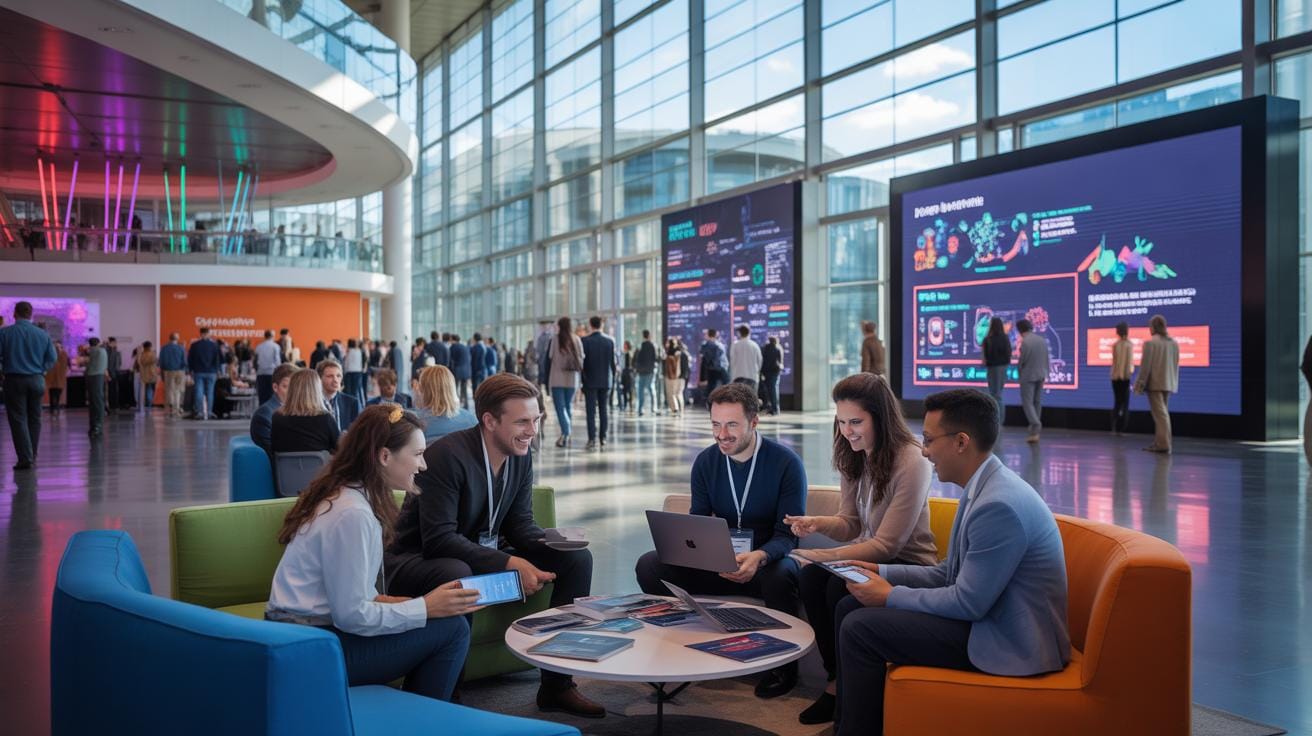
Consider a brand using immersive tech to transport visitors into their product’s story—say, a car company letting you virtually test drive its latest model on an exotic route. That experience links excitement and innovation directly to the brand in a vivid way visitors are unlikely to forget.
Such linkage isn’t always easy to measure, yet repeat participation and social media buzz often tell the tale. Successful brands see increased recall rates after immersive events, confirming that these carefully crafted experiences leave deeper imprints than traditional marketing approaches.
How To Plan Interactive Exhibitions
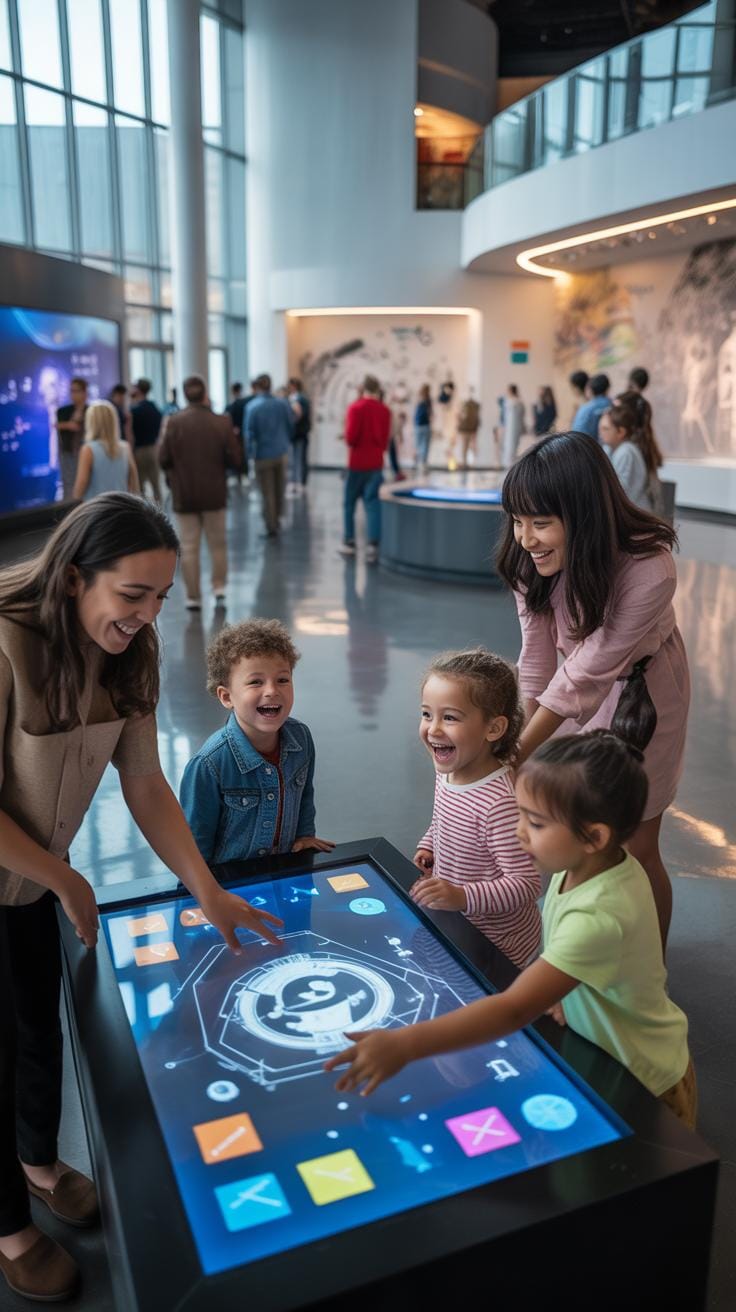
Planning an interactive immersive exhibition takes a bit more than just setting up displays. Start with a clear concept—what story do you want your visitors to experience? This initial idea guides every choice, from technology to layout.
Choosing technology can feel overwhelming. Consider the event’s goals first. Will VR headsets offer the best engagement, or is augmented reality on mobile devices more accessible? Simpler tech might work just as well if it suits the audience.

Space layout is tricky. You want to encourage flow but also moments of pause. Map out walkways and resting points, making sure there’s room for groups to gather without blocking others. It’s all about balance, though sometimes the real setup feels a bit different than the plan.
Content creation is where your concept takes shape. Interactive elements should invite curiosity—touch screens, motion sensors, maybe soundscapes. Test interactions early; glitches spoil the magic. Be ready to tweak, even at the last minute.
Don’t underestimate the power of a rehearsal or pilot run. Walk through the experience yourself, note bottlenecks or confusing bits, and make changes. Timelines matter here—leave room for last-minute fixes. It might slow things down temporarily, but pays off in the end.
Setup Checklist For Immersive Exhibitions
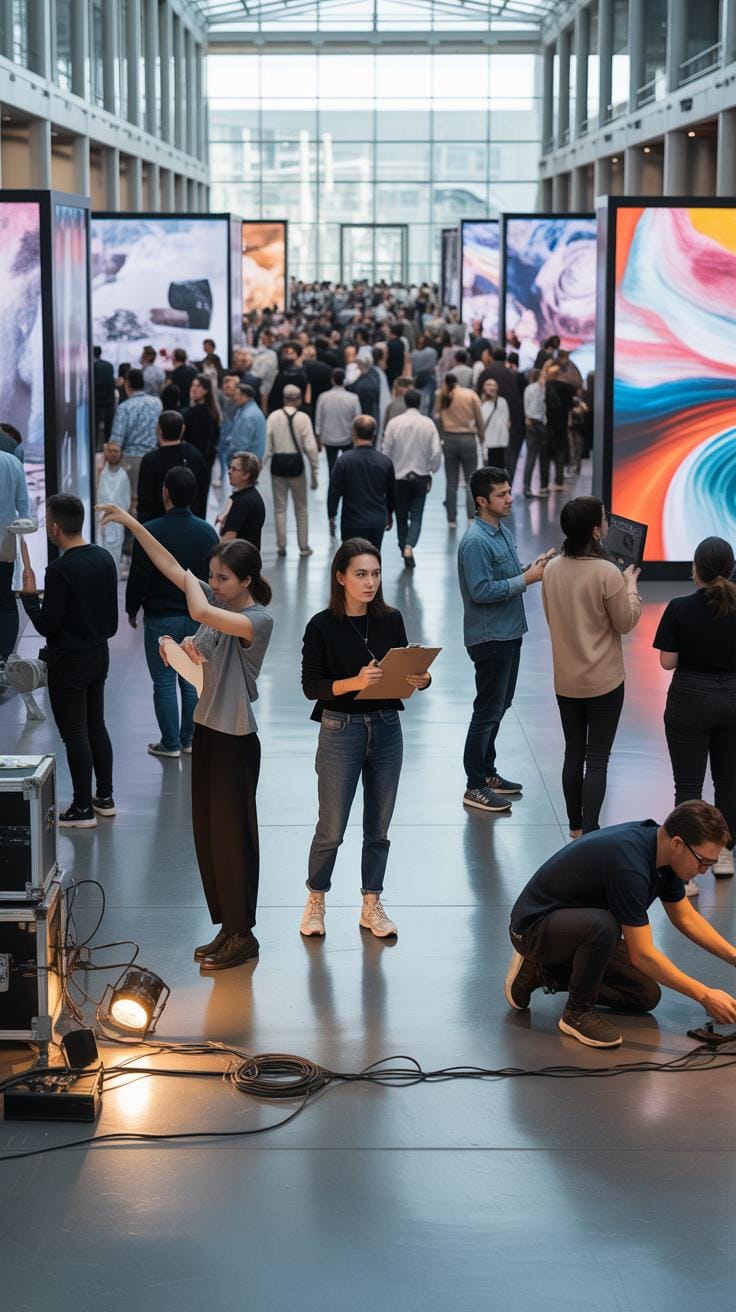
Setting up can feel chaotic without a clear checklist. First, confirm all equipment arrived and is functional—projectors, sensors, computers, cables. Nothing kills immersion like technical hiccups.
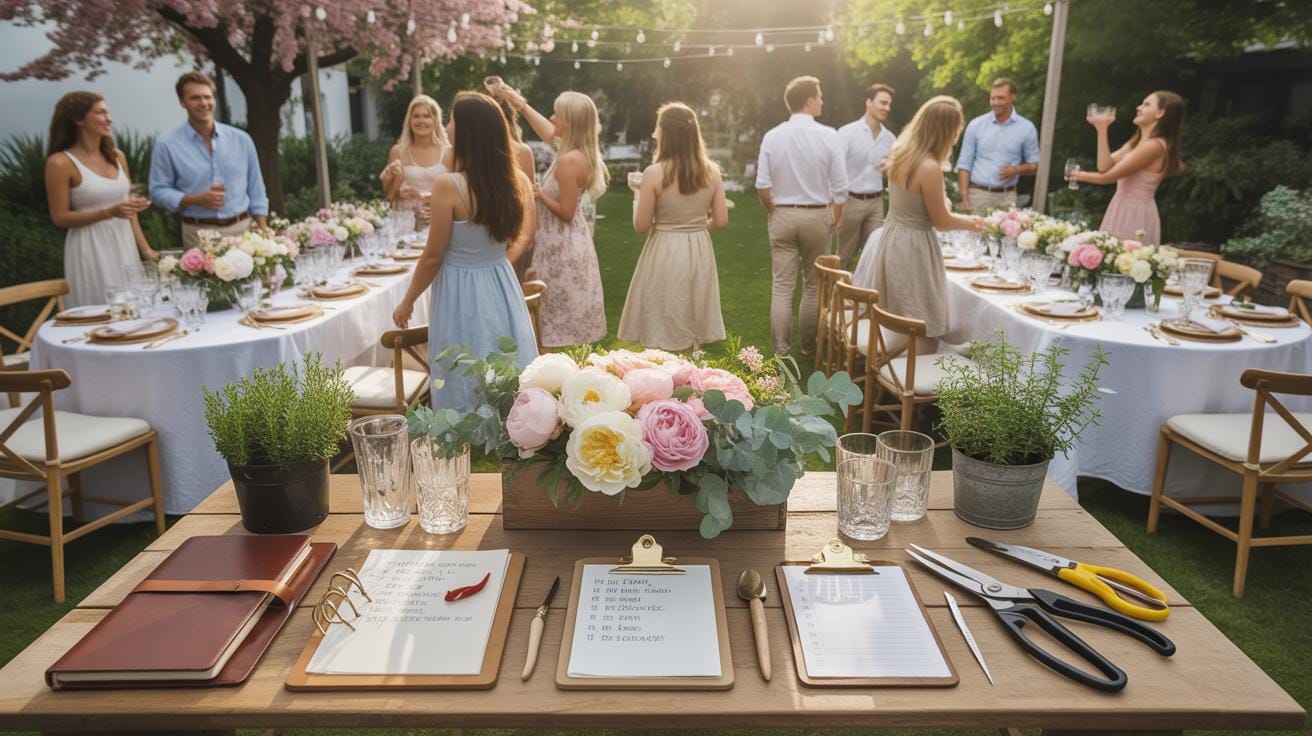
Next, load all content beforehand and verify it plays correctly. This includes videos, apps, interactive programs. Sometimes files get corrupted or incompatible with the hardware—catch these early.
Space preparation means arranging furniture, signage, and interactive stations according to your design. Walk the routes yourself to check comfort and accessibility. Safety checks mustn’t be skipped: trip hazards, fire exits, and secure wiring all need attention.
Make sure staff know the setup and their roles during the event. A quick briefing can avoid confusion and ensure someone is available to troubleshoot if something goes wrong.
Timeline Management For Smooth Setup

When organizing immersive exhibitions, timing is everything—but it’s also flexible. Start by breaking down tasks: equipment delivery, assembly, technical setup, content loading, and testing each need dedicated slots.
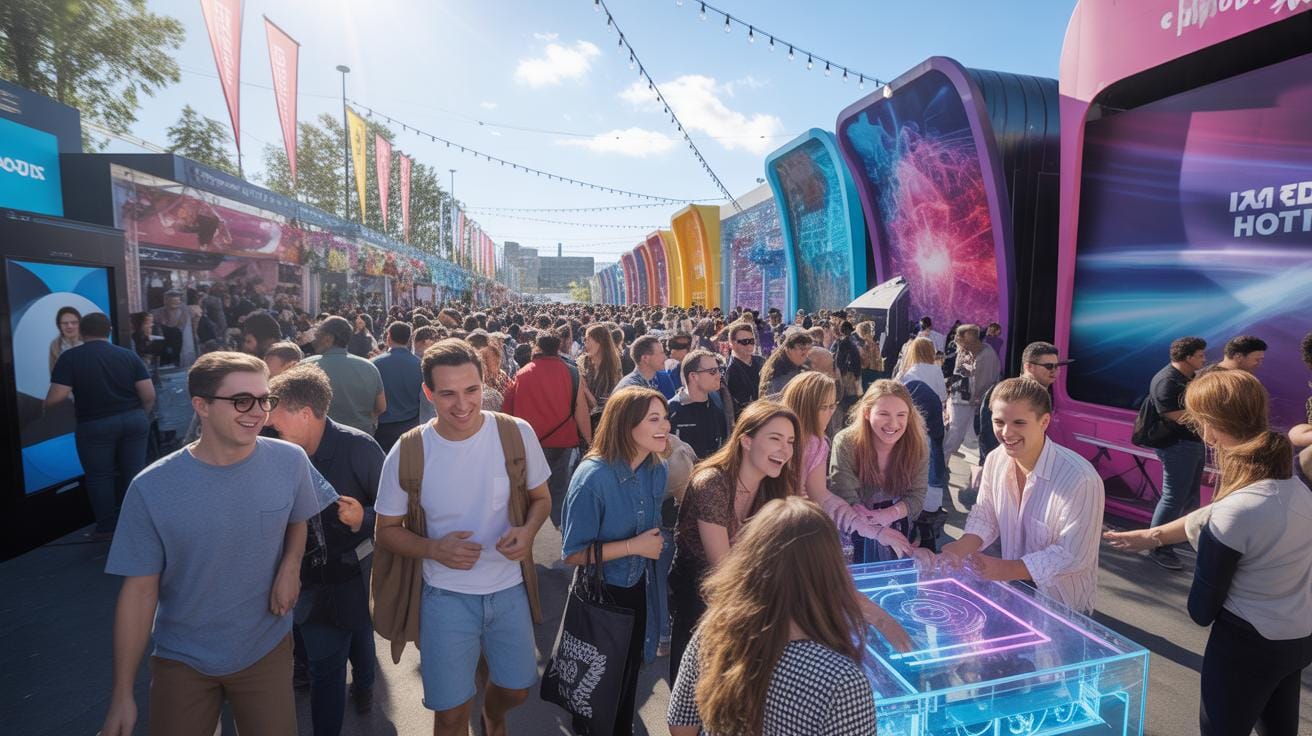
Stagger tasks to avoid last-minute scrambles. For instance, set up hardware early, then load content later so you don’t risk damaging equipment during installation. Testing should come after everything is in place but leave time for fixes.
Expect delays—they happen. Build buffer time into your schedule rather than assuming every step will stick to the plan. A delayed component can ripple through the entire setup if you aren’t careful.
And don’t overlook communication. Keep everyone updated on progress and issues. Sometimes sharing a small problem early avoids a bigger headache later.
Common Pitfalls In Immersive Events
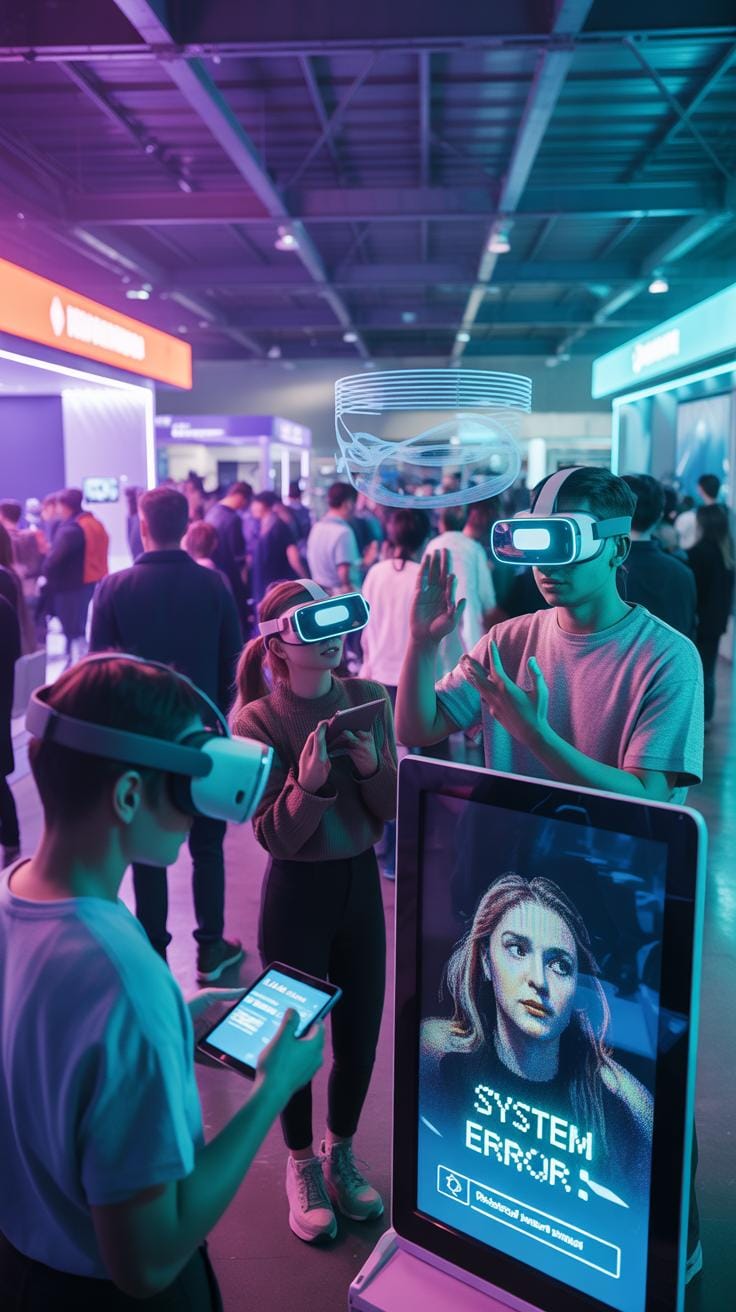
Immersive exhibitions can feel like a double-edged sword. When it comes to pulling them off, several common challenges tend to surface. Technical glitches can abruptly disrupt the flow—imagine screens freezing or VR headsets failing. These hiccups, although sometimes inevitable, can shatter the atmosphere you’ve painstakingly created.
Visitors can also find themselves confused or lost within the exhibition. Without clear guidance, people might miss key experiences or feel frustrated trying to navigate. Another big issue is sensory overload. Immersive experiences aim to engage multiple senses, but balance is crucial; too much sound, light, or scent can overwhelm rather than captivate.
Some practical steps might help. For instance, thorough tech testing before the event and having backup plans can limit interruptions. Clear signage or staff help desks assist guests in moving through the event smoothly. And for sensory elements, careful calibration of volume, brightness, and scent intensity can keep things engaging but manageable.
Technical Issues To Watch For
In immersive exhibitions, technical failures are almost expected at some point. Projectors might fail or become misaligned, VR headsets can overheat, or software might crash unexpectedly. Preparedness is key—having a technician onsite during events can solve problems quickly.
It’s also useful to have redundant equipment ready and to run dry rehearsals under conditions very similar to the actual event. These measures don’t guarantee smooth sailing, but they definitely minimize downtime and frustration.
Balancing Sensory Elements
Striking the right balance in sensory input is tricky. A booming soundtrack, intense lighting, and multiple strong scents at once may leave visitors feeling startled or exhausted. Instead, aim for layering—introduce one or two sensory inputs and adjust their intensity through the day based on visitor feedback.
Remember, less can often be more. If you’re unsure, start with modest levels and build up slowly rather than hitting attendees with the full sensory flood from the start. You want participants engaged, not stressed, right?
Tools For Immersive Exhibition Design
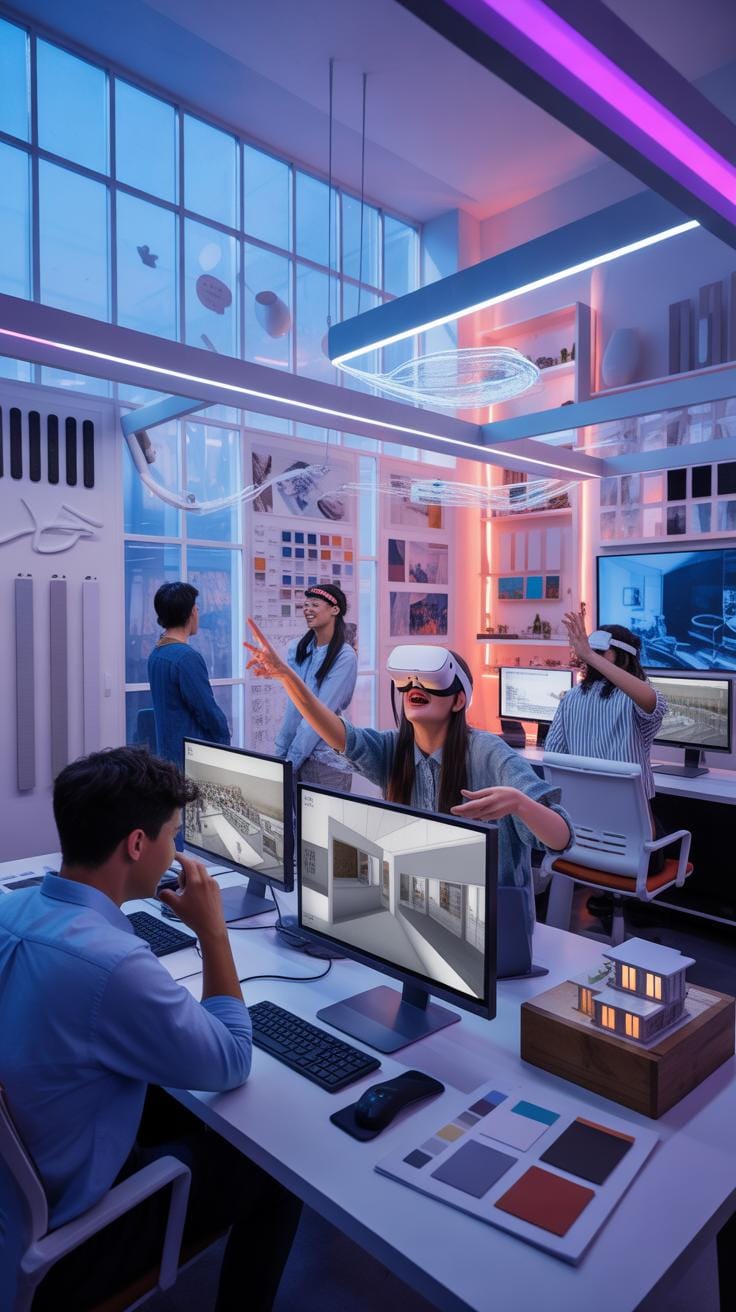
When creating immersive exhibitions, the right tools can make a huge difference. You want software and equipment that not only bring your vision to life but also fit your budget, whether it’s tight or a bit more flexible.
Content Creation Software Options
For digital content, several popular software options stand out.
- Blender is quite popular for 3D modeling and animation. It’s free, which is great if budget is a concern, but some find its learning curve a bit steep.
- Adobe After Effects excels in motion graphics and animation. It’s more user-friendly than some 3D tools, but the subscription model might stretch smaller budgets.
- Unity and Unreal Engine are powerful for creating interactive VR experiences. They offer real-time rendering and flexibility but require some technical knowledge.
Choosing software often depends on your team’s skills and what kind of content you want to produce. Simpler tools might suit less complex exhibitions. More advanced software offers depth but comes with complexity.
Projection And VR Equipment Choices
Projectors vary widely—
- Laser projectors offer bright, high-resolution images but tend to be pricier.
- LED projectors are more affordable and portable but might compromise on image quality in very large spaces.
- Consider also the projection mapping software, which adds complexity but can transform ordinary surfaces into digital displays.
Regarding VR, standalone headsets like the Meta Quest series are more affordable and eliminate the need for external computers. High-end systems like the HTC Vive provide better immersion but come at a higher cost.
Don’t overlook sensory equipment—scent diffusers and haptic feedback devices add layers of engagement but can quickly add to the budget.
Balancing quality, features, and costs requires a bit of trial and error. You might start simple and upgrade incrementally as the exhibition takes shape.
Cost Components Of Immersive Exhibitions
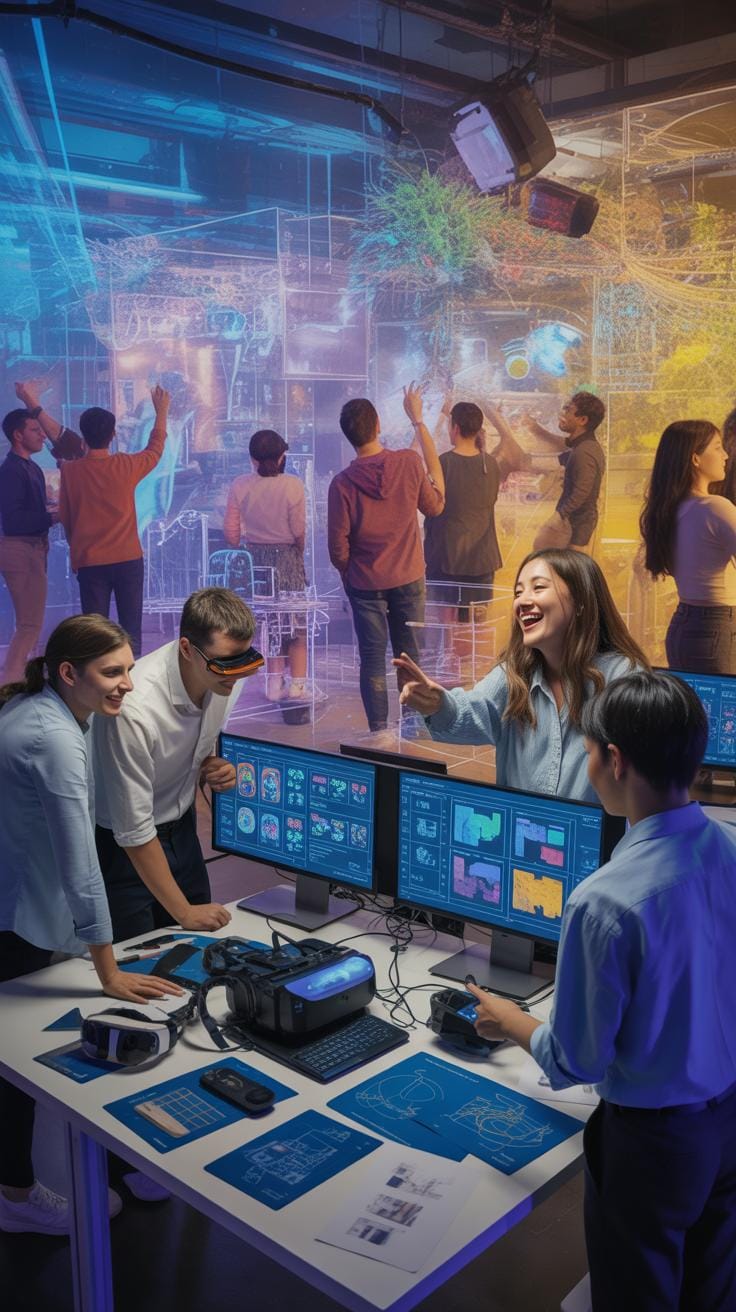
Putting together an immersive exhibition isn’t just about flashy visuals or cool tech. There’s a decent range of costs that event planners need to consider. Think of technology rental—projectors, VR gear, sound systems—all these can quickly add up. Content creation, too, isn’t just snapping some pictures; developing custom videos, animations, or interactive elements often requires skilled professionals, which comes at a price.
Venue modifications can be surprisingly pricey. Sometimes you need to change lighting, install special structures, or even tweak the layout to fit the immersive experience. Staffing costs tend to be underestimated. You’ll need people not just to manage tech but also to guide visitors, troubleshoot, and maintain the flow.
Speaking of maintenance, it’s not a one-and-done deal. Ongoing upkeep during the event can eat into your budget, especially if tech glitches occur. When budgeting, small events might try to scale down by renting fewer high-end devices or limiting content scope. Larger events naturally require more extensive planning and bigger financial cushions. It’s really about balancing what you want to achieve with what you can actually afford.
Budget Checklist For Event Planners
If you’re mapping out your budget, here are the main areas to keep an eye on:
- Tech rental and setup fees
- Content creation and licensing costs
- Venue adjustments and decor alterations
- Staff wages for operation and support
- Maintenance and contingency funds
- Transport and logistics expenses
It’s easy to overlook smaller, hidden fees like insurance, software subscriptions, or last-minute repairs. A wise planner cushions the budget for unexpected costs—better safe than scrambling.
Cost Saving Tips For Smaller Teams
Smaller event crews often juggle limited funds and resources, but cutting corners doesn’t mean cutting quality. Consider simpler technology—it might be less flashy, but effective—and ask yourself what your audience really needs. Partnering with vendors for bundled deals or sharing equipment across events can trim expenses.
You might also reuse or adapt existing content, tweaking it slightly to suit different occasions instead of creating new things from scratch. Sometimes local talent or freelancers offer great expertise at a friendlier rate. It’s tempting to go all out, but being strategic about where you spend helps keep the immersive vibe without blowing the budget.
Audience Interaction Strategies
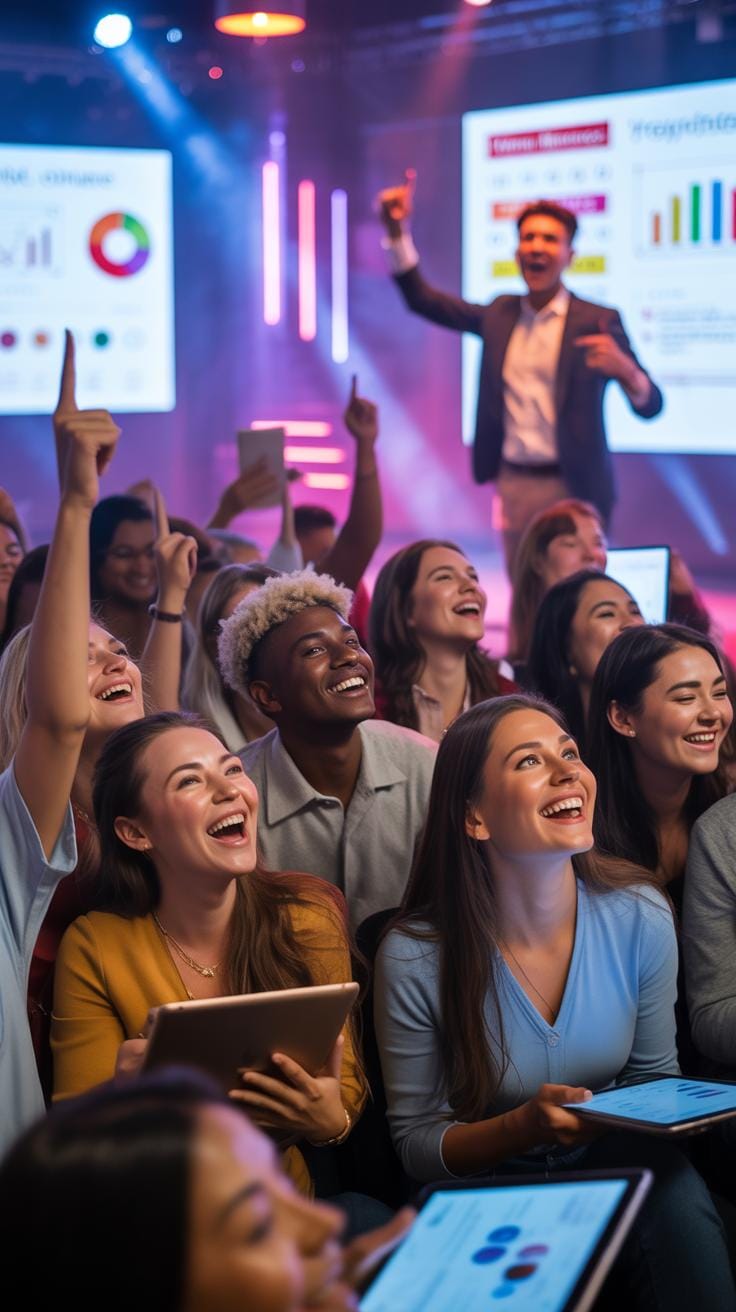
When it comes to designing exhibitions that get people involved, you have to think beyond just displaying information. Participation happens when visitors feel invited to engage directly. Interactive touchscreens are one way—people respond well to tactile control. They want to explore on their own terms, trying out features without feeling lost.
Gamification offers another layer, turning the experience into play. Think scoring systems, challenges, or puzzles. This not only draws visitors in but encourages them to stick around longer. Live feedback—whether through instant polls, quizzes, or real-time social media displays—creates a sense of connection that plain displays can’t achieve.
Take a tech expo I once attended. The interactive quiz station kept the crowd buzzing. Participants kept coming back to beat their scores. That energy spreads, pulling more people into the experience. These strategies aren’t just gimmicks; they’re ways to make events memorable and engaging.
Designing For User-Friendly Interaction
Interactions need to be simple and welcoming. If visitors have to guess what to do or get stuck, they’ll disengage fast. Clear instructions—short and visible—help a lot. Interface designs should avoid clutter and focus on straightforward tasks.
Accessibility matters, too. Make sure the experience works for all ages and abilities. Large buttons, readable fonts, and easy navigation go a long way. It’s about removing barriers rather than adding layers of complexity. A visitor should feel confident trying the interaction without hesitation.
One exhibition I saw used color-coded signals to guide users—green meant “touch here,” red meant “wait.” Something that simple reduced confusion and kept the flow steady. When designing, always ask yourself: can my audience start interacting without instructions overloading them?
Examples Of Successful Interactions
Real-world examples show how effective interactive exhibits can be. For instance, a museum incorporated augmented reality to let visitors “step inside” ancient ruins. This hands-on involvement sparked curiosity and made history feel tangible.
Another case involved a trade show using a touchscreen quiz that rewarded correct answers with small prizes. This kept visitors returning, creating a buzz that outpaced static booths nearby. The key was blending learning with fun—an approach that reinforced brand messages without feeling forced.
These cases highlight tricky balances: engagement doesn’t always require complex tech, but it does need thoughtful design tailored to audience interests and comfort. Striking that balance isn’t easy, but when it works, the payoff is clear in the buzz and lasting impressions left behind.
Measuring Impact Of Interactive Exhibitions
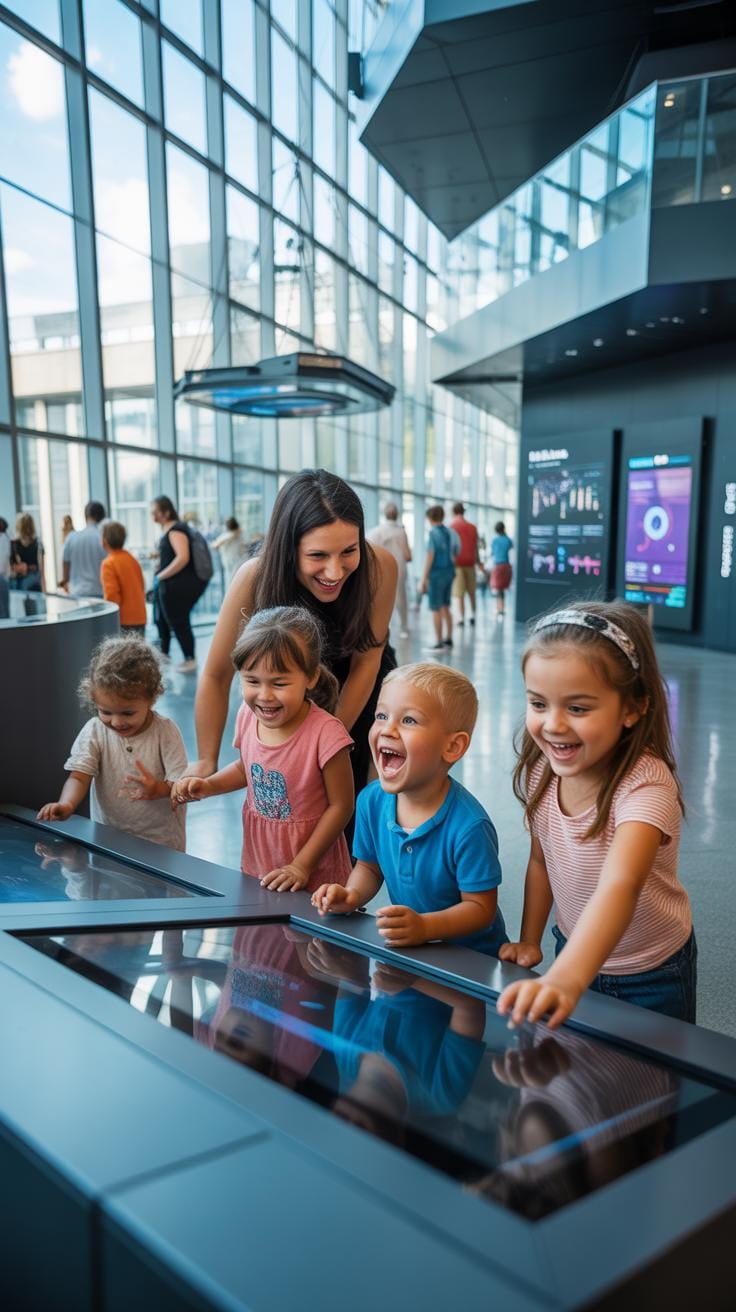
Measuring how well interactive exhibitions meet event goals involves more than just counting attendees. You want to dive deeper into experiences and outcomes. Surveys are a straightforward method here. Asking attendees about their satisfaction levels, what kept them engaged, or if the exhibition changed their perspective provides valuable insights. Consider questions like:
- How enjoyable did you find the interactive elements?
- Did the exhibition hold your attention throughout your visit?
- What would you improve or add?
Data tracking tools offer another angle. Technologies like RFID badges or mobile app analytics can monitor how visitors move through exhibits, which stations attract the most interaction, or how long people spend at each spot. Observers can also note crowd dynamics, engagement behaviors, and nonverbal reactions, which sometimes tell you more than direct feedback does.
Once you gather this data, think critically about what it implies. Are certain interactive features more effective? Does engagement translate into achieving event goals like education, awareness, or product interest? Identifying patterns helps tweak future exhibitions. Don’t be afraid to reconsider what success means—you may find unexpected factors influence your event’s impact.
Conclusions
Immersive experiences make events more engaging by surrounding attendees with interactive content. They create stronger connections between the event and participants by using visuals, sounds, and touchpoints that invite involvement. This encourages longer stays and better recall.
Implementing immersive exhibitions requires careful planning, from selecting technology to designing space layouts. Real examples show the benefits of these experiences in drawing attention and making events memorable. Use these insights to improve your event planning results.