Introduction
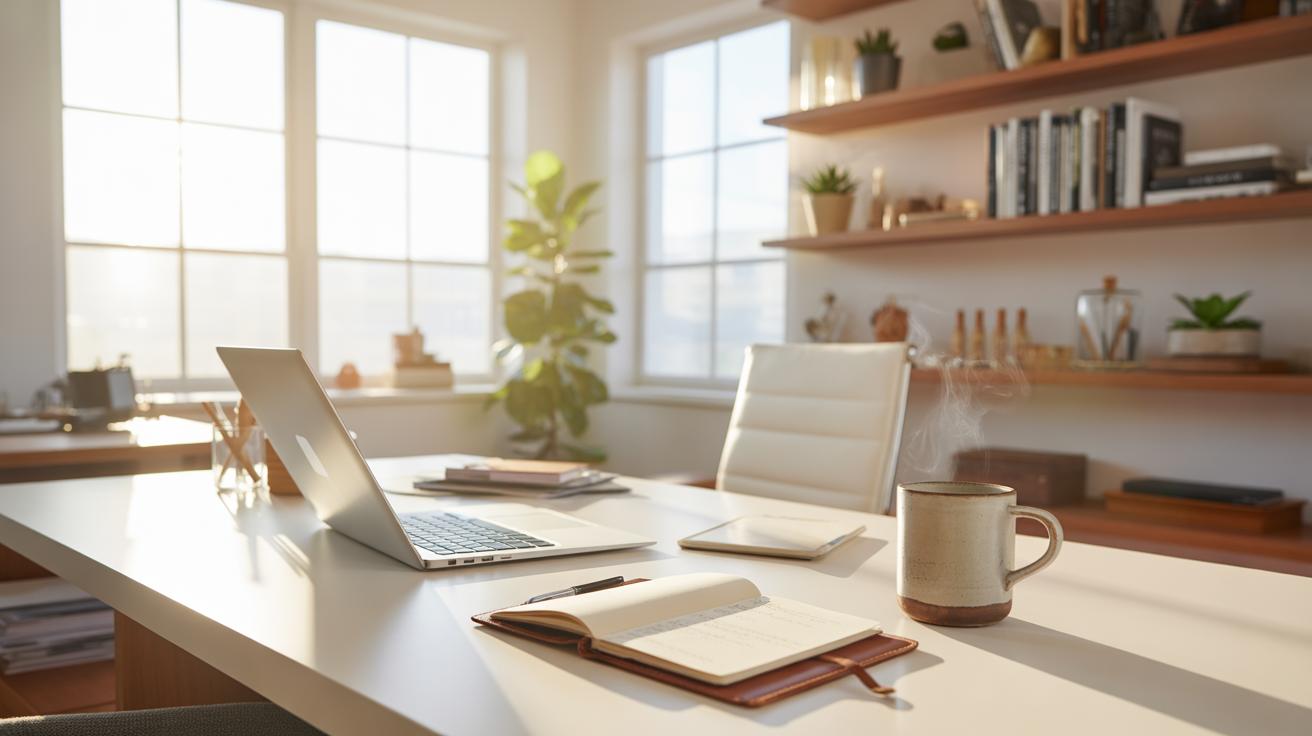
Working from home demands a workspace that boosts focus and efficiency. Home office organization is key to maintaining order and improving productivity. When your desk and surroundings are organized, you reduce distraction and find what you need quickly, allowing you to work more effectively.
This article provides practical tips for setting up a home office with organization methods tailored for a productive environment. From choosing the right furniture to managing paperwork and tech, you will learn steps to create a workspace where you can do your best work each day.
Plan Your Workspace Layout
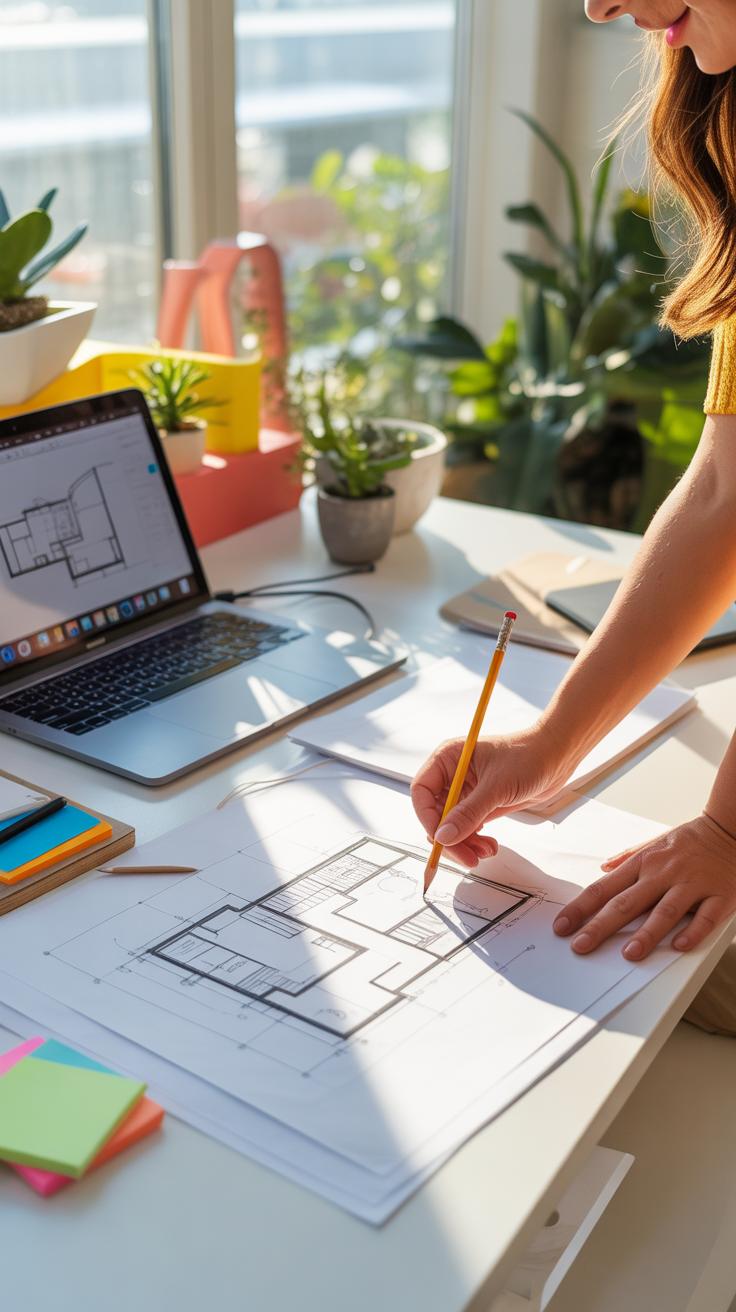
When setting up your home office, the layout can make a big difference in how you work—and feel—throughout the day. Where you put your desk isn’t just about where it fits; it shapes your focus and comfort. Placing your desk near a window often helps. You get that natural light, which, oddly enough, doesn’t only brighten the room but can lift your mood and keep you alert. That said, glare on your screen can be a nuisance, so consider angles carefully.
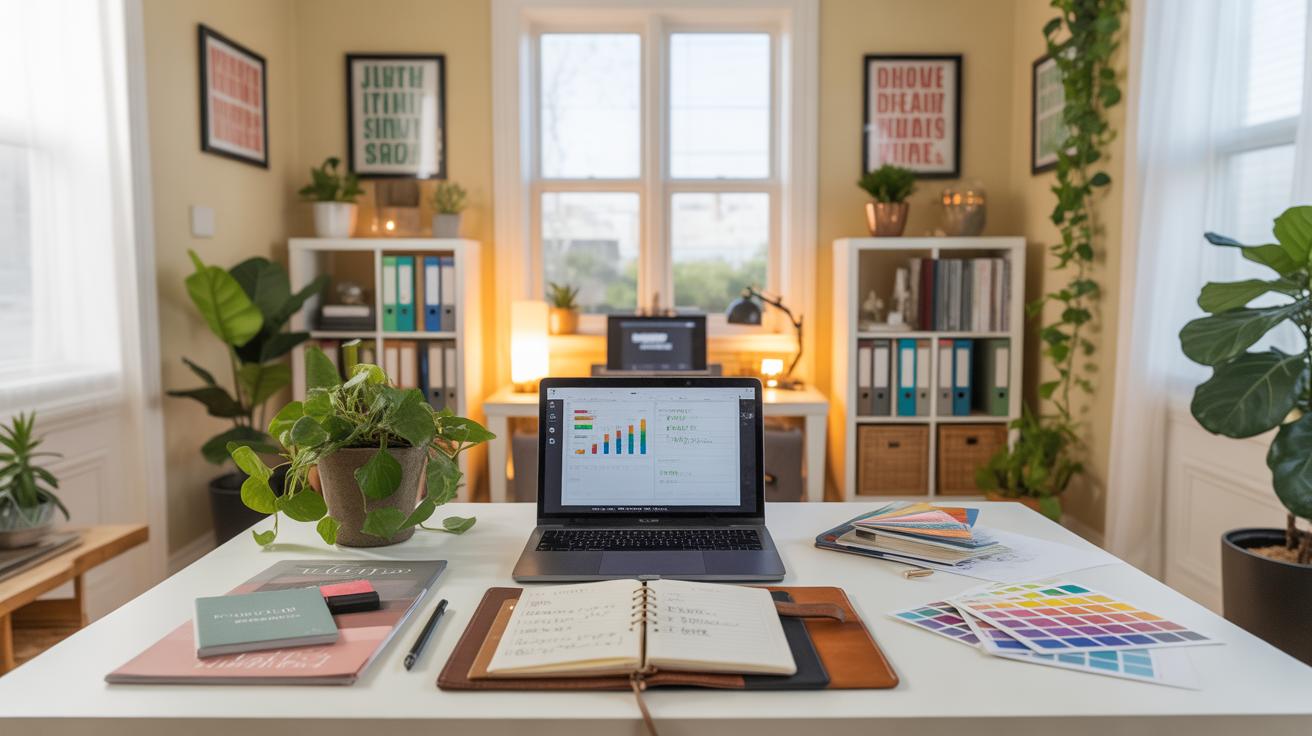
Choosing a chair might seem simple, but it’s not just about style. An ergonomic chair that supports your back is something many start ignoring until their back protests. Comfort matters more than you think, especially if your workdays stretch long. I’ve learned this the hard way, swapping chairs often before realizing that a small investment in lumbar support pays off big time.
Think about how you move in your space too. Is there room to stretch? To get up without knocking over piles of papers? Your layout should invite movement, not confine it. Maybe your desk isn’t perfectly centered in the room, but if it feels right, that’s what counts.
In the end, it’s about experimenting with placement and furniture until the space feels good enough that you don’t dread sitting down each morning. And that might mean rearranging every few months because what worked six months ago doesn’t quite fit your flow now.
Set Up Efficient Storage Options
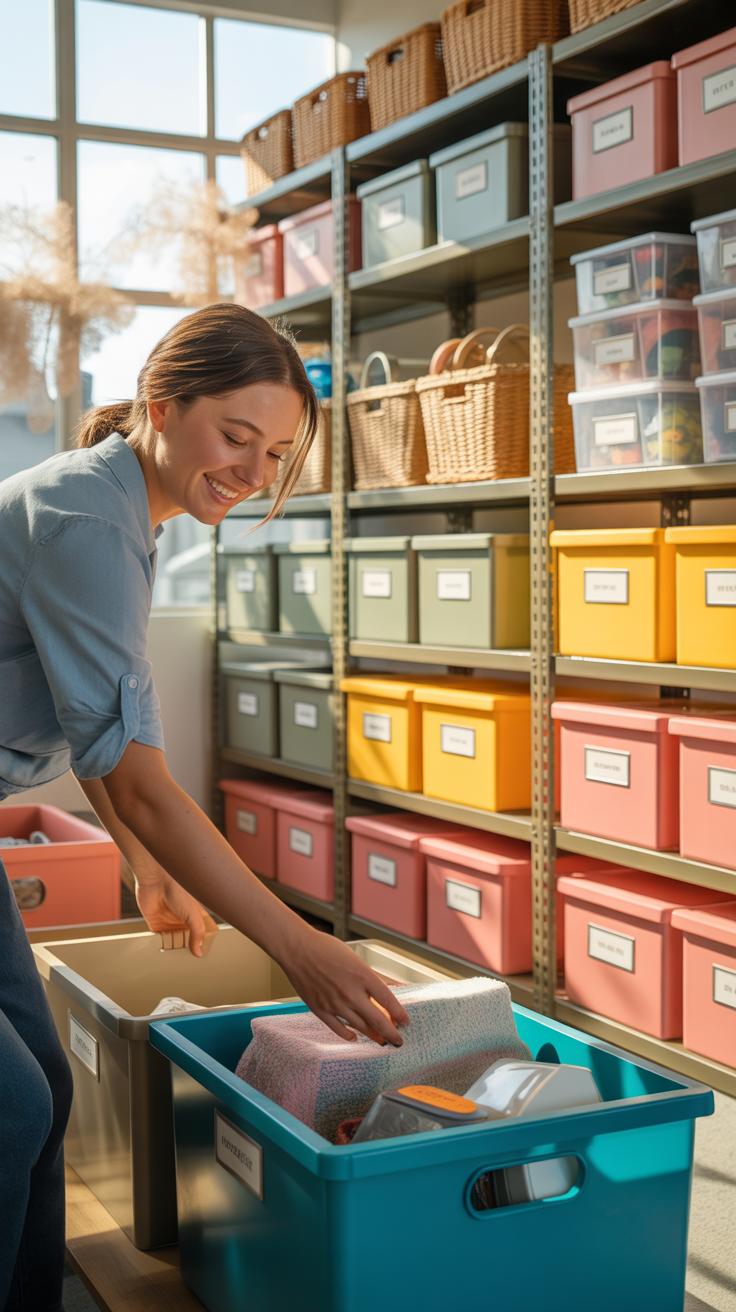
When organizing your home office, picking the right storage can make a big difference. Shelves are great for keeping books and binders where you can see them, but they might not work well for smaller items like pens or chargers. Drawers, on the other hand, hide clutter but often lead to a “dump everything” habit if you’re not careful. I found that combining both gives a decent balance—open shelves for frequently used items, drawers for those you want out of sight.
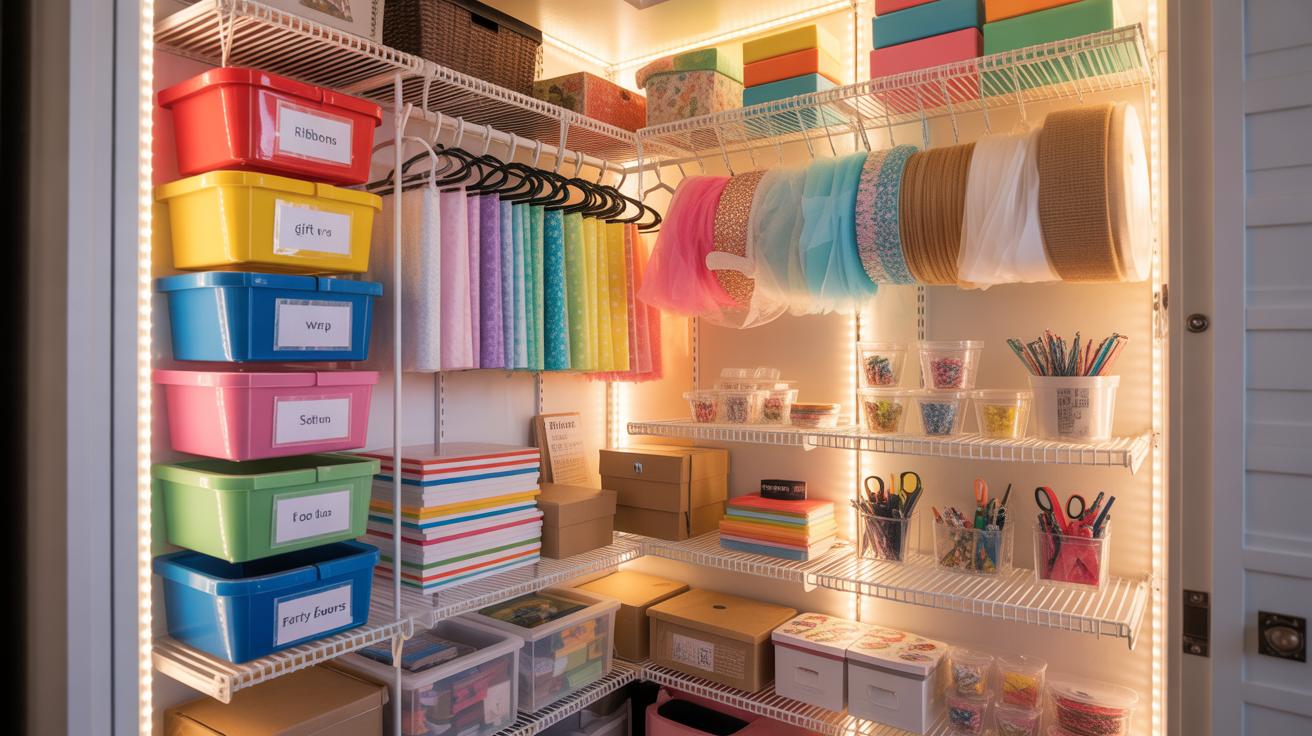
Consider small organizers too—like desk trays or compartment boxes—that help sort supplies. They don’t take up much space but keep everything from paper clips to sticky notes neat. You might not realize how much time you waste looking for a lost USB drive until you try these.
Choose Storage Based On Your Items
Think about what you use daily. Are paper files your mainstay? Then a filing cabinet or vertical file holder will serve well. If you’re more digital, small bins for cables and electronics can stop cords from tangling into a mess. For someone like me, juggling both documents and gadgets, it requires a mix.
Also, the amount of stuff matters. If you have lots of supplies, a multi-drawer cart could be handy. But don’t get oversized storage just because it looks nice; empty drawers can make you hoard more. Ask yourself—what do I really need at arm’s reach? Sometimes less is more, or at least less confusing.
Label Storage For Easy Access
Labels really do help, though I admit, it’s easy to skip them at first. Using clear containers lets you peek inside without opening everything, saving time. When you label, try to be specific—“Cables and Chargers” instead of just “Electronics” avoids any guesswork later.
Paper labels can fade or peel, so consider printed ones or laminated tags if you’re aiming for longer use. And don’t forget to update your labels if you shift things around. Without that, your storage can become a guessing game, and that’s the opposite of what you want.
Manage Paperwork With A System
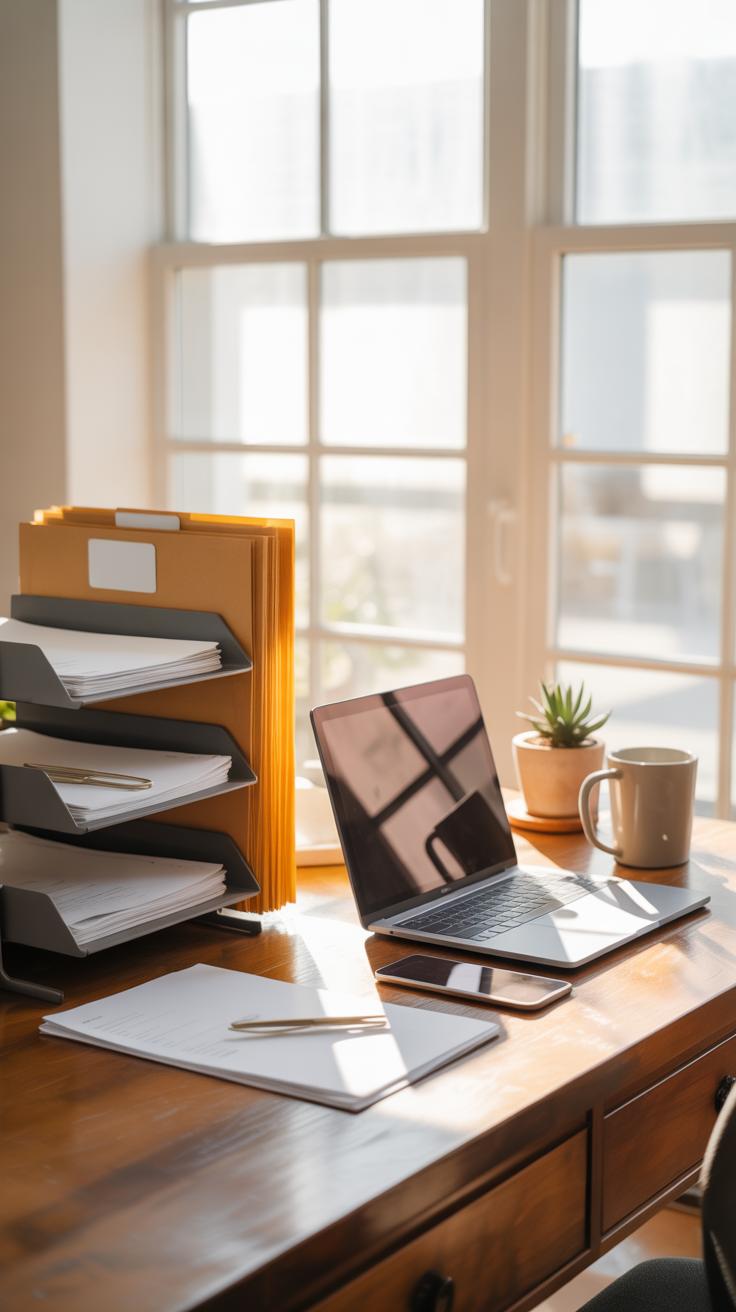
Setting up a filing system is one of the simplest ways to keep paper clutter under control. It means sorting your bills, documents, and notes into specific spots right when you get them, instead of letting them pile up. You might start with basic categories like “Bills,” “Receipts,” or “To File.” Even a simple accordion folder can work if you don’t want to invest much. The key is consistency—doing this regularly helps you avoid drowning in stacks of paper.
One thing I found helpful is keeping a small “inbox” tray for new papers. When it fills up, I go through and sort everything immediately. Skipping this step even for a few days means a mess quickly builds again. It’s not thrilling to sort documents regularly, but it’s necessary if you want to stay on top of things.
Using file cabinets or folders lets you keep all those important documents easy to find. You might think digital storage solves the problem, but paper still has its place—contracts, tax forms, warranties. I use colorful folders to separate categories, which also helps when I need to grab something quickly without digging through piles. Sometimes, though, the temptation to just shove papers inside is strong—resisting that is part of the process.
Control Cables And Electronics
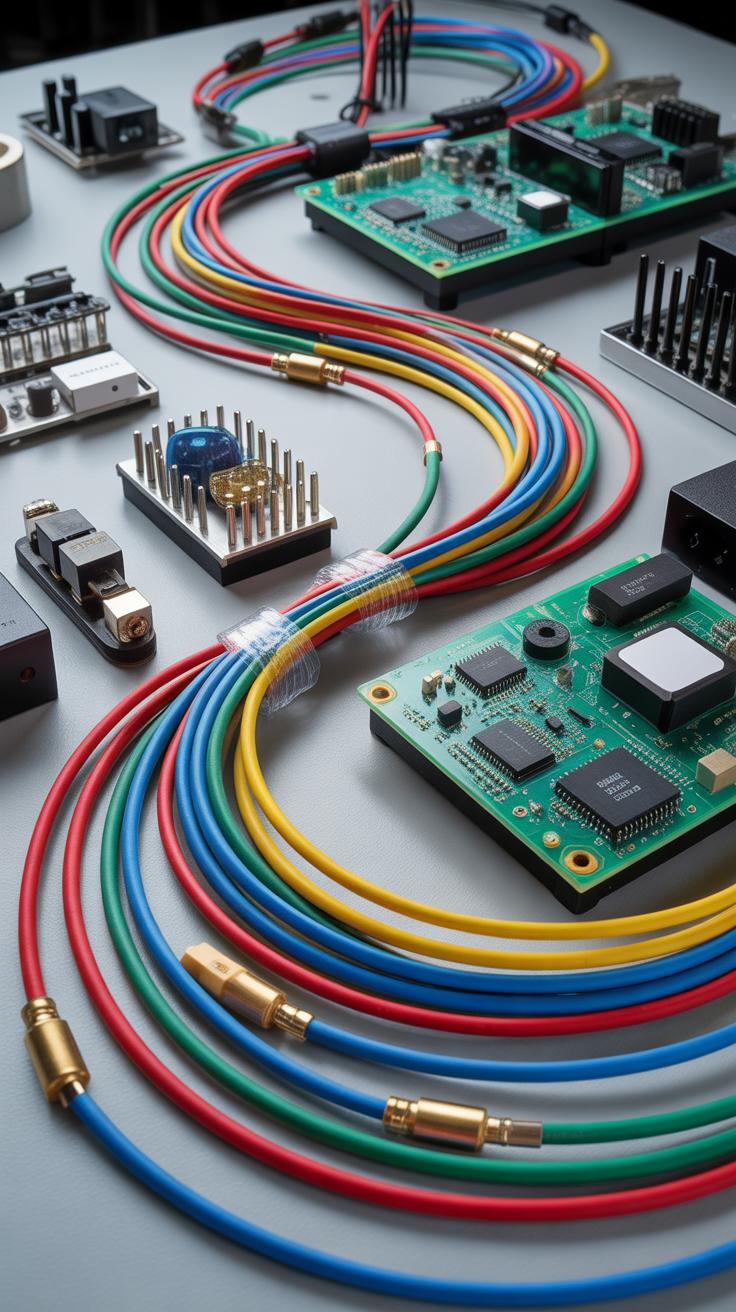
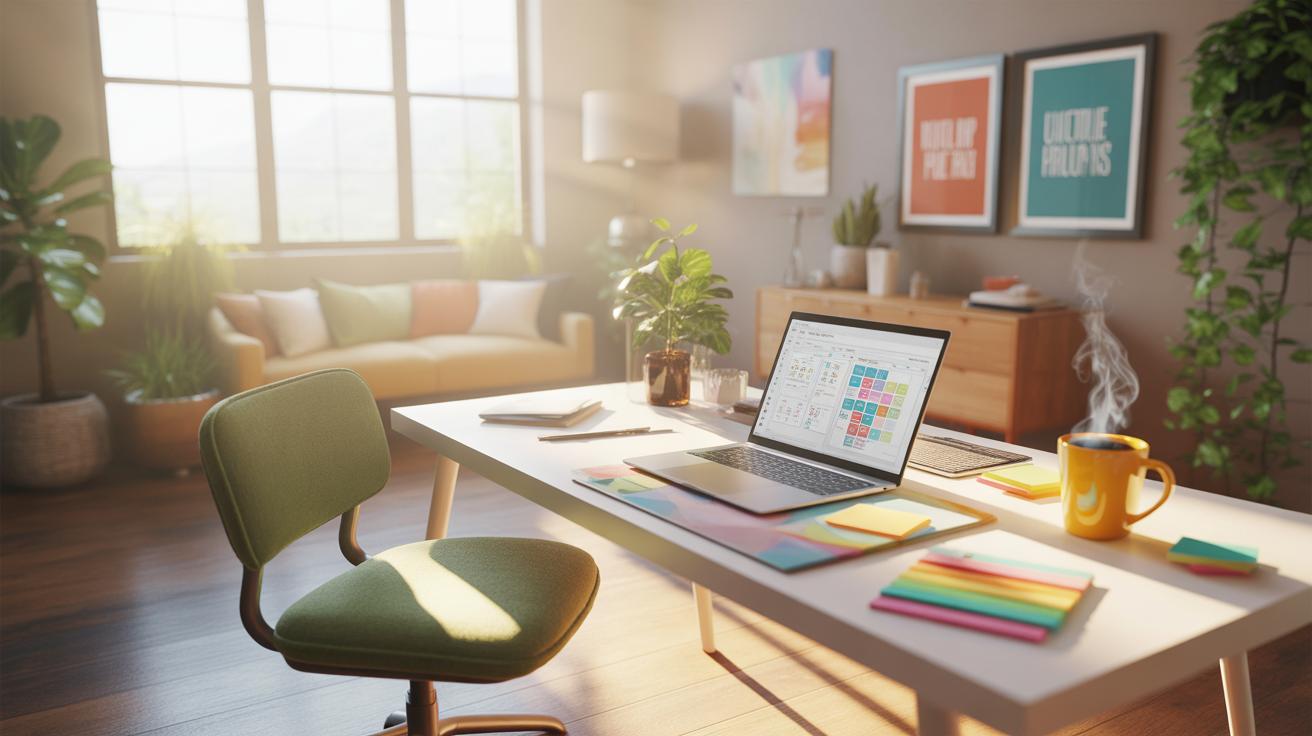
Cables and chargers seem to have a mind of their own, don’t they? They twist into knots just when you need to unplug one quickly. To keep these tangles from taking over your workspace, some basic tools can make a big difference.
Cable clips, sleeves, and ties are more than just clutter catchers. Clips can hold your cords neatly along the edge of a desk or wall. Sleeves wrap multiple cables together, so they look like a single, tidier line instead of a confusing mess. And ties—whether reusable Velcro or simple twist ties—help gather cables smaller sections at a time, preventing them from sprawling everywhere.
It’s not just about hiding cables but also making them accessible when you need them. That’s why setting up a dedicated charging station might be a good idea. Choose a corner or drawer where you can plug in all your devices—phones, tablets, headphones—and leave them charging without trailing cables all over your desk.
This spot becomes your go-to power hub. No more hunting for chargers or wondering which cable belongs to which device. And since all cables are centralized, cleaning up is easier. It’s a small habit, but it changes how neat your office feels—and how often you can actually find what you need.
Personalize Without Clutter
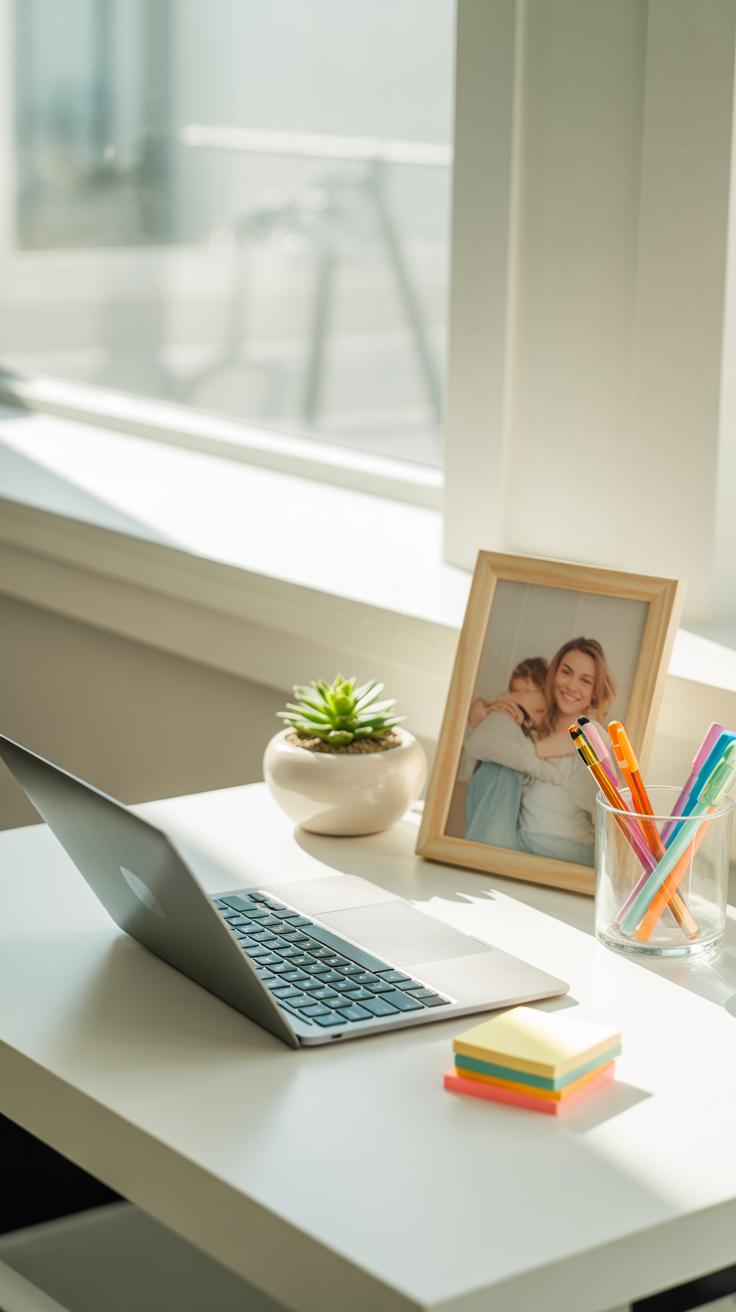

Adding personal touches to your home office can make the space feel more inviting, but it’s tricky not to let those touches turn into distractions or mess. You want things around you that lift your mood or calm your nerves, but too much stuff can quickly take over your workspace. So, it’s a bit of a balancing act.
Pick A Few Meaningful Items
Instead of scattering many decorations, choose just a handful of items that really matter to you. Maybe a small framed photo of a loved one or an inspiring quote you like to glance at during a tough day. A modest plant—say, a succulent or a small fern—can bring life to the room without demanding much care or space.
These kinds of items have a subtle impact. They don’t have to shout for attention, just quietly support your focus or soothe you when you glance their way. I find when I overcrowd my desk with too many little things, it actually makes me feel restless rather than calm. So, less usually works better, but only if those few things truly resonate.
Keep Desk Clear For Work
Your desk surface should mostly stay open for the work that needs doing. You might be tempted to display everything you love here, but clutter will just get in your way. Stick to essentials—your laptop, a notebook, perhaps a favorite pen—that kind of thing.
Everything else? It can live nearby but off the main desk. For example, your plant can sit on a windowsill or a floating shelf above your desk. Photos might go on a side table or a pinboard on the wall. You want your desk to invite you in and hold just the tools you need right now.
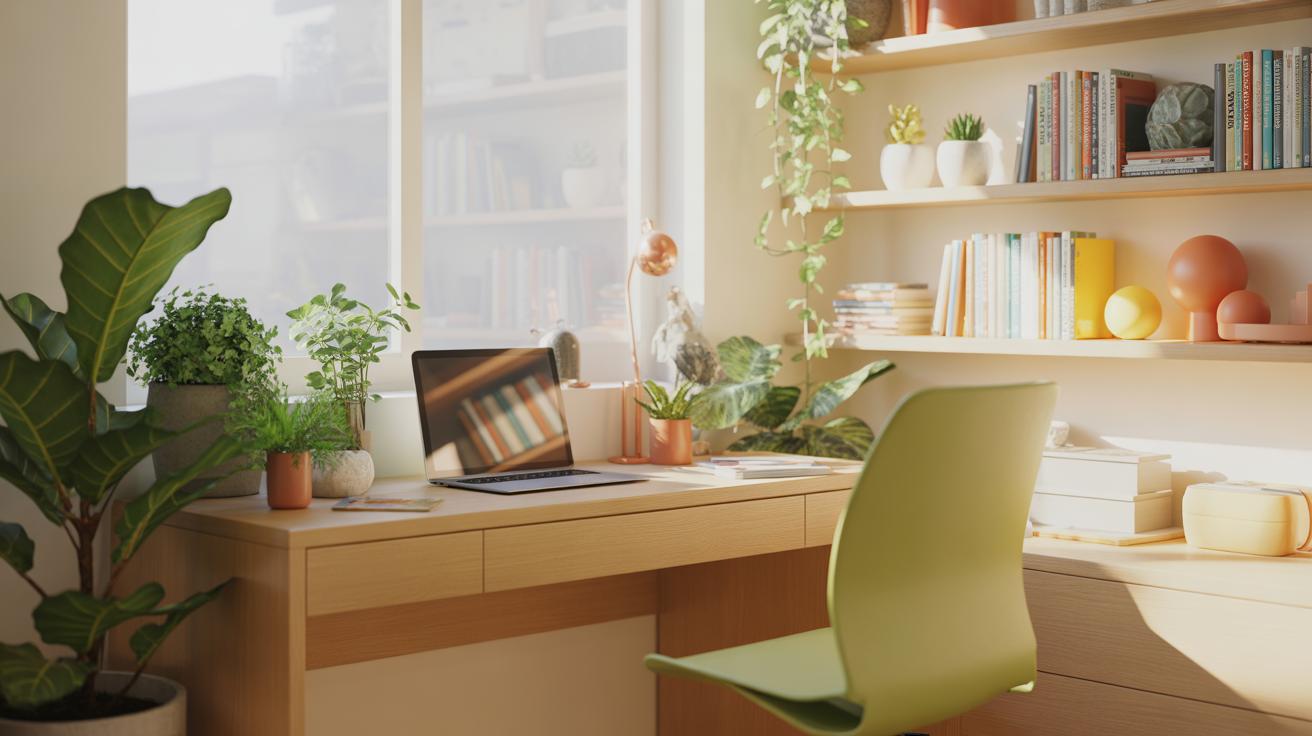
Try to ask yourself: if my desk was completely clear, would I have what I need to work comfortably? If yes, then anything extra might be better placed somewhere else. It can be surprisingly hard to resist filling every inch with “nice” stuff, but clear space often helps maintain a clearer mind.
Establish Daily Cleanup Habits

Making tidying a daily habit can feel like a small thing, but it really shapes how your workspace looks and feels over time. Just spending five minutes at the end of your workday putting things in order can stop clutter from sneaking in and piling up without you noticing. You might think it’s easier to leave it for later, but the next morning, a messy desk often means lost focus.
Try to build simple routines that fit your pace. For example, you could:
- Clear off your desk surface before shutting down your computer.
- Sort through any papers and file or recycle what you don’t need.
- Set out everything you’ll need for the next day — like notebooks, pens, or documents.
These small actions each day don’t take much time but can really lessen stress. Plus, when you start your day with a clean space, it shifts your mindset. I can’t say it works perfectly every day, but when I stick to this, it definitely makes the chaos feel less overwhelming.
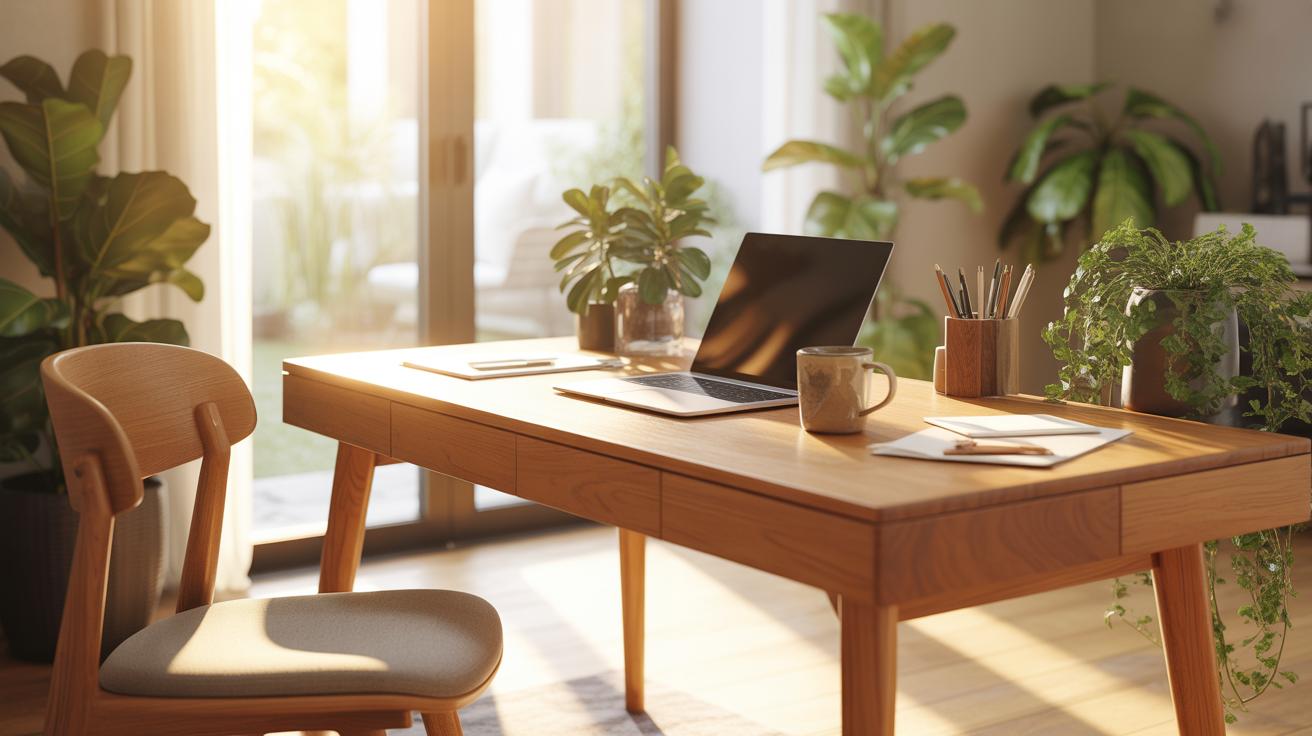
Another helpful thing is putting items back where they belong immediately after use. Leaving things out, even unintentionally, invites clutter. So ask yourself: does it really take more effort to store this now or to find it later? Most times, putting things away right away saves more time overall, even if it feels a bit tedious in the moment.
Of course, life gets busy. Some days the cleanup won’t happen perfectly, and that’s okay. But keeping this as a low-level goal each day tends to keep your home office closer to organized than not. And that, in the long run, quietly changes how your whole space functions.
Maximize Technology Use

Technology can really help keep your home office neat, if you let it. Software designed for task management, note taking, and file organization can reduce the piles of paper that tend to accumulate. For instance, apps like Evernote or OneNote let you capture ideas, meeting notes, and reminders all in one place, so there’s less need for scattered sticky notes or random notebooks lying about.
File organization tools like Google Drive or Dropbox let you store documents digitally. That means no more rifling through stacks of paper to find a contract or receipt. Plus, these platforms allow you to tag and sort your files, making retrieval quick. I realize that switching to digital can feel like a chore, but once you start, it’s hard to go back.
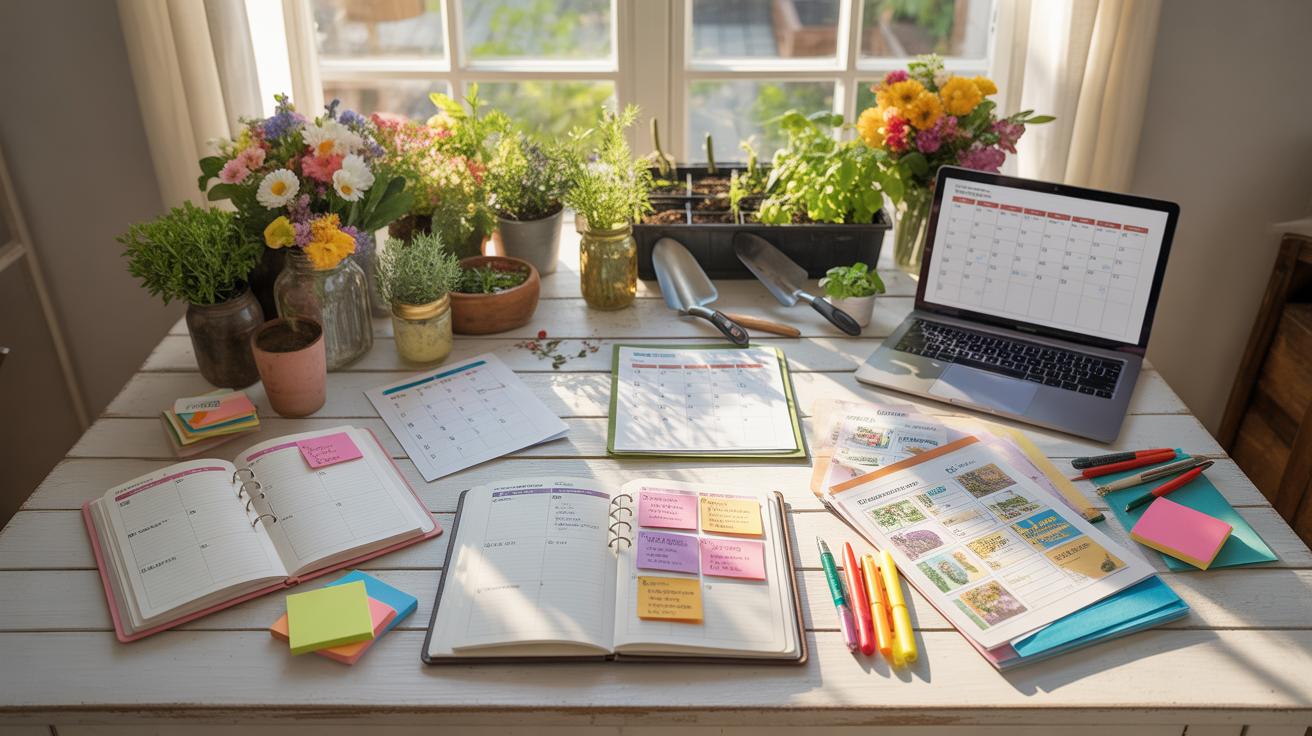
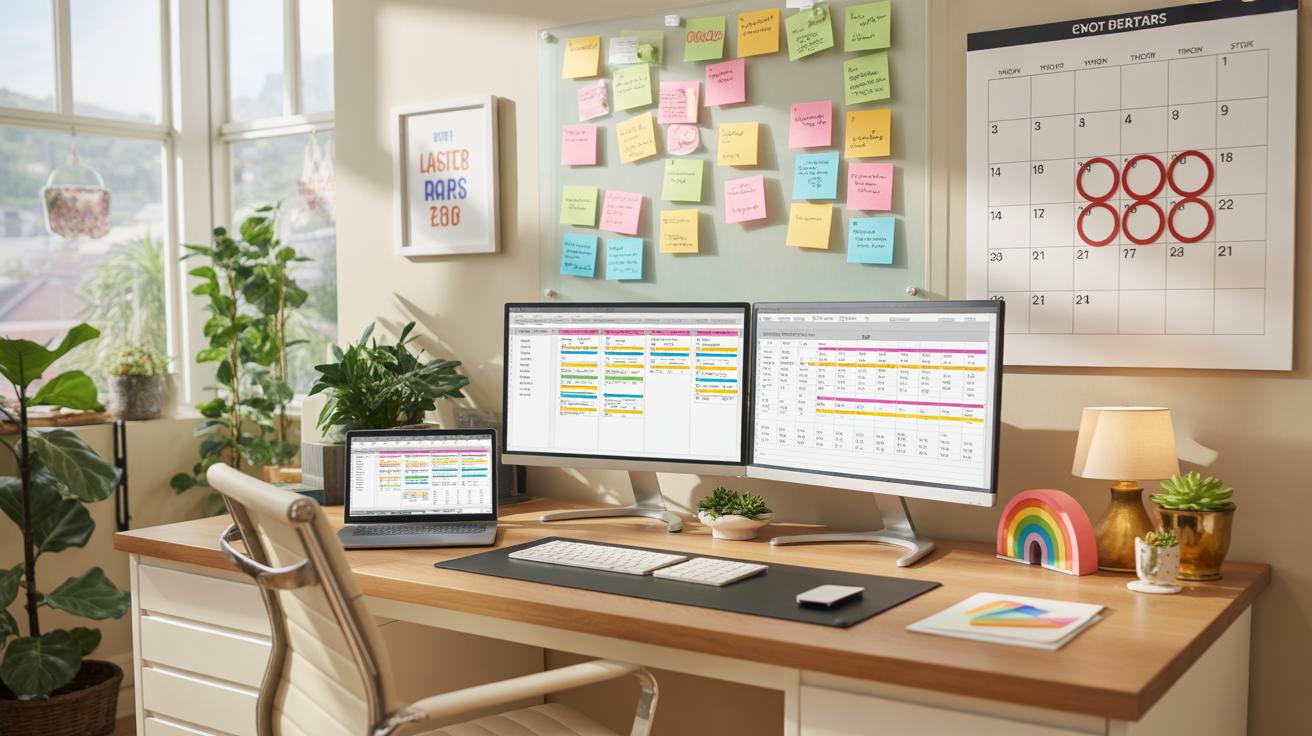
Task management apps are another layer worth exploring. Tools like Todoist or Microsoft To Do help you list daily tasks, set deadlines, and even prioritize projects. Having your to-do list on your phone or computer means fewer physical reminders cluttering your desk — no more sticky notes or random scribbles that just get lost. Scheduling work with calendar apps, such as Google Calendar, also keeps everything in view and prevents overbooking or missed deadlines.
Still, it’s tricky to find the perfect balance between too many apps and keeping things simple. Maybe start with one tool, see how it fits your workflow, and adapt. After all, the goal is to support your workspace, not overwhelm it. Do you notice how easy it is to get distracted by reminders? Sometimes too many alerts create their own kind of mess.
Avoid Common Organization Mistakes

Many people think that more furniture or gadgets make a home office better, but it often backfires. Too much stuff clutters your space and your mind. You might feel cramped, distracted, or just restless without realizing why. It’s tempting to keep every notebook or device “just in case,” but those extras pile up quickly.
Try these ways to keep your office clear without feeling too bare:
- Keep only what you use regularly within arm’s reach.
- Digitalize papers where possible—scanning old documents frees up space.
- Choose multi-purpose furniture instead of many small items.
On the ergonomics side, many ignore their chair or desk setup until aches start creeping in. Poor posture can sneak up on you, affecting focus more than you’d expect. Small changes, like adjusting your monitor height or using a footrest, might feel minor but impact your day big time.
Ask yourself if you feel comfortable sitting for hours. If not, experiment. Maybe a different chair helps, or a keyboard at the right angle. It’s not just about comfort—it’s about keeping yourself able to work without distractions from strain or pain.
Review And Adjust Regularly

You probably set up your home office once and then let it be, hoping it’ll work forever. But, frankly, it rarely does. Your work habits shift, projects come and go, and what was right last month might not fit your needs now. That’s why checking in on your space regularly helps keep things realistic. Maybe every few weeks, or once a month, glance around and ask yourself: is this setup helping or just adding clutter?
Tracking what works—and what doesn’t—often feels like a small chore. But if you jot down where distractions pop up or what tools you reach for most often, you get clues about what to keep or ditch. For example, you might love having three monitors but notice your attention wanders when switching between them. Or, you might realize your filing system never actually gets used because you rarely deal with paper.
New tasks sometimes demand a fresh approach. If a project requires more brainstorming, you might add a whiteboard or move your desk to face a window for better light. Starting a role with heavy video calls? Maybe soundproofing or better lighting will help more than extra storage. Tweak your space as your work shifts—don’t just assume yesterday’s setup fits today’s needs. The way you organize tends to reflect how your mind works at that time, so let yourself change it when things feel off, even slightly.
Conclusions
Maintaining a well-organized home office helps you stay focused and complete tasks on time. Clear spaces and smart storage cut down on clutter, making your workdays less stressful and more productive. Small changes in your setup can yield big improvements in your daily workflow.
Remember to assess your needs and apply methods that suit your style. Regularly tidying and rearranging will keep your office ready for work. With these tips, you create a space that supports your goals and work habits effectively.