Introduction
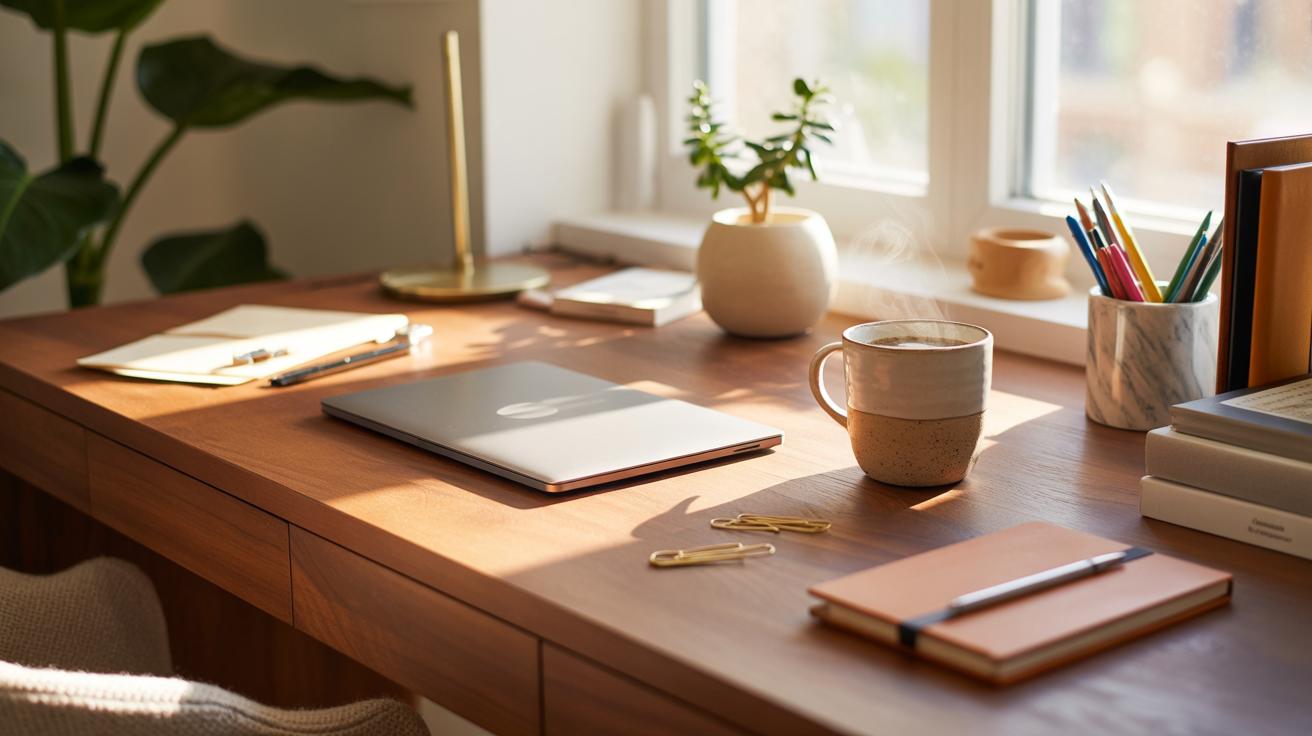
Setting up your home office can affect how you work. Desk styling plays a big role in making your workspace both cozy and productive. You want a place that feels comfortable but also helps you focus. This article covers desk styling tips that help you create a space where you enjoy working every day.
We explore what makes a desk setup good for work and relaxation. From picking the right desk to adding useful accessories, these tips suit any home office. Follow the steps to design a desk area that supports your tasks and keeps you motivated.
Create A Functional Workspace
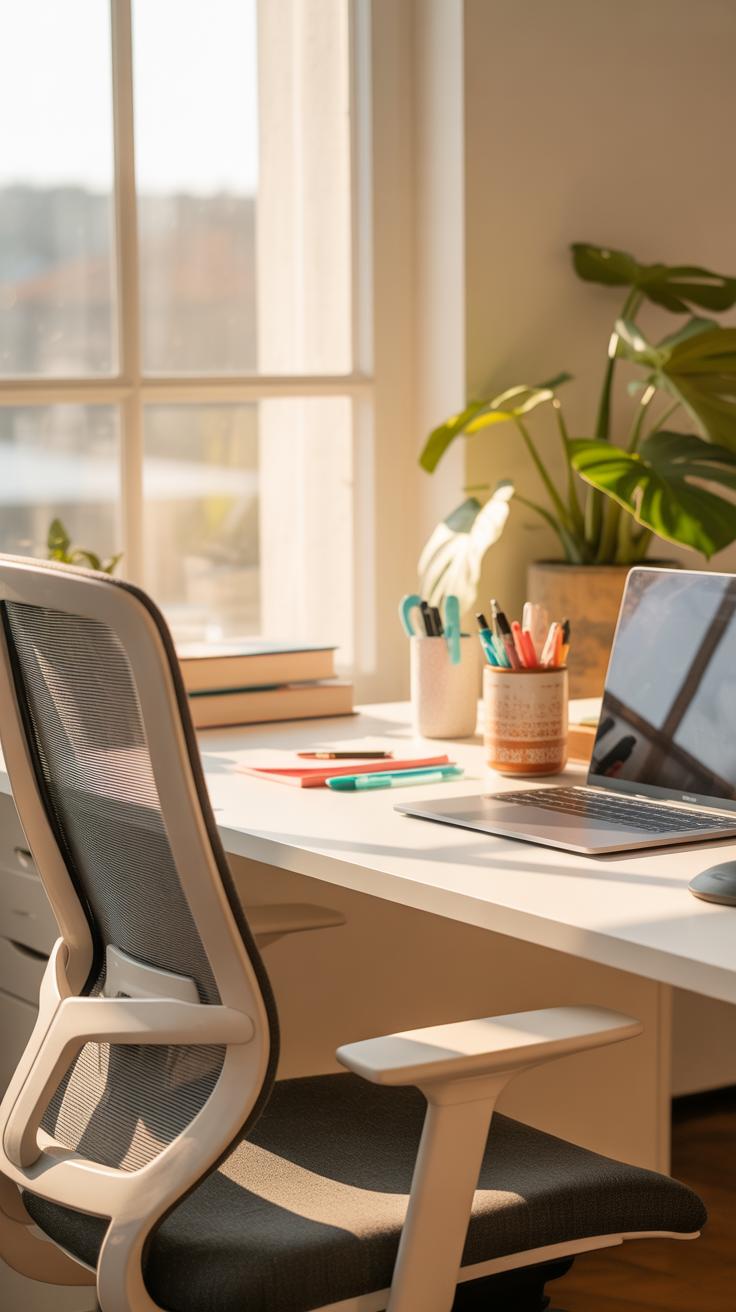
Picking the right desk is not as simple as grabbing the first one that fits in your space. You need to think about what kind of work you’ll be doing most of the time. For example, a graphic designer might need a wider surface to spread out sketchbooks and tablets, while someone focusing on writing or emails could get by with a smaller, more compact desk. The height matters too—too low and your shoulders tense up, too high and your wrists strain when typing.
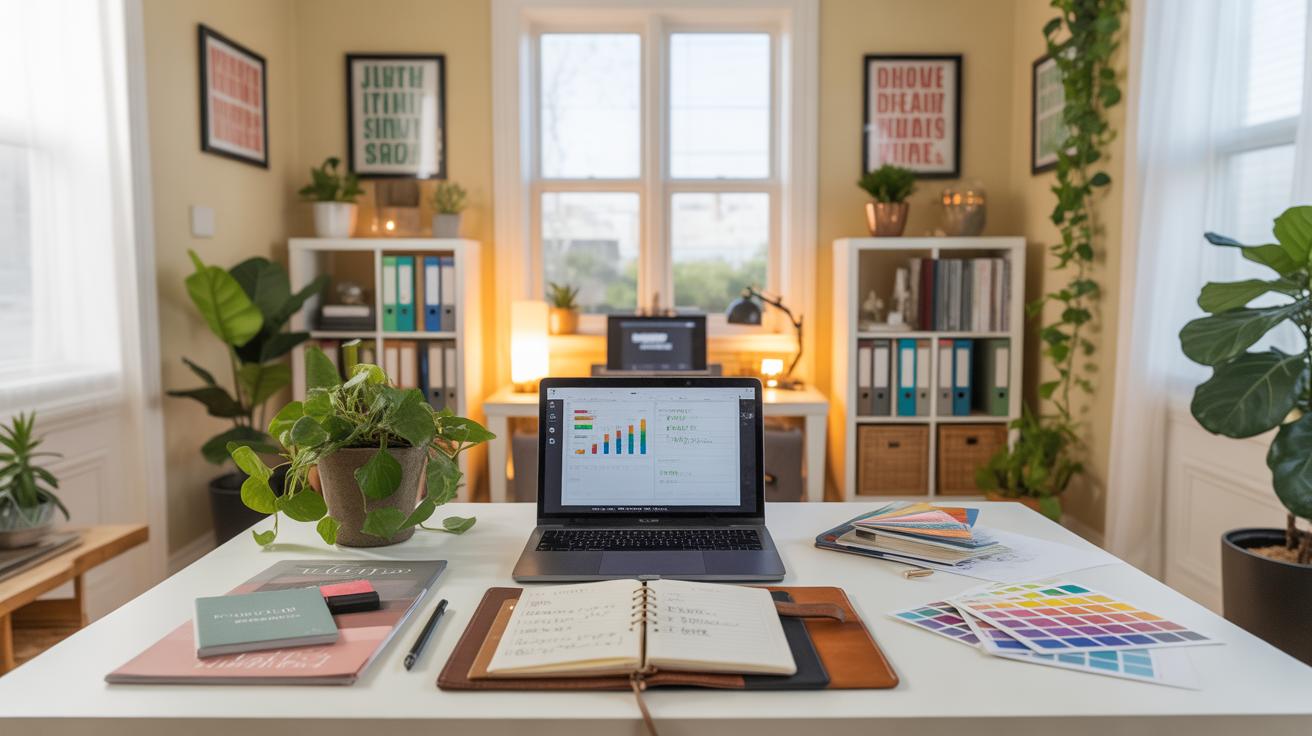
Stability also plays a bigger role than many people realize. A wobbly desk is distracting and wears out your patience quickly. If you’re using heavier equipment, check that the desk can hold the weight without shaking. Surface area ties back to both comfort and function; you want enough room for monitors, a notebook, and maybe a cup of coffee, without feeling cramped or lost.
Choosing The Right Desk For Your Needs
Discovering the perfect desk comes down to matching it to your workflow—but I guess that’s easier said than done. Material choice is one of those things you might overlook but later regret. Wood desks feel warm and sturdy but can be heavy or budget-breaking. Metal or glass options might look sleek but sometimes feel cold or less forgiving to bumps and scratches. Style matters—do you want something minimalist, traditional, or maybe industrial? Your room’s vibe counts here.
Storage capacity is tricky. Some desks come with built-in drawers or shelves, which are great if you hate clutter but not everyone needs or wants these. Maybe you prefer to add external shelves or keep your things in a rolling cart. It depends on whether you use lots of paper, gadgets, or just a laptop and notebook.
Essential Desk Accessories To Keep Handy
Even a good desk can’t make up for missing key accessories. Organizers can keep pens, notes, and small gadgets from turning into a chaotic mess, so your focus doesn’t wander when searching for that one sticky note. A lamp, especially one with adjustable brightness, saves your eyes when the natural light fades. Mouse pads might seem trivial, but a smooth one can surprisingly improve comfort and accuracy.
And don’t forget cable management. Tangled cords are a pain and can make the area look messy instantly. Simple clips, sleeves, or under-desk trays do wonders, and sometimes just gathering cables neatly makes you want to sit down and work more often. You might think it’s a tiny detail but it really changes how your workspace feels.
Boost Comfort With Seating Choices
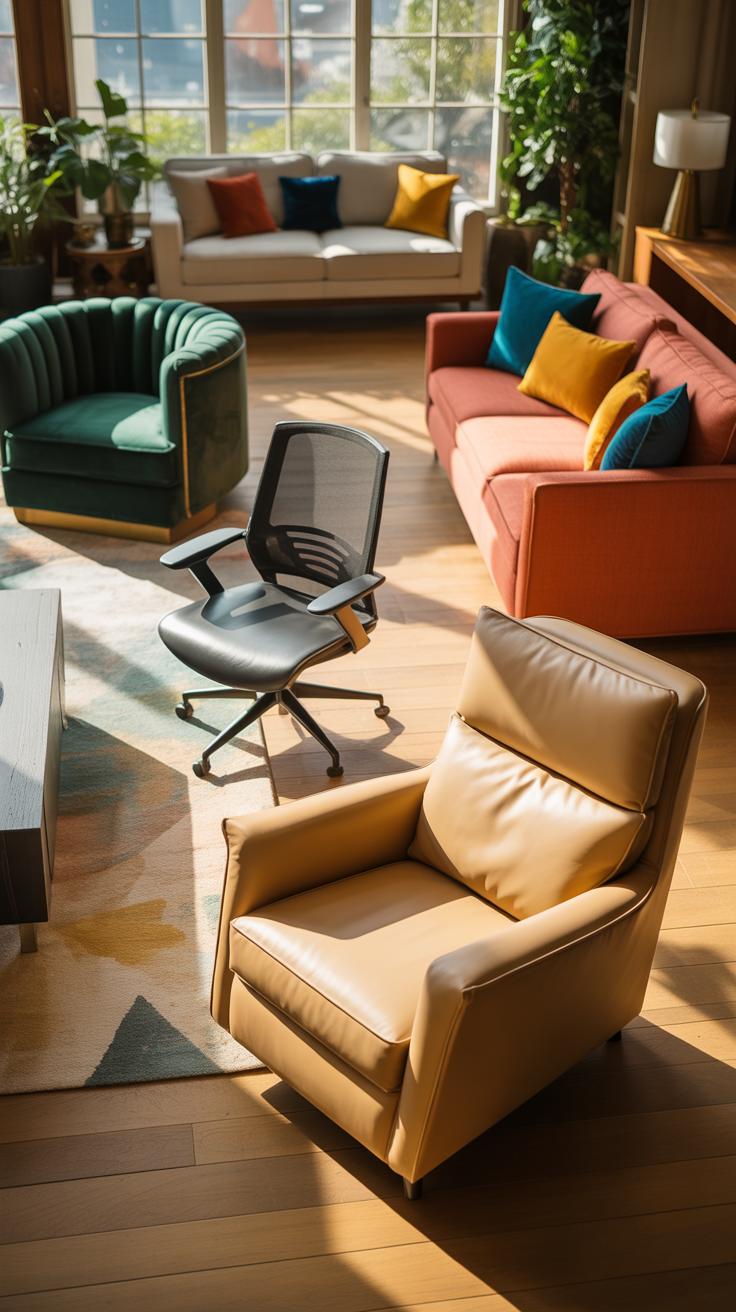
Why Choosing the Right Chair Helps Productivity
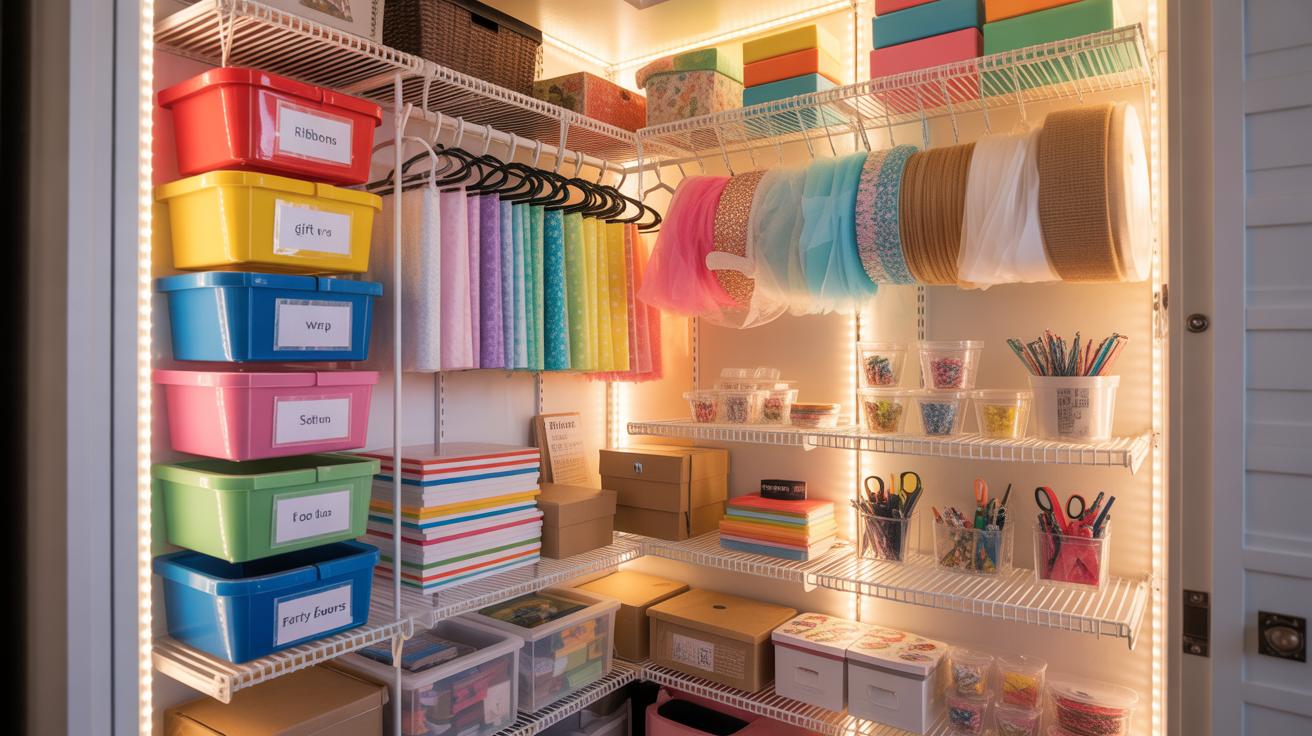
Your chair is more than just a place to sit—it really sets the tone for how you work. A good chair supports your posture, reducing the strain on your back, neck, and shoulders, especially during long hours at the desk. When your body feels supported, it’s easier to stay focused and comfortable, which usually means you’ll get more done. I once used a basic kitchen chair for my home office and ended up with a stiff neck. Switching to an ergonomic chair made a noticeable difference; I could work longer with less discomfort. So, investing in a chair that fits your body can be a big step toward better workdays.
Adjustable Chairs Vs Fixed Seating
Adjustable chairs come with options like seat height, backrest tilt, and armrest positioning, which let you customize the support you get. This flexibility helps you find the best posture and can relieve tension before it builds up. Fixed seating, like standard dining chairs or stools, tends to be less forgiving. They’re often cheaper but might cause you to shift awkwardly throughout the day—something that adds up over time. Not everyone needs or wants adjustable features, though. If your work style involves moving around frequently or sitting for short periods, a well-designed fixed chair could suffice. But if you sit for hours, adjustable seating usually wins for comfort and health.
Add Cushions Or Footrests For Extra Comfort
Even the best chair isn’t perfect all the time. Cushions can add much-needed extra padding, especially if your seat is too firm or doesn’t support your lower back well. Memory foam or ergonomic cushions target pressure points, which can prevent numbness or discomfort. Footrests help by promoting better leg circulation and preventing your feet from dangling, which can cause fatigue. When choosing these accessories, think about the height and firmness—too soft or too tall won’t help much. I keep a small footrest under my desk, and it surprisingly reduces tiredness after long afternoon sessions. These small additions can subtly improve your comfort and productiveness without replacing your whole chair.
Organize Your Desk Efficiently
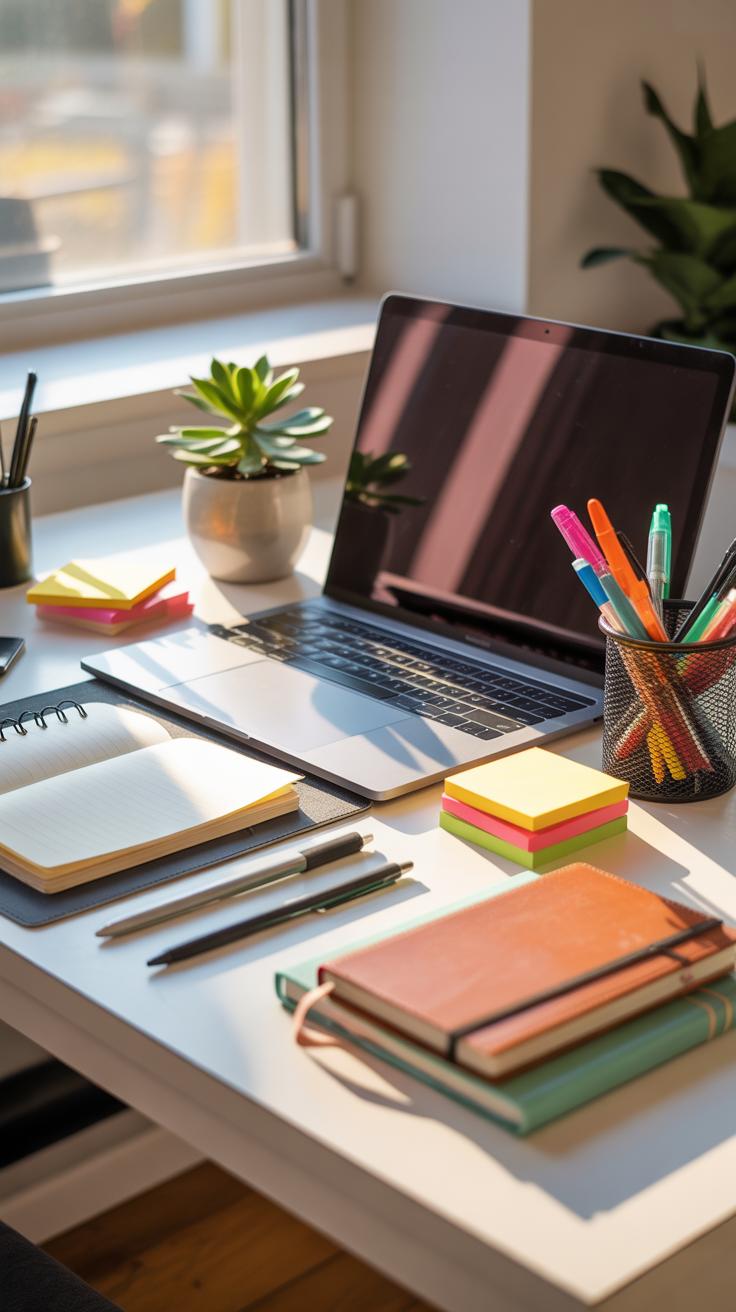
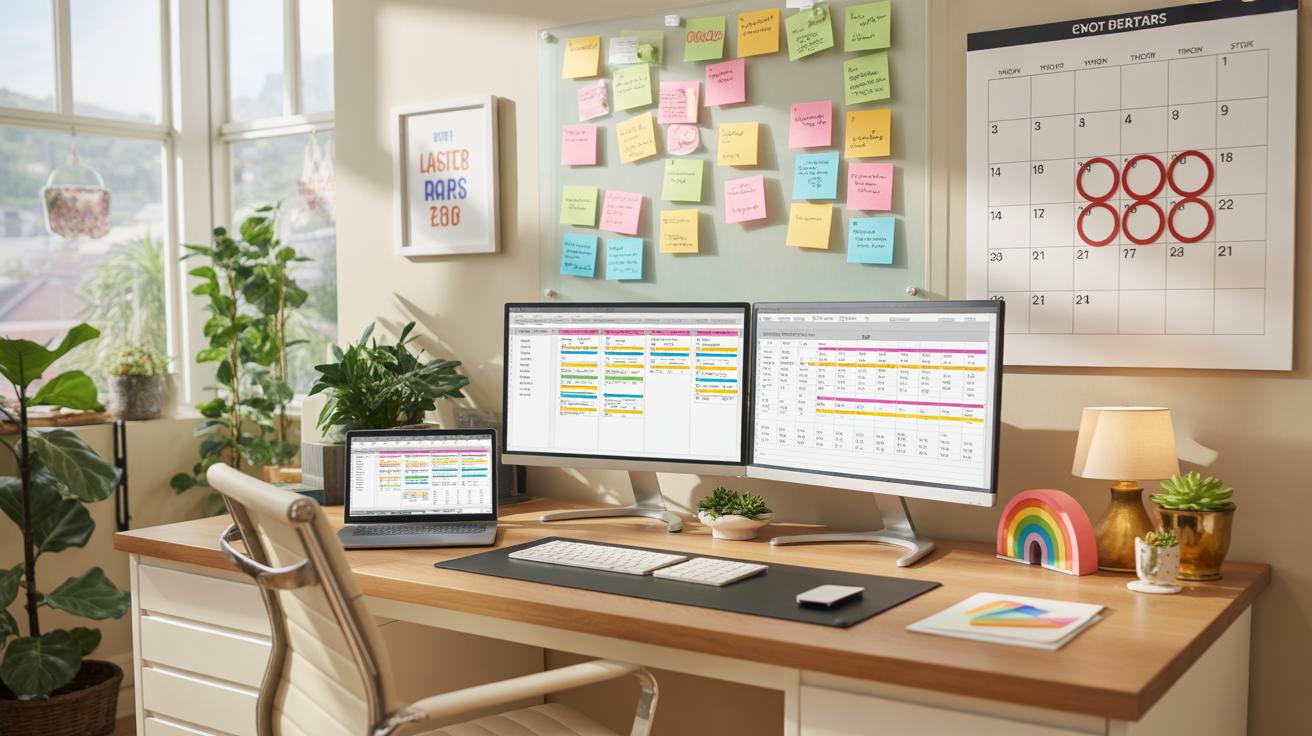
Keeping your desk tidy isn’t just about looks—it really shapes how you work each day. Start by sorting through everything on your desk. Ask yourself: Do I need this right now? If not, can it go elsewhere? Getting rid of clutter frees mental space.
Here’s a straightforward checklist to keep things neat:
- Discard or file old papers immediately.
- Group similar items together—pens with pens, sticky notes with notepads.
- Limit what stays on your surface; keep only everyday essentials visible.
- Store miscellaneous items in labeled containers or trays.
- Place things you use most often within arm’s reach.
Daily Desk Cleanup Checklist
Taking a few minutes to clear your desk every day can change how you feel about work. Try this:
- Shove loose papers into folders or the recycling bin.
- Put away devices or chargers you’re not using.
- Tidy your keyboard and mouse area.
- Wipe any dust or smudges off surfaces.
- Arrange your chair and lighting for a fresh start tomorrow.
It’s simple but helps reduce distractions before they build up. I’ve noticed my focus dips without this little routine.
Use Vertical Space And Drawers Effectively
Don’t ignore walls and drawers—they’re your silent helpers. Wall shelves can hold books, decor, or storage boxes, freeing up desk space. A desk hutch adds cubbies for papers or small gadgets.
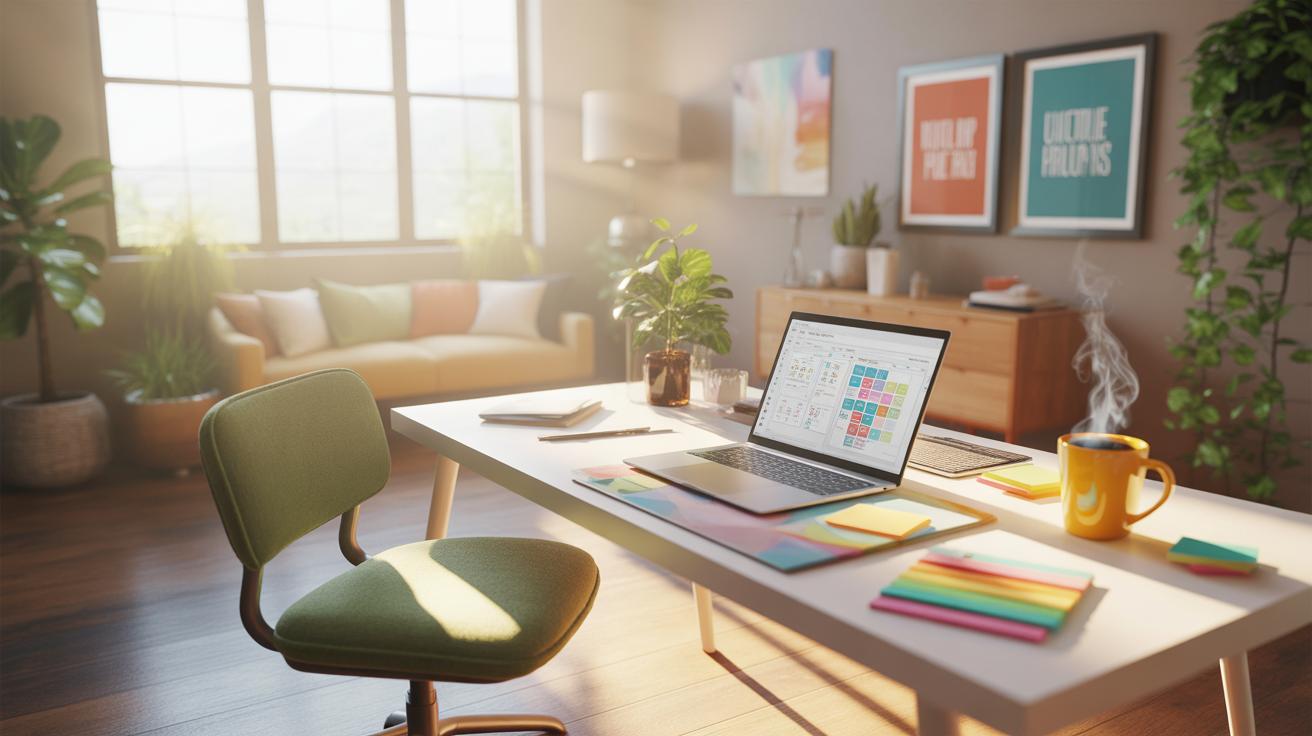
Drawers are great for less frequently used stuff. But here’s the thing: if you cram them endlessly, you lose track of things. Try organizing drawers with dividers so items don’t jumble in. And keep your most-used pens, sticky notes, or chargers close by—maybe in a shallow tray or a cup on the desk.
It’s about balance. Sometimes I over-stack shelves and forget what’s up there until it’s a mess again. But the effort to keep vertical and drawer storage orderly pays off when you need that one thing, fast.
Lighting To Reduce Eye Strain
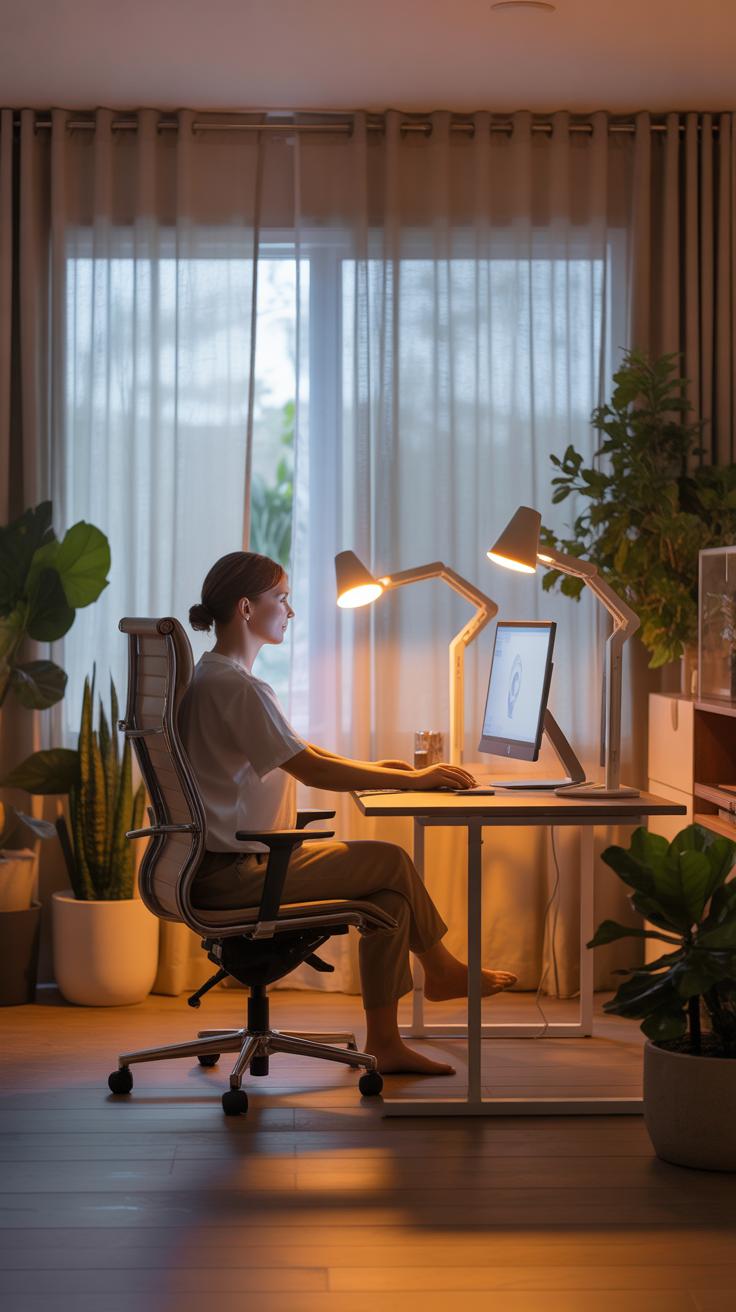
Lighting plays a more critical role in your home office than you might initially think. Poor lighting can tire your eyes quickly and mess with your focus, which is the last thing you want during work hours. Ideally, your setup should balance light levels to avoid harsh shadows and glare, both of which can cause discomfort and strain.
There are basically three types of lighting to keep in mind: ambient, task, and accent. Ambient light fills the room, task lighting zooms in on your work area, and accent lighting is more about atmosphere. For a home office, task lighting is absolutely key—it helps your eyes focus without having to squint or lean forward.

Placement matters just as much as the type. Try to keep desk lights positioned so they don’t directly hit your eyes or create reflections on your screen. Angling lamps from the side usually works best, but sometimes it’s a bit of trial and error. You might find yourself adjusting things more than once before finding a comfy setup.
Natural Light Vs Artificial Light
Natural light feels, well, natural. It has a wide spectrum of colors and changes throughout the day, which can be refreshing. Sitting near a window can boost your mood and even help regulate your circadian rhythms. But it’s not perfect. Too much sunlight causes glare or fluctuates in intensity, making it tricky to maintain consistent lighting for computer work.
Artificial light, on the other hand, gives you more control. You can turn it on whenever you want and adjust brightness more precisely. The challenge is finding bulbs that mimic daylight well enough to avoid eye strain. Some artificial lights feel too cold or too yellow, which can fatigue your eyes over long periods. There’s no one-size-fits-all here, sadly—you have to try a few setups to see what suits your space and your eyes best.
Choose The Right Desk Lamp
When picking a desk lamp, brightness and adjustability top the list. You want a lamp that offers enough light for reading and detailed tasks but doesn’t blast you with glare. LED lamps come highly recommended because they use less energy, last long, and produce a steady, flicker-free glow.
A lamp with an adjustable arm or head gives you flexibility to direct light exactly where you need it without moving your entire setup. I’ve noticed that having multiple brightness settings also helps—you can dial down the light if you’re switching to less visually intense work, like calls or brainstorming on paper.
Lastly, consider the light’s color temperature. A cooler, daylight-toned lamp boosts alertness during the day, while a warmer light in the evening feels gentler. Finding the right balance might take some experimenting, but your eyes will thank you for it.
Personalize Your Desk Space
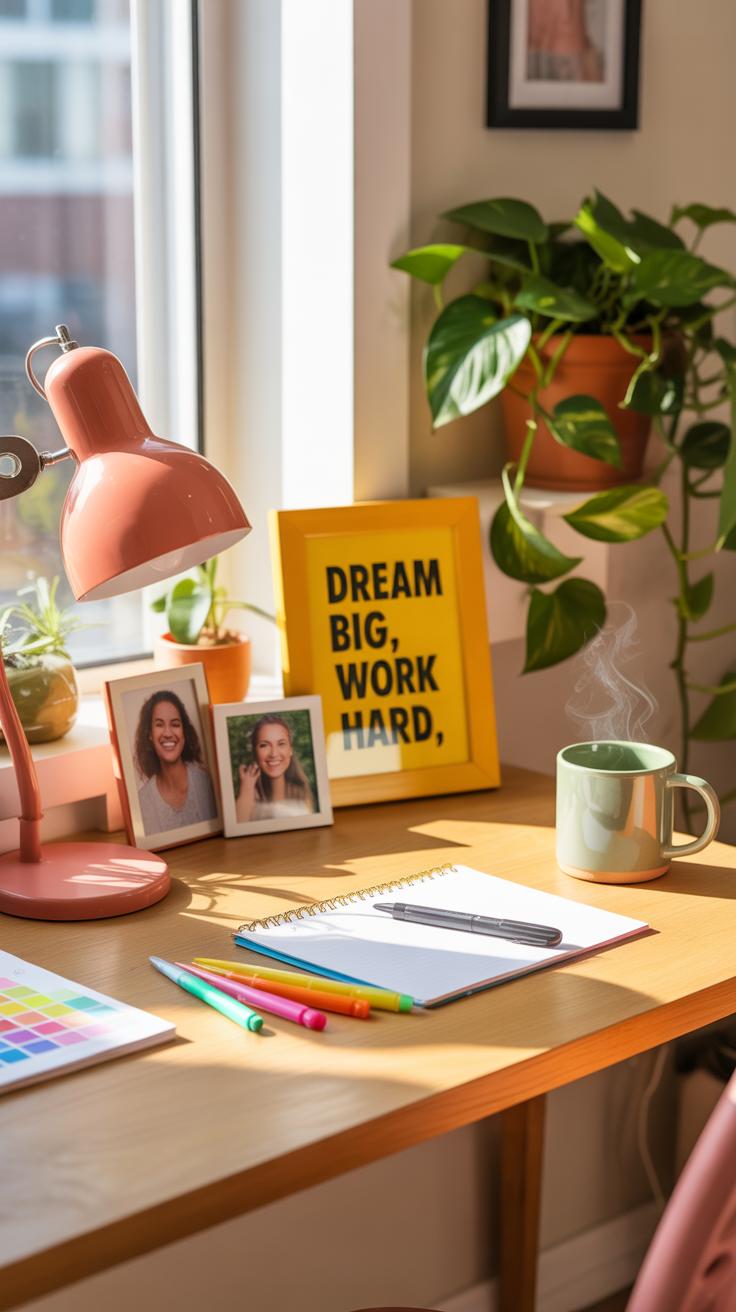
Making your desk feel like your own spot is more than just decoration—it can actually keep you motivated. Think about adding photos of family, friends, or places that mean something to you. Images spark feelings, sometimes quietly pushing you through a tough moment. But beware of overloading—you don’t want a gallery wall that distracts more than it inspires.
Colors matter too. Choose hues that suit your mood and energy levels. Maybe a calm blue or soft green for focus, or warmer tones if you need a bit of pep. It’s tricky because what feels energizing one day might feel draining the next. That’s okay, just stay flexible and ready to tweak.
Plants That Improve Air And Mood
Plants pull double duty on your desk—they freshen the air and can lower stress. Some of the easiest ones to care for include:
- Snake Plant – can survive low light and irregular watering
- Succulents – great for dry environments and need very little attention
- Spider Plant – tough and known for cleaning toxins from the air
- Pothos – grows quickly, doesn’t mind shade, and adds a lush vibe
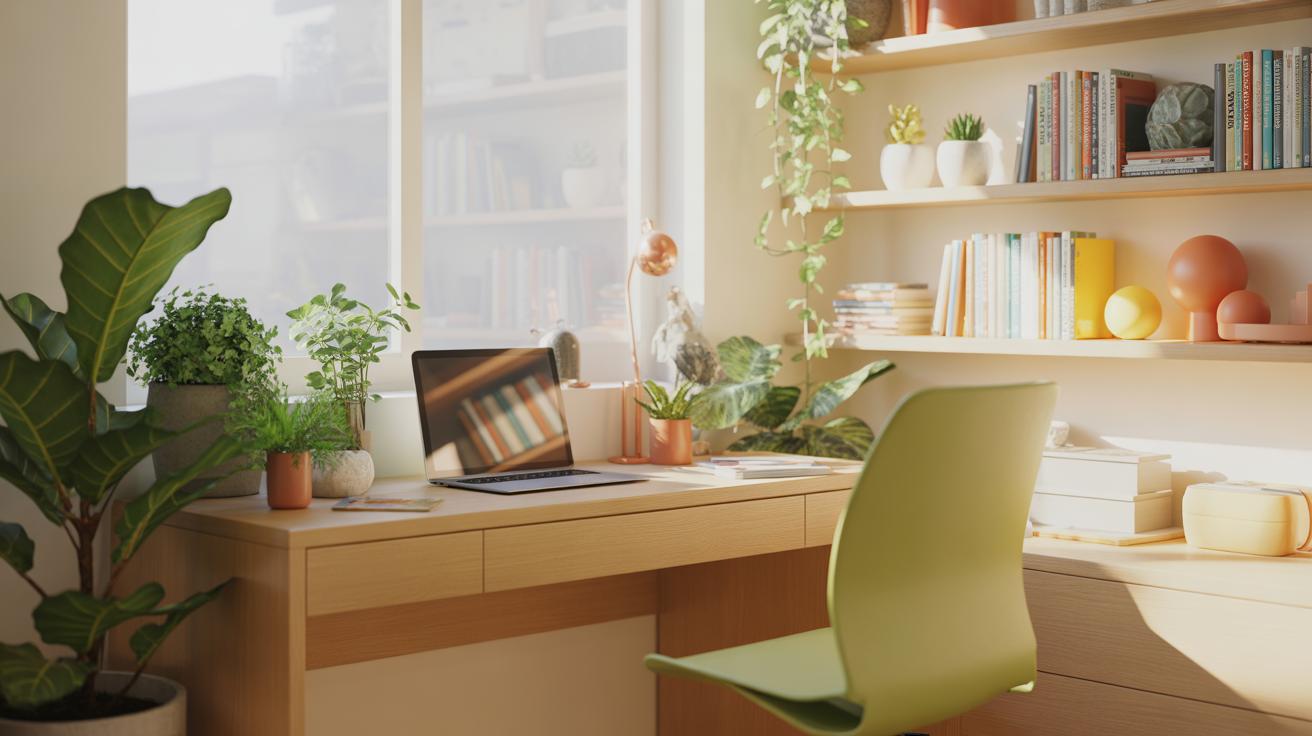
These plants seem to do more than just decorate. They can improve concentration as well. I’ve noticed when a little green lives on my desk, a tense afternoon feels just a bit lighter.
Minimal Decor To Avoid Distractions
Too much stuff on your desk can pull you off track, even if the items are meaningful. Keeping decorations simple helps maintain focus. Instead of lots of trinkets, pick one or two small pieces that reflect who you are. A favorite mug, a neat paperweight, or a small sculpture might do the trick.
Minimal doesn’t mean boring. It means deliberate. Each item should earn its place without crowding. You might find that a cleaner desk clears your mind more than you expected—but if you love little details, a few carefully chosen touches can brighten your space without adding noise.
Evaluate Desk Styling Mistakes
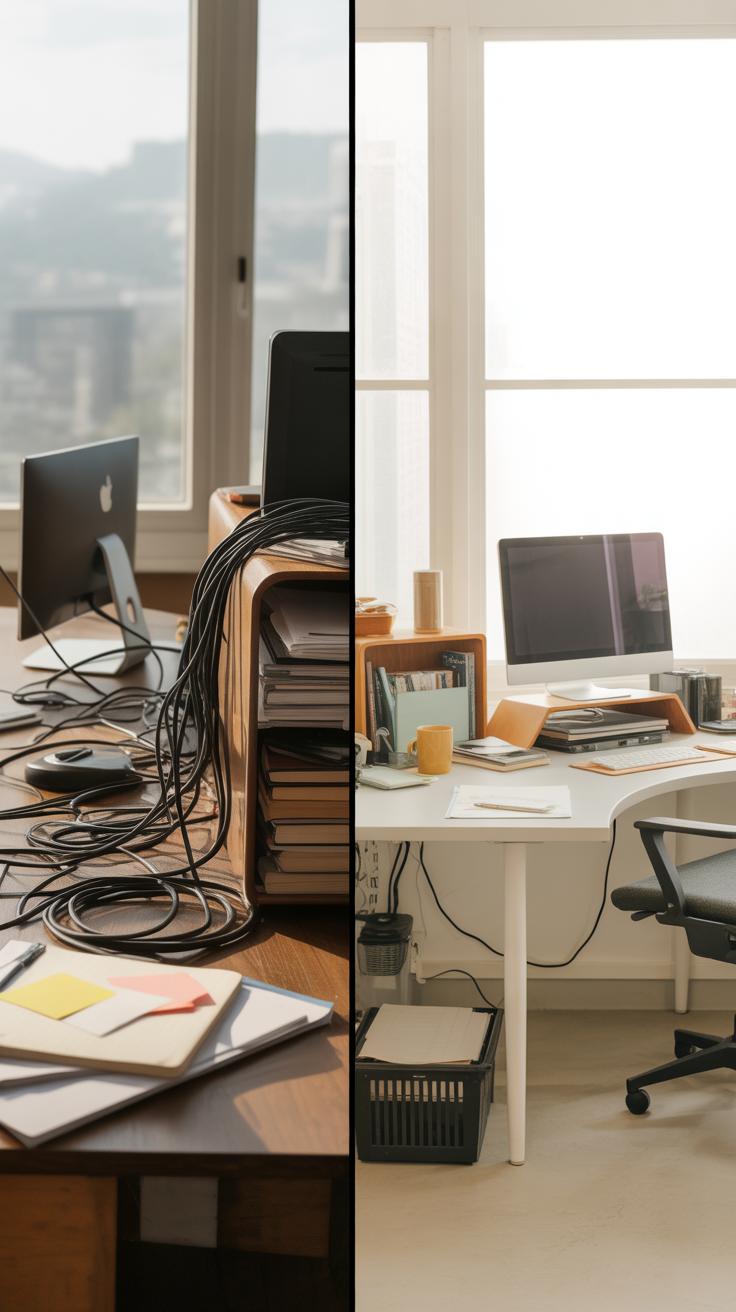
Overcrowding Your Desk Space
Stuffing your desk with too many items might seem harmless, but it often backfires. When your workspace is cluttered, it becomes hard to focus, and you tend to waste time searching for things. It also limits your movement and can feel mentally overwhelming, even if you don’t realize it at first. I’ve noticed that when my desk starts to look like a storage shelf, I end up distracted more than productive.
To fix this, try limiting items to what you truly need daily. Put extras away in drawers or storage boxes nearby but out of sight. Use organizers or trays to keep essentials neat and in one place. Sometimes just dedicating a specific spot for papers can stop the pile-up before it grows. Don’t hesitate to reassess regularly — your needs can change, and so should what’s on your desk.
Ignoring Ergonomic Setup
It’s easy to overlook how your desk setup affects your body—and your work. Sitting uncomfortably with a monitor too low or a keyboard too high can cause fatigue, stiff necks, and sore wrists. I remember dragging through days with a bad setup, only to realize discomfort was slowing me down more than the workload itself.
Adjust your chair so your feet rest flat on the floor. Align your monitor so the top of the screen is roughly eye-level. Keep the keyboard and mouse close enough to avoid stretching, with wrists straight. Small changes can make a surprising difference. Even if you feel fine now, these tweaks could prevent aches that sneak up over time. Why put off comfort when it speeds up your workflow?
Tech Tools For Organized Desk
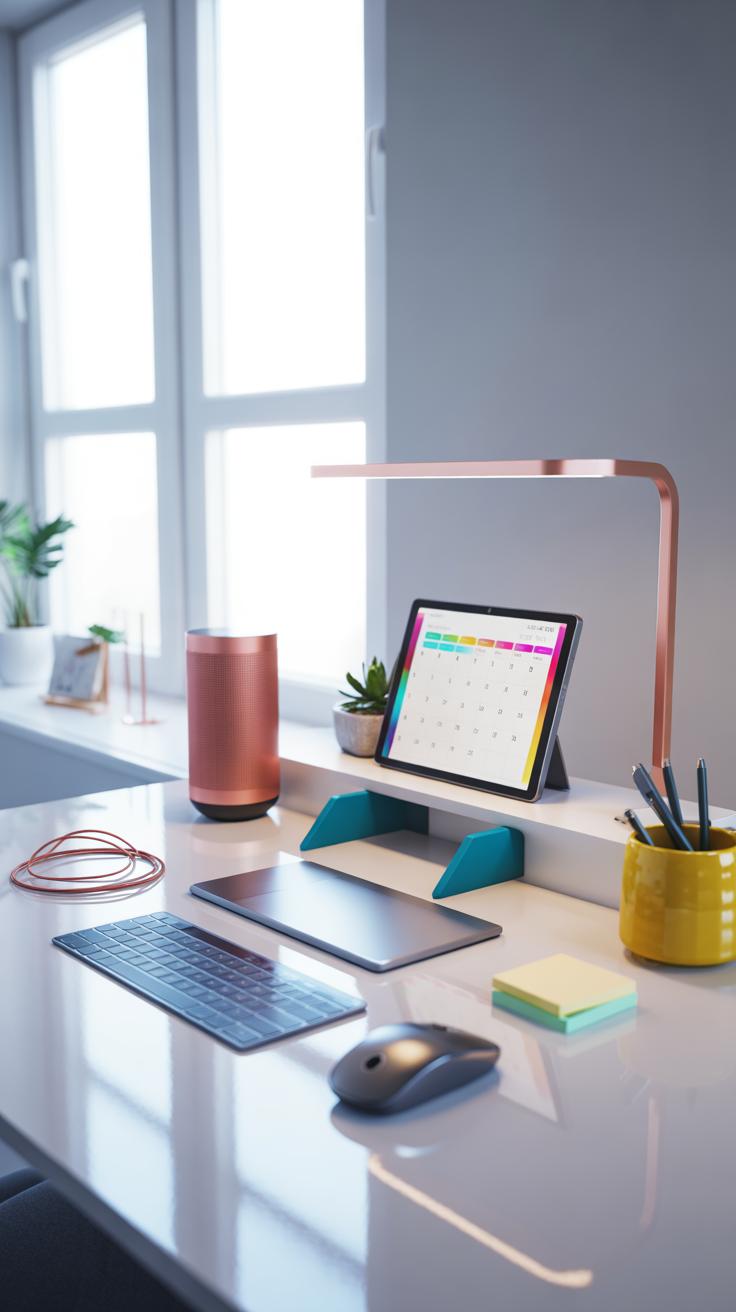
Keeping your desk clear often means paying close attention to the tech gadgets you rely on every day. There’s a surprising variety of devices designed specifically to help cut down on clutter and streamline your workflow. Take wireless chargers, for instance. They eliminate the mess of multiple cords sprawled across your surface, giving you a spot to drop your phone without hunting for cables. I’ve found that using one not only tidies the space but somehow makes me less distracted by notifications—perhaps because the phone isn’t in my hand all the time.
When it comes to cable management, a few straightforward products can make a big difference. Cable trays mounted under your desk catch wires that normally dangle and tangle. Clips and sleeves group cables together, preventing them from sprawling everywhere. You could even try adhesive cable boxes that hide power strips and adapters out of sight. It’s worth experimenting to see what fits your desk’s shape and your setup. Sometimes, a basic Velcro strap is all you need to keep cables from becoming a nuisance.
On the digital side, switching to cloud storage cuts down on those piles of paperwork. Storing files online means you don’t have to keep printers and heavy folders cluttering your workspace. Apps for task management, like Todoist or Trello, also help keep your to-do list from taking over your desk as sticky notes or scribbled papers. I sometimes worry relying fully on digital tools feels a bit too invisible—I miss tangible reminders. Still, they do clear space and keep things organized. Have you noticed whether digital tools actually reduce distractions, or just shift them subtly elsewhere?
Plan Your Desk Styling Over Time
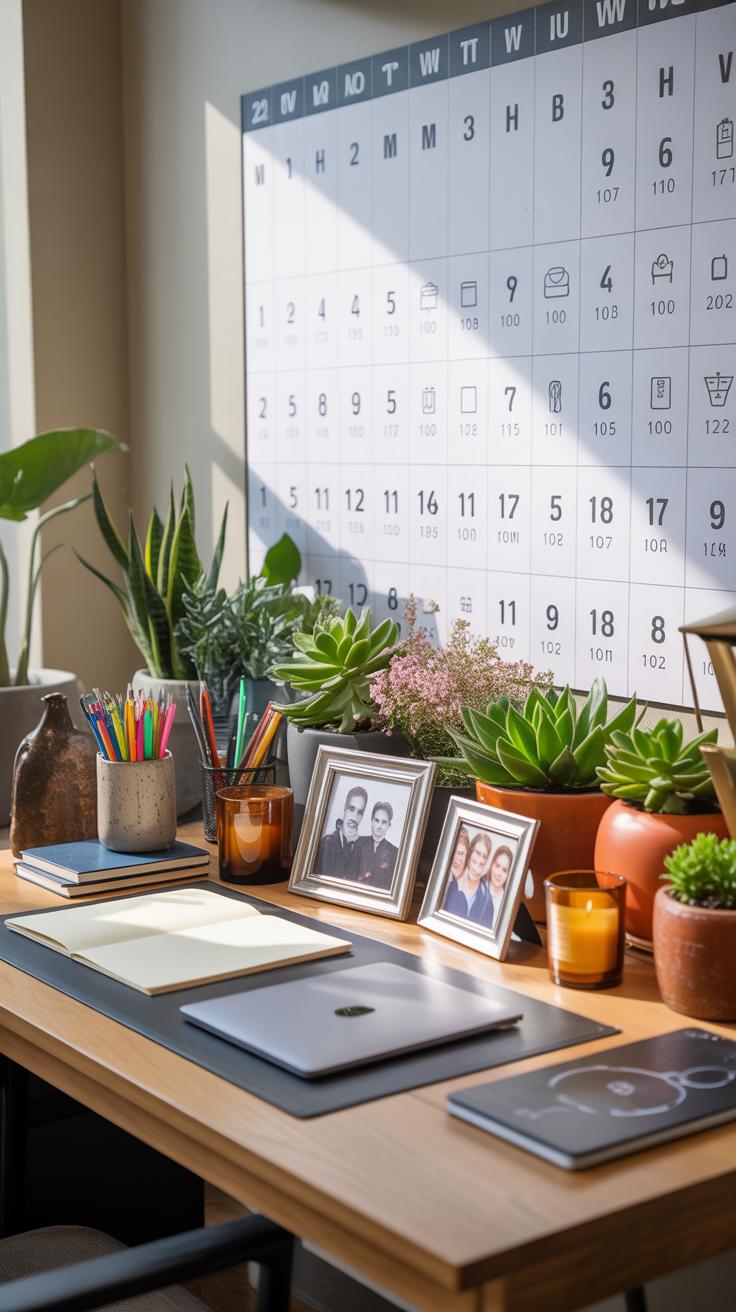
Styling your desk doesn’t have to happen all at once. In fact, trying to perfect it immediately can be overwhelming or even counterproductive. Instead, think about a simple timeline. Start by zeroing in on the essentials—your desk, a comfortable chair, and good lighting. Without these, adding anything else feels pointless.
Once you’ve nailed the basics, you can introduce extras bit by bit. Maybe a few personal touches like a small plant or a photo frame. Tech gadgets should come next, but only those that truly support your work. Fancy accessories are great, but they can wait until your workflow feels steady.
Every few months, take a step back and review your setup. Ask yourself: Is everything still useful? Could something be removed? Or perhaps you might want to rotate in seasonal items—like warmer lighting in winter or brighter colors come spring. The key is to keep adapting as your needs shift, rather than letting your desk become a static space that no longer serves you well.
Conclusions
Styling your desk well improves your workday. By choosing a desk that suits your tasks and adding the right tools, you make your workspace practical and pleasant. Small details like organization and lighting also help you stay focused and relaxed.
Spend time arranging your desk to match your work style. A cozy home office doesn’t just look nice; it supports you in doing your best work. Use these desk styling tips to build a workspace tailored to your needs.