Introduction
Creating a cozy home office is key for your event planning success. Your workspace impacts your mood, focus, and efficiency. A comfortable and well-designed home office helps you manage event details calmly and stay organized.
This article guides you through cozy home office design ideas for event planning. You will learn about picking furniture, arranging space, setting lighting, selecting tools, avoiding distractions, and keeping your space productive. These tips will help you build a workspace that supports your event planning tasks effectively.
Organize Your Home Office Layout
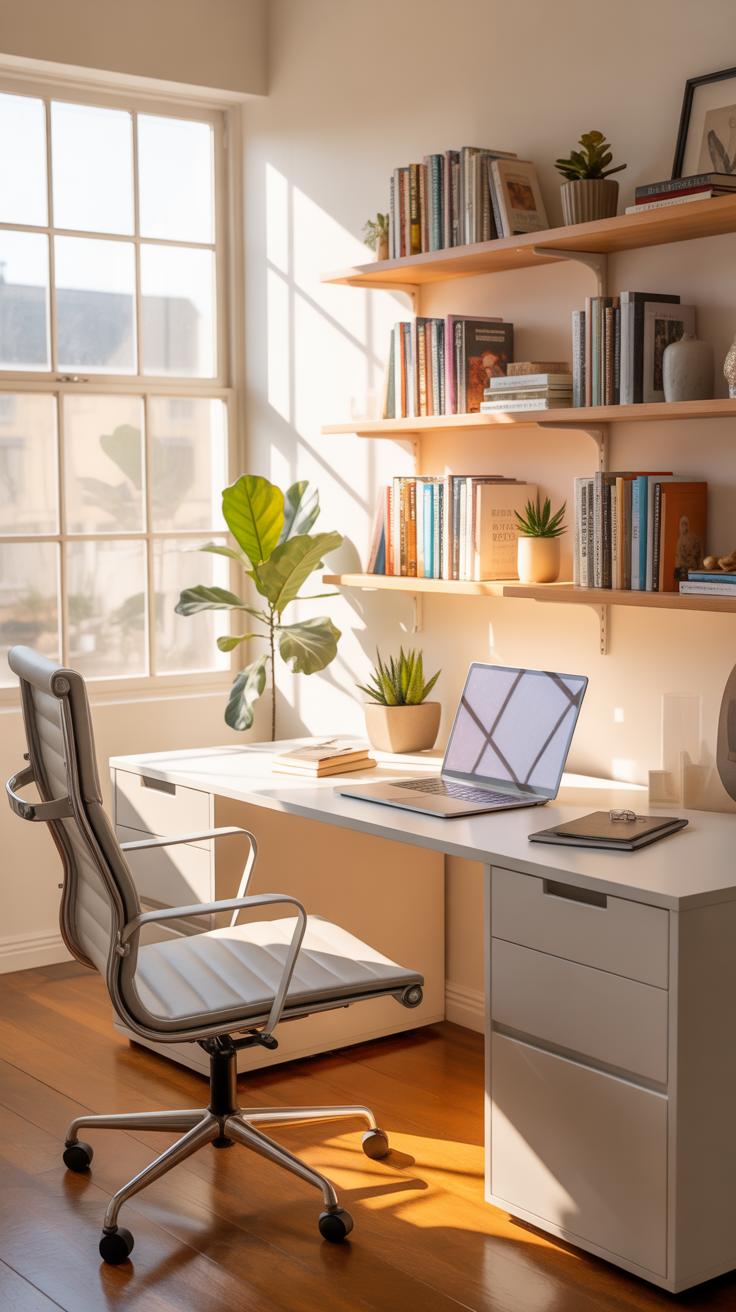
When setting up your home office for event planning, arranging the space with clear purpose can make all the difference. Think about placing your main desk near a wall or window where natural light comes in. This spot becomes your command center—your planning zone. Keep your calendar, notebooks, and essential supplies within arm’s reach to avoid interruptions when ideas strike.
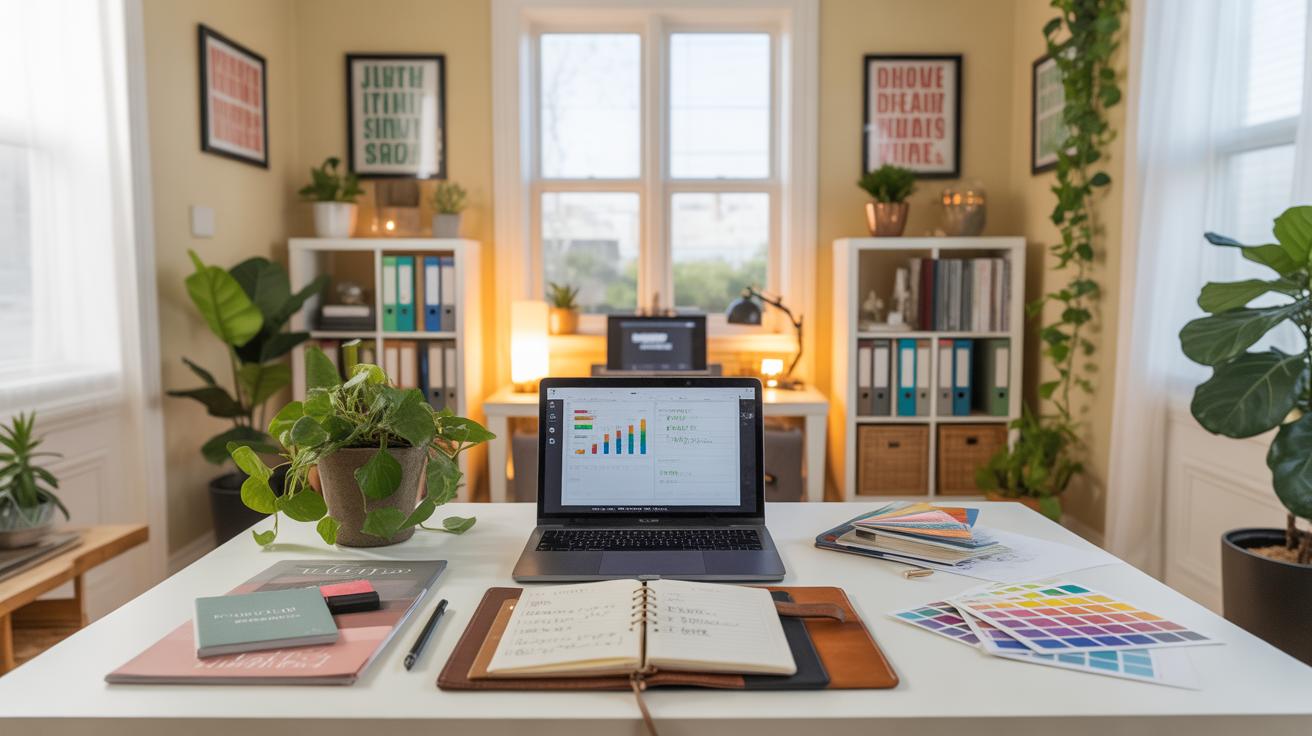
Next, carve out a separate zone for computer work. Maybe a corner with your laptop or desktop, paired with a comfortable chair. This separation helps mentally switch gears between brainstorming and digital tasks. Then, designate a third area for storage—a shelf or cabinet to hold decorations, contracts, and materials. Easy access here prevents frantic searching before deadlines.
Furniture placement should invite smooth movement. Avoid clustering chairs or shelves so tightly you have to sidestep around them. Leave pathways wide enough to stand and stretch. I’ve noticed when my space feels cramped, my focus takes a hit—sometimes it almost feels like the clutter cornered me, no exaggeration.
Organizing zones like this isn’t about making perfect rectangles on your floor. It’s about creating an environment where you glide from one task to another without feels like a logistical puzzle. Ask yourself: Do you reach for what you need easily? Can you shift from reading notes to making calls without doubling back? If yes, your layout works for the pace event planning demands.
Select Furniture For Comfort And Function
Choosing the right furniture for your home office isn’t just about looks—it’s about how you feel sitting there after several hours of event planning. You might be surprised at how much an ergonomic chair can change your entire workday. Adjustable features let you tailor support to your body, which actually makes a noticeable difference. For me, switching to a chair with lumbar support helped reduce the usual stiffness in my lower back—and I didn’t expect that relief to be so immediate.
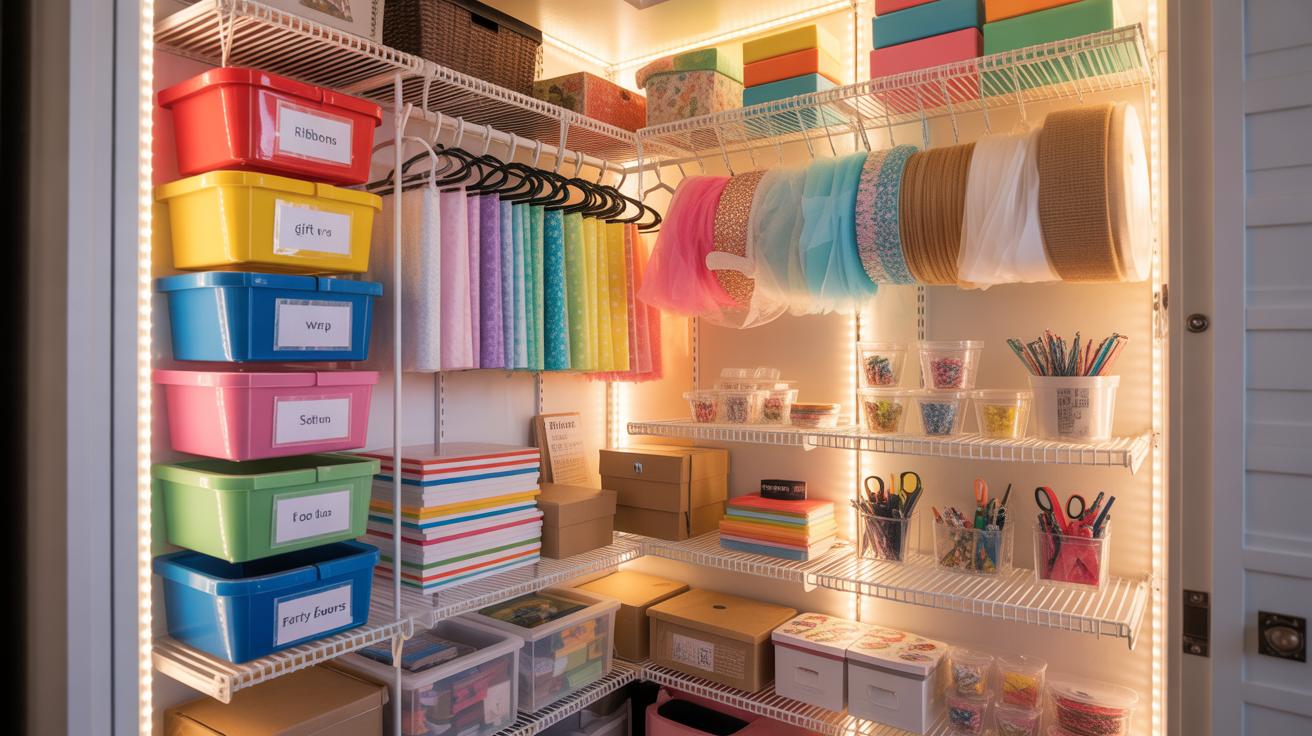
When it comes to desks, having built-in storage can be a game-changer. Clutter tends to pile up quickly with all the event materials, contracts, and sample catalogs you juggle. A desk with drawers or shelves nearby stops papers from drowning your workspace and keeps everything within arm’s reach. I remember fumbling for notes and small event items because my desk lacked storage—just having a few drawers saved me from constant interruptions.
Think about your own workflow: what do you need immediately in front of you, and what can be tucked away? A thoughtfully chosen desk can simplify that. You might prefer a larger surface for spreading out mood boards or a smaller footprint if space is tight. Either way, blending comfort with practicality will keep those long sessions from wearing you down.
Choose An Ergonomic Chair
Long hours spent hunched over laptop screens or juggling event checklist details tend to take a toll if your chair isn’t up to the task. Adjustable ergonomic chairs help you find a posture that supports your spine and lets you sit comfortably without forcing constant shift or fidgeting. If your chair doesn’t offer height adjustments or enough back support, you’re likely sabotaging your own productivity, even if it sneaks up on you slowly.
In practice, I found it useful to spend some time simply adjusting the chair before starting work. The armrests, seat tilt, seat height—all can be fine-tuned. It’s worth trying different settings, even if you think it won’t matter that much. Sometimes the difference is subtle but noticeable after a few hours.
Pick Desks With Storage
Desks with built-in storage help organize your space in a way that keeps essential event planning tools right where you need them. Instead of having to get up and rummage through boxes or drawers across the room, you can grab what you need seamlessly. Even small compartments for pens, planners, and sample swatches make the process less distracting.
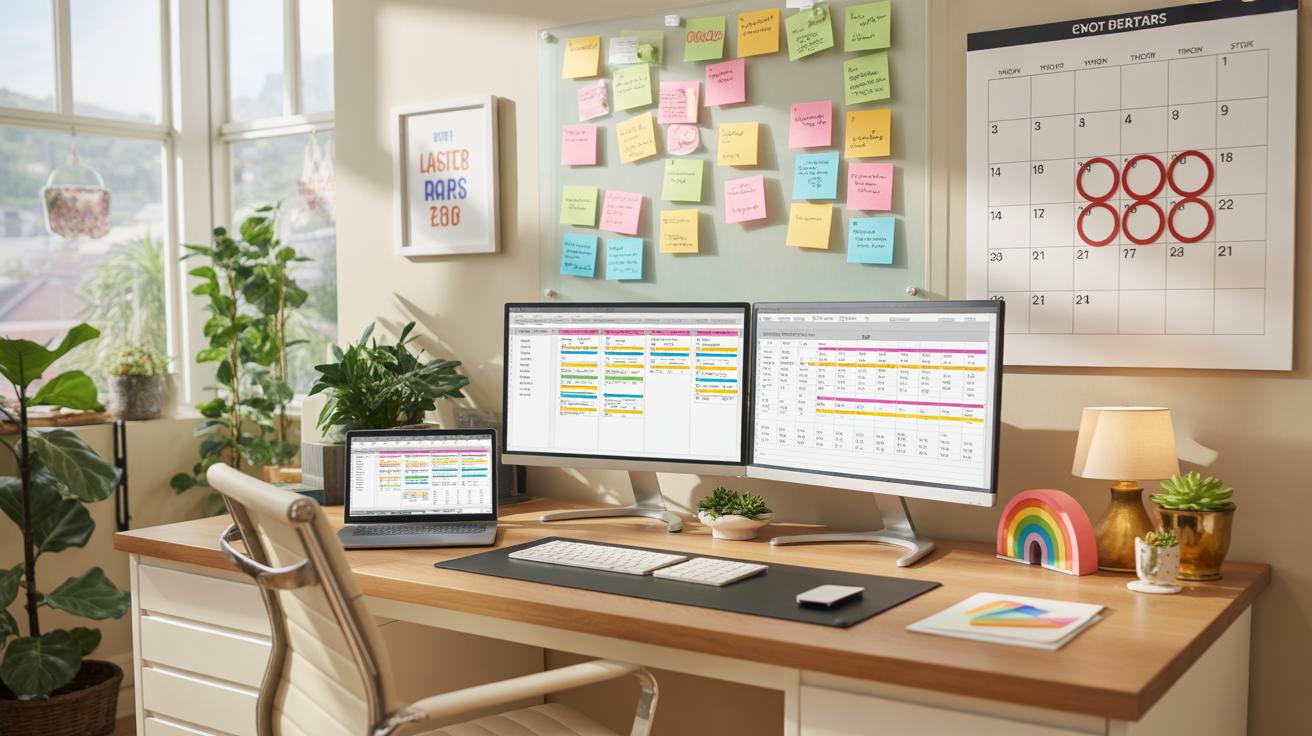
My go-to setup includes a desk with side drawers and a shallow top shelf. It’s not about fancy design, just about keeping things—from contracts to staplers—tidy and accessible. If your desk only offers a flat surface, you might find your workspace cluttered faster than you expect, which impacts focus without you even realizing it.
Finding that balance between enough storage and maintaining a clean workspace can be tricky, but it’s worth the trial and error. What feels cluttered to one person might feel minimal to another, so trust your own comfort level as you decide.
Improve Lighting For Focus And Mood
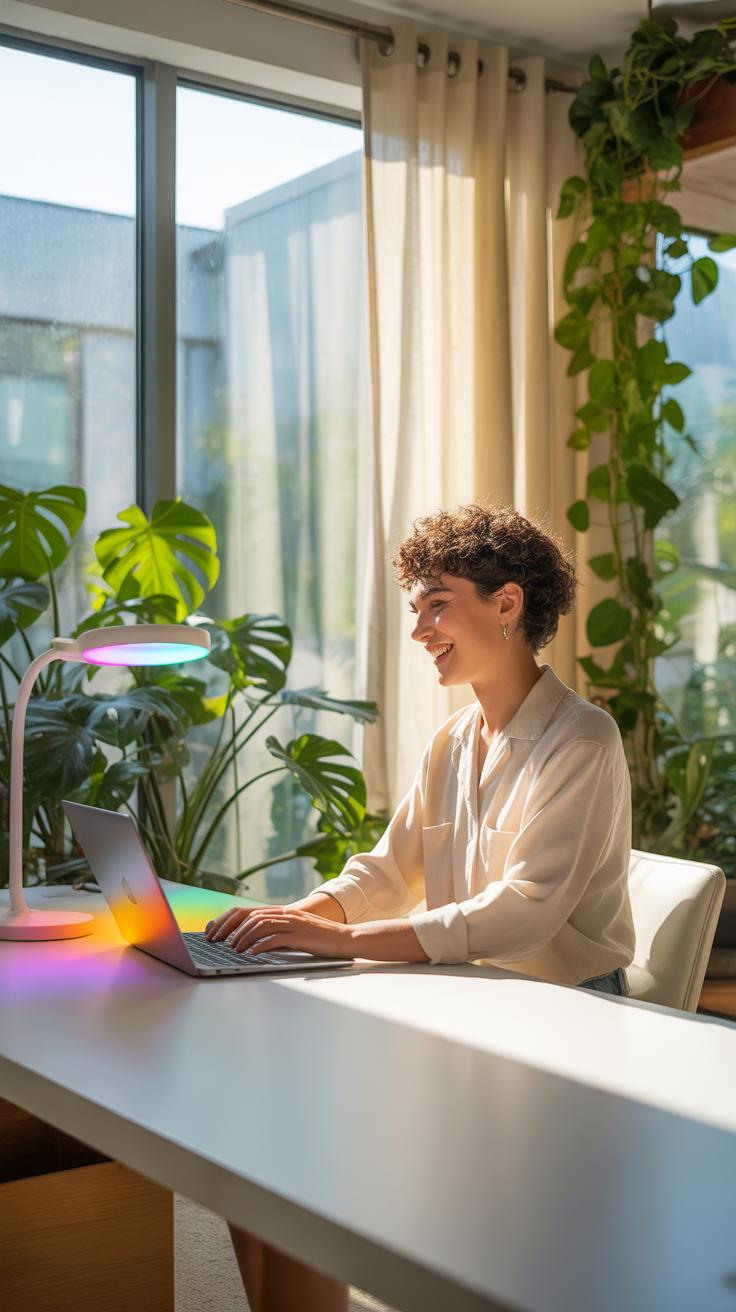
Lighting plays a quiet but crucial role in how you work, especially when tackling detailed event planning tasks. When your eyes feel strained or your energy dips, it’s often a sign your lighting isn’t quite right. You might think just any lamp will do, but paying attention to how light hits your workspace can change everything. It’s not just about brightness, but also about quality and direction.
Use Natural Light When Possible
Natural daylight has a way of lifting the mood while helping your focus. If you can, set up your desk near a window. This way, you get the shifting light throughout the day, which can keep you more alert. Just make sure the sun isn’t glaring directly in your eyes or onto your screen – that can be more distracting than helpful.

Placing your desk at a right angle to the window often works best, so you capture daylight without harsh shadows. I’ve noticed on days when I’m close to a bright window, my energy stays up longer, and reviewing event plans feels less like a chore. But, natural light changes with weather and season. You’ll still need something else when the light fades.
Incorporate Task Lighting
Desk lamps and adjustable lights come into play for those hours when daylight dims or when you dig into fine details. Focused light on your calendar, contracts, or color swatches helps prevent eye strain, especially during late work sessions. A lamp with adjustable brightness or direction feels more useful. You can angle it exactly where you need help, or tone it down if it feels too harsh.
Personally, I like lamps with warm bulbs for late afternoons. It keeps the room cozy but doesn’t dull my focus. What kind of light do you find works best when you’re concentrating on event layouts or budgets? Try different options; the right light can shift your whole day in subtle ways you might not expect.
Choose Tools And Technology Wisely

Picking the right tools and technology can make or break your workflow when planning events from home. It’s tempting to jump on whatever looks popular, but really, what you need depends on how you like to organize, communicate, and keep track of deadlines. Think about what slows you down. Is it juggling multiple guest lists, or maybe struggling to track budgets?
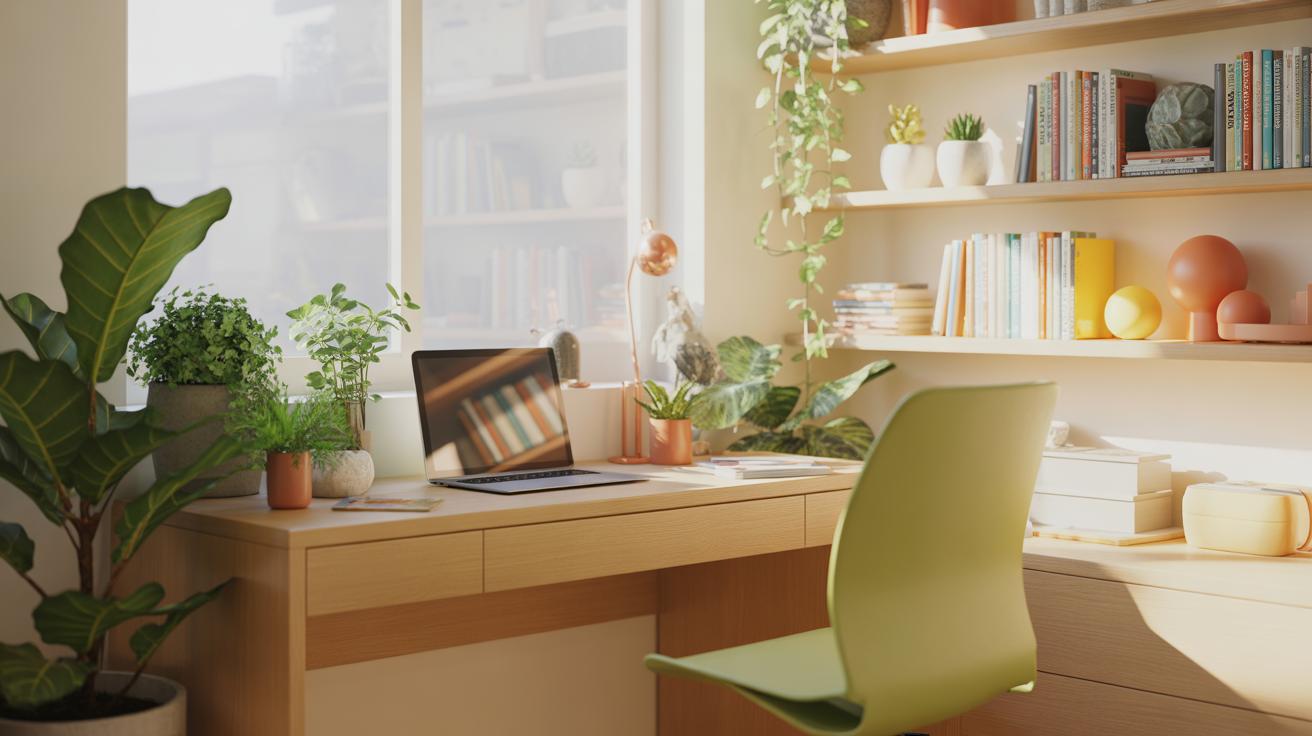
Event planning software can help keep all those moving parts in one place. Some favorites include:
- Trello: Great for visual organizers who prefer boards and cards to monitor tasks and progress.
- Asana: Helps to assign tasks, set deadlines, and see what everyone is up to in a single dashboard.
- Eventbrite: Useful when managing ticket sales or RSVPs directly through the platform.
These tools let you not just plan, but also communicate with clients and vendors without digging through endless emails.
On the hardware side, a slow laptop can easily crush your momentum. Having a quick computer matters more than you might think because you’ll be juggling multiple windows and apps at once. A decent printer makes a difference when you need physical copies of contracts or event layouts on hand. And then, there’s internet speed — if it drops mid-video call with a client or during an online walkthrough, things get frustrating fast.
Maybe you’ve experienced losing an online meeting because of glitchy connections? It’s more than just annoying — it interrupts the flow of planning and can leave you scrambling to reschedule or clarify details. Finding reliable tech might feel like a hassle, but after a few hiccups, you’ll realize it’s well worth sorting out.
Build A Daily Setup Checklist
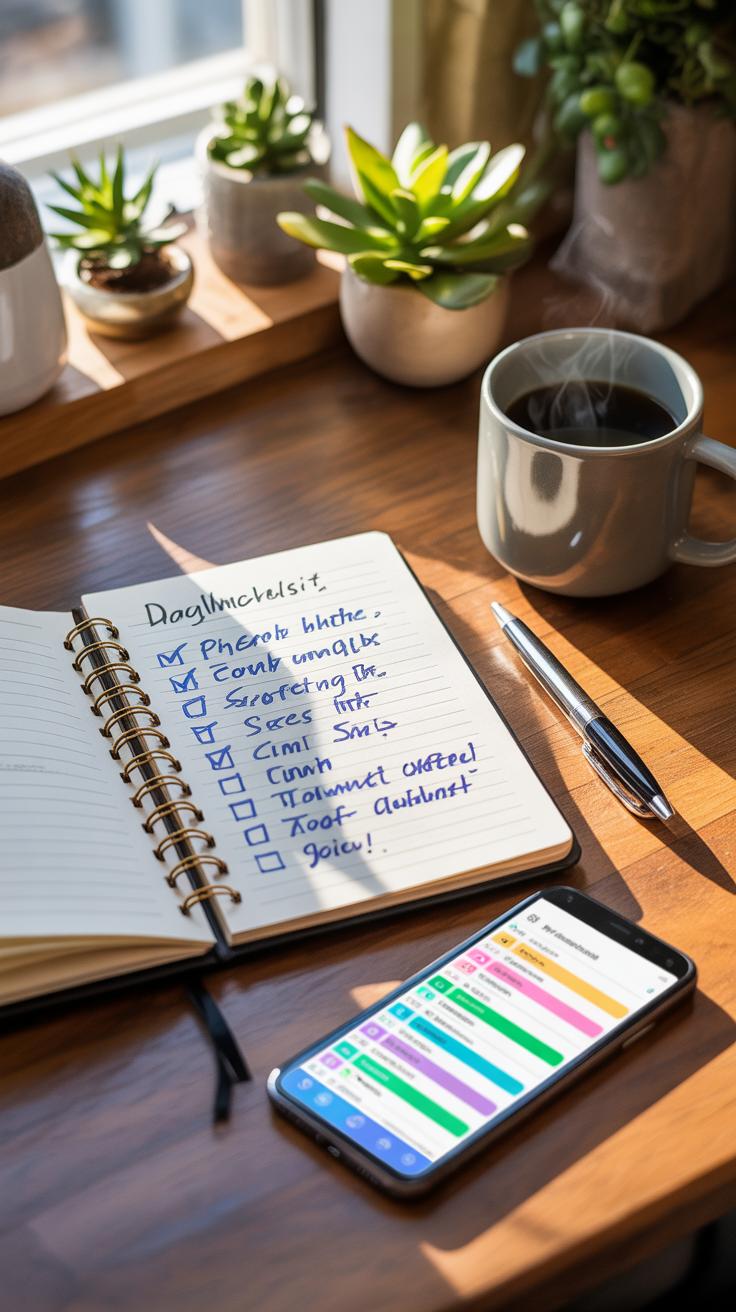
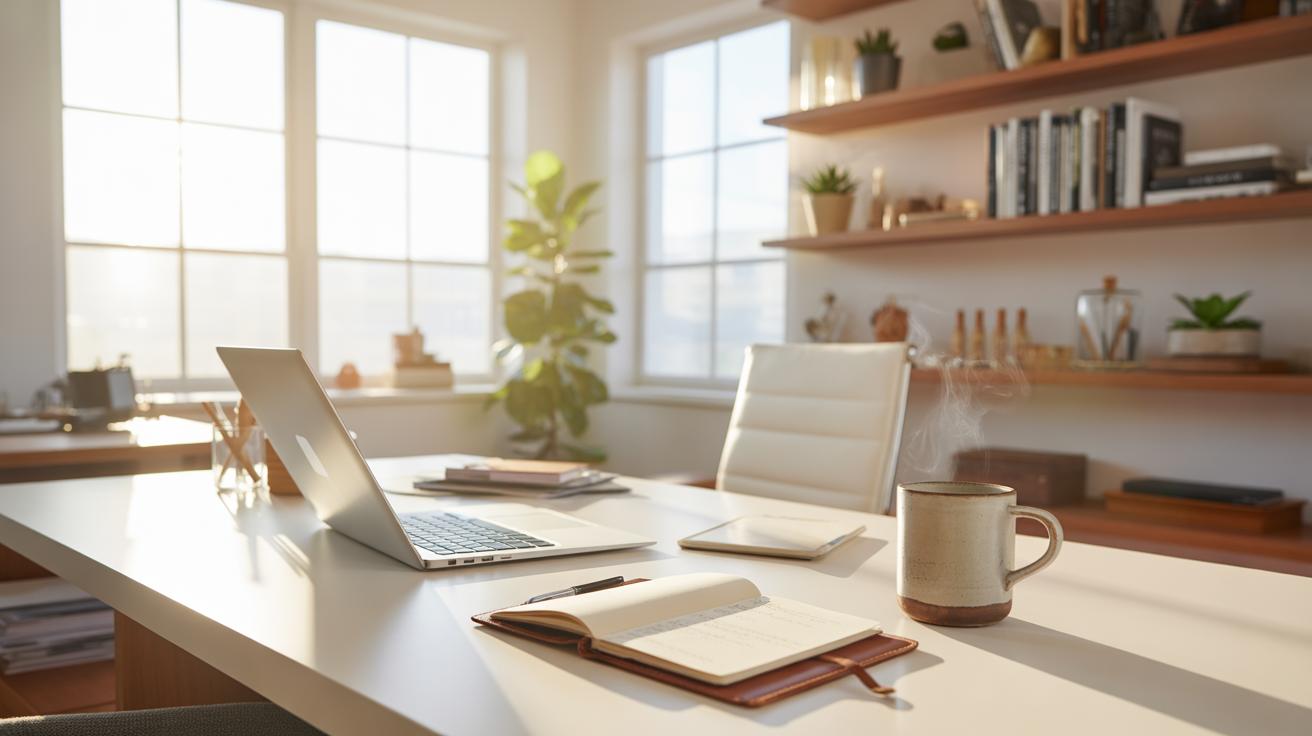
Starting your day with a clear plan can change everything in your home office. A simple checklist helps you stay on track, especially when juggling event planning tasks that demand attention to detail. It might feel like an extra step, but once you get used to it, this routine can save you time and reduce stress.
Begin by clearing your desk surface each morning. It sounds obvious, but a tidy workspace helps your mind focus. If your desk is cluttered, your thoughts tend to scatter. I found that just putting away last night’s papers and wiping down the surface resets my mindset. It’s not about perfection — just enough order so you’re not distracted by endless mess or misplaced notes.
Next, review your event schedule. This daily habit gives you a clear picture of what needs priority. Scanning over your appointments, deadlines, and to-dos helps you pick out the biggest tasks. Sometimes, I catch conflicts or overlooked details just by glancing at the schedule before jumping into work. It’s like a quick mental rehearsal for the day.
Here’s a straightforward checklist idea to try:
- Clear desk of unnecessary items and organize tools
- Turn on your computer and open relevant planning software or documents
- Check your event calendar for upcoming deadlines and meetings
- Note the top three urgent tasks for the day
- Prepare any materials you’ll need, such as client briefs or vendor contacts
Building this routine isn’t about rigid rules. Sometimes you’ll skip a step or do things out of order. But keeping this checklist visible helps keep you grounded. Have you noticed how just a few minutes of organization each morning can make your day feel more manageable? That’s the kind of small habit that, over time, supports your event planning success.
Avoid Common Home Office Distractions
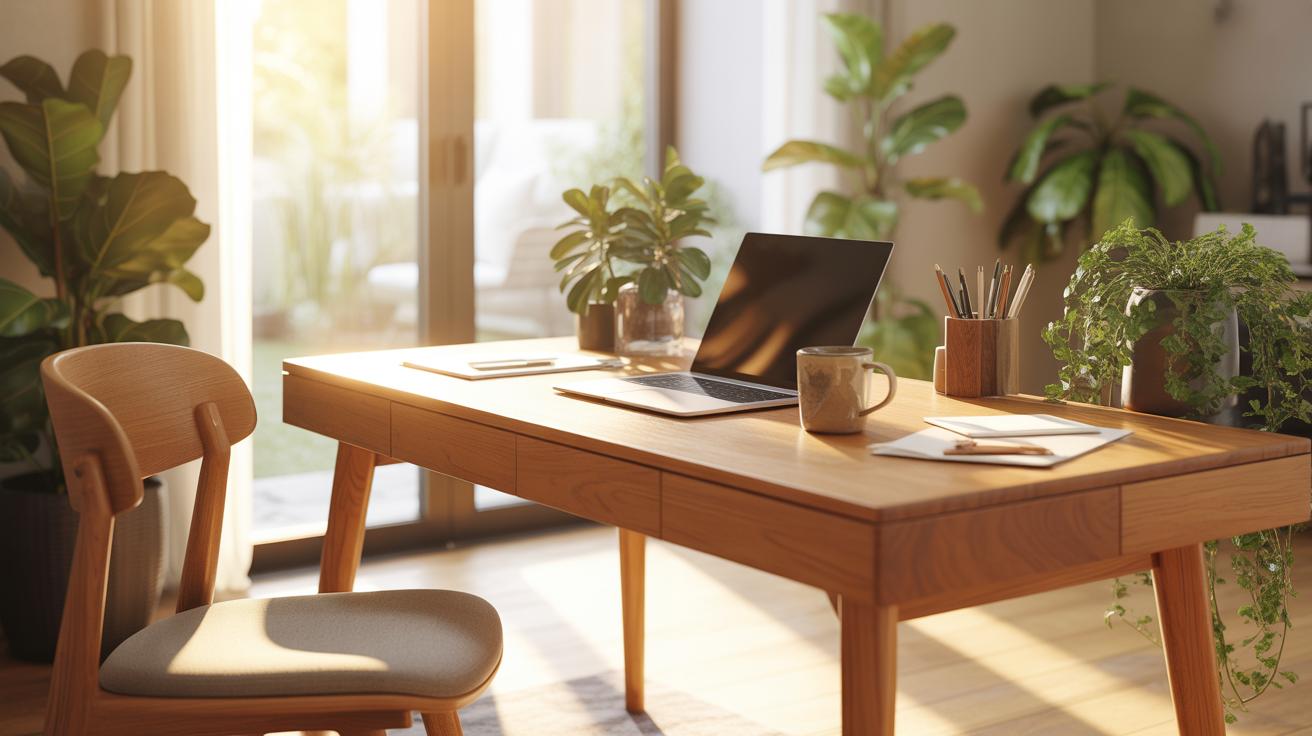
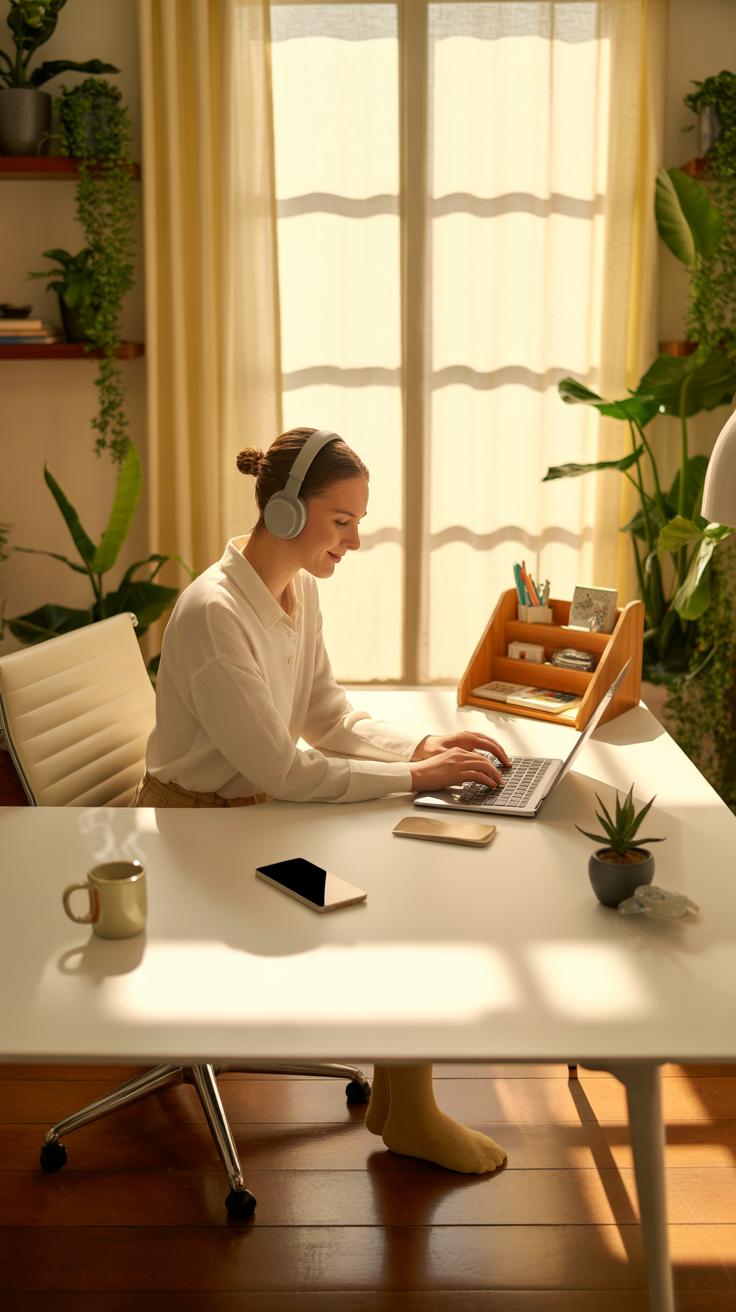
Distractions in a home office can sneak up on you before you even notice. For event planning, where details matter, these interruptions can throw off your entire flow. Think about the usual suspects: background noise, household chores calling your attention, or even the lure of your phone’s endless notifications.
To keep these in check, try identifying what pulls you away most often. Is it the dishwasher running? A family member dropping by unexpectedly? Or your own tendency to check social media “just for a second”? Once you spot these, you can take steps to limit them.
Set Clear Work Boundaries
One effective tactic is to communicate your working hours clearly with those around you. Perhaps your family or roommates don’t realize that “working from home” isn’t the same as being available all day. Let them know when you need quiet and focus. Some people find success with simple signs on their office door or a shared calendar.
Don’t hesitate to repeat your boundaries if needed. Sometimes, it takes a few reminders before others adjust. You might feel a little awkward at first, but establishing these limits protects your work time.
Use Noise Control Tools
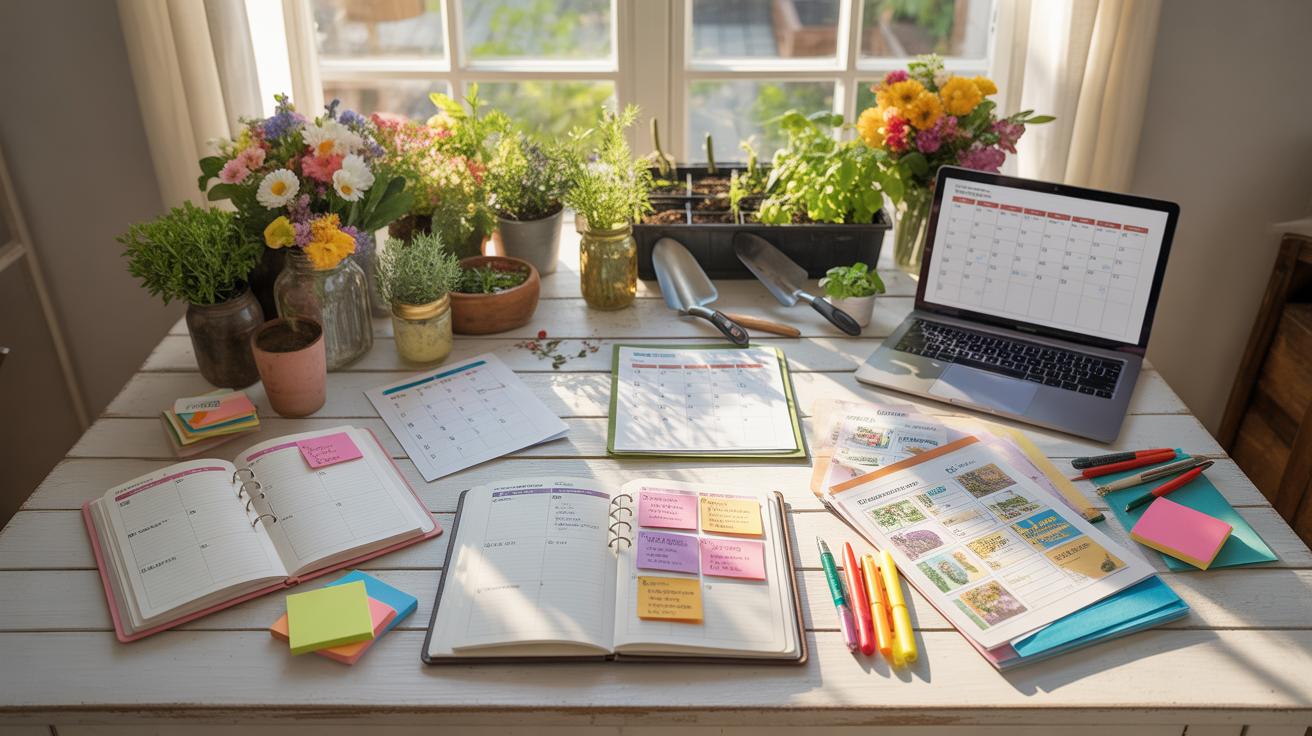
Noise control can be a game-changer. Noise-cancelling headphones are more than a luxury—they create a barrier to distracting sounds that might otherwise pull you off track. If headphones aren’t your thing, white noise machines offer a steady, unobtrusive sound that masks interruptions.
Personally, I’ve noticed how a simple steady hum can keep my mind from wandering when the kids are playing nearby. It’s not perfect, but it beats struggling against sporadic noises.
These tools don’t eliminate distractions entirely, but they help create a consistent environment that supports focus. In some ways, that consistency is what your home office needs to work better for you.
Maintain Organization With Storage Solutions
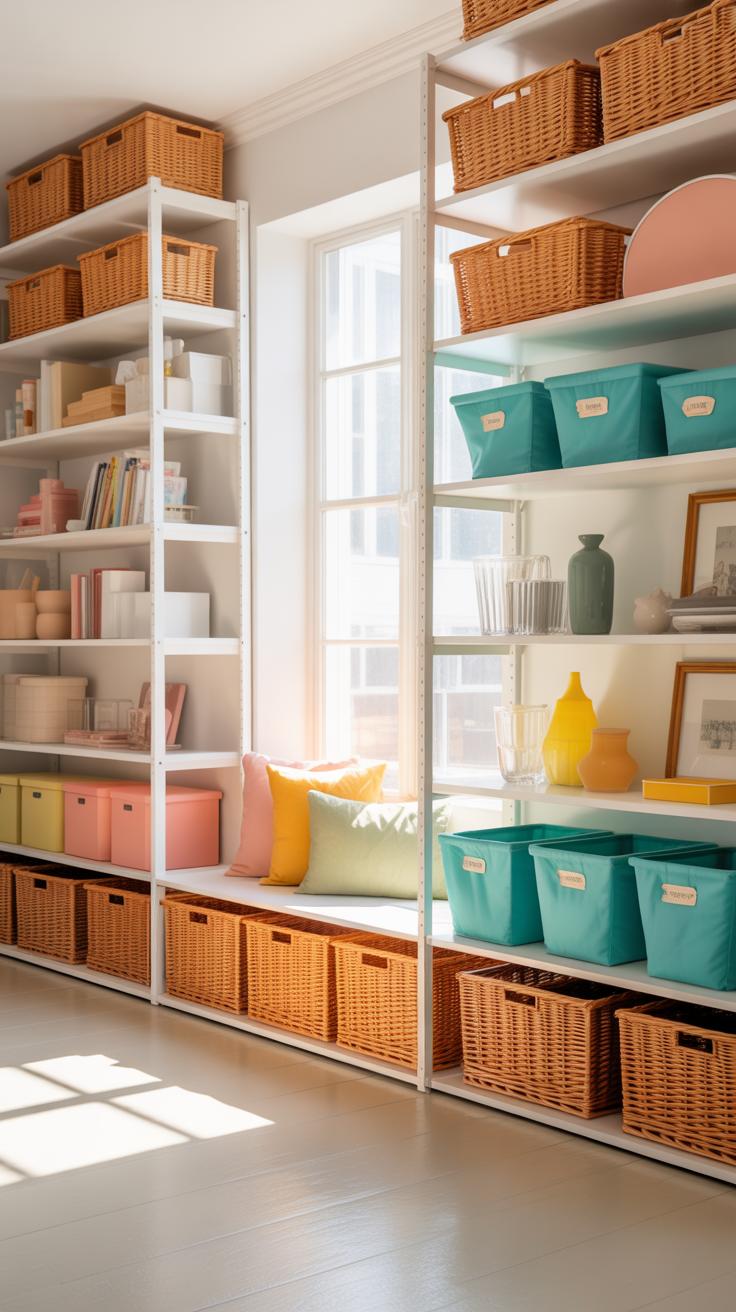
Keeping your event planning materials in order can feel like a full-time job on its own, doesn’t it? You want everything within reach but not scattered all over your cozy workspace. One way I found helpful is to rely on vertical shelves and filing cabinets. They don’t take up much floor space but offer plenty of room to stash papers, brochures, and tools. Stacking books or event catalogs on shelves above your desk makes good use of often ignored wall space.
Filing cabinets are particularly useful for paperwork you want locked away yet accessible. Maybe you have contracts, invoices, or mood boards that need safe keeping but quick access. It makes the difference between scrambling to find something at crunch time and having it ready in seconds.
Color coding folders and files is a small step that can speed up searching significantly. Imagine assigning colors to different events or categories—suddenly, grabbing the blue folder means you’re pulling all budget sheets, while red is for client correspondence. It surprises me how much this little trick reduces stress when deadlines pile up. Does your current system help you find what you need fast? Or is it time to rethink how you store everything?
Personalize Your Workspace Smartly
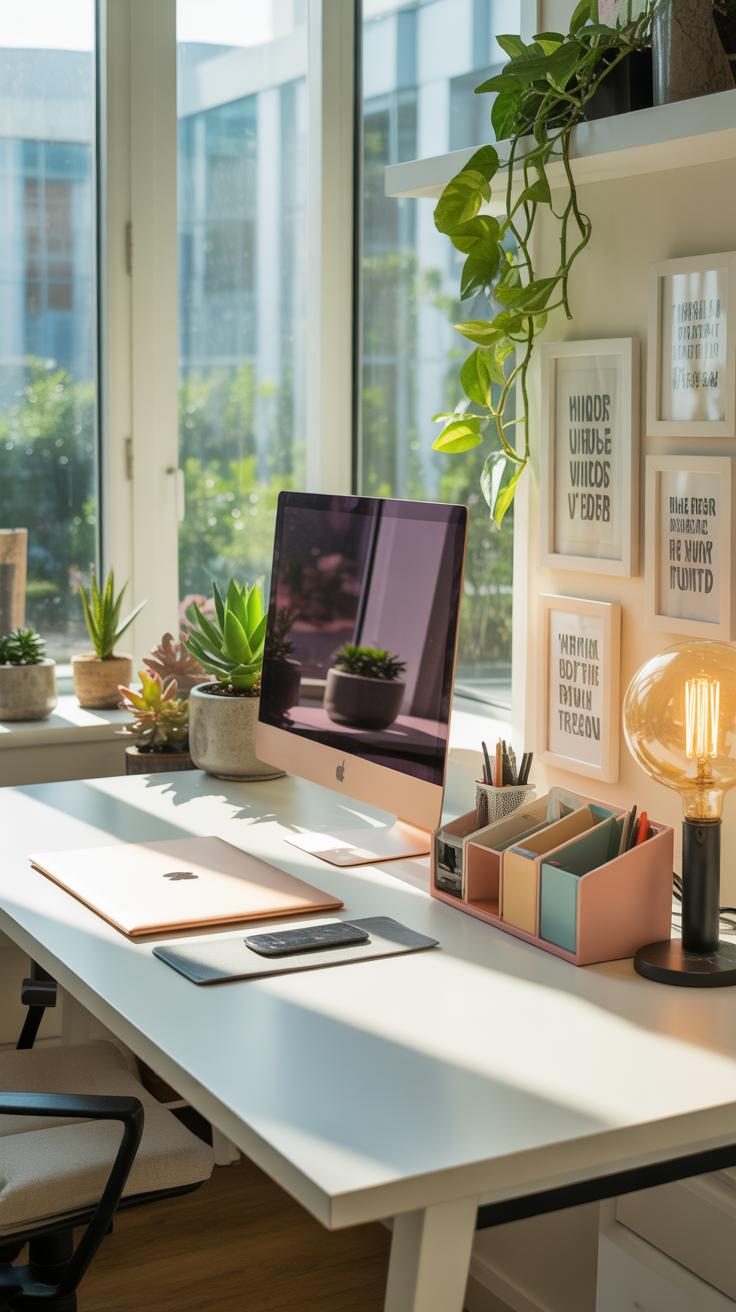
Adding personal touches to your home office can make the space feel much more inviting. Yet, the trick lies in doing this without letting those touches take over your focus. For event planning, where detail and timing matter, you need reminders of comfort, not distractions.
Small elements, like a favorite mug or a unique calendar, can give your desk character. But too many of these can quickly clutter your vision and scatter your attention. It’s about finding that middle ground—where your space feels truly yours without turning into a collection of distractions.
Add Plants And Photos
Plants bring a bit of life into an otherwise static room. Even a small succulent or a potted fern can brighten the atmosphere without requiring much care. I’ve noticed that they help reduce a sense of stress on busy days.
Family photos serve a similar role. They remind you why you work hard, often in just a glance. But placing just a couple around your workspace keeps the vibe warm without pulling your thoughts away too often. It’s not about filling every surface, but having those meaningful touches within easy sight.
Limit Clutter On Desk
Keeping your desk clear feels essential, yet sometimes challenging. Personal items should be limited to those few that truly add comfort or inspiration. This way, you protect the space you use daily to plan and organize events effectively.
Try a rule: only what fits comfortably in your immediate reach stays on the desk. Everything else belongs on shelves or drawers. This approach leaves a clean surface—a subtle invitation to focus. That neatness, oddly enough, can make your personal touches feel even more special rather than overwhelming.
Case Study Home Office Success Setup
Initial Challenges And Setup Changes
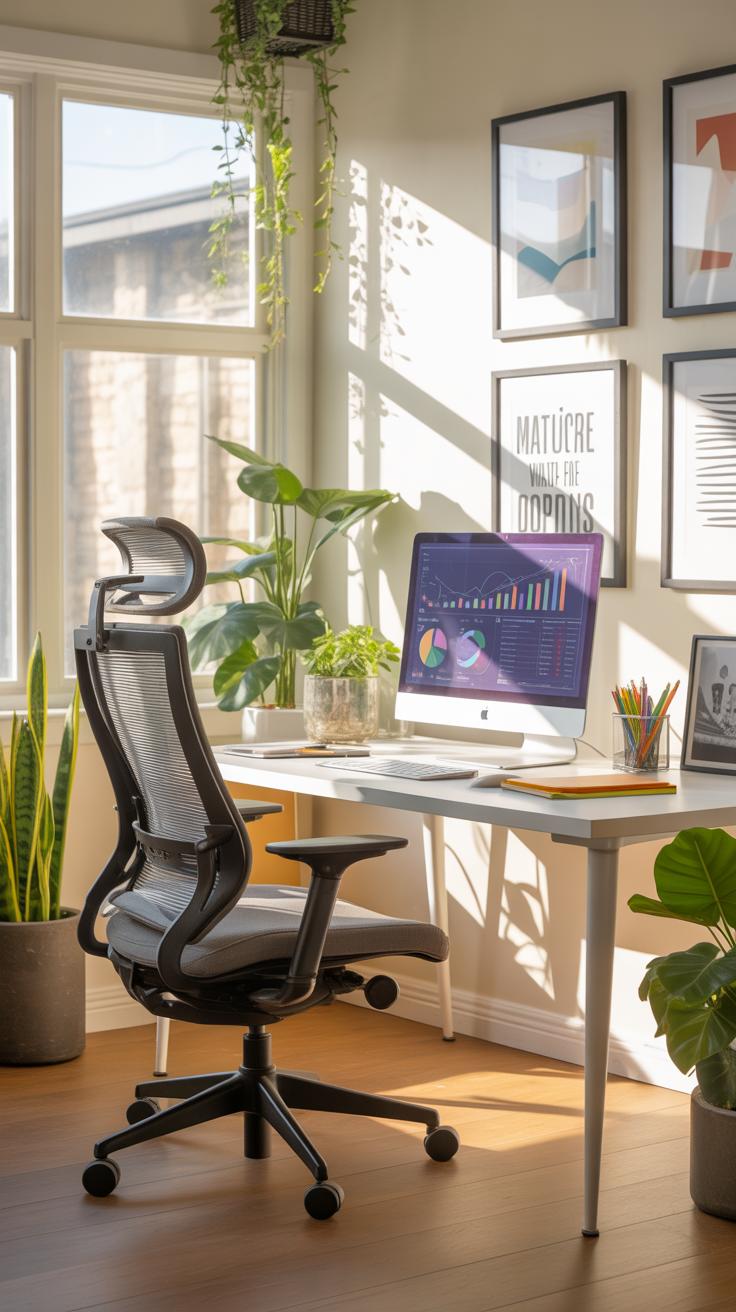
Emma, an event planner working from home, struggled with constant distractions. Her workspace was in a corner of the living room, surrounded by clutter and noisy family activity. The chair she used was uncomfortable, and her desk was small and overcrowded. She found it hard to focus, often losing track of ideas or important details while juggling calls and emails.
After deciding to redesign her office, Emma moved to a quieter room and invested in a desk with enough surface space to spread out her materials. She chose a cushioned chair that supported her back better and added soft lighting instead of harsh overhead bulbs. Little touches, like a small plant and a cozy throw blanket, made the space inviting without being distracting.
Productivity Results And Lessons Learned
These changes noticeably impacted Emma’s workflow. Planning sessions felt shorter, partly because she was less restless and more organized. She also noticed her mood improved — the space felt less like a makeshift setup and more like a dedicated place for her work. This subtle shift helped her stay calmer and more focused, especially during tight deadlines.
Emma realized that a comfortable environment doesn’t mean adding a bunch of things; it’s about creating balance. She still faces distractions but handles them better now. Her takeaway? Sometimes small adjustments in furniture and decor can quietly reshape how you approach your tasks. It makes you wonder: how much does your workspace really influence your daily output?
Conclusions
Designing a cozy home office is not just about comfort but also about enhancing your event planning work. By choosing suitable furniture, good lighting, and useful tools, you create an environment that supports focus and creativity.
Keep your space organized, minimize distractions, and personalize your office. These small steps help you handle the demands of event planning better and achieve your goals. A well-set home office prepares you for success in every event.