Weighing the Costs and Benefits of Interactive Installations
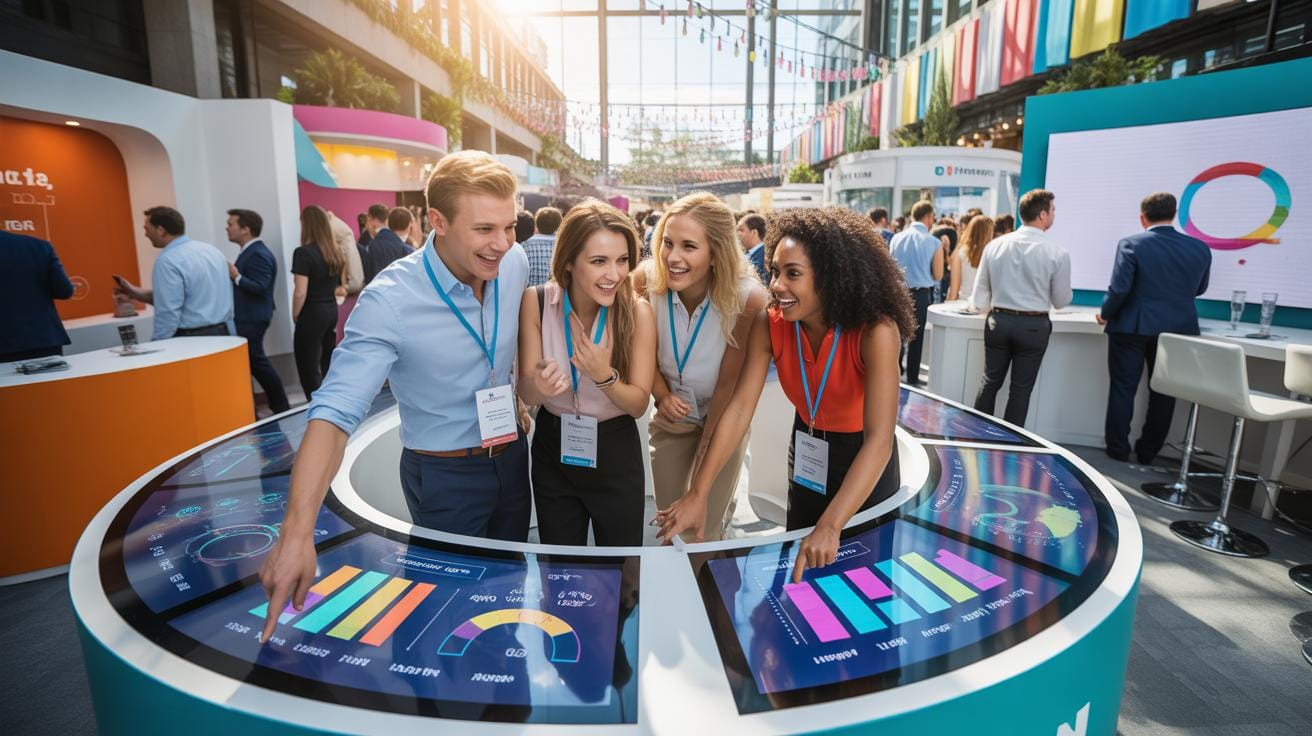
Interactive installations are becoming a popular choice for event planners aiming to create engaging and memorable experiences. These setups often involve technology and art to interact with attendees in immersive ways. Understanding the costs and benefits of these installations can help you decide if they fit your event’s goals and budget.
This article covers the financial aspects you need to consider, the advantages interactive installations bring to events, and how their unique features can enhance audience participation and satisfaction. You’ll find practical insights and examples to guide your planning decisions.
Cost Breakdown For Interactive Installations
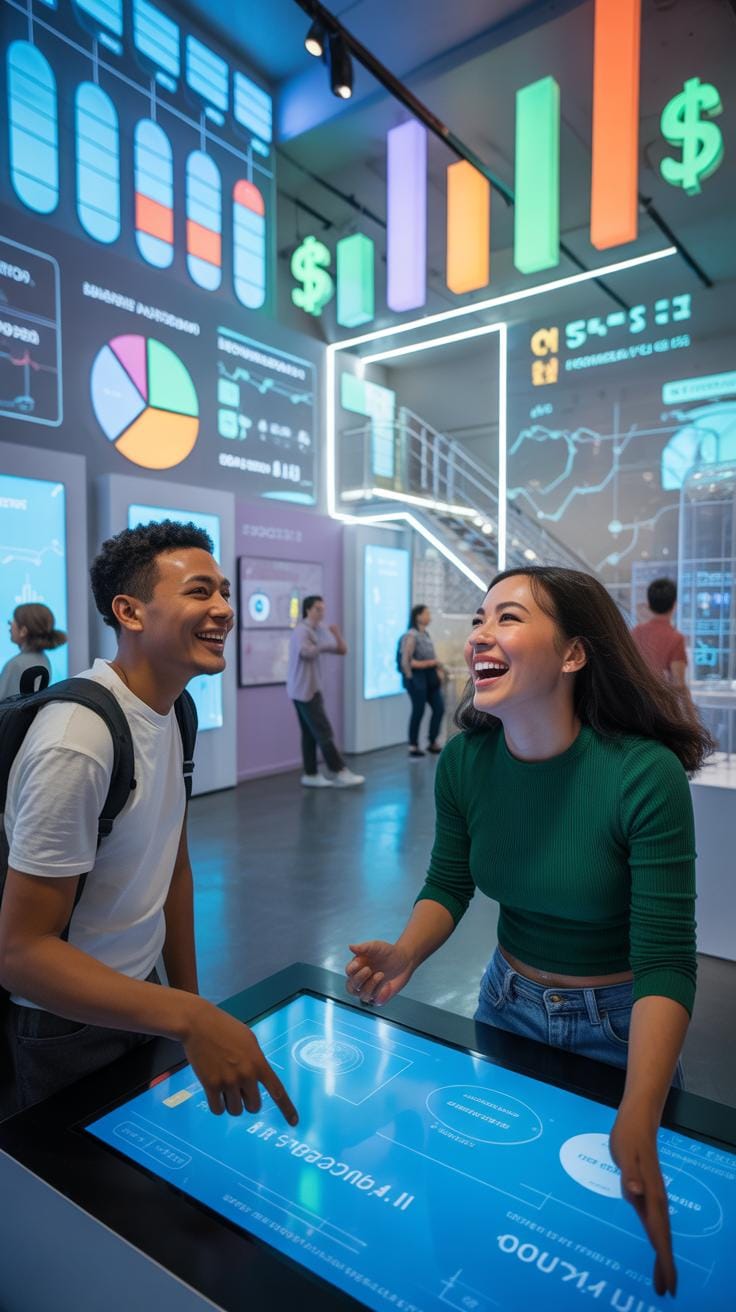
Setting up an interactive installation for an event involves several cost factors that you might not immediately consider. First off, equipment and software form the backbone of these setups. Typical gear includes touchscreens, sensors, projectors, and sometimes cameras. These can vary widely in price—some basics might run a few hundred dollars, but high-end options easily reach thousands. Software licenses add another layer: custom interactive platforms or VR applications require investment, so budgeting around a few hundred to several thousand dollars is realistic.
Then there’s labor and setup. It isn’t just plugging things in; technical staff must install, configure, and test the system. Hourly labor rates for skilled technicians could push the budget up, sometimes costing hundreds per hour depending on complexity. Setup time varies — simple installs might be wrapped in a day, but elaborate ones demand multiple days of work. And during the event, ongoing maintenance or troubleshooting can add unforeseen expenses. Maintenance isn’t always predictable, which means keeping a bit of reserve budget is wise. Looking at everything, the costs fluctuate a lot, but understanding these elements will help you plan better and avoid surprises.
Benefits For Event Engagement


Interactive installations grab attention in a way static displays rarely do. They offer attendees a chance to step inside an experience, rather than just view it from afar. This active engagement can turn a casual participant into a fully involved guest. Think about a touch-screen wall where visitors control visuals or a VR setup transporting them to different places. These moments encourage exploration and curiosity.
Your guests are more likely to linger, talk, or share about their experience when they actively take part. Data from events that used interactive art show higher satisfaction rates and return visits, which points to the lasting impression these installations leave.
Examples abound: at one tech conference, an interactive light display invited attendees to create patterns together, sparking conversations among strangers. In another case, a museum used augmented reality to bring exhibits to life—people, especially younger visitors, stayed longer and came back.
Such immersion does more than entertain. It makes the event memorable. When you think back on an event, what sticks are often those moments you felt connected or surprised. Interactive installations plant those seeds firmly in memory, making your event something people don’t just attend but remember.

But is there a tipping point? Can too much interactivity overwhelm or distract? That balance depends on your goals and audience, which is worth pondering as you design your event experience.
Comparing Interactive Versus Traditional Installations
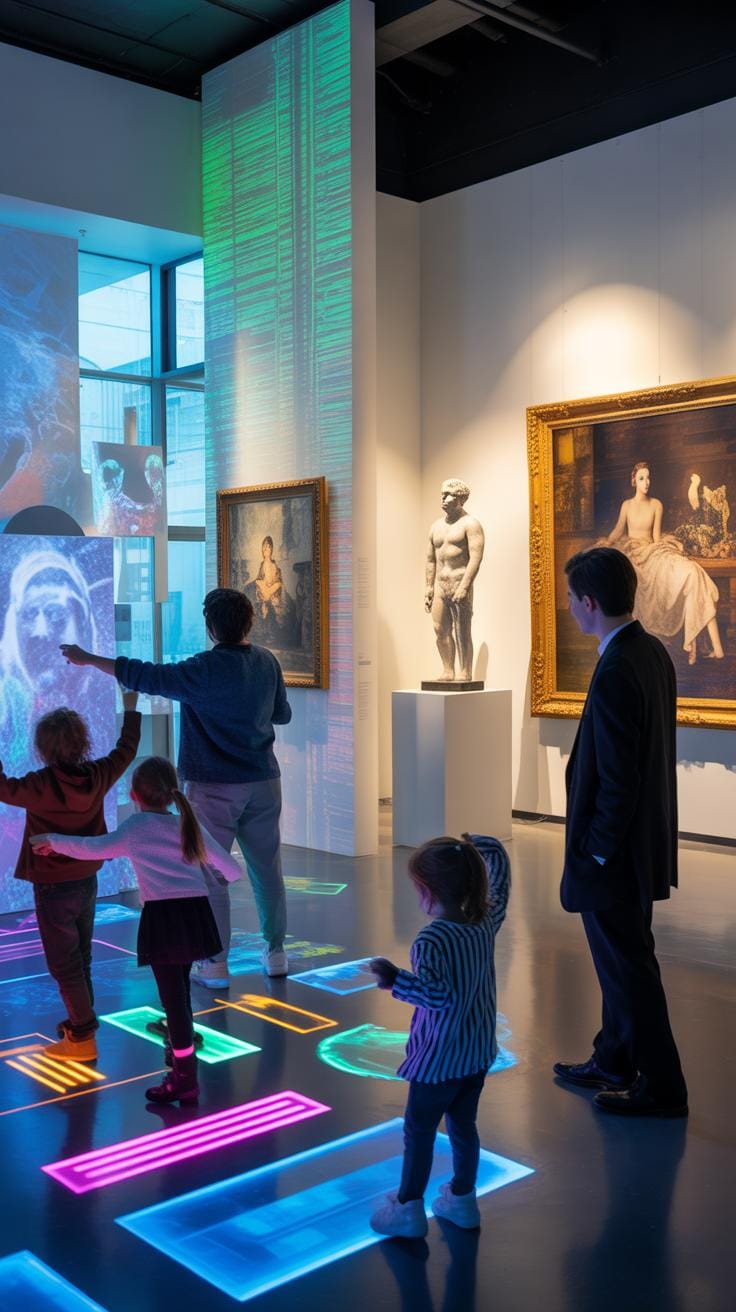
When you think about interactive installations versus traditional event setups, there are some clear contrasts, but also a few murky areas where they overlap. One of the first things that stands out is cost. Interactive installations usually require more upfront investment. You’re dealing with technology, custom software, sensors, or immersive environments. These can add up quickly. Traditional setups tend to lean on physical decor and static displays, which might seem cheaper initially but could lack flexibility for reuse. You might spend less on tech, but more on ongoing maintenance or replacement of worn materials.
Logistics differ too. Interactive setups often demand careful calibration and tech support on-site. There’s a chance of glitches, so you need skilled people ready to troubleshoot. Traditional events generally stick to tried-and-true methods, making planning and execution somewhat simpler but possibly less adaptable on the fly.
Engagement is probably the biggest difference you’ll notice. Interactive elements pull attendees in — they participate rather than just observe. This can create memorable moments and stronger emotional connections. Meanwhile, traditional components sometimes risk feeling passive or forgettable, although they can have their own charm and exclusivity depending on the event’s style.

It’s worth wondering how these different approaches fit within your event goals. Is interactivity essential to your message, or might a classic setup serve your purpose more solidly? The best choice might be a blend, but understanding these contrasts helps you weigh what truly matters for your audience and budget.
Setting Up An Interactive Installation Checklist
Pre-Event Planning Steps
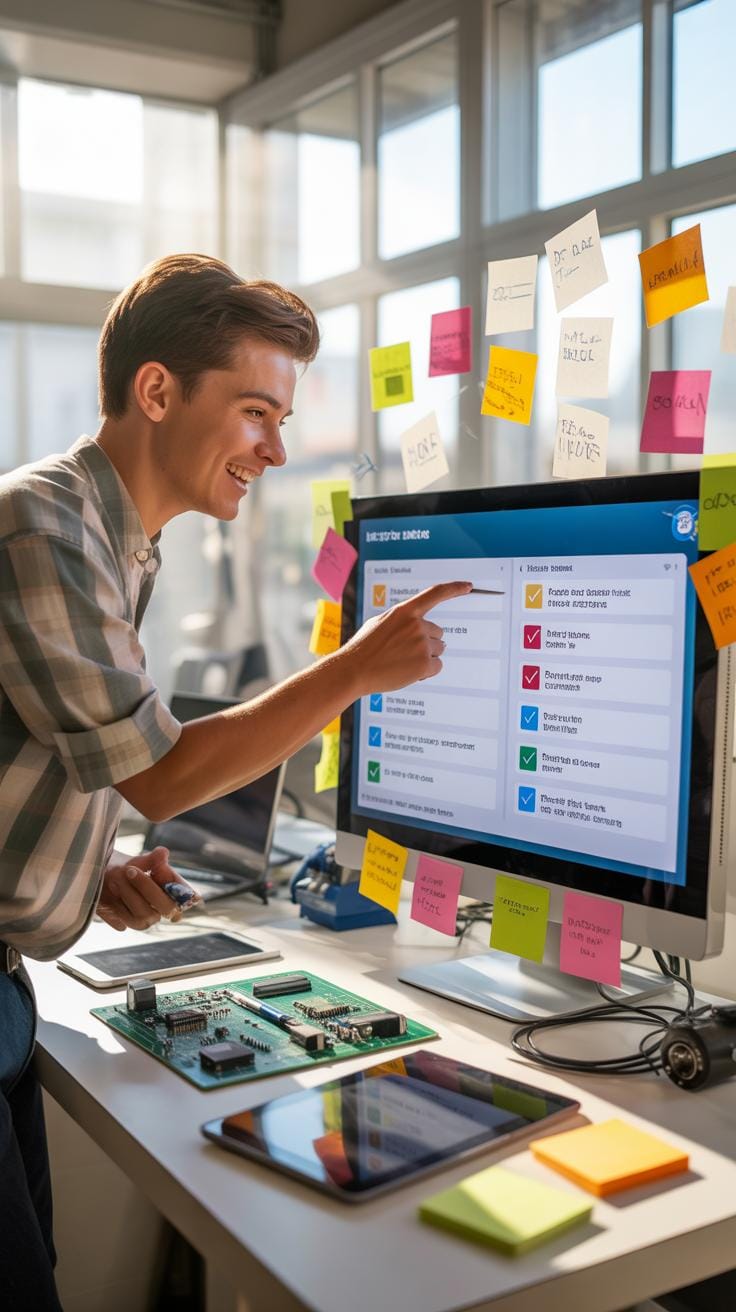
Start by understanding the space where the installation will go. Visit the site if you can. Measure dimensions and check lighting and power sources. You really want to avoid surprises later, like realizing there’s no outlet or the floor isn’t level.
Next, coordinate with your vendors early. Confirm delivery times and installation needs. Ask about setup times—some gear needs hours to test or even calibrate. Don’t forget to clarify who’s responsible for tech support during the event. I’ve seen planners miss this and scramble to fix glitches on the spot.
Create a simple timeline for your team. Pin down when equipment arrives, when setup begins, and who does what. This might sound like overkill, but trust me, it keeps everyone on the same page.
Onsite Setup And Testing

Once you’re at the venue, start by unpacking carefully. Place equipment in the right spots according to your plan. Then, run initial power checks to make sure everything turns on without problems.
After that, it’s time to test interaction points thoroughly. Press buttons, check screens, and walk through the experience as a guest would. If something feels off, tweak it immediately rather than waiting for user complaints.
Don’t forget to gather quick feedback from your team during setup. Sometimes fresh eyes spot issues that planners might overlook. And keep your vendors on call—it’s better to have expert help ready than to panic if tech fails.
Last but not least, set up clear signage or instructions for guests. Interactive installations can confuse if nobody explains how to engage. Remember, a little guidance goes a long way in ensuring your installation delivers the intended impact.
Tools And Technologies For Interactive Setups
Hardware Components Overview

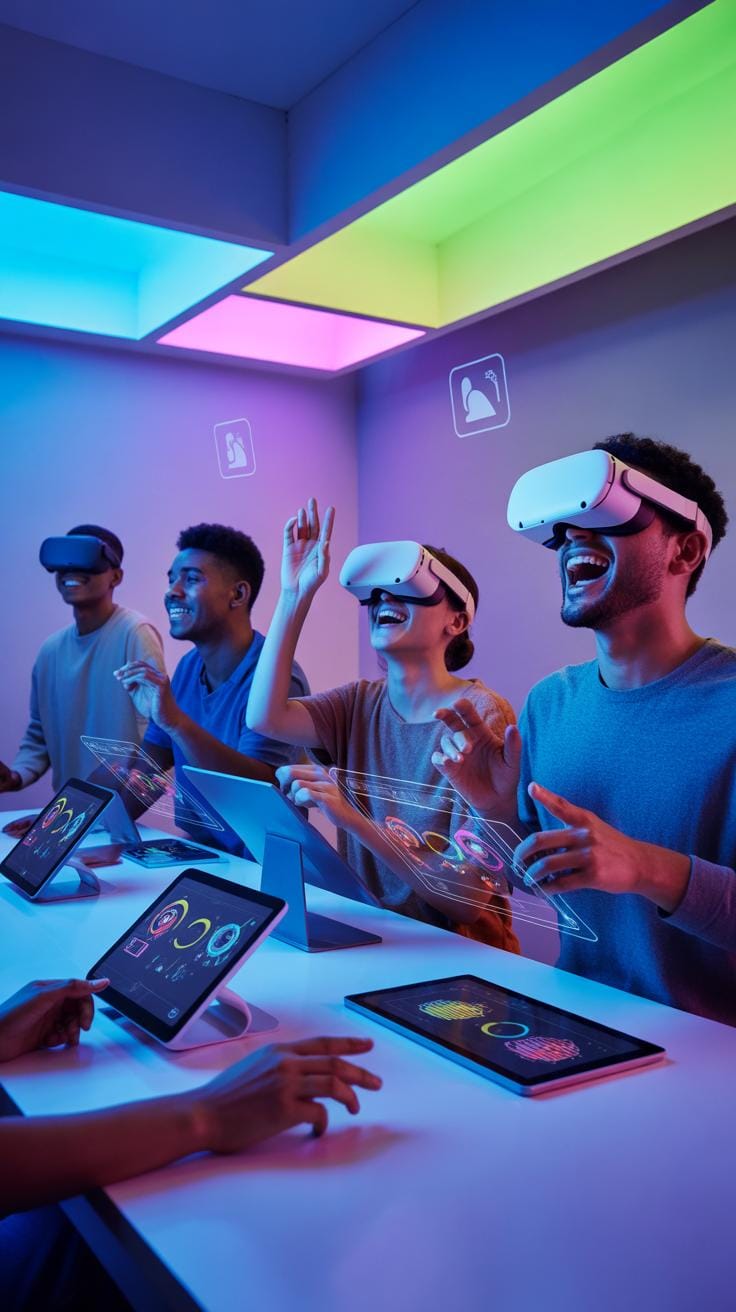
Interactive installations rely heavily on hardware that can sense, respond, and display. Sensors are fundamental—they detect presence, motion, or touch. You might find infrared or ultrasonic sensors tracking visitors’ movements, or pressure-sensitive floors reacting underfoot. Touchscreens are often the main interface too. They provide direct, intuitive control, but require careful calibration and durable surfaces, especially in busy event spaces.
Projectors and screens bring visuals to life, but their placement is tricky. Lighting conditions may interfere, so sometimes LED walls or large monitors are preferred. Cameras are also key players, not just for surveillance but for tracking gestures or facial expressions to adapt the experience.
Software And Connectivity Solutions
Behind every physical interaction is software interpreting data and managing responses. Platforms range from custom apps to standard content management systems designed for interactive exhibits. Middleware often links hardware sensors to software intelligence, giving the installation real-time awareness.
Connectivity, whether wired or wireless, is vital. A stable network ensures smooth communication between components—imagine lag ruining an immersive moment. Some setups use local networks for security and reliability, others integrate cloud services for remote monitoring or content updates. Software updates may need to be scheduled carefully, so they don’t disrupt events.
Combining the right tools and tech depends on your event’s goals and venue. Sensors and touchscreens let visitors engage physically, while smart software and stable networks keep interactions fluid and meaningful. It’s a balance worth experimenting with—your audience’s experience hangs naturally on how these parts come together.
Common Pitfalls With Interactive Installations

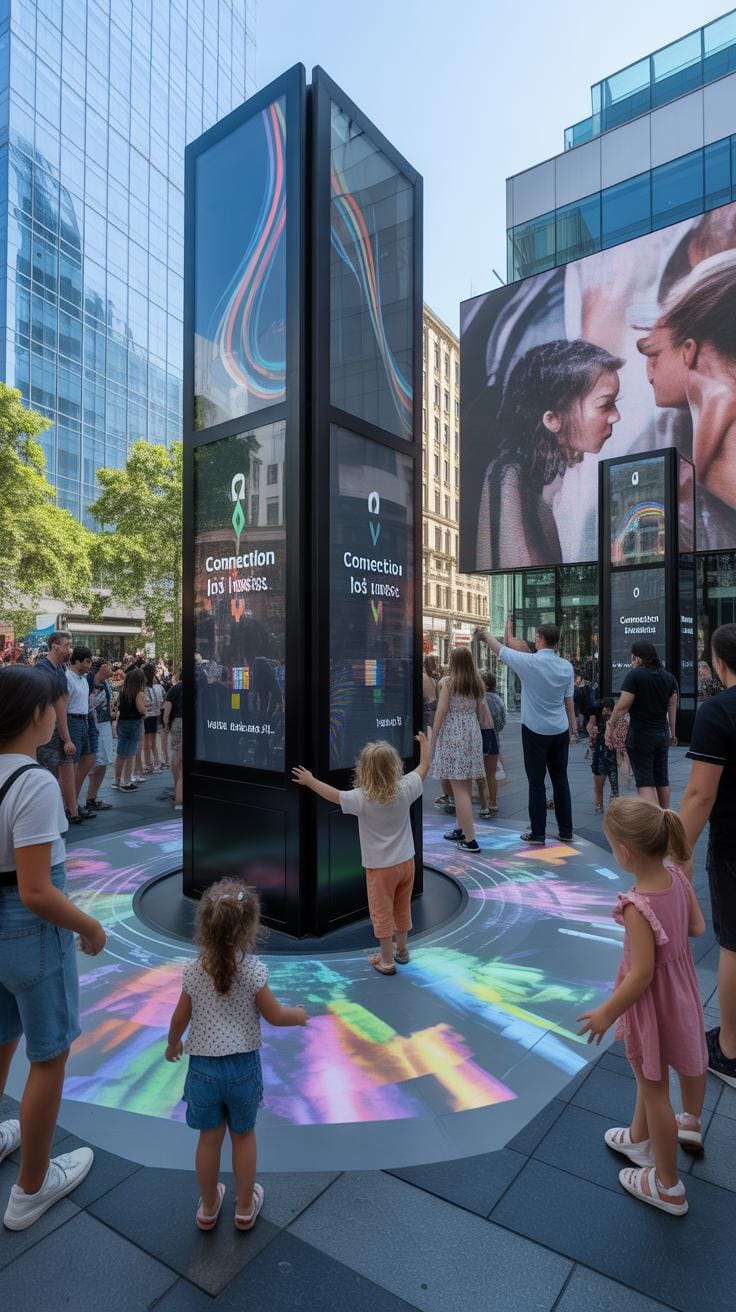
Interactive installations can bring a unique spark to events, but they’re not without their share of troubles. One frequent challenge event planners face is underestimating the complexity of setup. It’s tempting to think it’s just plug-and-play, but often, wiring, software calibration, and environmental factors like lighting can throw things off.
Another pitfall is overlooking user accessibility. If participants find it confusing or intimidating, they’ll likely skip the installation altogether. Designing intuitive interfaces and providing clear instructions can reduce this risk. Though, even with the best design, some guests may hesitate—there’s no perfect solution for everyone.
Planning for backup equipment might feel excessive until something breaks. But having spares or quick fixes on hand saves a ton of stress. It’s a bit like expecting the unexpected—because, honestly, something almost always goes wrong when tech meets crowds.
Technical Failures And Troubleshooting
Technical glitches with interactive installations range from sensor malfunctions to software crashes. One common problem is connectivity issues, especially if the setup relies on Wi-Fi. Slow or dropping connections can kill the immersive experience and frustrate users quickly.

Preventive measures include rigorous testing ahead of the event and on-site technical support ready to jump in at the first sign of trouble. It helps to have a simple troubleshooting guide—sometimes the fix is as basic as restarting a device or recalibrating sensors.
But even with precautions, downtime can occur. In those moments, keeping guests informed and offering alternative engagement options can prevent a negative impression. Mystery glitches sometimes happen without clear causes, which means patience and flexibility become just as valuable as tools and cables.
Audience Engagement Issues
Less interaction than expected can stem from multiple factors. Poor placement of the installation—for instance, in a low-traffic area—or a design that doesn’t spark curiosity may lead to low participation.
Encouraging engagement involves understanding your audience’s preferences and crafting experiences that resonate with their interests and comfort levels. Sometimes, adding a social element—like sharing results on social media or group interaction—can boost involvement.
Still, genuine engagement is tricky to guarantee. Even the most appealing interactive setup may face lukewarm responses if guests feel self-conscious or unsure what to do. Providing gentle prompts or staff encouragement nearby could make the difference between curiosity and hesitation.
Measuring Installation Success Metrics


Quantitative Engagement Metrics
When you’re looking to measure how much your interactive installation is connecting with attendees, certain numbers matter more than others. Interaction counts, for example, give you a clear sense of how often people actually engage rather than just passively observe. Time spent interacting can reveal whether your installation holds attention or loses it quickly. Participation rates—what portion of total attendees take part—help gauge overall appeal.
These metrics are direct and measurable, making them tempting as core indicators. But sometimes, just watching the numbers alone might miss subtleties in user behavior. For instance, a high number of interactions might not mean deep engagement if people just tap quickly and leave. Still, these stats form a practical baseline for evaluating immediate impact and return on investment. You might want to combine these metrics with qualitative insights for a richer view.
Qualitative Feedback And Impact
Numbers aside, the feelings and memories your installation creates matter a lot—maybe even more so than raw data. Gathering feedback from attendees about their experience can be eye-opening. Simple surveys, interviews, or even informal conversations can uncover how your installation resonated emotionally or intellectually. Did it inspire curiosity, spark joy, or maybe provoke thought? Was it memorable enough to be talked about later?
Assessing this emotional impact can be a bit fuzzier but tells you about lasting impressions your event will leave. Sometimes the most powerful value isn’t quantifiable but found in stories shared afterward or social media buzz. If attendees felt something meaningful, your installation has succeeded in ways numbers might not capture. You probably want to try blending these qualitative insights with your quantitative data for a fuller picture of success.
Timeline For Planning Interactive Installations
Initial Planning To Procurement
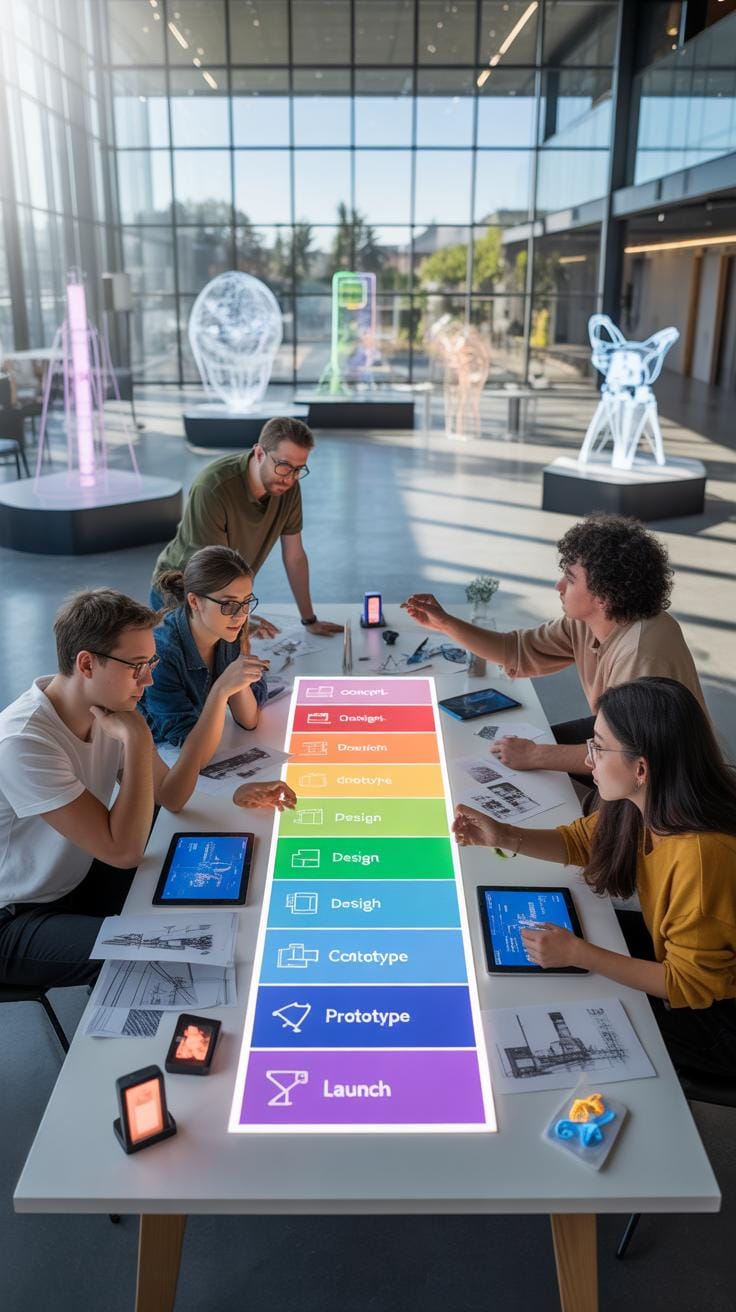
Starting an interactive installation project usually means laying out your vision first. What experience do you want to create? Think about the space, the audience, and the key message or interaction you want to deliver. Early brainstorming may feel scattered—maybe you’re still unsure about technology choices or the scale of interaction—but capturing ideas is crucial.
Once the concept begins to take shape, defining technical requirements becomes your next step. This includes deciding on hardware like sensors, displays, or projectors, and any software needed to run custom interactions or visuals. Expect to spend some time researching vendors and equipment options. Ordering gear early is wise since lead times for specialized tech can stretch several weeks, especially if custom software development is involved.
Setup And Final Preparations
Getting everything ready on-site often consumes more time than you expect. Plan for equipment arrival at least a few days before your event to allow for unpacking and setup. Installation isn’t just about physical assembly—it involves calibration, network setup, and often multiple software tests. One day may not suffice for ironing out glitches, so schedule buffer time.
Take testing seriously. Interactivity depends heavily on smooth performance; a small glitch can spoil the participant experience. Give yourself time for final adjustments, tuning sensor sensitivity, or tweaking visuals as needed. Sometimes, last-minute changes arise from unexpected technical constraints or even the venue’s physical quirks. Being flexible during these last steps can make a big difference on event day.
Examples Of Successful Interactive Installations
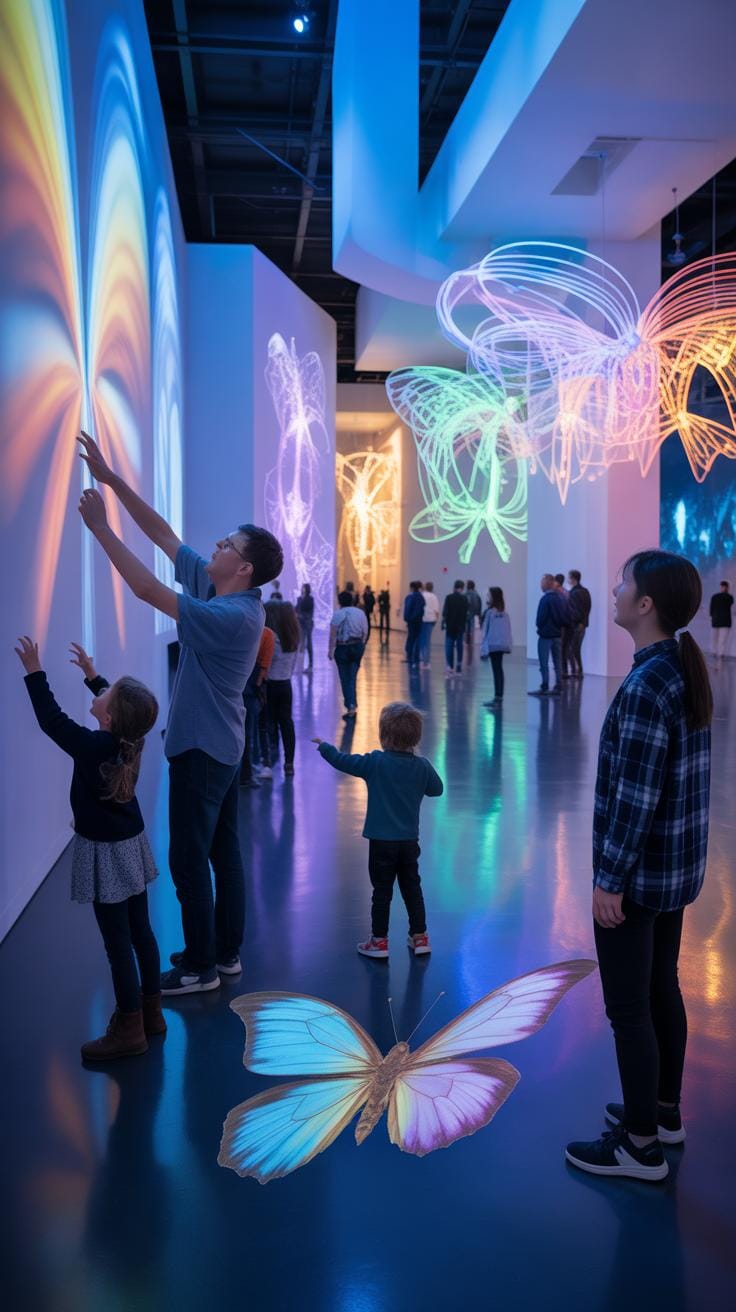
Interactive installations have played pivotal roles in various events, bringing spaces to life in unexpected ways. One memorable example is the “Rain Room” by Random International, showcased in museums and exhibitions worldwide. Visitors experience the sensation of walking through rainfall that pauses wherever they step. This not only delights guests but also prompts reflection on human interaction with technology and nature. It’s tactile and immersive—hard to forget once experienced.
Another case comes from a corporate product launch for a tech firm that introduced a new smart device. Instead of a standard presentation, the event featured interactive touch tables and augmented reality stations where attendees could try out features firsthand. This hands-on approach boosted engagement and generated buzz on social media, demonstrating that compelling interaction can elevate a brand’s message beyond traditional ads.
Case Study Of An Engaging Exhibition
Consider the “Van Gogh Alive” exhibition, which used large-scale projections and soundscapes to immerse visitors in the artist’s world. The installation wasn’t just visual; it invited guests to experience Van Gogh’s paintings in motion, with interactive elements that responded to movement and touch. People lingered longer, often sharing their awe and amazement—an engagement spike that many exhibitions struggle to achieve. It hints at the power of multi-sensorial immersion in fostering deeper connections.
Example From A Corporate Product Launch
A notable corporate event featuring interactive installations took place during a smartphone unveiling. The company created multiple zones where visitors could test camera features using live effects and instant photo printouts. Feedback stations recorded real-time responses, giving organizers valuable insights immediately. This blend of entertainment and data capture proved effective, turning what might be a one-way announcement into an interactive experience, making attendees feel heard and involved.
Conclusions
Interactive installations demand thoughtful planning and investment. While they can represent a significant cost, their ability to captivate and engage attendees often justifies the expense. By balancing your budget with event objectives, you can find the right installation solutions to enrich your event.
Choosing interactive installations adds value beyond entertainment. They create memorable experiences and foster stronger connections between your event and its attendees. If your goals include increased interaction and impact, these installations are worth serious consideration in your event planning.