Small Home Office Ideas That Maximize Your Space
Small Home Office Setup Ideas To Maximize Your Space can change the way you work from home. Many people struggle with using limited space efficiently for their work. Small home offices require smart planning and practical solutions for space use and organization.
In this article, you will find useful tips on how to pick the best furniture and layout, organize your work tools, and keep your work area neat. This guide will help you create a workspace that fits your needs and improves your focus and comfort.
Planning Your Small Home Office Layout
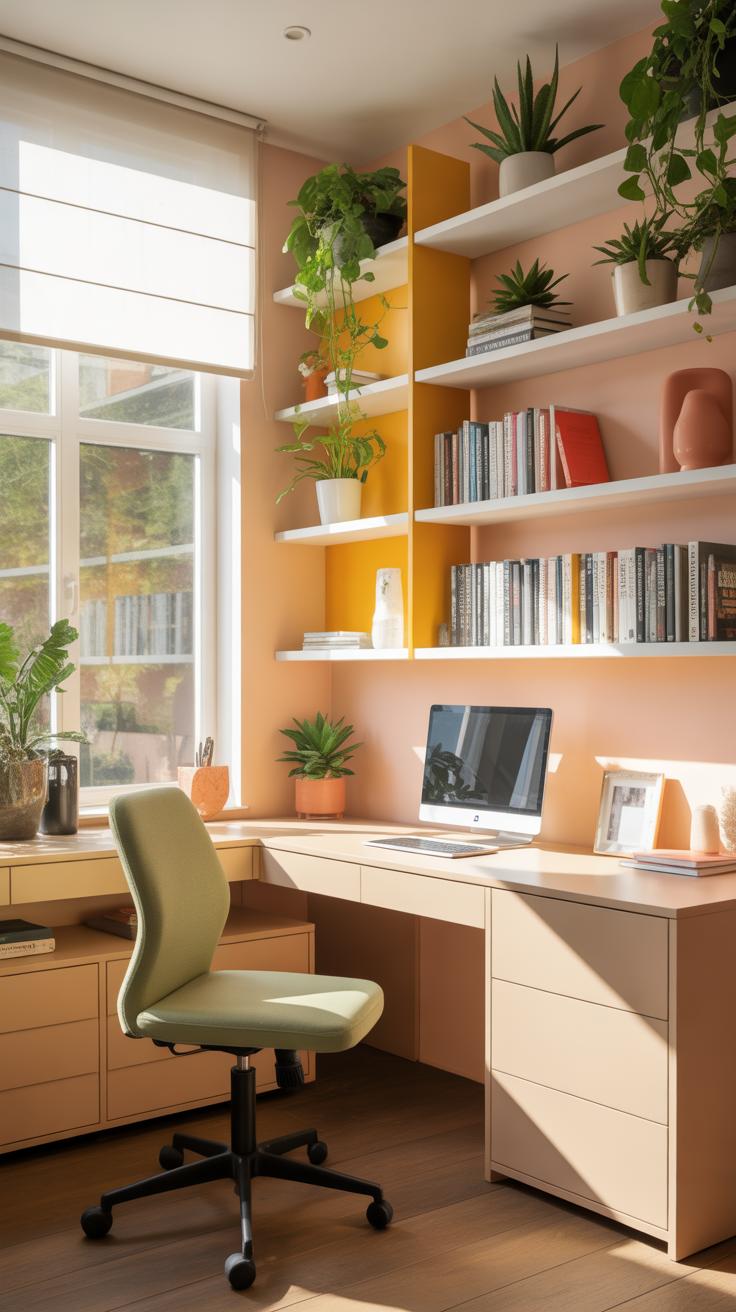
Assessing Your Available Space
Start by really looking at where you might fit your office. Take a tape measure and jot down the exact dimensions of any nook, corner, or spare room you’re thinking about. Don’t guess—measuring matters. Often, people overlook spaces like unused closets or the area beneath a staircase, but these can sometimes work surprisingly well.
Think about the existing features too. Is there a window that brings in light? Maybe a radiator or an awkward vent that limits furniture placement? Sketching a rough floor plan can give you a clearer picture. You don’t need fancy tools—a simple paper drawing will do. Just making note of every wall, door, and outlet helps when you start figuring out what fits where.
Setting Priorities For Essential Areas

Not every square foot holds the same value. You’ve got to decide what matters most to you in a day-to-day setup. Usually, the desk zone claims the prime spot. It’s where the bulk of work happens, so it should have enough room for your computer, notebook, or whatever tools you constantly use.
Storage might seem less urgent until messy piles start building up. Then it becomes clear that shelves, drawers, or filing cabinets deserve better placement. Also, think about equipment zones—printer, scanner, or that extra monitor you use sometimes. You might not need them front and center, but they do need quick access without cluttering your workspace.
Try asking yourself these questions: What tasks do I do most? Which tools must be within arm’s reach? Are there distractions I need to block off? Setting these priorities shapes how those limited inches turn into a practical, livable office space.
Choosing Space Saving Furniture
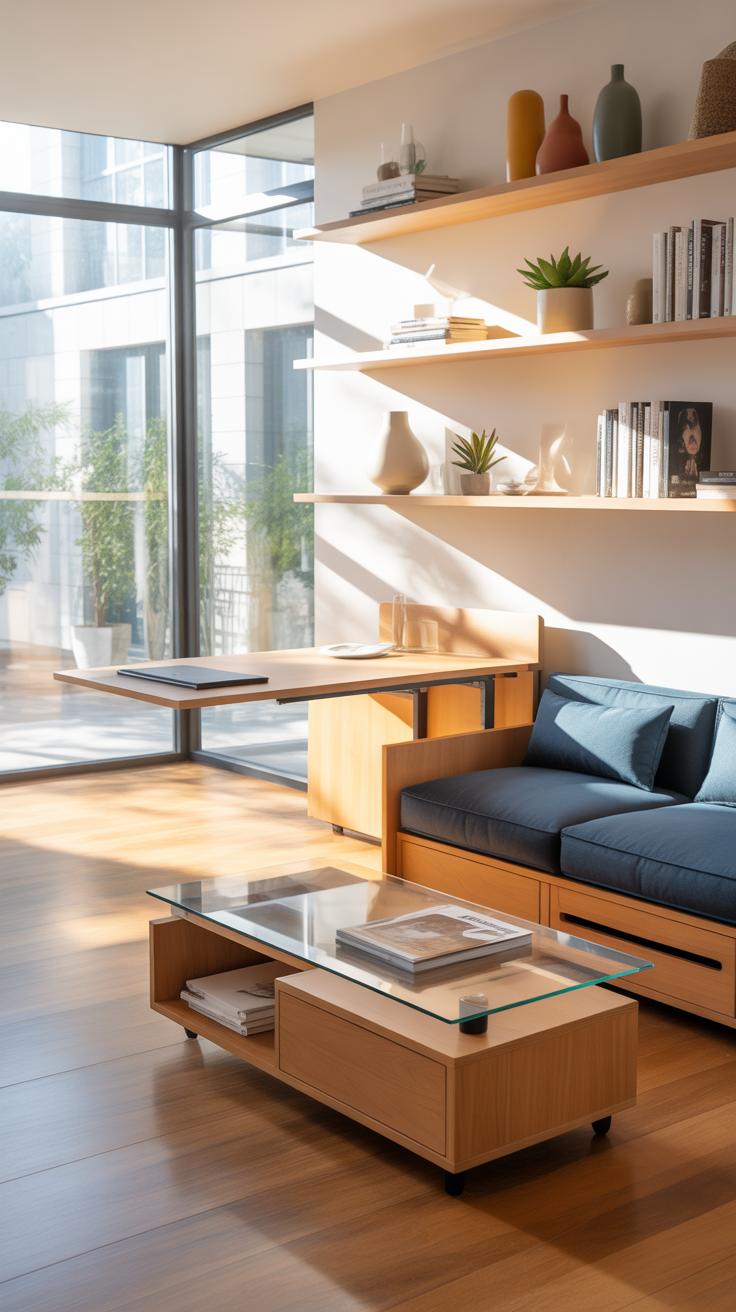
Picking the right furniture for a small home office isn’t just about size—it’s about fit, function, and sometimes a little compromise. You want pieces that don’t overwhelm the room but still offer enough surface and comfort to get your work done. Desks especially need careful thought. Slim-profile desks, wall-mounted models, or even fold-out options can be clever choices when floor space is tight. I once tried a fold-down desk mounted on the wall—it was great until I needed to spread out papers; it felt too narrow then, but perfect for a laptop and minimal gear.
Chairs can be tricky too, considering comfort and bulkiness. Compact chairs with streamlined designs or those that tuck neatly under the desk can save inches. Some swivel chairs come with smaller footprints—less padded, yes, but often comfortable enough for shorter work stretches.
Beyond basic desks and chairs, multi-purpose furniture opens up some interesting doors. Think desks with integrated shelves or drawers where you can stash supplies, or storage ottomans you can sit on that double as filing spots. These pieces let you combine functions in one and avoid clutter piling on your desk or floor.
Compact Desks And Chairs Options
There are plenty of desks made specifically for tiny workspaces:
- Wall-mounted desks that fold flat when not in use
- Corner desks designed to slip into a nook without wasting space
- Desks with slim legs or minimalistic frames that feel lighter visually
For chairs, look for:
- Stackable or foldable designs you can move or store easily
- Minimal armrests or armless chairs to fit closer to the desk
- Adjustable stools or small office chairs with a low profile
These options may not be the plushest, but they keep your workspace breathable and flexible. Sometimes, less really can be more, especially when you want to avoid feeling boxed in.
Furniture With Built-In Storage Benefits
Storage often eats up space if it’s separate. That’s why furniture that combines function and storage really makes sense in a small office. Desks with drawers or side shelves put supplies right where you need them, reducing the need for extra filing cabinets or shelves.
I’ve seen desks with hidden compartments or sliding trays that store cables, notebooks, or gadgets neatly—great for keeping that elusive desktop free from chaos. When your furniture pulls double duty like this, you spend less time hunting for things and more time focusing.
Think vertical too. Shelves attached to higher parts of desks or chairs with storage bags on the side can use space that usually gets wasted. The convenience often outweighs a little extra cost or complexity. You’re trading floor area for smart design, which often feels like a fair exchange, right?
Decluttering And Organizing Space
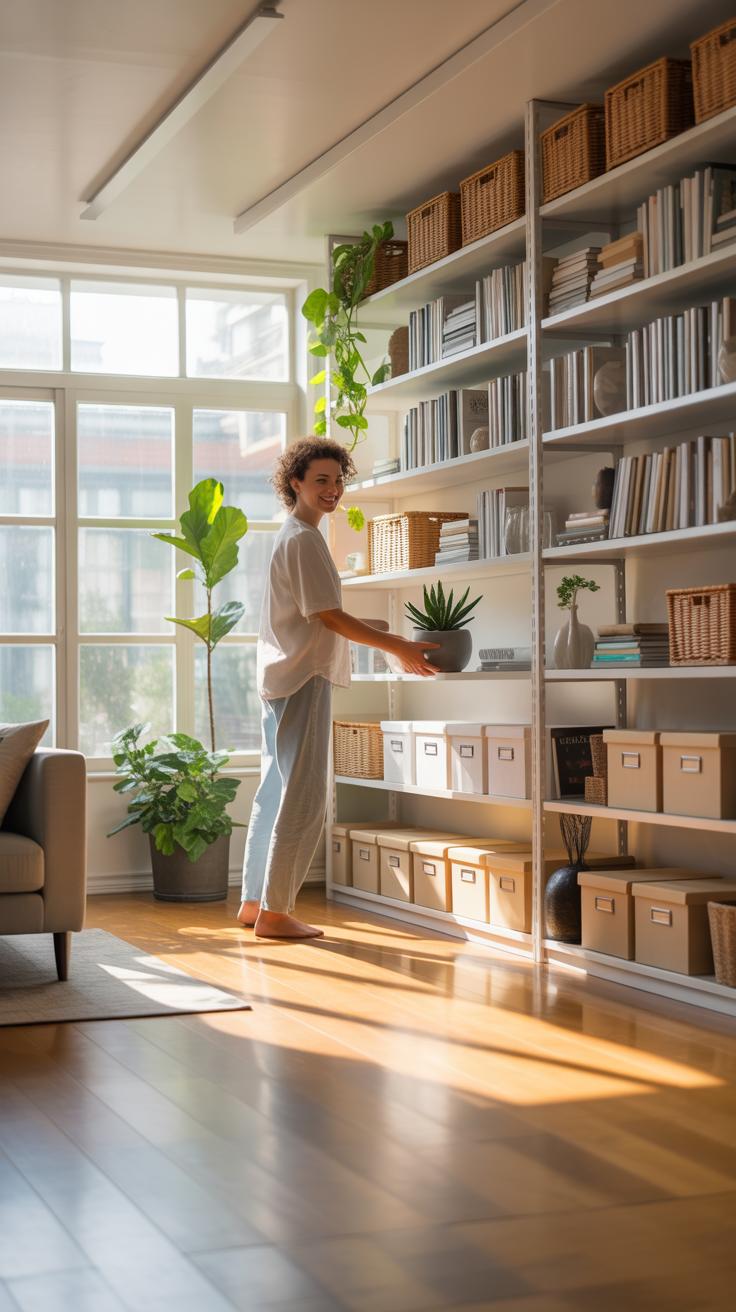
Keeping a small home office neat can feel like a constant battle, especially when every inch counts. But daily tidying doesn’t have to be overwhelming. Try setting aside just five minutes at the end of your workday to put things back in place. It’s surprising how much a quick habit like this can clear your mind by morning.

Simple steps make a difference: toss old receipts, file away papers, and wipe your desk surface. Your future self may thank you for not allowing clutter to pile up. Sometimes, you might hesitate to toss something, thinking “I might need this later,” yet most things end up forgotten.
Daily Decluttering Habits You Can Use
Try creating a routine that fits naturally into your day, such as:
- Sort mail as soon as it arrives; recycle junk immediately.
- Limit items on your desk to essentials only, like your laptop and a notepad.
- Use a basket or tray for loose papers—empty it regularly.
- Make a habit of returning tools and stationery right after use.
Honest question: how does continually “just moving stuff around” differ from real decluttering? Setting boundaries for what stays on your desk can help avoid that trap.
Storage Solutions To Keep Tools Handy
Access to tools without visual chaos feels possible with some simple strategies. Think beyond drawers and consider vertical space:
- Wall-mounted racks or pegboards for frequently used items.
- Clear plastic bins for cables or small gadgets, labeled to save time.
- Stackable trays or modular organizers to separate documents by project.
- Rolling carts can add temporary surface area without cluttering your main desk.
It might seem tempting to pile everything into one container, but separating items prevents that overwhelming “all-in-one” feeling. I once found a cable tangled in a mess because I ignored organizing it properly—annoying and avoidable.
Lighting Choices For Small Offices

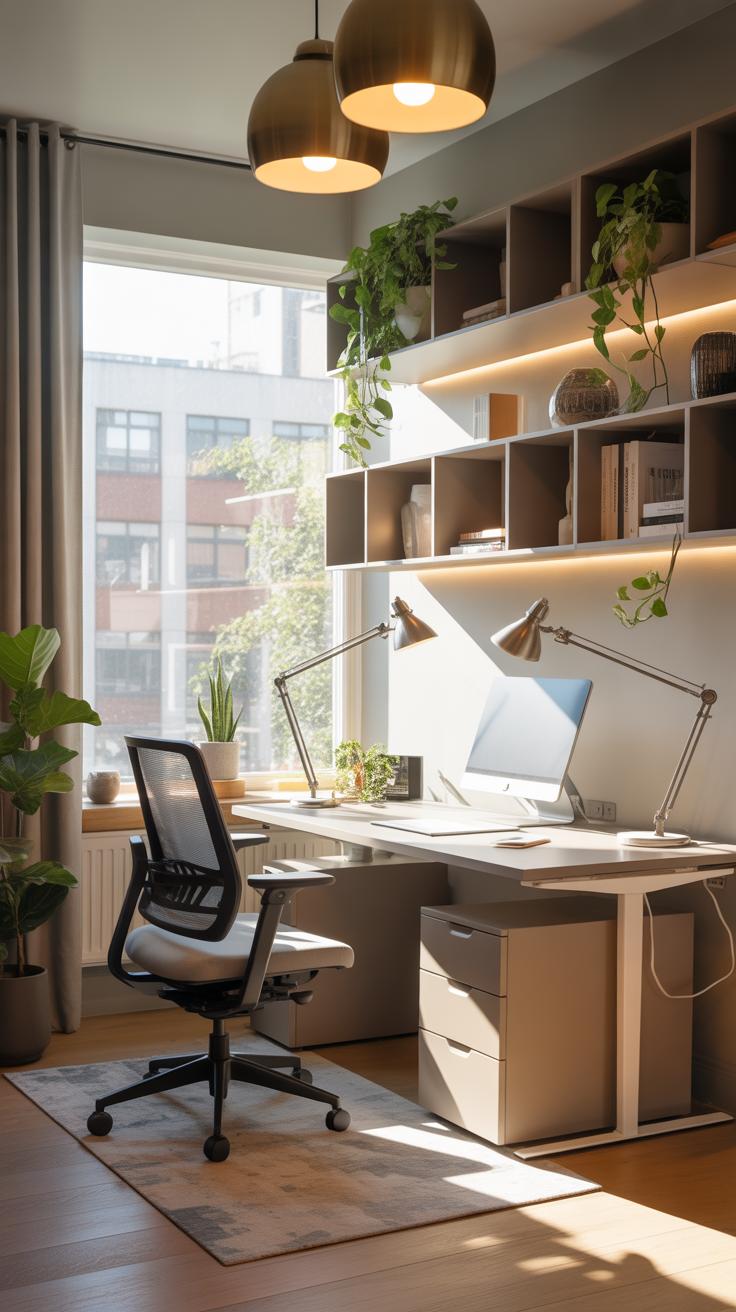
Good lighting can make or break a small home office. When space is tight, every detail matters, and light plays a crucial role in how comfortable and productive your workspace feels. Poor lighting can lead to eye strain, headaches, or just a general sense of sluggishness. So, getting lighting right is worth some thought.
Using Natural Light Effectively
Natural light has a way of making a cramped room feel more open. Position your desk near a window if you can—working directly in front of or beside it tends to work best. But beware of glare; sometimes a sheer curtain or adjustable blind helps keep things from getting too bright or distracting. Reflective surfaces like a light-colored wall opposite the window can bounce daylight deeper into the room. It’s tempting to shove furniture away from windows to create more wall space; don’t. Daylight helps regulate your energy in ways artificial light can’t quite match.
Task Lighting Vs Ambient Lighting
There’s a distinct difference between ambient and task lighting, though you might not always notice it at first. Ambient lighting fills the room, creating general brightness. Think ceiling fixtures or wall sconces. Task lighting focuses light where you need it most, such as a desk lamp highlighting your paperwork or keyboard. For a small office, layering these lighting types works better than relying on one source.
You probably want ambient light to avoid feeling boxed in, but task lighting becomes essential for precision tasks or late-night work sessions. Sometimes, task lighting feels harsh if not blended well with ambient light, so it’s a bit of a balancing act. And if the room is already small, placing a table lamp too close might actually crowd your space visually, so consider adjustable arms or clip-on lamps that don’t take up surface area.
Technology Setup Tips For Small Offices

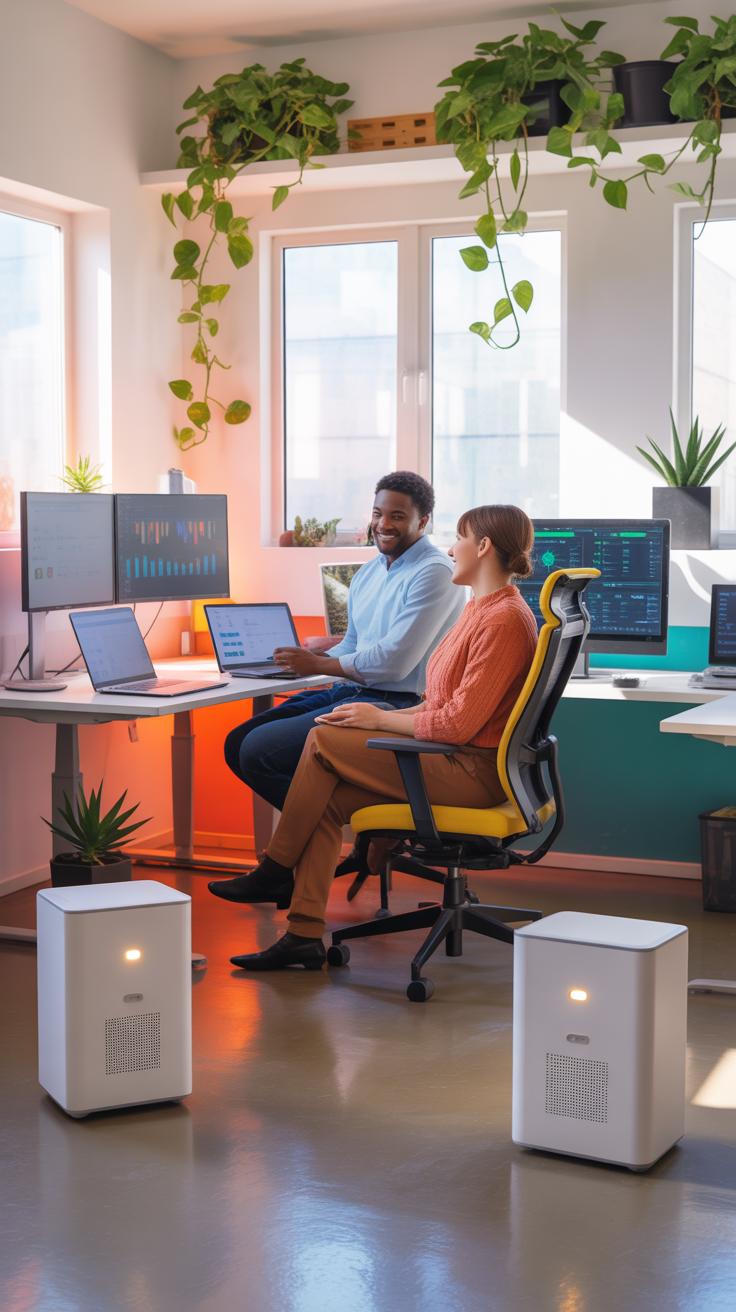
When working with a small office, space is tight, so every piece of technology counts. Choosing compact devices can free up valuable surface and storage room without making you sacrifice essential features. For example, consider all-in-one printers that combine scanning, copying, and printing in one box—taking up less space than having separate machines.
Little computers like mini PCs or laptops with docking stations often do the job just as well as bulkier desktops. Also, small, flat Wi-Fi routers can be mounted on walls or tucked behind furniture, keeping your workspace less crowded and signal strong throughout the room.
Cable clutter can ruin the sense of order. Organizing cables isn’t just neat—it can stop distractions and make cleaning easier. Velcro straps or zip ties keep wires bundled—simple but effective. Using adhesive cable clips along desk edges lets you direct cords out of sight. You might even hide cables inside hollow desk legs or under trays tailored for this purpose.
Have you tried labeling cables? It saves frustration when unplugging devices, especially if your setup grows over time. Sometimes it feels like a small detail, but I find it reduces my “which cord goes where” moments considerably.

These small steps can make your tech setup feel less chaotic and more straightforward — even if your space is tight. It’s about practical choices rather than perfect solutions, I think.
Creating Zones For Different Tasks
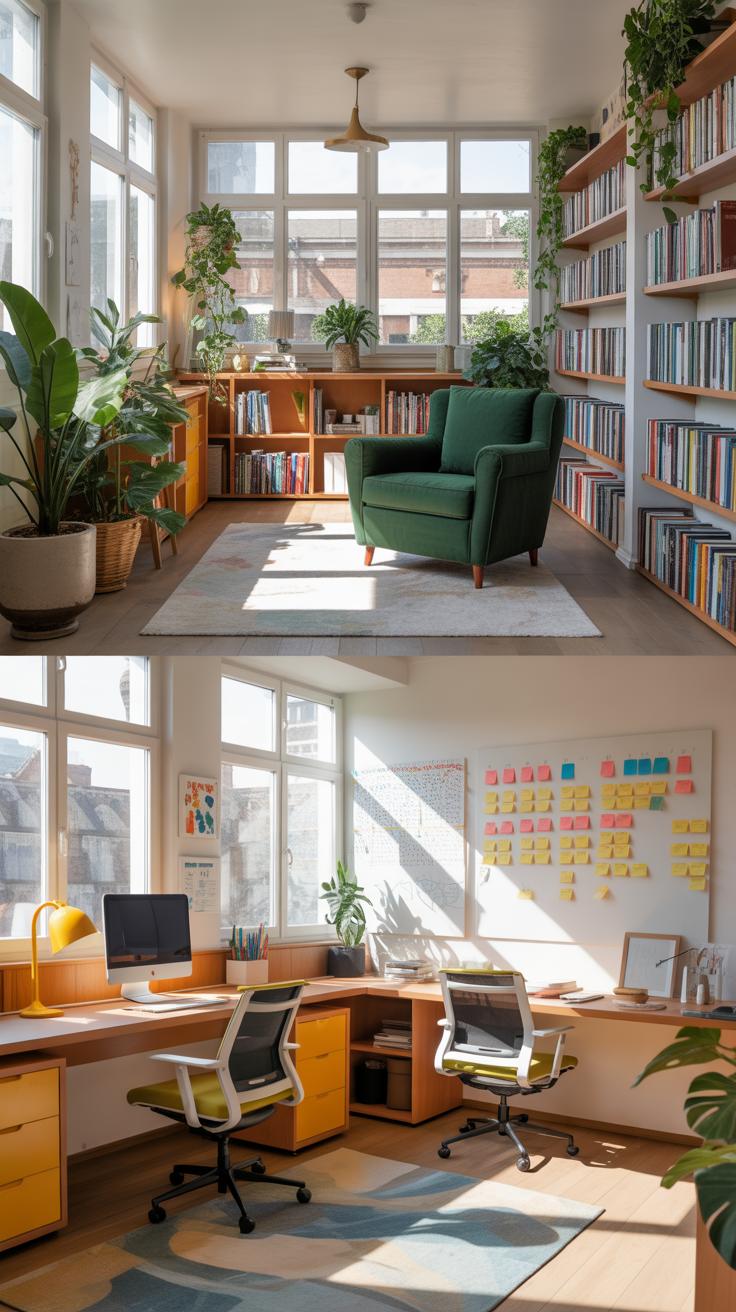
When your home office is small, carving out distinct areas for different kinds of work can feel tricky. But, it’s not impossible—and it really helps keep your mind clearer when you move from one task to another. Think about how you spend your time: maybe you have focus-heavy work like writing or calls, and then other tasks like organizing or brainstorming. Setting up small zones, even if it’s just a corner or a side table, signals a mental shift that your brain appreciates more than you might expect.
For example:
- Use a desk for your primary tasks—computer work, calls, meetings.
- Create a smaller nook or shelf area for creative work, with supplies or reference materials.
- Consider a standing area or a comfy chair for reading or review sessions.
Separating these spaces, even visually, helps prevent feeling overwhelmed. Sometimes I find just moving a plant or a small divider enough to differentiate zones. It’s subtle but effective—like telling yourself, “This spot is for thinking, that one is for doing.” Does it sound a bit overcomplicated? Maybe, but in tight spaces, these distinctions matter more than you’d guess.
Work Versus Relaxation Zones
It’s easy to let the home office turn into one nonstop work zone, but that doesn’t work well in a small space. Creating a distinct break area, even if just a small corner with a different chair or soft lighting, encourages you to step back mentally. A short break in a separate zone can refresh your focus—you might notice a drop in stress or a clearer head when you return.
You don’t need a full lounge setup, just a space away from your main desk. Maybe a comfy seat or a cushion on the floor. Something simple enough to use five minutes for a coffee or a quick stretch. The trick is to keep this zone off-limits for emails or work tasks, making it a true mental pause. You might hesitate to take breaks at first, but having this physical reminder nudges you to rest.
Setting Up Separate Storage Areas
Storage often gets messy in a small office, making it harder to focus. Splitting storage into clear areas for files, supplies, and personal items can keep your space feeling less cluttered—and your mind less distracted. For instance, a filing cabinet or box can hold documents, while smaller bins or drawers organize pens, notebooks, and chargers.
Some people store personal items like photos or snacks separately to avoid mixing work and relaxation clutter. I’ve found this helps me avoid grabbing a pen when I’m just trying to relax. It may seem like a small thing, but keeping spaces distinct—storage for work vs. personal items—helps maintain boundaries that can otherwise blur when your entire office is small. It’s about building tiny habits around order that add up through your day.
Small Office Setup Mistakes To Avoid
Overcrowding The Workspace
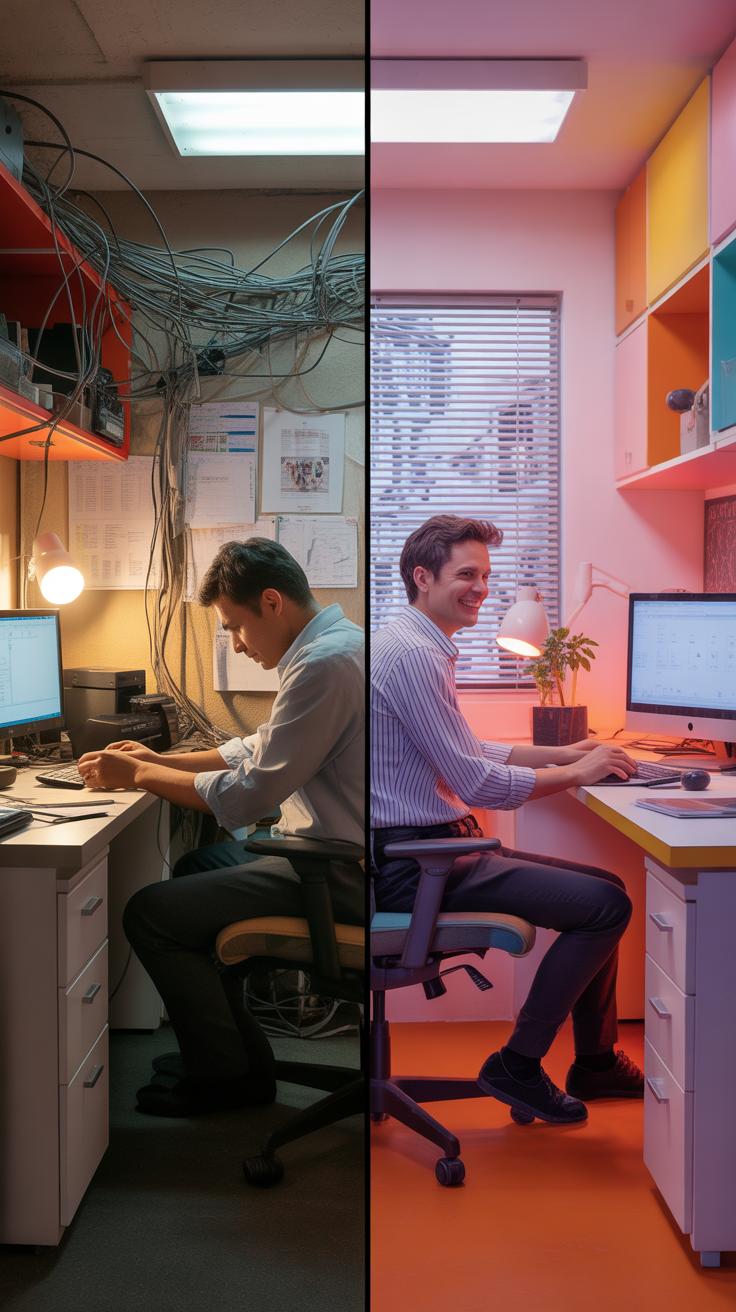
One of the most common traps people fall into with small home offices is stuffing in too much furniture or gear. It might seem like having every tool at your fingertips is smart, but cramming a tiny space just creates clutter and chaos. When your desk barely fits the essentials, and you’re surrounded by piles of stuff, it becomes harder to focus. You might think more equipment means better productivity, but often it just leads to frustration and distraction.
Think about how much room you really need to work comfortably. Sometimes less is more. Avoid big, bulky furniture if possible. Instead, opt for compact pieces or ones that serve double duty—like a shelf that holds supplies and decor. Try to leave some open space, even if it feels small; open areas help your mind feel less cramped. If your workspace feels like a storage closet, maybe step back and rethink what’s really necessary.
Ignoring Comfort And Ergonomics
Many people overlook how important comfort is when setting up a small office. It’s easy to grab a cheap chair or ignore posture, assuming you’ll only sit for a short while. But even a small space needs to work with your body, not against it. Without proper ergonomic support, aches and fatigue sneak in, slowing you down. I’ve seen it myself—sometimes, just a poorly adjusted chair can ruin a whole afternoon.
Investing in a good chair and positioning your monitor at eye level isn’t just for big offices. Your body will thank you. If the room is tight, try adjustable accessories that fit your space and needs. Maybe consider a standing desk setup or regular breaks to counteract stiffness. Ignoring these things often feels less urgent, but the discomfort quietly chips away at how much you can get done.
Checklist For Setting Up Your Space
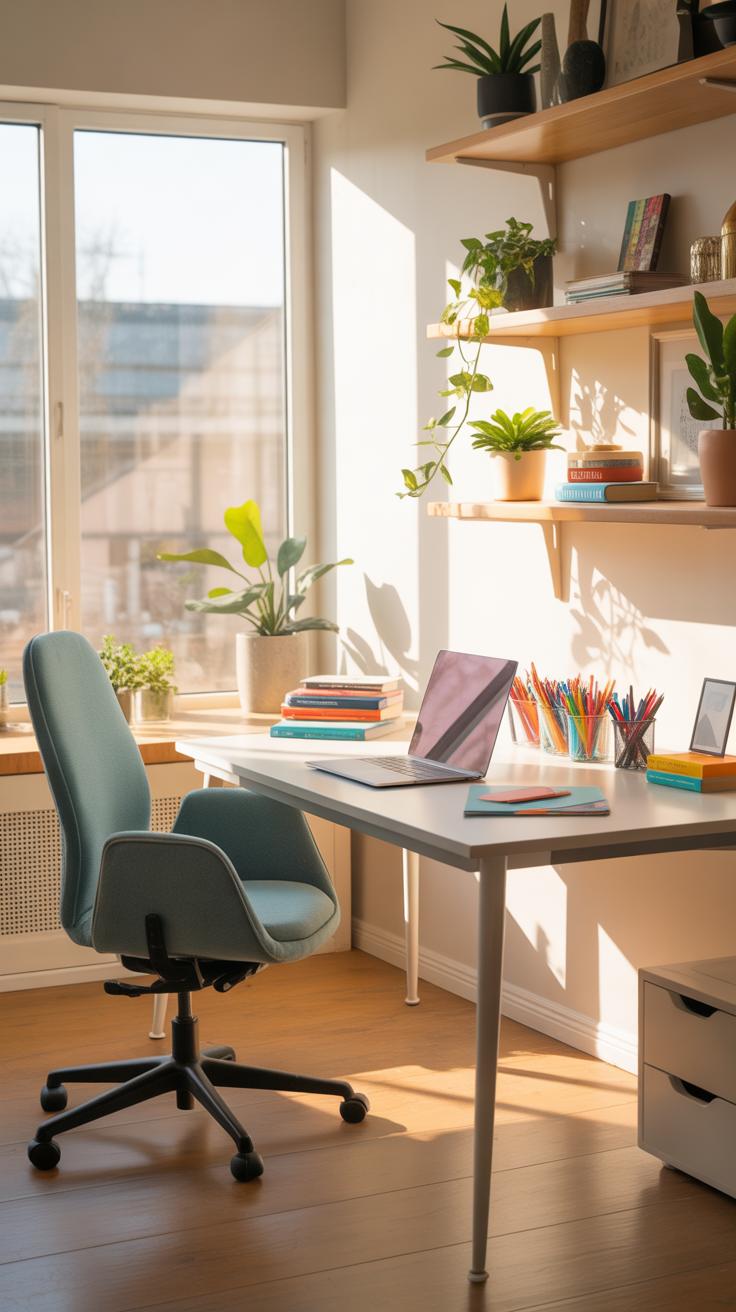
Setting up a small home office feels a bit like solving a puzzle—you want everything to fit just right. To keep it straightforward, start with a checklist to guide you through essential steps and items that make your space functional without overwhelming it.
Essential Items To Include
First off, your desk has to be the right size—not too bulky, but still enough surface to work comfortably. Pair it with a chair that supports your back, because comfort matters even if the space is tight. For technology, you’ll likely need a laptop or desktop, a good-quality monitor if space allows, and reliable internet gear like a router or extender. Don’t forget accessories—wireless keyboard and mouse can save clutter.
Storage is key and often overlooked. Think vertical: shelves or wall-mounted organizers free up floor space. Small filing cabinets or multi-drawer units tucked under your desk help keep papers tidy but within reach.
Steps To Organize Your Office
Start by clearing out the intended area, removing anything unrelated to work. Then measure the space to ensure the furniture you plan fits well—this avoids awkward gaps or cramping.
Next, place your desk near natural light if possible, which may not always be feasible, but it definitely helps productivity. Set up your essential tech first—computer, power strips, and chargers—arranged so cords don’t snarl. Install storage solutions on walls to leave the floor open.
Once the big pieces are there, add personal touches sparingly, a plant or a photo, but keep clutter minimal. Finally, develop a small daily habit of tidying up that helps maintain order without feeling like a chore. Wouldn’t you agree that a bit of routine goes a long way?
Case Studies Of Small Office Setups
Setup In A Studio Apartment
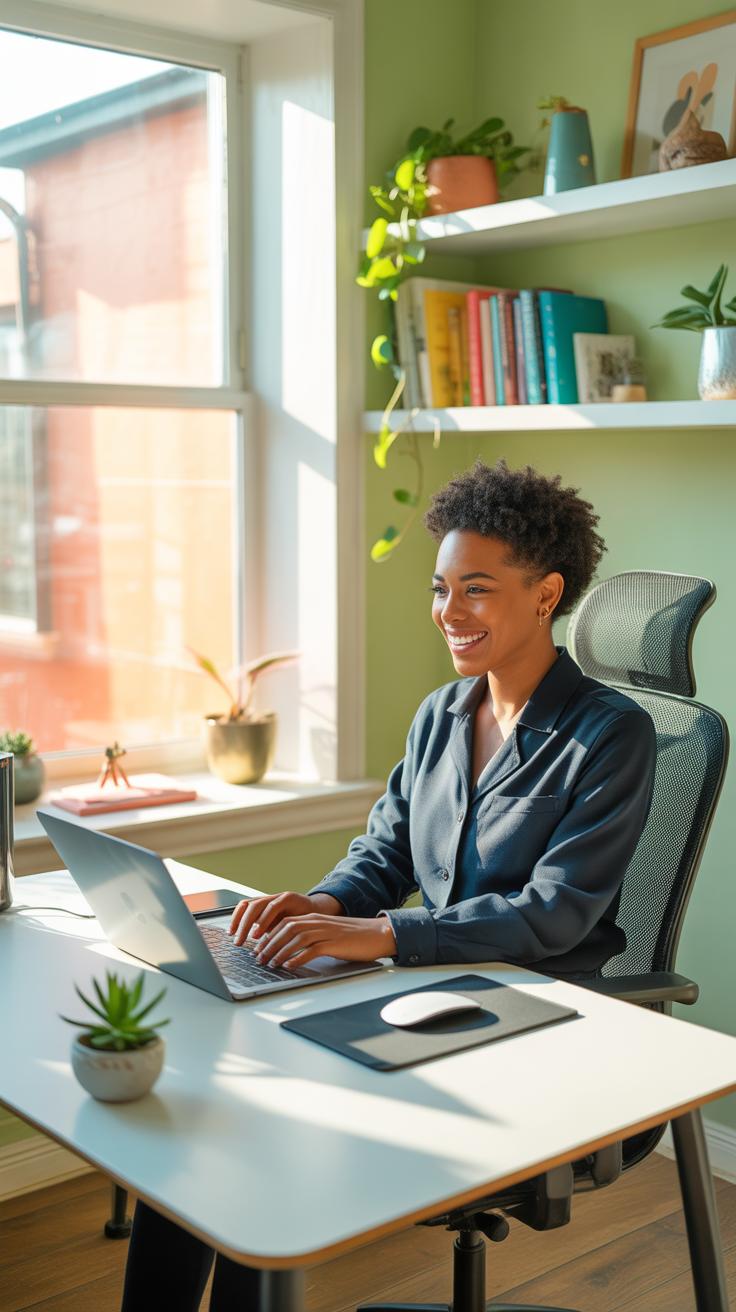
Living in a studio means every inch counts. One example that comes to mind is a young graphic designer who transformed a corner near the window into a compact workspace. Instead of a bulky desk, they used a narrow table paired with a floating shelf above for extra storage. This kept the floor clear and prevented the area from feeling cramped.
They placed a small filing cabinet under the desk for paperwork, and chose a chair that could double as a dining seat. The spot had natural light during the day, but a clip-on lamp added focused illumination for late hours. What’s interesting here is how they balanced work and living space without rigid boundaries—they simply layered functions subtly.
This setup suggests that sometimes, you don’t need a separate room, just a thoughtful spot that respects the size you have. Could your studio space adapt similarly? Even small tweaks might make a big difference.
Office In A Quiet Corner Of A House
In a larger home, carving out a quiet niche can be just as tricky. One case featured a couple who converted part of their seldom-used stair landing into a slim workstation. They installed a custom-fitted desk that hugged the wall, complete with corkboards and shelves above for notes and supplies.
The choice to use a small, cushioned bench instead of an office chair was unusual but practical—it fit the area perfectly, and didn’t dominate the space visually. Soundproofing wasn’t added, but the location’s natural quiet made it easier to focus.
This example stands out because the workspace feels private without being isolated. It’s close to the main living areas and yet far enough to avoid distractions most times. Think about parts of your home that go overlooked. Could you turn a forgotten nook into a productive zone?
Maintaining Your Small Home Office
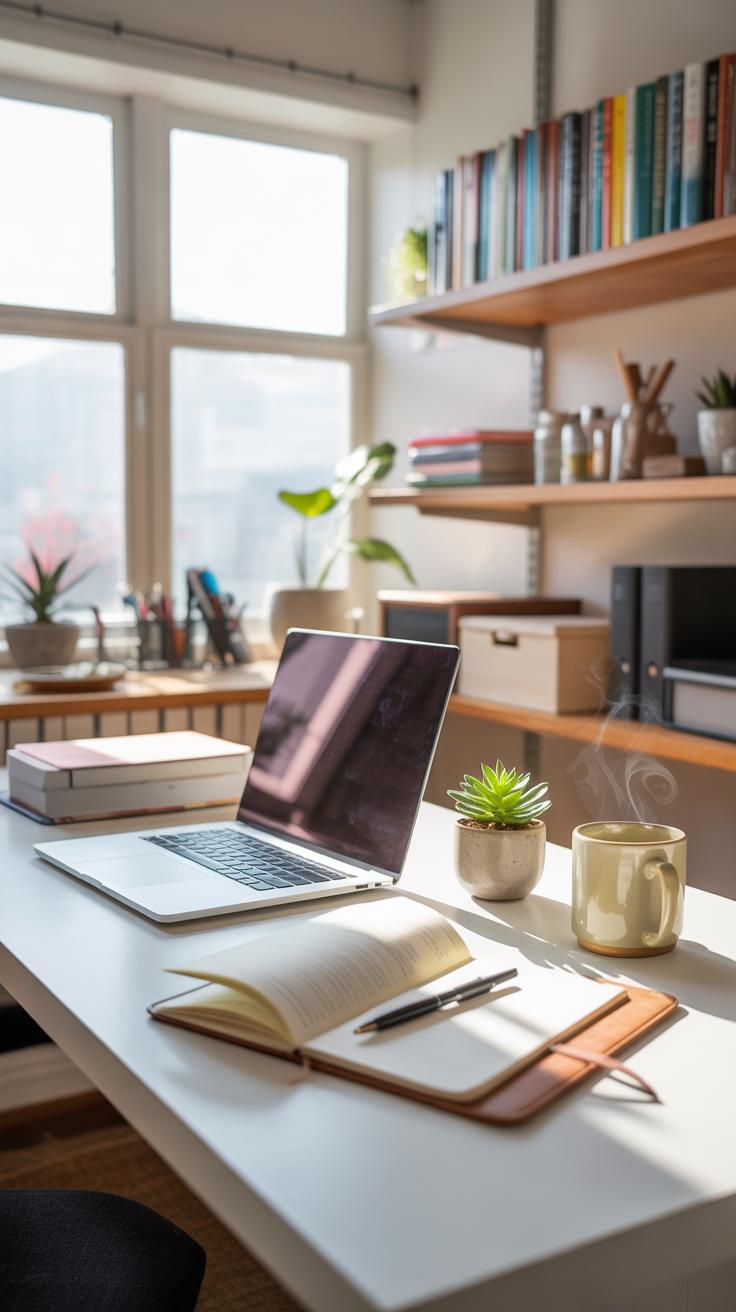
Keeping your small home office organized over time isn’t just about occasional cleaning—it’s about creating habits that become second nature. You might want to set aside a few minutes at the end of each day to clear your desk of clutter, put away papers, and wipe down surfaces. Even a brief routine can make a difference. It’s surprising how quickly a little mess can pile up if ignored.
Try thinking of tidying up like a quick reset. Maybe take five minutes each morning or evening. Stacking papers neatly, throwing away trash, and making sure cords aren’t tangled can prevent frustration later. You don’t need to overhaul your space daily; small steps add up.
Every few months, take a closer look at your setup. Does your chair still feel comfortable? Is your lighting enough, or have your needs changed with the seasons? Sometimes, you’ll discover things you didn’t notice before—maybe a drawer overflowing or a shelf that could be cleared out. This pause helps you decide what really belongs there.
Refreshing your office might mean swapping items around, replacing a worn keyboard, or even just switching up decoration. It’s easy to get used to a place and overlook what could be better. Ask yourself: what’s working and what isn’t? You don’t need to make big changes. Sometimes a small adjustment can restore your focus.
Conclusions
Small Home Office Setup Ideas To Maximize Your Space can make a big difference in your work life. Simple changes like selecting proper furniture and decluttering regularly help you use the space well. Good setup also supports your health and productivity.
Keep adjusting your small office design as you learn what works best for you. This process creates a personalized workspace that feels good and helps you do your job well. Your small home office can become a place where you enjoy working every day.