Setting Up a Home Office for Event Planning and Marketing
Setting up a home office tailored for event planning and marketing tasks can make your workdays smoother and more productive. Having the right environment is crucial to managing multiple projects, client communications, and marketing campaigns effectively from home.
This article lays out clear ideas and steps to build a home office that supports your specific needs in event planning and marketing. From design choices to essential tools, you will find guidance to help you create a workspace that increases your focus and performance.
Designing A Workspace For Your Role
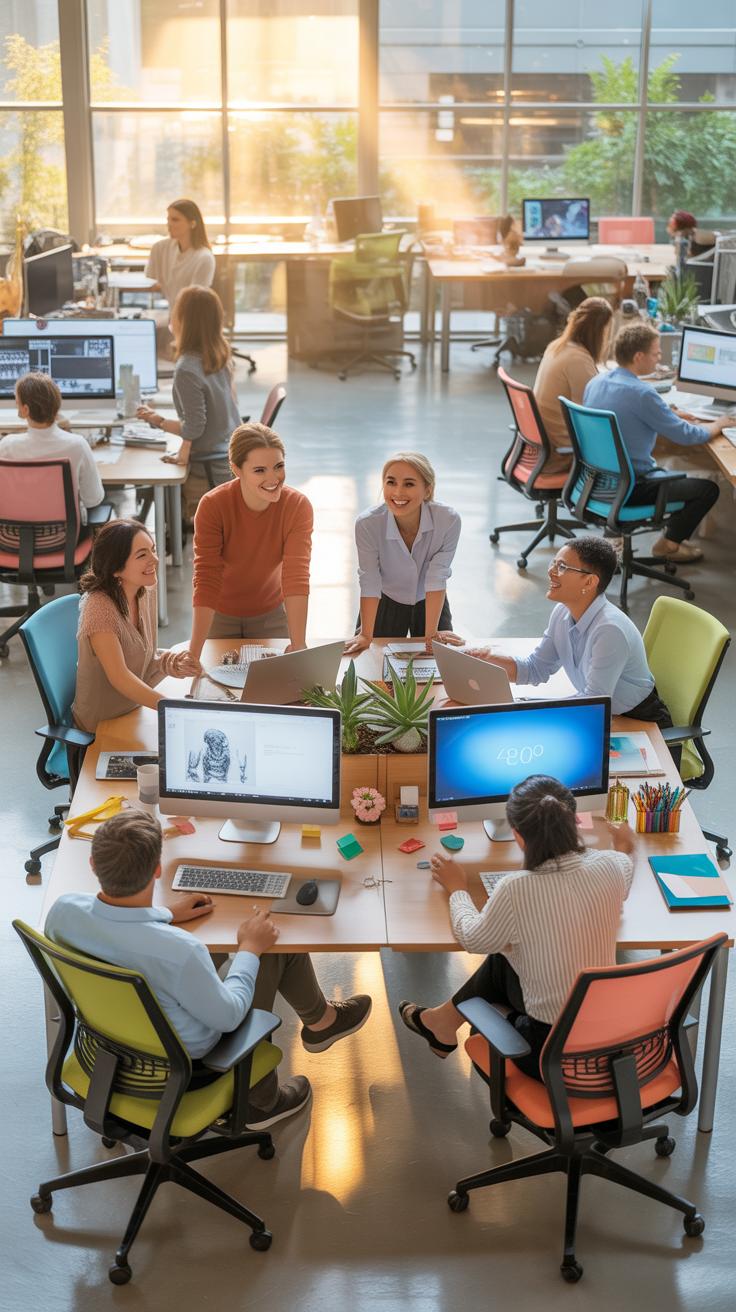
Event planning and marketing demand a kind of workspace that keeps up with varied tasks—scheduling, creative brainstorming, and constant communication. When setting up your home office, think about how each activity flows into the next. You might want a clear division between where you handle calls and where you sketch ideas or organize event layouts.
Space allocation needs some thought. A large desk helps with spreading out brochures, sticky notes, or mood boards. Lighting isn’t just about seeing clearly; for calls, a soft front light makes you look more natural on camera, while brighter overhead lighting helps during detailed work.

Ergonomics can’t be sidelined either. Long hours at your desk require a chair that supports your back and adjustable monitor height to reduce neck strain. You might find switching between sitting and standing can help, but only if you have the room to move without distractions.
Setting Up Zones For Different Tasks
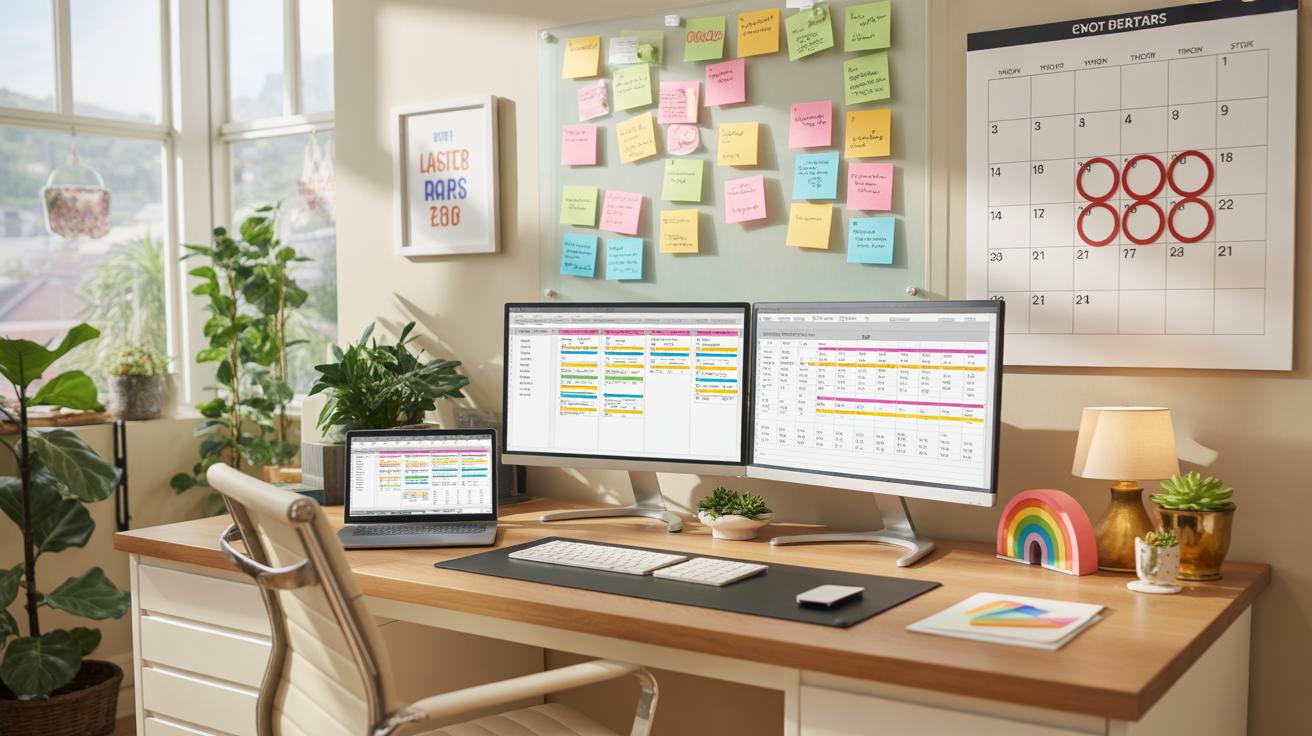
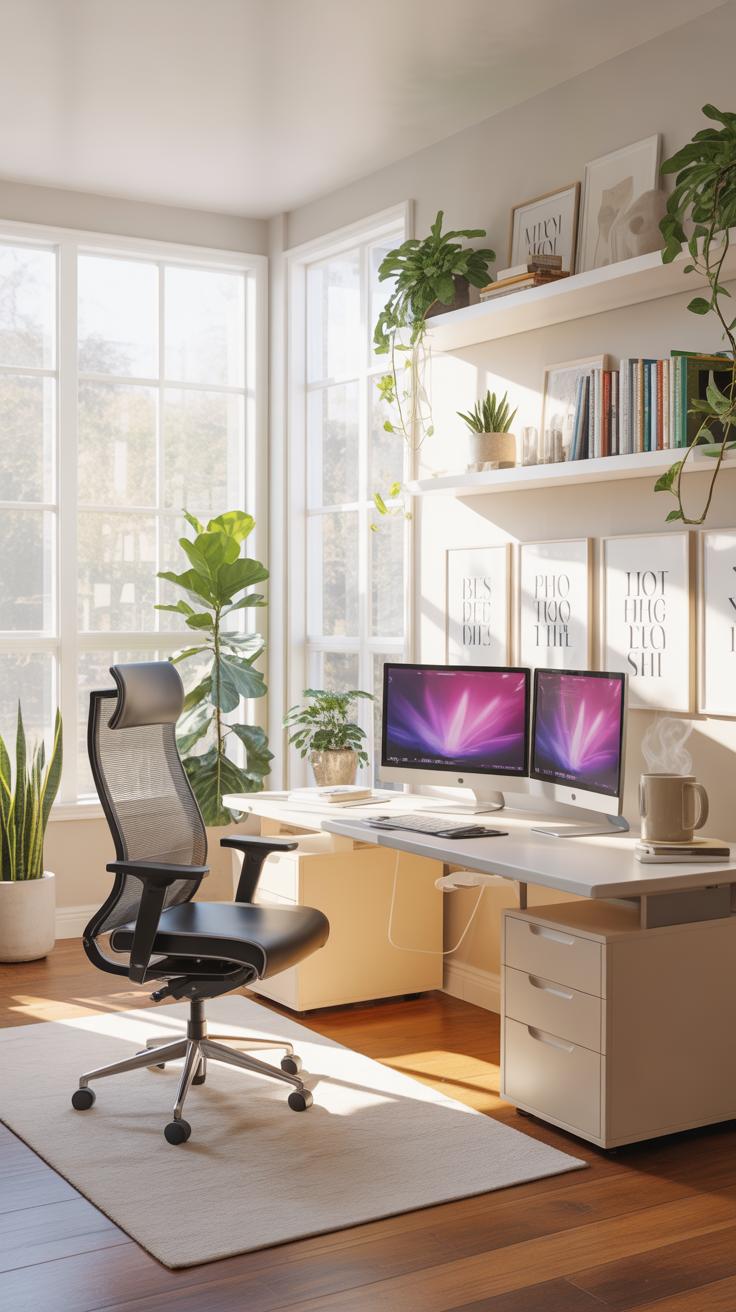
Creating zones can help your workflow without making the space feel cluttered. Consider a distinct computer area with dual monitors for scheduling and digital design. Nearby, leave space for an angled table or wall boards to lay out event floor plans or brainstorm campaign ideas.
Calls and video meetings deserve a quieter corner, away from the messier creative zones. Maybe a room divider or a tall plant could separate your communication area, helping you stay focused and sound clearer. Lighting here matters, too—test what looks best on camera but keeps you comfortable for longer conversations.
Balancing Comfort And Productivity
Comfort isn’t just softness; your furniture must support long days without making you sluggish. Ergonomic chairs with lumbar support can reduce fatigue visibly. When it comes to desks, height-adjustable models invite you to shift postures, which usually helps productivity, but they aren’t mandatory if your current setup offers good comfort.
Positioning matters almost as much as the furniture itself. Keep your keyboard, mouse, and phone within easy reach to avoid unnecessary stretching. Monitor screens should be roughly eye level to prevent neck cramps, but sometimes a slight downward angle works better, depending on your posture. It’s a bit of trial and error, honestly.

Remember, productivity may dip if you’re uncomfortable, yet too sterile a space can kill your creative spark. It’s fine if your home office has a few oddities or personal touches that make you feel at ease. After all, you’ll be spending a significant part of your day there.
Checklist For MustHave Office Tools
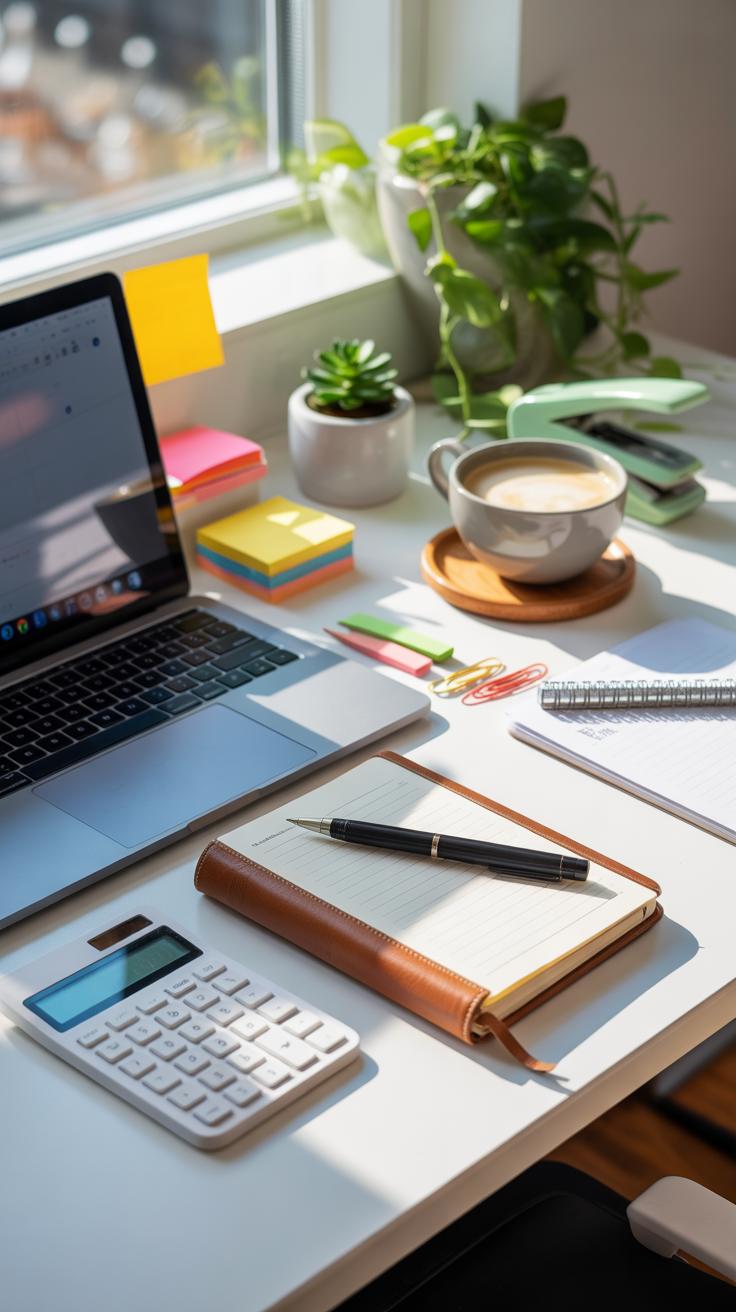
Setting up your home office for event planning and marketing means getting the right tools—there’s no way around it. Starting with a reliable computer is obvious, but what kind? A fast processor and enough RAM (at least 16GB these days) can really speed through multitasking and running those hefty design programs or spreadsheets.
A printer might seem old-school, but trust me, having one that prints sharply and quickly matters. Look for wireless options and maybe color printing, since you’ll invite clients or produce event materials. Scanners are less talked about but often essential for digitizing contracts or signed agreements. A combo printer/scanner adds convenience, though separate devices sometimes serve better for volume.
Software is where things get tricky. Apart from standard office apps, consider document editing and cloud storage with reliable sync features. You’ll want software that dovetails neatly with your project management tools, so check compatibility. I’ve found it useful to have offline access options—because, well, internet hiccups do happen.
Tech That Supports Event Planning Needs

Managing events from home calls for more than just calendars stuck on your wall. Scheduling apps like Google Calendar or Calendly help prevent double bookings, but what about complex timelines? Tools like Asana or Trello let you track tasks and deadlines in a more visual way, which feels less chaotic.
Virtual meeting software deserves its own mention. Zoom, Microsoft Teams, or Google Meet keep conversations smooth but differ in features like breakout rooms or recording capabilities. It’s worth testing a couple to see which fits your style—some platforms are better for client calls, others for team briefings.
Marketing Tools To Enhance Your Work
Marketing from home means handling relationships and data efficiently. CRM software such as HubSpot or Salesforce help keep client info, communication history, and sales funnels all in one place. The trick is to pick a CRM that doesn’t overwhelm you with features you won’t use but still scales as your workload grows.
Analytics platforms, say Google Analytics or SEMrush, give you insight into how your campaigns perform, which is key. You might wonder how much time to dedicate here, but even brief monthly reviews can shape decisions.
Social media management tools like Hootsuite or Buffer schedule posts across multiple platforms, saving time and mental space. They also offer basic analytics, but sometimes I find it easier to complement them with native platform tools to catch nuances.
Organizing Your Space For Efficiency
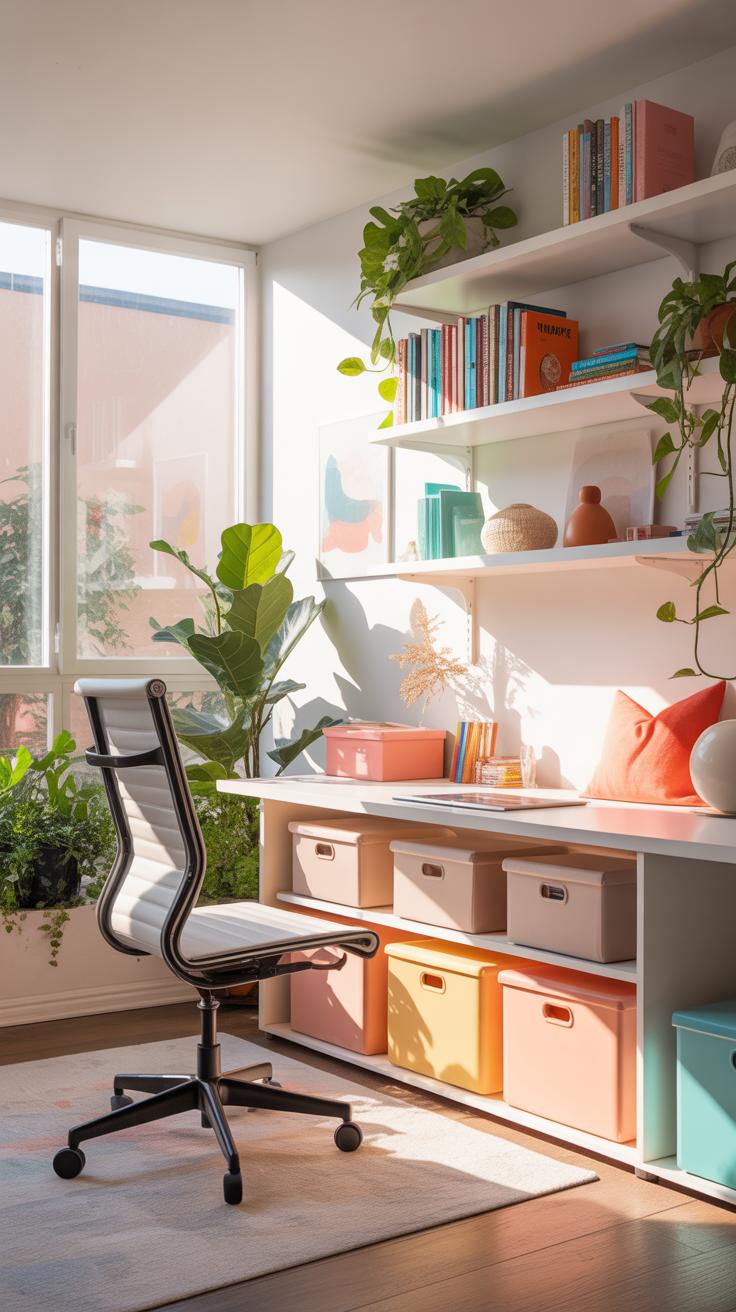
Finding a rhythm in your home office setup often means managing both physical and digital clutter—though, honestly, keeping both in check can feel like chasing a moving target.
For paper and supplies, try dedicating zones for different items. Use labeled filing cabinets or stackable trays for contracts, invoices, and event brochures. Clear containers or drawer organizers work well for small marketing materials or supplies like pens and notepads. It might seem minor, but having a single “inbox” spot where all new paperwork lands can prevent papers from scattering everywhere.
Digital organization feels trickier but makes daily tasks smoother once you get the hang of it. Setting up a straightforward folder system—think client folders, event folders, marketing assets—helps, but only if you keep it consistent. Naming files by date and client or event name usually saves time hunting for the right document. And don’t overlook backups—using cloud storage alongside an external hard drive can keep your files safe when your brain or tech glitches.
Mixing these approaches—physical zones for tangible items and clear, predictable digital systems for files—can really reduce the overwhelm. Still, you might have days when it all seems to pile up no matter how you sort it. That’s just part of the process, I guess.
Creating A Routine To Stay On Track

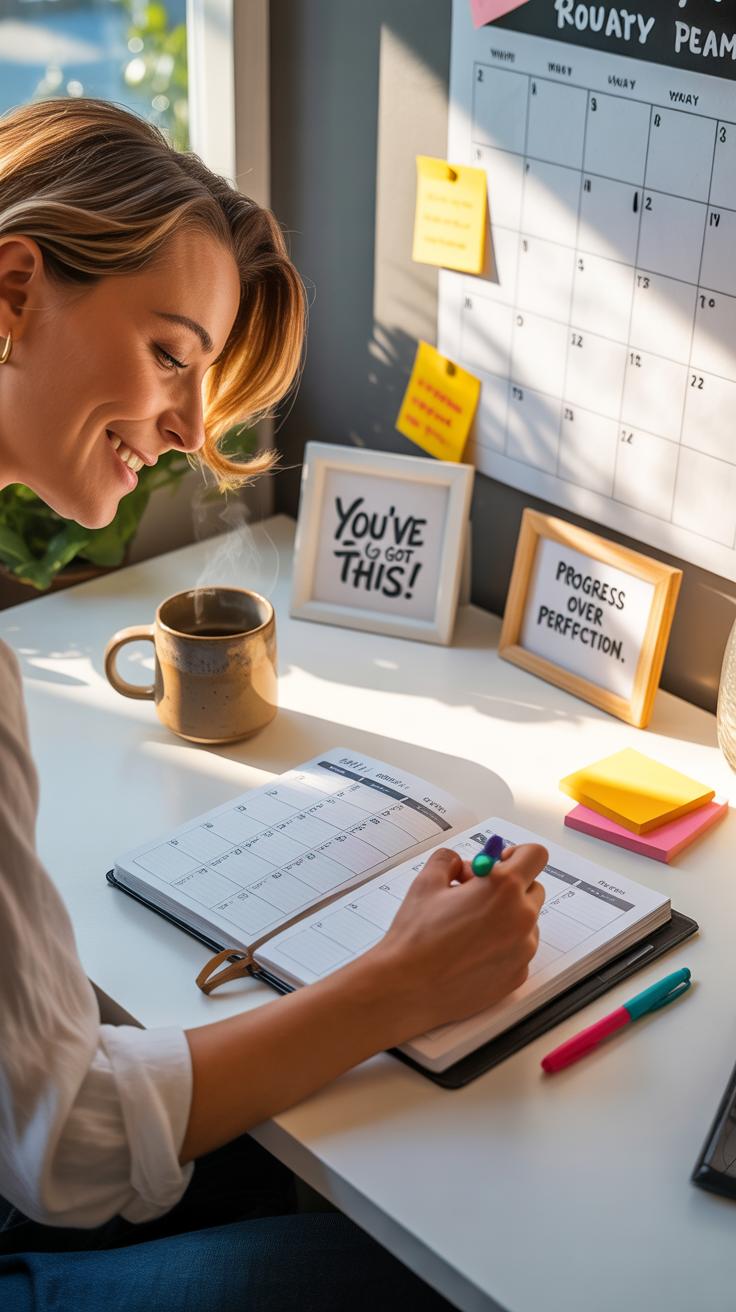
It’s tempting to think you can just jump into your work and tackle event planning and marketing as things come up. But that often leads to scattered focus and missed details. Building a routine—even a flexible one—can help you handle the variety and unpredictability without losing your grip on priorities.
Start by carving out blocks of time each day dedicated to specific types of tasks. For example, mornings might suit strategic planning or vendor coordination, while afternoons could focus on social media updates or client outreach. Don’t forget to schedule short breaks between these blocks to reset your attention.
Weekly planning also helps. Set aside time at the start or end of each week to outline key deliverables, identify urgent items, and map out milestones. That way, your daily tasks flow from the bigger picture, rather than feeling random.
Try to keep some consistency, but allow room for urgent issues or creative spikes that may pop up unexpectedly. Balancing routines with flexibility might sound tricky, but it’s worth exploring what rhythm works for you.
Time Management Strategies For You

Managing time when you juggle event planning and marketing requires more than just a to-do list. One approach I’ve found useful is time blocking: assigning fixed periods for different task categories. This helps to prevent bouncing between unrelated tasks, which can drain your energy.
Another tactic is prioritization using something like an Eisenhower matrix—sorting tasks by urgency and importance. For example, confirming venue details is urgent and important, while brainstorming promotional ideas could be important but less urgent. This can clarify where to put your focus during the day.
Sometimes, batching similar tasks works well. Responding to emails or social media comments in one block saves you from constant context switching.
Remember, managing your time isn’t about rigid control, but about guiding your energy toward what needs attention. You might have days when plans shift, and that’s okay.
Using Breaks To Refresh Your Mind
Breaks often get overlooked, but they’re crucial. Long stretches without pause don’t mean more work done, just more fatigue and fading concentration. I’ve noticed that stepping away, even briefly, helps me see problems clearer and come back with fresh ideas.

Not all breaks are equal. A short walk, stretching, or simple breathing exercises can do wonders. Sometimes, just looking away from screens for a few minutes prevents eye strain and mental overload.
Try breaking your work into 25- or 50-minute chunks followed by a 5- to 10-minute pause. Experiment with what feels right. Some people find that a quick coffee or talking to someone—even about non-work things—helps reset their focus.
Do you find it easy or hard to step away from your desk? It might be worth noticing when breaks help you most and leaning into those habits instead of pushing through fatigue.
Maximizing Communication From Home

Working from home means your communication methods must be clear and reliable, especially when you’re juggling clients, vendors, and team members. Choosing the right tools can make or break those conversations. I’ve found mixing platforms helps—like combining email for formal updates with instant messaging for quick check-ins. Sometimes, though, message overload creeps in. It’s a fine balance between keeping everyone informed and not overwhelming inboxes.

Some tools that often come up as practical include:
- Video conferencing apps like Zoom or Microsoft Teams—useful, but only if your internet holds up.
- Project management platforms such as Trello or Asana to track tasks and deadlines without endless email chains.
- Shared calendars for scheduling, like Google Calendar, to prevent double-booking and help everyone stay synced.
One thing I’ve noticed: communication flow gets tricky when people assume everyone checks messages constantly. Setting expected response times can help avoid those awkward waits or frantic follow-ups.
Setting Up For Clear Virtual Meetings
Your environment speaks just as loudly as your words on video calls. Lighting makes a huge difference—facing a window usually works well, but I’ve learned that too much sunlight can cause distracting glare, so tweaking curtains or lamps helps. Background matters too; a plain wall or tidy shelves avoid letting distractions wander into the frame.
Equipment-wise, investing in a good microphone can change everything. It’s surprising how many meetings get derailed by echo or muffled sound. Webcam quality also matters, but a moderately good one is enough if other elements—like lighting and background—are right. Don’t forget to mute when not speaking; that prevents background noise from taking over.
Test your setup before important calls. It’s annoying to realize your mic isn’t working halfway through a video conference. A quick trial run with a colleague or friend might save you some hassle.
Handling Client Calls Professionally
Phone calls with clients deserve attention too, even if they feel less formal than meetings. Having a quiet, dedicated spot for calls helps avoid ambient noise that distracts or frustrates. A headset or earbuds with a built-in mic can improve sound clarity; I remember fumbling meetings when I underestimated cheap phone speakers.
Structuring your call schedule keeps things manageable. It’s tempting to take calls as they come, but blocking dedicated windows for client conversations can reduce interruptions. You might find it easier to prepare mentally, too.
When speaking with clients, stay mindful of tone and pace. Pausing occasionally gives the other person space to respond. And always have a pen and paper or digital note app handy. It’s easier to track details that way, rather than relying on memory alone.
Avoiding Common Home Office Pitfalls
Setting up a home office for event planning and marketing sounds straightforward, but it’s easy to stumble into avoidable traps. One common mistake is choosing a workspace without enough natural light. That dim corner might seem cozy at first, but over time, it saps your energy. You might want to rethink your spot if you find yourself constantly squinting or feeling sluggish mid-afternoon.
Another misstep is underestimating the power of clutter. When your desk starts filling up with random papers, coffee mugs, and tech accessories, your focus can scatter. I’ve noticed it’s harder to start the day energized when the area is a mess. Simple organizing tools or a daily declutter routine can make a difference, even if it feels tedious.
Technology-wise, poor Wi-Fi placement or unreliable devices are often ignored until deadlines loom. Spending hours troubleshooting network issues during a client call is frustrating and could have been prevented by a quick speed test or an upgrade.
Finally, many don’t set clear expectations with housemates about work hours. Interruptions happen. Someone might drop in thinking it’s a casual chat, not realizing you’re in the middle of a negotiation. Setting visible signals, like a door sign or a “do not disturb” rule, might seem strict but works.
Have you considered how these small things add up to impact your productivity? It’s tricky; there’s no perfect setup. You’ll probably adjust as you go. But keeping an eye out for these pitfalls can help keep distractions and frustrations at bay.
Preventing Distractions And Interruptions
Distractions can derail your focus quickly, especially with family or roommates around. One way to cut down interruptions is to establish firm work hours and communicate them clearly. It sounds obvious, but even a gentle reminder like “I’m working now” can save a lot of headaches.
Noise is another frequent offender. If you’re near a noisy street or a lively family space, white noise machines or noise-cancelling headphones can surprisingly help. I once ignored this and my concentration fractured every few minutes—definitely a lesson learned.
Technology can be a double-edged sword. Notifications from social media or emails pop up constantly, pulling your attention away. Try using apps or device settings to limit non-urgent alerts during peak work times. Turning off unnecessary notifications or setting phone to “focus mode” can be surprisingly effective.
Also, consider physical signals. Closing the door or even positioning your chair so you’re not facing a busy area can subtly discourage interruptions. Every little boundary counts.
Managing Workspace Boundaries
The line between work and home blurs quickly if your workspace and living space overlap too much. Having an actual door to close helps, but if that’s not possible, try defining your work zone with a specific desk setup. Keep work materials and personal items separate to avoid that “always-on” feeling.
A tricky part is shutting down at the end of the day. Some people like a clear ritual—closing the laptop, tidying the desk, even changing clothes. I’ve tried skipping this, thinking I’ll just relax, but it’s hard not to dive back into work without some form of closure.
Another challenge is emotional boundaries. When your home holds your office, stress can linger in your living room. Finding ways to mentally “clock out” matters as much as the physical setup. Maybe a short walk or a quick chat with someone who isn’t work-related can help reset your mind.
What do you find hardest about separating these worlds? Sometimes, it feels contradictory—wanting flexibility but needing structure. Striking a balance is a personal process, and it often shifts with time.
Comparing Work Styles For Setup Choices
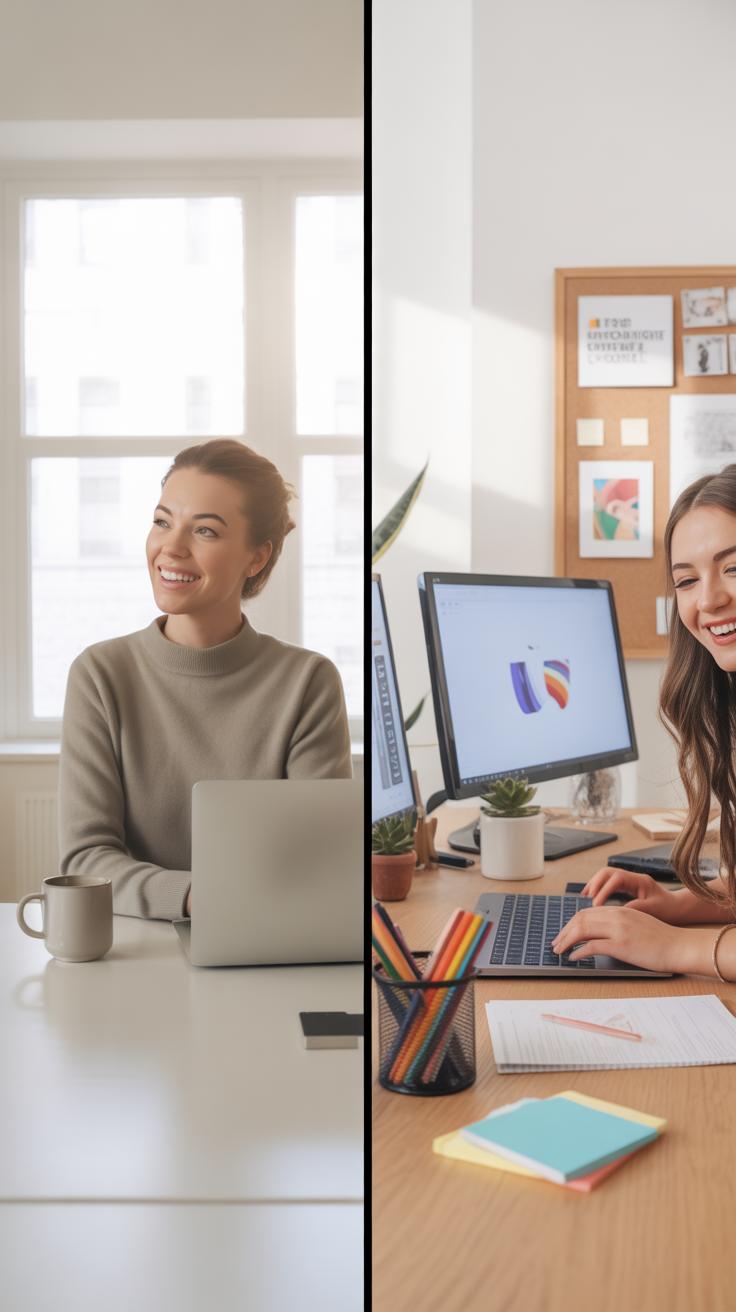
Solo Worker Setup Ideas
Working alone in event planning or marketing means your home office needs to feel like your personal command center. A simple desk with enough surface for your laptop, planner, and maybe a sketchpad often does the trick. You might prefer a quiet corner, away from distractions, where you can focus deeply without interruptions. Lighting is key—natural light if possible, or a well-placed lamp that won’t tire your eyes during long nights of brainstorming.
Think about storage, too. Shelves or drawers close by help keep your materials organized yet accessible. It’s easy for solo workers to get buried in details, so having a neat space can keep your mind clearer. Sometimes, a small whiteboard or corkboard helps when planning multiple events or campaigns on your own. The setup doesn’t require lots of tech beyond a reliable computer and maybe one or two monitors, but comfort matters—an ergonomic chair makes a big difference when you’re responsible for every little task.
Team Collaboration At Home
When your work involves jumping into meetings, video calls, or group brainstorming sessions, your home office needs to serve as a virtual meeting room and project hub at once. This means good internet is non-negotiable, and investing in a quality webcam and microphone pays off. You might want a room that’s visually tidy for video calls but also has space for notes and printouts to keep handy during discussions.
Arranging your desk to face the camera, keeping background distractions minimal, and using noise-canceling headphones can help maintain professionalism. Don’t forget about tools for real-time collaboration—apps like shared calendars, cloud drives, and chat platforms become your work lifelines. Sometimes, multi-screen setups assist when tracking multiple conversations, timelines, or resources simultaneously.
It can be tricky balancing teamwork with personal focus. You may want quick access to a quiet area, too, in case of solo deep work. So maybe consider flexible furniture, like a standing desk or movable partitions. The space should adapt, because with frequent collaborators, your needs may shift day by day. Have you thought about where you’d hold brainstorming sessions or virtual event run-throughs? That often shapes how the room actually feels and works over time.
Examples Of Effective Home Offices
Small Space Setup For Event Planner
Take Sarah, who manages multiple events but works from a tiny corner in her apartment. She doesn’t have the luxury of space, so she crafted a setup around a narrow desk that fits just her laptop, planner, and a few essential tools. The key was assigning each item a clear purpose and sticking to only what she really needs. Her wall is covered in a magnetic board where she pins deadlines, vendor contacts, and mood boards. It keeps everything visible without cluttering the desk.
She also uses a foldable chair, which she tucks away when she needs to clear space for building event prototypes or wrapping gifts. Lighting was tricky but solved with a small adjustable lamp that doesn’t take up much room but still keeps her view sharp in late hours. This pared-down, functional zone supports her hustle without overwhelming her with clutter, proving that even the smallest space can work if organized thoughtfully.
Marketing Home Office With Tech Focus
Then there’s James, who runs a digital marketing brand from his home office designed around screen real estate and tech tools. His desk holds three monitors—one dedicated to analytics dashboards, another for content creation, and the last for live social media feeds. This setup keeps him from toggling between tabs constantly, boosting focus despite the risk of feeling too plugged in.
A high-performance laptop anchors everything, paired with a wireless keyboard and mouse, which help reduce desk clutter and enable quick transitions between tasks. James also invested in a quality webcam and mic setup to handle client video calls smoothly. Not everyone wants so much tech surrounding them, but for him, it creates an immersion that keeps marketing campaigns timely and responsive, though sometimes it does feel a bit overwhelming after long days.
Conclusions
Your home office setup can influence how well you complete your event planning and marketing work. With the right furniture, organization, and technology, you can improve your workflow and reduce distractions at home.
Focus on adjusting your space to your daily tasks and preferred work style. Review your setup regularly and update it as you find what works best. A well-prepared home office will support your success and stress-free work from your home.