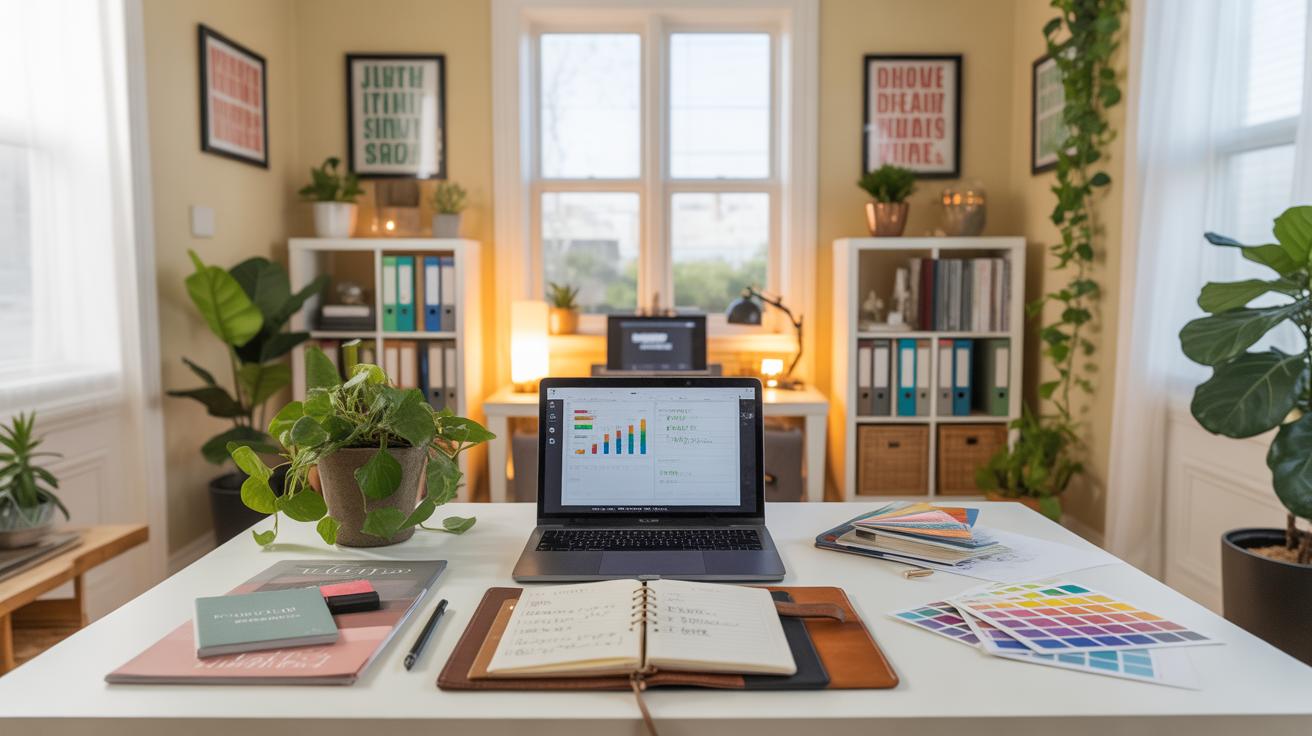
Setting Up a Cozy Home Office for Event Planning
Creating a cozy home office is essential for event planners and digital marketers. You need a space that supports focus, creativity, and comfort. Your home office should help you stay organized and productive throughout the day.
This article covers practical home office ideas tailored for event planning and digital marketing. You will find tips on setting up your workspace, choosing the right furniture, and organizing tools. These ideas will help you design a space that fits your work style and boosts your efficiency.
Design A Functional Layout

When setting up a home office for event planning and digital marketing, the layout really shapes how smoothly your day goes. You want your desk positioned where distractions stay minimal but energy feels steady. Maybe near a window is good, bringing in some natural light without facing glare on your screen—that glare can be brutal after hours of work.
Think about dividing your space into zones. One side for digital tasks—computer, dual monitors, maybe a headset. The other side can hold planners, mood boards, or materials for event planning. This split can keep your mind organized, even when projects pile up.

Space efficiency is tricky but necessary. Shelves or vertical storage help clear clutter, but don’t crowd the room. Leave breathing space; cramped areas kill focus. What do you really need within arm’s reach? Sort that out first, then try fitting the rest around it.
How To Choose Desk And Chair
Picking a desk and chair isn’t just about looks—especially not if you spend hours glued to them. The desk should fit your work style; adjustable heights can be a game-changer if you like to switch between sitting and standing, though not everyone gets used to standing desks.
Chairs? Look beyond style. Ergonomic support for your back and neck matters. Lumbar support, adjustable armrests, tilt functions—all these can save you from aches you might ignore until they’re severe. Materials matter too; breathable fabric often beats leather for extended comfort, but leather can be easier to clean.
Honestly, finding your perfect combo might take some trial and error. I’ve seen people invest in expensive chairs only to swap them out later because they didn’t fit their posture or work habits.
Best Lighting For Focus And Comfort
Lighting affects more than just visibility; it influences your mood and productivity. Natural light is ideal, but it’s often not enough by itself, especially in the late afternoon or on cloudy days. You might want a setup that layers different light types.
Task lighting focuses on your immediate work, like a good desk lamp with adjustable brightness. Ambient light softens shadows and reduces harsh contrasts, making the whole room easier on your eyes.
Position lights carefully. Avoid glare on screens but ensure papers or planners aren’t left in shadows. Sometimes a dimmable lamp can help you tweak the brightness as the day goes on—something I find handy when shifting from computer work to reading notes.
Organize Tools And Resources Efficiently
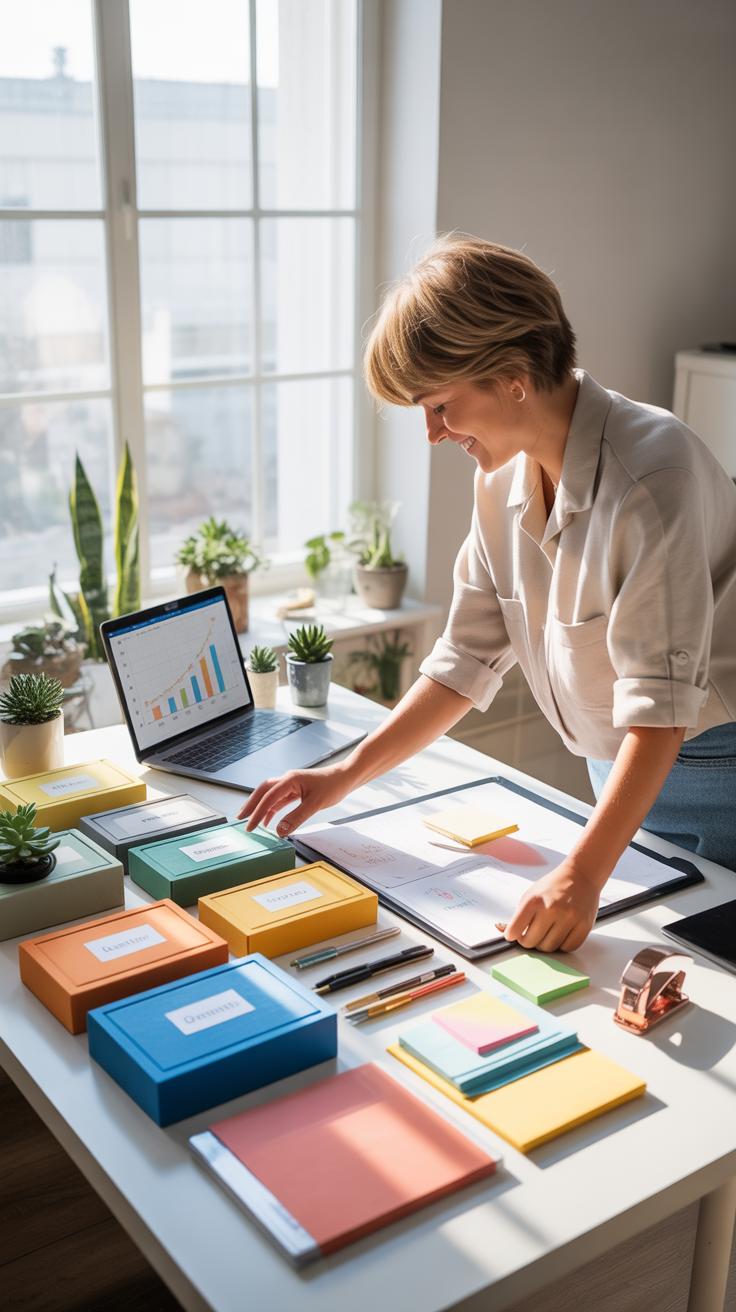
When setting up a home office for event planning and digital marketing, the way you organize your tools can make a big difference in how smoothly your day runs. Think about storage options that keep everything close but clutter-free—drawer dividers for small supplies like markers, sticky notes, and planners work nicely. Open shelves or pegboards help keep frequently used items visible and accessible.
Cable management is one of those things people often overlook until their desk ends up buried. Using cable clips or sleeves can keep wires from tangling or slipping off the desk edge. Sometimes I find that labeling the cords—like “charger” or “camera”—actually saves more time than you’d expect. It’s a bit tedious but pays off when you’re in a rush.

Tech accessories deserve a specific place too. For example, designating a spot for your mouse, keyboard, external drives, and headphones means you don’t waste time hunting for them. Try small trays or drawer inserts so these don’t just get tossed on your desk. It keeps your workspace clean and your mind less distracted.
Checklist For Essential Tools
Here’s a quick rundown of tools every home office for event planners and digital marketers should have on hand:
- Laptop or Desktop: The core of your workspace for all planning and marketing tasks.
- Smartphone: Essential for quick communication and social media management.
- Printer/Scanner: Useful for contracts, proposals, and client materials.
- External Hard Drive or SSD: For quick backups and extra storage space.
- Planner or Bullet Journal: Many still find physical notes help organize schedules alongside digital tools.
- Headphones with Mic: For calls, webinars, or focus time without interruptions.
- USB Hub or Docking Station: To connect multiple devices without juggling cables.
Each plays a specific role in keeping your work seamless. For instance, without a proper planner, even the best digital calendars can feel overwhelming—something I’ve struggled with myself.
Process For Digital File Management
Managing digital files is tricky, especially when juggling multiple clients or campaigns. I usually start by establishing a clear folder hierarchy: client name, then project, followed by subfolders for contracts, content drafts, and final assets. It’s simple but cuts down on wasted time looking for files.
Cloud storage services like Google Drive, Dropbox, or OneDrive allow you to access files from anywhere and share effortlessly with clients or teammates. I lean toward Google Drive because it syncs easily across devices and integrates with many digital tools I use.
Backups are non-negotiable. Setting automated backups either through your cloud service or using an external drive can save you from a major headache if a device crashes. Sometimes I wonder if I’m overdoing it, but after losing a few files in the past, I can’t be too careful.
Create Zones For Different Tasks
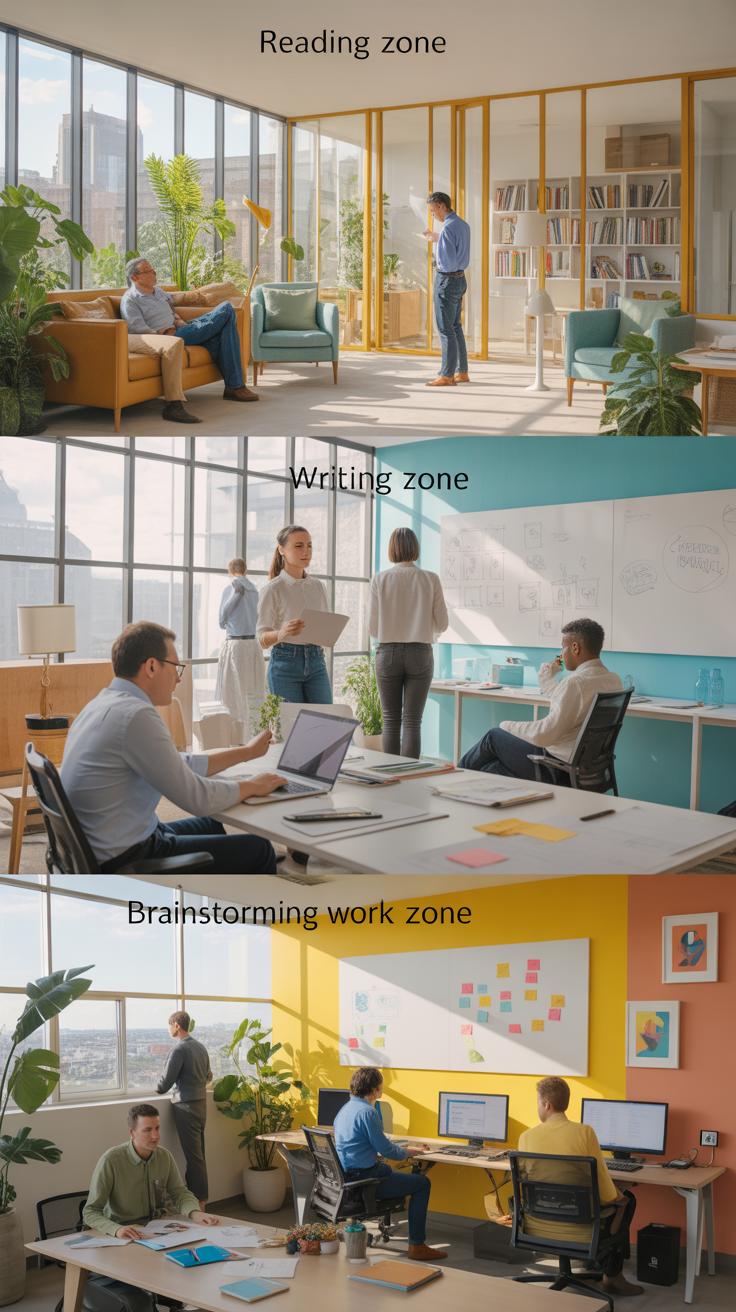
Breaking your home office into distinct zones can really change how you work. Think about setting aside one corner for brainstorming—maybe a whiteboard or corkboard wall to jot down ideas without cluttering your main desk. Then, a separate spot with good lighting and a comfortable chair for client calls, where background distractions are minimal. Finally, a dedicated area for content creation that has your tech setup organized and ready to go.
Marking these zones doesn’t have to be fancy. A simple rug can visually separate spaces, or shelves that don’t fully close off the area but define boundaries. You might find that shifting between zones helps reset your focus. I’ve noticed that when I sit down in the “call” zone, I’m immediately in the right mindset for conversations, even if it’s just a few feet away from where I brainstorm.
Creating these zones encourages mental transitions. Instead of one big chaotic area, you get small clear spots tailored to specific tasks. Still, it can get tricky if your space is tight or if you don’t move between zones much. Yet, even a slight physical change can cue your brain differently.
Example Setup For Small Spaces

Small offices need creative solutions. You can use a foldable desk that tucks away after brainstorming sessions, leaving room for a comfy chair where client calls happen. A rolling cart can hold your gear, which moves easily from one zone to another, doubling as storage and a divider.
Try a wall-mounted fold-down desk if floorspace is minimal. A tall bookshelf can stand upright between your desk and phone area, giving some privacy without boxing you in. Even a curtain or fabric screen can work when you want to hide one side temporarily.
Multi-functional furniture is key: a desk with drawers for supplies, a small sofa bed for breaks or casual meetings, anything that doesn’t stick to just one purpose but helps separate your tasks. It might feel cramped at first, but layering your zones vertically as well as horizontally can create an illusion of space.
Comparison Of Open Vs Partitioned Areas
Open areas let light and energy flow freely. They’re great if you want constant visual contact with all your tools and notes. For creative tasks like brainstorming or content creation, this can spark unexpected ideas. But open spaces also invite distractions. If your neighborhood is noisy or you share your home often, it might get frustrating.
Partitioned areas offer privacy and fewer interruptions—ideal for client calls or focused editing. You can use freestanding panels or bookshelves to carve out smaller enclaves. Yet, sometimes the feeling of enclosure can make you lose touch with the overall workflow, or make the room feel smaller.

Which works better depends on your habits and space. Do you thrive on moving around and seeing everything at once? Or do you need clear boundaries to feel “at work”? You could even switch between both styles depending on time of day or task, or create hybrid zones with partial dividers that invite flexibility.
Select Cost Effective Furniture
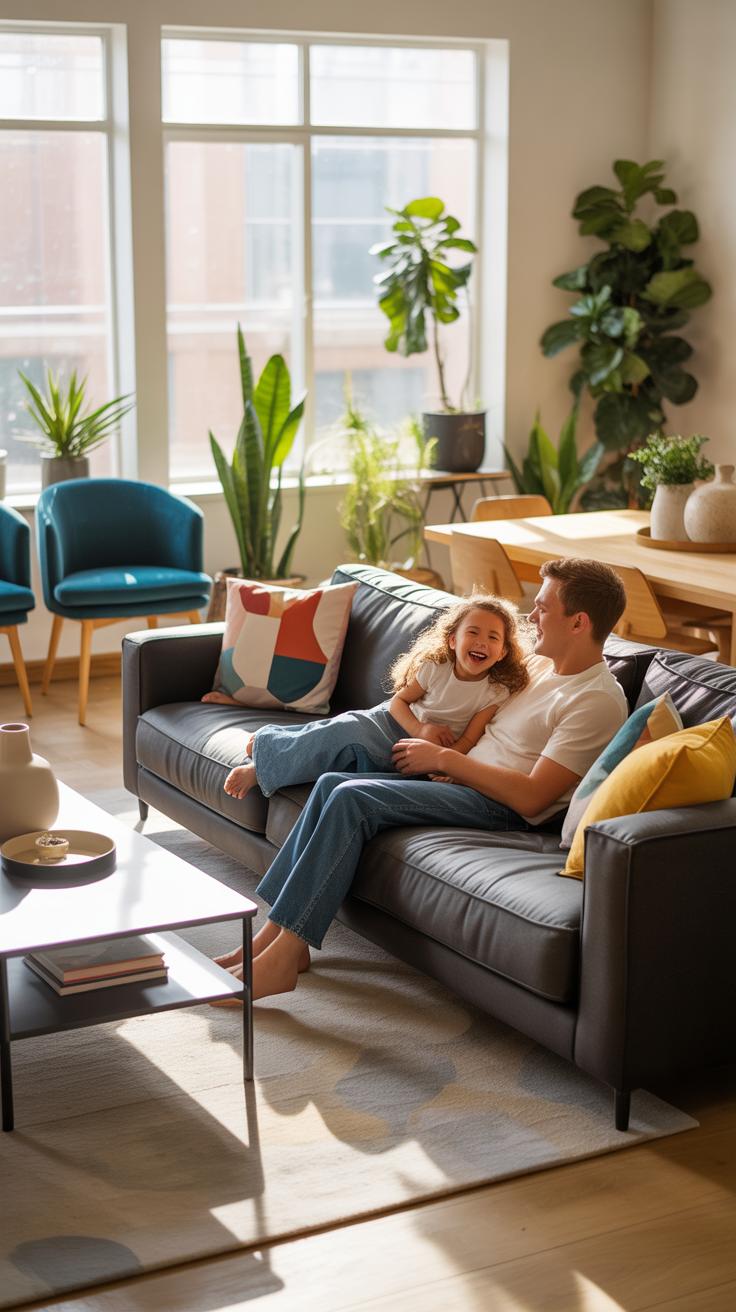
Picking furniture that fits your home office without emptying your wallet can feel tricky. You want comfort and style, but the price tag often makes you pause. It doesn’t have to be an either-or situation though. Start by prioritizing what you really need—maybe a sturdy desk and a supportive chair matter more than fancy shelving right now.
When budget shopping, keep an eye out for sales or clearance sections—sometimes you’ll find quality pieces at surprising prices. Outlet stores or secondhand shops can be goldmines too. But don’t just grab whatever’s cheap; comfort matters, especially if you’ll be sitting for hours. Test the chair if possible or check reviews focusing on ergonomic support.
DIY options can add a unique feel and save money. For instance, you could repurpose old wood for a desktop or build simple shelves with brackets and planks. It’s worth considering if you’re handy or open to learning—it makes the space yours in a way that store-bought can’t quite match.
Where To Buy Affordable Desks

Several retailers cater to budget-minded buyers looking for a functional desk. Stores like IKEA, Wayfair, and Target regularly offer desks that blend style and practicality at reasonable prices. Online marketplaces such as Amazon and Overstock provide wide selections, often with user reviews that help gauge quality before purchase.
When picking a desk, pay attention to surface area—will you have room for your laptop, planner, and maybe a second monitor? Height and leg space matter too, especially if you’re tall or like to stretch while working. Some desks come with built-in storage or adjustable features, which could be useful without adding clutter.
DIY Furniture Ideas For Budget
If you want to personalize your home office, DIY projects can be a game changer. A simple idea is to create a floating desk using wall-mounted boards and sturdy brackets. This saves floor space and looks clean. Another route is to upcycle an old door or tabletop with fresh paint and use it as your desk surface.
For storage, consider stacking crates or wooden boxes—paint them to match your style. These clutter-busting options are cheap and flexible. Even a pegboard wall can keep essentials organized while adding character. The thrill of building or customizing furniture might surprise you; just make sure it feels right for your workflow, or you might end up redoing it sooner than expected.
Manage Time With Schedules
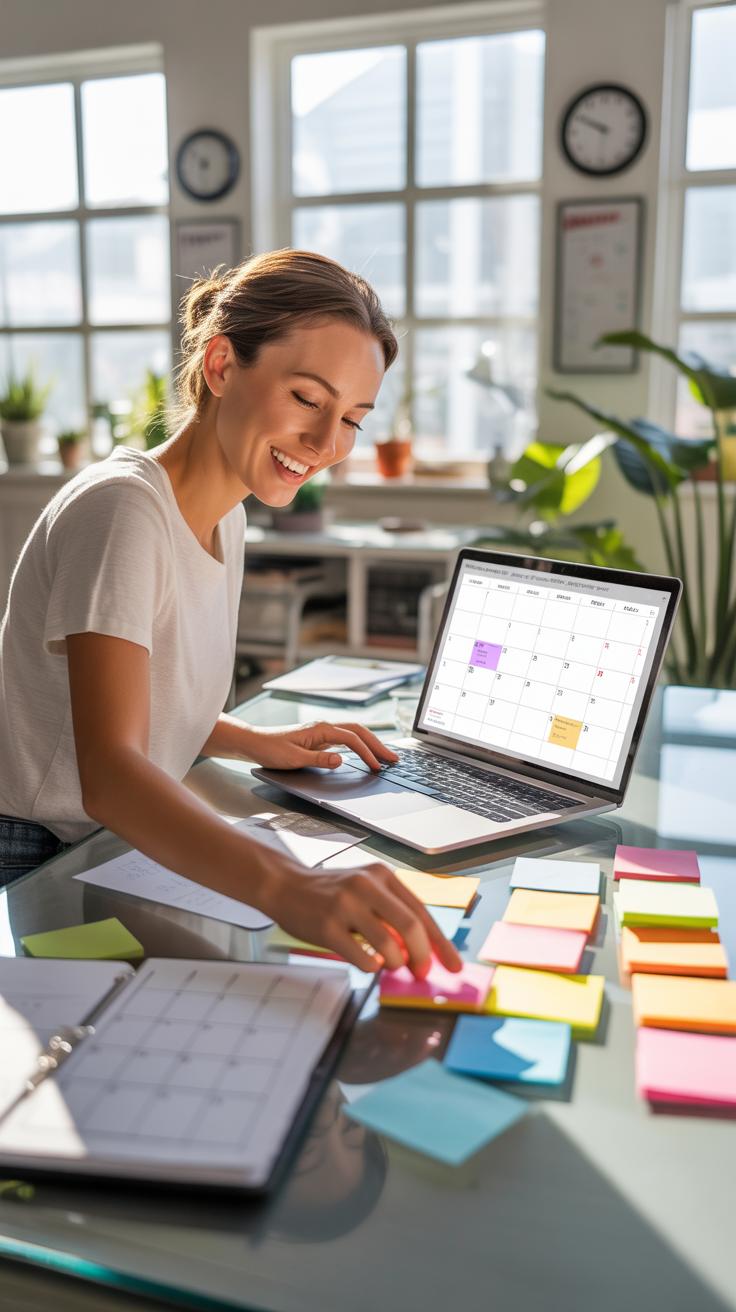

Using schedules in your home office isn’t just about blocking hours—it’s about creating a structure where work actually gets done. For event planners, mapping out every step of event preparation, from vendor follow-ups to client meetings, requires a calendar that can handle both deadlines and surprises. Digital marketers, on the other hand, juggle campaign launches, content creation, and performance reviews—all tasks needing clear timing to avoid chaos.
Try setting up daily and weekly routines. For example, reserve mornings for creative tasks like brainstorming or writing, while afternoons handle client calls or data review. It may feel rigid at first, but this kind of routine helps keep your day from slipping away, especially when distractions lurk nearby.
Sometimes, shifting an appointment or working in longer chunks can feel more natural—you don’t have to fill every minute precisely. But, without a schedule, it’s easy to lose focus or waste time deciding what to do next.
Daily Planning Checklist
A checklist that breaks your day into focused blocks can keep motivation steady. Start by listing major tasks first—those crucial client proposals or social media campaigns—then fit smaller follow-ups and emails in between. You might try:
- 6:30–8:00 AM: Strategic planning or content creation
- 8:00–9:00 AM: Check emails and respond to urgent requests
- 9:00–11:00 AM: Client meetings or vendor coordination
- 11:00–12:00 PM: Review analytics or prepare reports
Blocking time like this makes your goals concrete and manageable. If you find yourself skipping tasks, maybe switch some blocks around—flexibility helps, but clear priorities keep you on track.
Tools To Track Work Hours
Tracking your work hours doesn’t have to be a chore. Tools like Toggl or Clockify let you clock in and out quickly, recording how much time you spend on each project. Event planners can track prep phases separately from event days, spotting where time gets eaten by unexpected tasks. Digital marketers might monitor how much time goes into different campaigns or social media platforms.
Breaks matter here, too. Some apps remind you when to step away—something I underestimated until I got worn out trying to work non-stop. Pausing for a short break can actually keep creativity alive and prevent burnout, even if it feels like you’re losing time at first.
Would you be surprised how much awareness of your actual work patterns changes your daily routine? Sometimes, just seeing where minutes disappear is enough to nudge better habits.
Improve Internet And Tech Setup
Choosing The Right Internet Plan
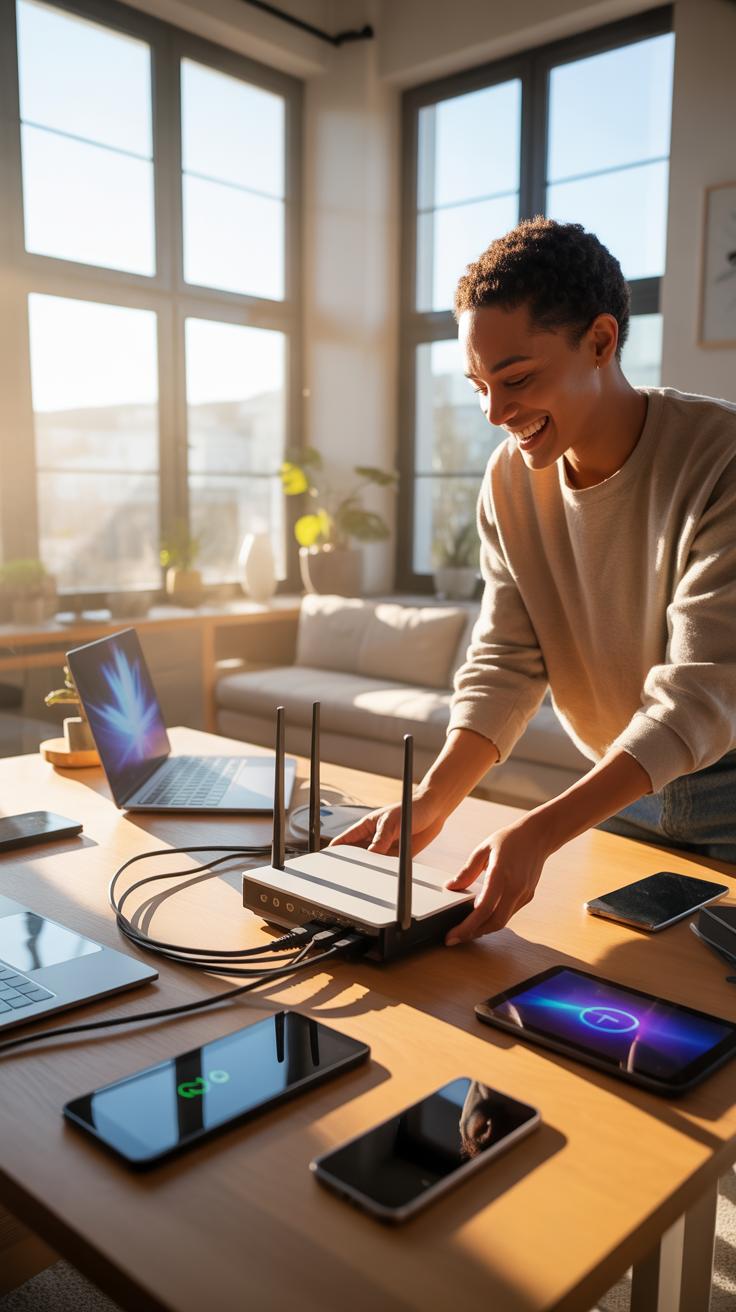
Picking an internet plan for your home office isn’t just about going for the fastest option out there. It’s more about balancing what you actually need versus what’s available. For event planning and digital marketing, speed matters, but so does consistency. You want to avoid those frustrating drops during a crucial client call or when uploading large files.
Look for plans that offer at least 100 Mbps download speed if your work includes heavy video conferencing or file sharing. Upload speed often gets overlooked, but for sending large files or hosting live streams, it’s just as important. Plans advertising high download figures but low upload speeds might cause lag on your end.
Also, don’t forget about data caps. I once switched to an unlimited plan after hitting a limit mid-month and dealing with throttled speeds. That slowdown really threw off my schedule. If your budget allows, choosing a provider with a reliable uptime history can save a lot of headaches, even if it costs a bit more.
Setup For Video Conferencing
Looking good on camera isn’t just about lighting or background; your setup can affect clarity and engagement quite a bit. Position your webcam at eye level to avoid awkward angles. This small detail makes conversations feel more natural, almost like meeting face-to-face.
Audio quality can make or break meetings. A dedicated microphone or headset typically delivers clearer sound than built-in laptop mics. I’ve messed up meetings relying on laptop speakers only—clients struggled to hear me, which felt frustrating all around.
On the software side, choose video conferencing tools that suit your team’s needs. Test the connection and video before actual meetings. Sometimes, toggling settings like background blur or noise suppression can help reduce distractions.
Keep your workspace free from interruptions. Even the best tech and internet can’t save a meeting disturbed by barking dogs or phone notifications. Speaking of which, putting devices on silent is a simple step that’s easy to forget but makes a noticeable difference.
Personalize Your Workspace
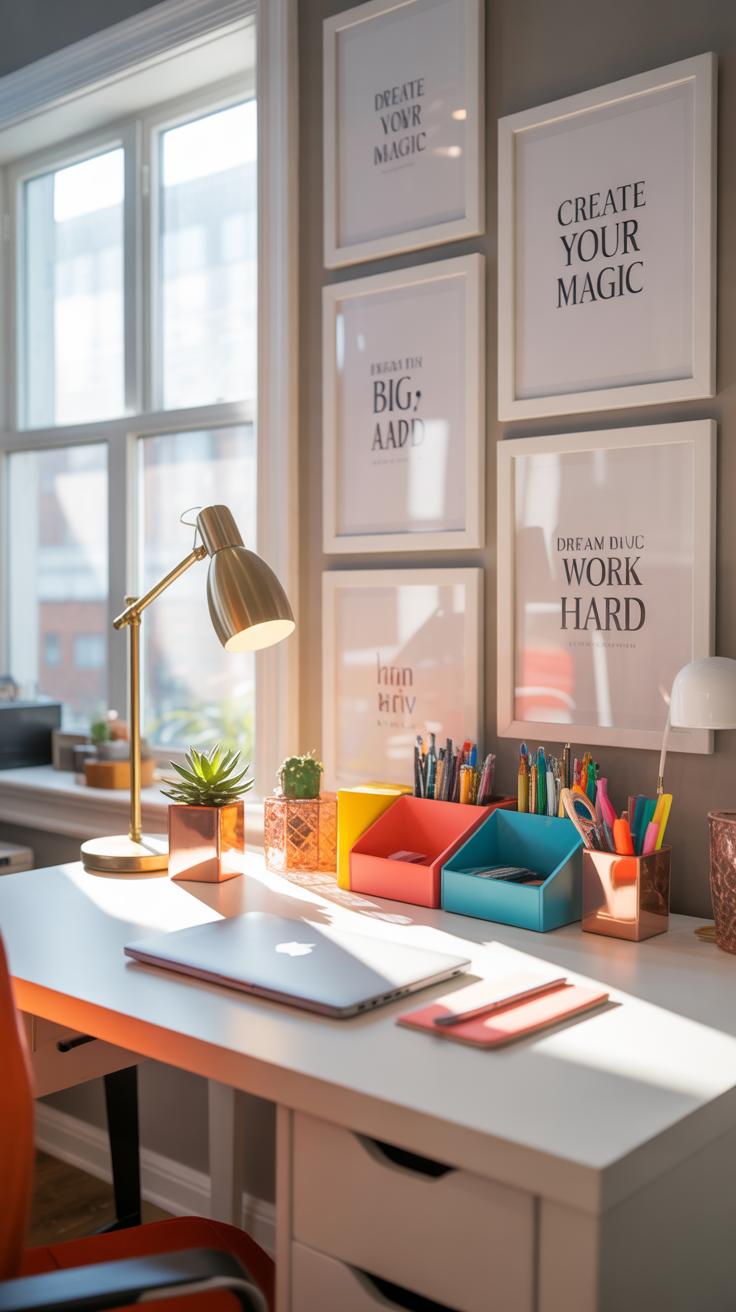
When setting up your home office, the goal is to make a space that feels both comfortable and motivating, but without turning into a clutter trap. You can start small with personal touches that truly mean something to you, like a favorite photo or a meaningful quote. These don’t take up much room but can lift your spirits on tougher days.
Think about your comfort too. Maybe add a cozy throw blanket or a soft cushion for your chair—things that help you settle in without crowding your desk. Sometimes, just changing how your desk faces can make a difference, like catching natural light or a pleasant view.
It also helps to set boundaries visually. Use organizers that blend with your style, helping you keep essential items within reach while avoiding piles of paper or gadgets. Balancing personality and neatness isn’t always easy, but little consistency in what you keep visible can keep the space inviting and productive.
Adding Plants And Decorations
Plants are surprisingly good mood boosters. Easy-to-care-for options like snake plants, pothos, or succulents work well—they don’t demand much and still bring some life to your desk or shelves. I’ve noticed just having a small plant nearby nudges me to take deep breaths or brief breaks, which oddly helps me focus better.
When it comes to decorations, less usually does the trick. A simple ceramic pot, a few postcards from travels, or even a unique paperweight can add character without overwhelming the space. Try rotating items every so often—you might find that shifting what you see sparks new ideas or shifts your mood in subtle ways.
Use Of Color To Boost Mood
Colors affect your mood, though not always predictably. Blue tends to calm, so some people use it to focus during detailed work. Red might boost energy but could also cause tension if overdone. I’ve found that using colors in small doses, like a yellow lamp or green mousepad, adds just enough stimulation without feeling overwhelming.
Neutral tones like beige or soft gray provide a quiet background, allowing you to spotlight colorful accents where you want a mood lift. Experimenting with color placement might surprise you—it’s not always about bright walls but how those hues interact with light and your workflow. Have you ever caught yourself feeling differently just by changing a desk accessory’s color?
Avoid Common Setup Mistakes
Mistake Of Poor Lighting
Poor lighting can really drag down your focus and energy levels when working from home. I mean, staring at a dim screen or squinting in a shadowed corner isn’t just uncomfortable—it can actually strain your eyes and cause headaches. Over time, this might affect your mood too, making those long planning sessions or marketing brainstorms feel even tougher. It’s surprising how much difference proper lighting can make.
To fix this, try combining natural and artificial light sources. Positioning your desk near a window works, but be careful about glare on your monitor. A good desk lamp with adjustable brightness and color temperature helps a lot—sometimes softer light is easier on the eyes. Also, think about overhead lighting; bland, harsh bulbs can kill the vibe.
Another thing I’ve noticed: warm light in the evening can keep you calm, while cool light during the day helps you stay alert. Maybe experiment with different bulbs or smart lights to see what helps you focus best.
Ignoring Ergonomics
People often overlook ergonomics when setting up a home office, and that can cause all sorts of problems. Back pain, neck stiffness, and wrist issues creep up slowly but seriously. I’ve seen others push through discomfort, assuming it’s just part of working long hours from home—but it doesn’t have to be that way. Your setup can protect you if you take ergonomics seriously.
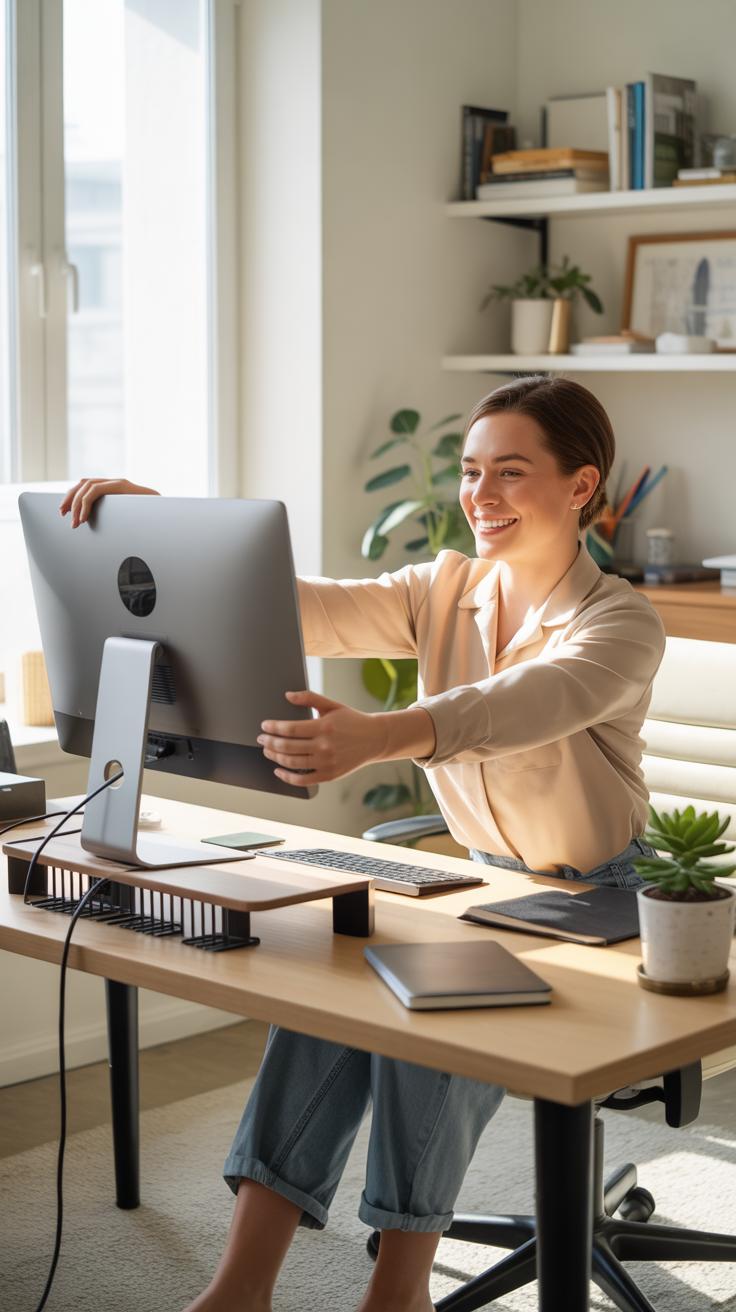
Start by checking your chair and desk height. Your feet should rest flat on the floor, and your knees roughly at a right angle. Your screen needs to be at eye level to prevent neck strain—yes, raising your monitor slightly can make a huge difference. Also, use a keyboard and mouse that keep your wrists straight; wrist rests are not just fancy accessories.
Simple habits help too, like standing up or stretching regularly. I sometimes forget this myself, and then it catches up with me faster than I expect. It’s worth setting alarms or reminders to move. So maybe ergonomics isn’t just about furniture but about routine as well.
Maintain A Clean And Tidy Space
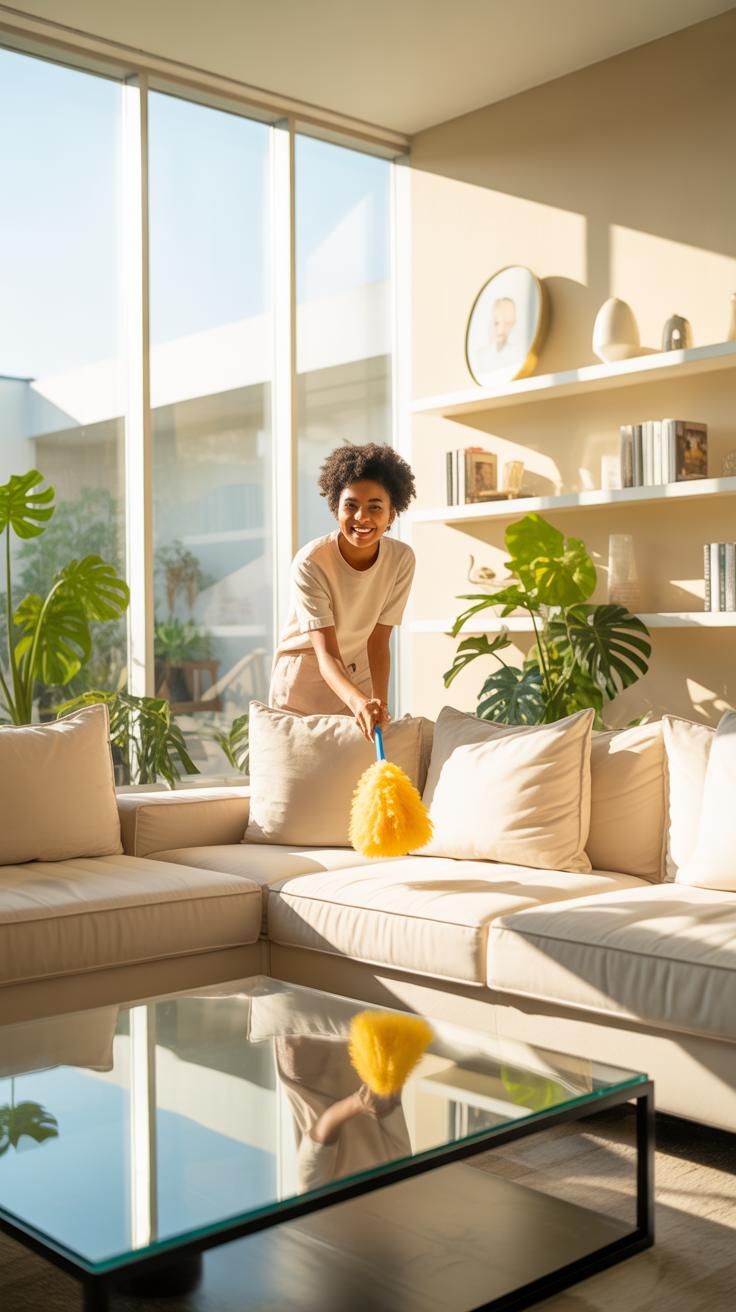
Keeping your home office clean is more than just about looks. It impacts how you focus, the mental space you have, and honestly, your mood on busy days. It’s easy to let clutter pile up—papers, cords, random sticky notes—before you even realize it. Setting up routines helps prevent that mess from sneaking in unnoticed.
Tips For Daily Cleanup
Don’t wait for a big mess to start bothering you. Take just a few minutes each day to tidy up. Wiping down your desk surface before you finish work can reset the space. Put away used notebooks or planners immediately rather than stacking them messily. Also, evaluate the cords and gadgets you use daily—could some be unplugged or stashed to avoid tangles? Minor habits, like clearing yesterday’s coffee cup or sorting through your desktop files as you wrap up, add up. You might even find your workflow feels smoother without the clutter.
Organizing Storage Weekly
Once a week, dive deeper into your storage and digital files. This could be sorting through your physical filing cabinet, tossing old receipts, or relocating reference books. On the digital side, create folders that make sense for your projects—even if you’re not a neat file person. Set aside some time to delete duplicates and unused downloads. It’s not glamorous, but it does make finding documents easier when deadlines pile up. I’ve tried skipping this, and the stress isn’t worth it. Why wait until you’re scrambling to find a contract?
Think about the areas you’re most prone to clutter and tackle those specifically. Maybe it’s a drawer that collects stationery, or a desktop folder named “misc.” Regular attention prevents overwhelm later, and although you may question if it’s worth your time right now, it usually pays off within the week.
Conclusions
A well-planned home office benefits your daily work in event planning and digital marketing. Focusing on comfort, functionality, and organization turns your space into a productive zone. Small changes in setup can make a large difference in how you work and feel.
Use these home office ideas as a starting point. Create a space that works for your tasks and personal needs. Keep adjusting your setup as your work evolves to stay efficient and comfortable.